
AI Image Edit.ai
Edit, transform and enhance photos with text prompts.
AI Image Edit.ai Overview
What is AI Image Edit.ai?
AI Image Editor is an online image editing tool that harnesses the power of AI for transforming images based on text prompts. The tool accepts images in various formats including JPG, PNG, and WebP. It operates by understanding the context of the uploaded image and then applying the modifications that have been described in the prompts by the user.AI Image Editor provides users with the possibility of executing batch mode operations which allows for simultaneous processing of multiple images. The tool preserves the image's core structure and composition while making precise modifications as described in the user-provided prompts. These modifications can range from minor adjustments to large scale transformations depending on user requirements. This AI-driven platform is not just about broad adjustments; it also facilitates precision region control. This provides the ability to target specific areas in an image with pixel-level precision, while keeping the surrounding area consistent. This nuanced control ensures that the essence of the image is preserved, while still effecting changes in specified areas.Images edited with this platform are production-ready and can be used directly for marketing, advertising, content creation and other professional applications. The tool generates high-quality image outputs optimized for professional use, making it a smart choice for creators seeking an efficient and responsive digital editing platform. Help other people by letting them know if this AI was useful. Add your own prompts and outputs to help others understand how to use this AI.
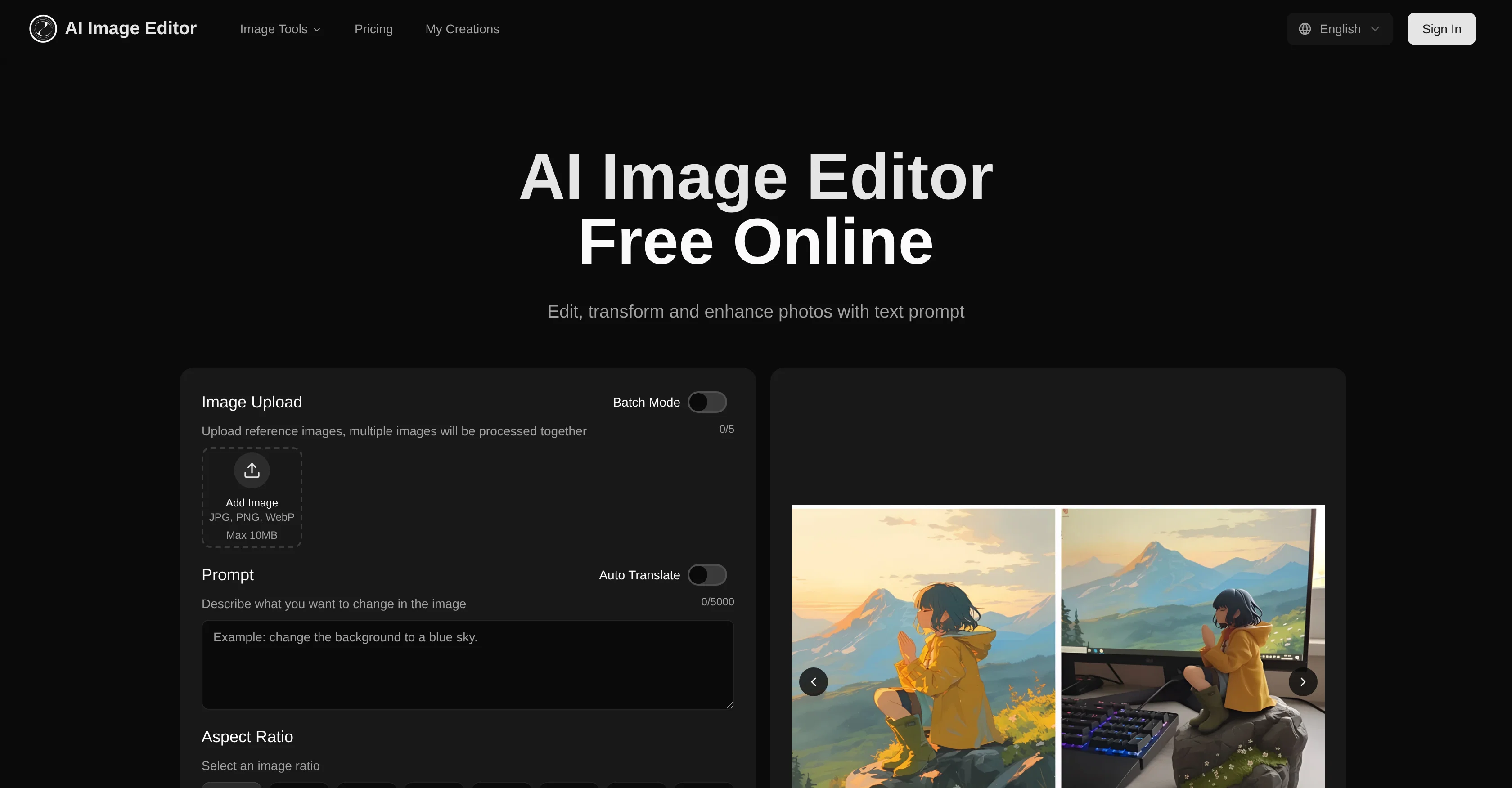
Screenshot gallery
Pros & Cons
Pros
- Web-based platform
- Multiple image formats support
- Text-prompt transformations
- Four-step intuitive process
- Maintains structure, composition
- Preserves facial features
- Batch processing
- High-quality final images
- Commercial rights for subscribers
- Context understanding
- Simultaneous multiple images processing
- Pixel-level precision control
- Region control
- Large scale transformations
- Minor adjustments capabilities
- Efficient digital editing
- Professional application
- Multiple output generation
- Automated translation
- Image ratio options
- Intelligent structure preservation
- Versatile creative toolkit
- Workflow support
- Bulk generation
- Up to 20 images batch
- Instant image transformation
- Output quality optimization
- Commercial usage rights
- Adjustable transformation settings
- Efficient transformation
- Supports JPG, PNG, WebP
- Allows specific instructions
- Maintains high quality
- User-friendly Interface
- Interactive User Experience
- Prompt-Guided Precision
- Fast processing speed
- Large size and resolution support
- Supports complex changes
- Advanced neural networks
- Studio-quality visuals
- Flexible plan options
- Add-on Purchase Options
- Allowance for free users
- Transforms existing images
- Designed for content creation
- Seamlessly blend adjustments
- Image-to-image generation
Cons
- No offline usability
- Limited to 20 images batch processing
- Transformation speed varies
- Size limit of 20MB
- Pixel dimensions limit of 4096x4096
- Free version has usage limits
- Needs multiple renders for perfect result
- No support for GIF transformations
- No options for non-rectangular crops
- Subscription needed for commercial use
A Professional Framework to Evaluate AI Image Edit.ai
When considering AI Image Edit.ai for integration into your organizational workflow, we recommend deploying a structured score card across three critical operational pillars: Security & Compliance, Integration Friction, and long-term Price Scalability. Rather than looking only at basic feature lists, modern procurement teams must assess how a software platform behaves under high load and how well it fits into the team's data security guidelines.
1. Security and Database Compliance
Depending on your operating region and field, ensure that AI Image Edit.ai supports standard security layers such as SOC 2 Type II certifications, GDPR compliance, or HIPAA-compliant database encryption. If the tool connects directly to client database tables or handles user passwords, verify that they implement multi-factor authentication (MFA), single sign-on (SSO) integrations, and end-to-end data encryption in transit and at rest.
2. API Coverage and Custom Integrations
Siloed data is the primary cause of operational friction. Evaluate if AI Image Edit.ai has native connectors for your current project trackers, messaging hubs, and customer communication channels. For custom developer requirements, check if they provide a fully documented REST API with reasonable rate limits, comprehensive Webhooks support, and robust SDK packages in your language. A flexible API layer saves hundreds of hours of manual copy-paste overhead.
3. Total Cost of Ownership (TCO)
SaaS pricing packages are often deceptively simple. When reviewing AI Image Edit.ai's billing structure, map out your team's projected expansion over the next 12 to 24 months. Determine how costs scale as your customer database increases or as you add team members. Factor in setup costs, mandatory support plan upgrades, API access fees, and storage overage rates to understand the true cost before committing to a contract.
By combining verified user reviews from our directory with internal workflow pilot tests, your procurement team can make an informed decision that drives productivity without creating capital waste.
Features of AI Image Edit.ai
- Image Editing
- AI Powered
- Enhance Photos
- Text Prompt Control
- Web Based
- JPG Support
- Free + From $11.85/Mo
SaaS1to10 verified reviews for AI Image Edit.ai
Overall rating
Based on 18 reviews
No reviews yet. Be the first to write one.
Pricing
Starting Price
Free plan available
Free tier available with optional paid upgrades.
Where can AI Image Edit.ai be deployed?
- Cloud, SaaS, Web-Based


