5.01 months ago
“Review”
It simplifies my video creation. It's a must-have tool.
fei shi

Maximize your videos' viral potential
Yuzzit is an AI-powered platform designed to maximize the potential of video content. It provides a comprehensive set of professional video editing and management tools, supporting various functions like live video editing, video merge, cropping, subtitling with automatic translation, text addition, and more. Built with a focus on viral content creation, Yuzzit enables users to customize videos to their graphic identity, reframe videos for different formats, and generate compilations or 'best of' clips from live footage or imported videos. Its AI capabilities further streamline the process with features like automatic subtitling and video refactoring. Yuzzit offers features for live broadcasting, including the ability to cut and publish broadcast extracts live, multi-stream restreaming, and instant generation of live video clips. Additionally, it provides scheduling tools for publishing content across social networks, automatically adapted for different platform formats. Yuzzit also provides a secure platform for video hosting, offering a collaborative space for teams to store, manage, and share their video content. This platform is designed with ease of use in mind for users with little or no experience in video editing, enabling them to create professional videos online in just a few clicks. Yuzzit is ideal for a wide range of users, including TV channels, radio customers, event organizers, and anyone creating multimedia content. Help other people by letting them know if this AI was useful. Add your own prompts and outputs to help others understand how to use this AI.
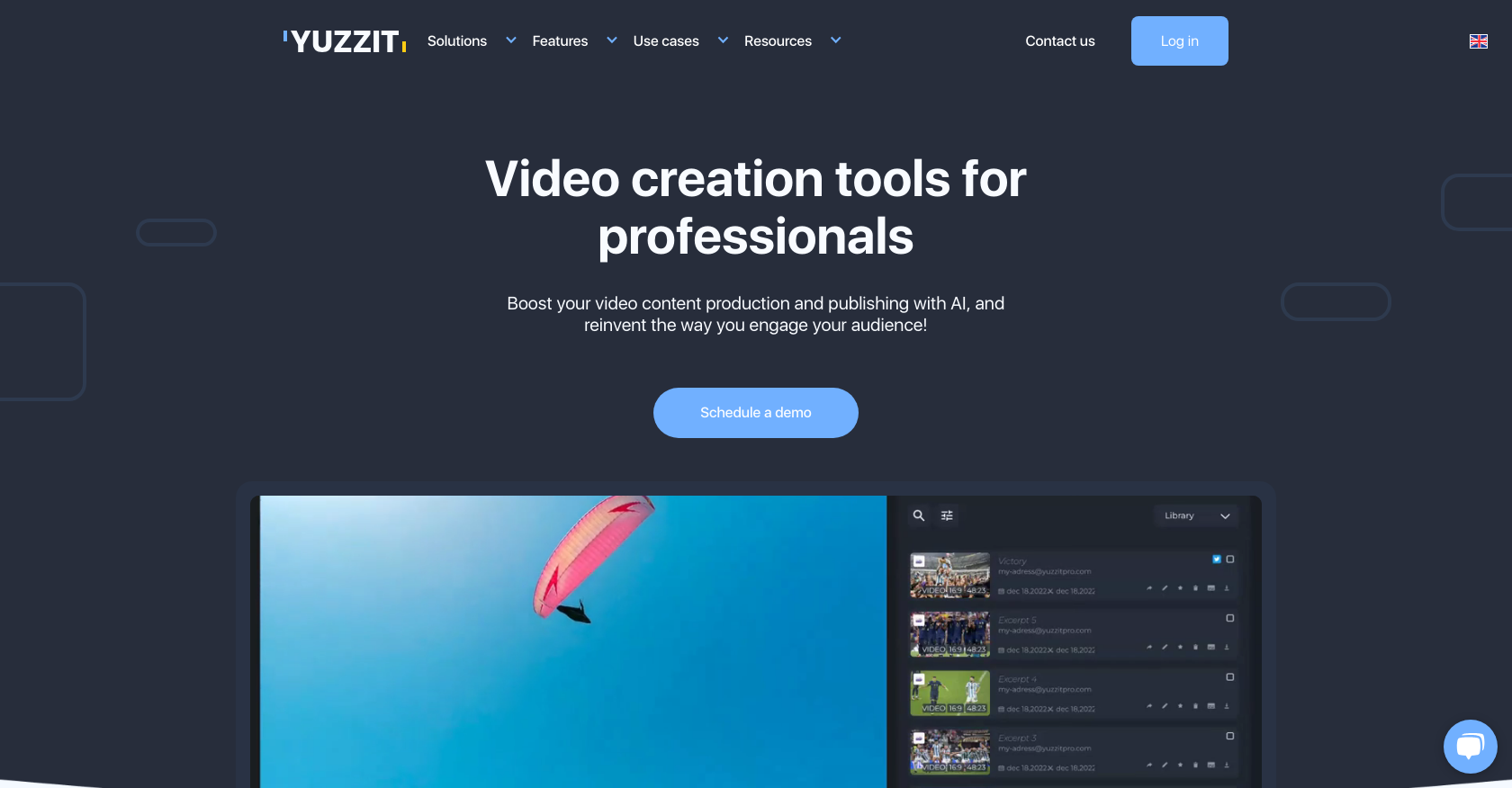
When considering Yuzzit for integration into your organizational workflow, we recommend deploying a structured score card across three critical operational pillars: Security & Compliance, Integration Friction, and long-term Price Scalability. Rather than looking only at basic feature lists, modern procurement teams must assess how a software platform behaves under high load and how well it fits into the team's data security guidelines.
Depending on your operating region and field, ensure that Yuzzit supports standard security layers such as SOC 2 Type II certifications, GDPR compliance, or HIPAA-compliant database encryption. If the tool connects directly to client database tables or handles user passwords, verify that they implement multi-factor authentication (MFA), single sign-on (SSO) integrations, and end-to-end data encryption in transit and at rest.
Siloed data is the primary cause of operational friction. Evaluate if Yuzzit has native connectors for your current project trackers, messaging hubs, and customer communication channels. For custom developer requirements, check if they provide a fully documented REST API with reasonable rate limits, comprehensive Webhooks support, and robust SDK packages in your language. A flexible API layer saves hundreds of hours of manual copy-paste overhead.
SaaS pricing packages are often deceptively simple. When reviewing Yuzzit's billing structure, map out your team's projected expansion over the next 12 to 24 months. Determine how costs scale as your customer database increases or as you add team members. Factor in setup costs, mandatory support plan upgrades, API access fees, and storage overage rates to understand the true cost before committing to a contract.
By combining verified user reviews from our directory with internal workflow pilot tests, your procurement team can make an informed decision that drives productivity without creating capital waste.
Overall rating
Based on 20 reviews
It simplifies my video creation. It's a must-have tool.
fei shi
I completely agree with the previous comment. I first purchased the $5 package and then upgraded to the Pro package, hoping to create videos longer than 3.5 minutes. However, I was disappointed to find out that I needed to purchase the $99 package to create longer videos. It was not clear that the 5000 characters of script only equated to 3.5 minutes of video. To make things worse, the company has a strict no-refund policy, which feels unfair. They seem more focused on taking your money than providing quality service. I would highly recommend avoiding this service at all costs.
Yannis P.
Please forward any material NSFWJS finds directly to me! This kind of thing is not to be trifled with!
This Cosmic
It's really frustrating when you try to select something you want, only to be immediately redirected to a subscription-based payment model. There's no opportunity to even test things out, which kills the enthusiasm right away. It seems like everything is geared towards subscriptions nowadays, and it's a turn-off. Companies should prioritize transparency and give customers a chance to try out products before committing to a subscription. Practices like these erode consumer trust and deter many potential customers.
X X
It's not free, it forces you to input an email before shoving a price tag in your face.
Arvoly XSL
🌟🌟🌟🌟🌟 This AI prompt generation tool is exceptional! It vividly brought to life the jungle scene I envisioned, capturing every detail with remarkable accuracy. The natural expressions, vibrant colors, and serene atmosphere were perfectly rendered. Highly recommended for creative projects!
Sukul Das PANIKA
It’s quite nice! It does exactly what it suggests, which is amazing too.
Jojo
Does not follow prompts and give wrong images. Do not use.
꧁Alan꧂
wonderful tool,thanks
chandrapala perera
There were no aristocratic Asians and Africans in ancient Rome.
Sándor Gajdos
Not at all accurate…. The only thing similar between original and generated images were the clothes and accessories… face was absolutely new and unconnected.
Shvetank Sharma
It not free it's asking to pay money
MuthuRaj R V
This app is dog water.
Latchinho
tried @Veo 3 today and it honestly feels like a sneak peek into the future. one short prompt and it gave me a crisp 4K video with perfect audio and cinematic camera moves. not flawless yet, but wow.
Lark Cube
I think it's the best @Image Generator I ever found on the net. It gives more accurate image according to the prompt. And thank you for keeping it for free.
My Sawsiri
AutoEditor is a tool powered by AI that allows users to create highly customized short videos. It is primarily designed to make video editing easier and more efficient, thus enabling users to focus more on content creation. Distinct features include the automatic generation of subtitles in more than 40 languages, detection of silence or non-relevant content in videos, and the ability to enhance videos by adding b-rolls, watermarks, and other effects. The platform provides an easy-to-use interface for video editing, putting users in complete control of their content. Users can change text, styles, and various other aspects of their videos without prior knowledge in video editing. Furthermore, AutoEditor supports editing of long videos, which can be broken down into smaller parts without pre-cutting them. Videos for editing can be directly processed from YouTube, eliminating the need for separate downloading websites. Users can also customize their captions, save their unique styles as presets, and create videos with a few simple clicks for a fast editing experience. AutoEditor's pricing is designed to be simple and affordable, with plans tailored to suit different needs. Users can also access a free tier to get started. Flexibility is one of its key advantages, providing users the means to edit their videos exactly how they want them. The software works best with videos containing any type of voice or talking, such as podcasts, talk shows, documentaries, educational videos, or speeches.
Marcio Moreira
makes actually good clips
fourleafclover
Bro, @Captions is actually straight fire for short-form content. Script in, clean @Captions and edits out, and it makes talking-head clips feel way more polished in minutes. Big w for creators
Chris Studioz
Selamat siang saya akan membagikan tutorial gimana caranya mengedit video di aplikasi capcut
Rhyben Rinto
Video editing
Amrit kuli Amrit kuli
Starting Price
Contact vendor for pricing
Pricing may vary based on team size and features selected.


