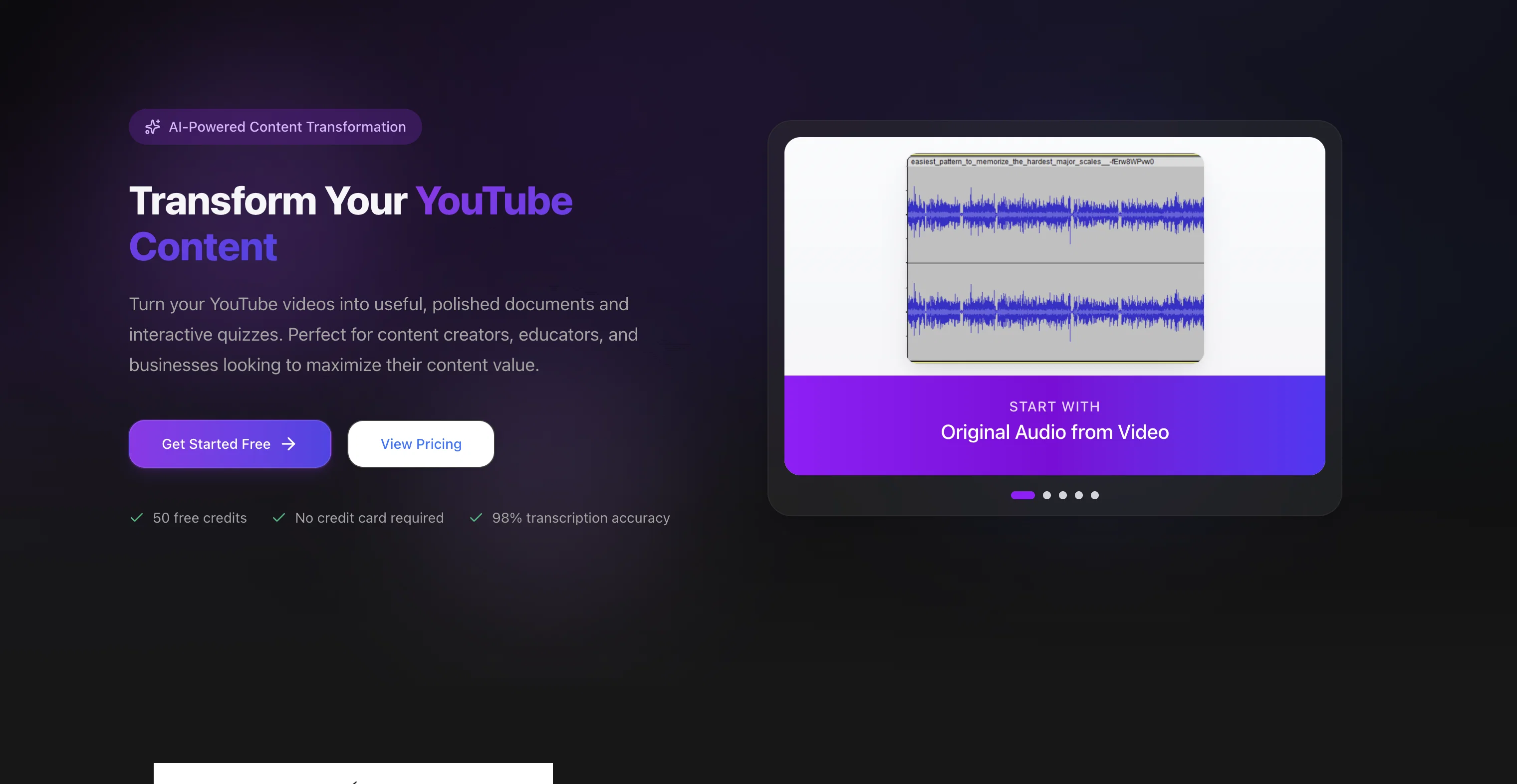
YouTube Transcript Optimizer is a tool designed to convert YouTube videos into a variety of useful formats. It's powered by state-of-the-art AI technology, which provides high accuracy transcriptions, exceeding the quality produced by YouTube's in-built captions.
Utilizing advanced algorithms, the tool transforms raw transcripts into polished, well-formatted documents that are ready for sharing with an audience or for rewarding supporters on platforms like Patreon.
Another distinctive feature is automatic quiz generation based on the content of the videos, offering various interactive question types like multiple-choice and short-answer quizzes.
This functionality is designed to test comprehension and boost engagement, with automatic grading for multiple-choice quizzes. The tool offers the ability to host the generated document or quiz, providing a shareable link for each.
Further, it includes an in-built editor with a revision history feature, enabling content editing without switching platforms, with automatic updates to corresponding PDFs and HTMLs.
Furthermore, the tool supports editing and refining the generated transcripts and documents/quizzes, and allows automatic regeneration of PDFs and HTML files after editing.
Supported output formats include TXT, Markdown, PDF, and HTML. The tool is capable of handling videos of diverse lengths and unlimited quantity, depending upon the chosen plan.
Users have praised the tool for its accurate transcription, content optimization capabilities, and convenient quiz generation.
Help other people by letting them know if this AI was useful.
Add your own prompts and outputs to help others understand how to use this AI.
Screenshot gallery
Pros & Cons
Pros
+High accuracy transcriptions
+Raw transcripts polishing
+Automatic quiz generation
+Multiple quiz formats
+Auto grading quizzes
+Document and quiz hosting
+Embeddable shareable link
+In-built editor provision
+Revision history enabled
+Auto updates to PDF/HTML
+Transcript refining possible
+Auto PDF/HTML regeneration
+Multiple output formats
+Diverse video lengths
+Unlimited videos handling
+Optimized content delivery
+Rewards supporters option
+Interactive learning tool
+Engagement and comprehension testing
+Avoids platform switching
+Handles varied content quantity
+Praised by user community
Cons
−Limited to YouTube videos
−No audio file support
−Lacks live transcription feature
−Unlimited usage depends on plan
−No multilingual support mentioned
−Edits not automatically synced
−Quiz features may be restrictive
−Only hosts on its platform
−Markdown might be unfamiliar
−Supports limited document formats
A Professional Framework to Evaluate YouTube Transcript Optimizer
When considering YouTube Transcript Optimizer for integration into your organizational workflow, we recommend deploying a structured score card across three critical operational pillars: Security & Compliance, Integration Friction, and long-term Price Scalability. Rather than looking only at basic feature lists, modern procurement teams must assess how a software platform behaves under high load and how well it fits into the team's data security guidelines.
1. Security and Database Compliance
Depending on your operating region and field, ensure that YouTube Transcript Optimizer supports standard security layers such as SOC 2 Type II certifications, GDPR compliance, or HIPAA-compliant database encryption. If the tool connects directly to client database tables or handles user passwords, verify that they implement multi-factor authentication (MFA), single sign-on (SSO) integrations, and end-to-end data encryption in transit and at rest.
2. API Coverage and Custom Integrations
Siloed data is the primary cause of operational friction. Evaluate if YouTube Transcript Optimizer has native connectors for your current project trackers, messaging hubs, and customer communication channels. For custom developer requirements, check if they provide a fully documented REST API with reasonable rate limits, comprehensive Webhooks support, and robust SDK packages in your language. A flexible API layer saves hundreds of hours of manual copy-paste overhead.
3. Total Cost of Ownership (TCO)
SaaS pricing packages are often deceptively simple. When reviewing YouTube Transcript Optimizer's billing structure, map out your team's projected expansion over the next 12 to 24 months. Determine how costs scale as your customer database increases or as you add team members. Factor in setup costs, mandatory support plan upgrades, API access fees, and storage overage rates to understand the true cost before committing to a contract.
By combining verified user reviews from our directory with internal workflow pilot tests, your procurement team can make an informed decision that drives productivity without creating capital waste.
Features of YouTube Transcript Optimizer
Video Transcription
Content Optimization
Automatic Quiz Generation
AI Technology
Transcript Editing
Document Creation
From $10
SaaS1to10 verified reviews for YouTube Transcript Optimizer
Overall rating
★★★★★5.0
Based on 23 reviews
★★★★★5.01 months ago
“Review”
I already have another transcription tool, but this one is much better. I love the different features such as the summary, quiz, and chapters. It does a great job of them. I've only done one transcript so far to try it out, but I'm truly impressed and am going to grab another code. A couple things that would make it even better are: - the ability to rename the files and organize them through folders. - the ability to download a copy of the other features as well as the transcript. Copying and pasting it works, but doesn't keep the format.
dunn
★★★★★5.01 months ago
“Review”
Suppppeeeeerrr! Wowwww! @Mindsmith is absolutely fantastic! It is incredibly useful, easy to use, and very professional.
Claudia Scilletta
★★★★★5.01 months ago
“Review”
Went from a C to an A in Cognitive Psychology using @Thea!!
Sarah White
★★★★★5.01 months ago
“Review”
superb, e gratis, merge blana, in EN se aude ideal
jon doe
★★★★★5.01 months ago
“Review”
2 times I tried and it threw error. it is not clear how to use it.
marcelo prizmic
★★★★★5.01 months ago
“Review”
Asks for payment straight away, no way to establish an opinion without subscription.
Dustin Helies
★★★★★5.01 months ago
“Review”
After trying this feature for a few days, I found that it writes more human-like articles than ordinary AI-generated ones, with higher depth and less wordiness than traditional AI articles.
Ryan
★★★★★5.01 months ago
“Review”
Amazing title choices! I put in a title idea with a one sentence video description and got back amazing title options.
Caroline Flansbaum
★★★★★5.01 months ago
“Review”
Video editing
Amrit kuli Amrit kuli
★★★★★5.01 months ago
“Review”
It's genius. Amazing tool. PDF generation might be improved, but apart from that is amazing.
Aleksander Lukashou
★★★★★5.01 months ago
“Review”
An amazing app, I love the share feature and the comment section summaries
Silvia Cho
★★★★★5.01 months ago
“Review”
The tool works fast and accurate. Good job.
Nikola
★★★★★5.01 months ago
“Review”
Used this for a quick ebook draft and it got the structure down pretty well. The first chapters were stronger than the later ones, but it’s a useful starting point if you want to turn an idea into something readable fast.
Niraj Katy
★★★★★5.01 months ago
“Review”
This tool i found is super cool, I created 5 books from this tool to sell them online, which gives me great profit. I am creating more valuable books to spread knowledge, and earn some bucks as well 🤑.
Bilal Ashraf
★★★★★5.01 months ago
“Review”
Really like how it finds connection in the content that I save. I don't think any other tool can do that.
amix ffx
★★★★★5.01 months ago
“Review”
Edisa, thanks for the reply. Didn't know about the confidentiality guarantee.
Kevin Corrigan
★★★★★5.01 months ago
“Review”
I think it's the best @Image Generator I ever found on the net. It gives more accurate image according to the prompt. And thank you for keeping it for free.
My Sawsiri
★★★★★5.02 months ago
“Review”
Super helpful tool for content creators like myself. I have a Patreon where I give my Patreons quizzes and video summaries based on my YouTube video and this website speeds the whole process up tremendously.
Terzian Teaching
★★★★★5.02 months ago
“Review”
Hi, sorry for the issues you experienced, I would be happy to refund you and will also look into what happened. I think it might have to do with the Cyrillic characters used in the video title. I will reach out to you now via email.
Jeffrey Emanuel
★★★★★5.02 months ago
“Review”
The app is not working.
I paid for 300 credits but unfortunately even redo charges credits.
In console I receive 500 (Internal Server Error)
Yurii Shchehliuk
★★★★★5.02 months ago
“Review”
It translateed quite well my video and easy to use and edit. PLus the free version is good to hava a first try
Nicoleta Dragus
★★★★★5.02 months ago
“Review”
It doesn't allow me to upload a file with less then 1GB and sends the message "Tenant ID missing"...
Fil Ca
★★★★★5.02 months ago
“Review”
Fast - probably the fastest tool I've tried for transcribing from an uploaded MP3. Accuracy was good. My samples was a ~30 min university lecture recorded alone (recorded with a mic and laptop, not in a lecture hall). Only complaint is that the logical sectioning or paragraphing isn't great. (It's hard to do with these stream-of-consciousness type lectures, but some tools do a great job.) If I didn't need the logical breaks, I'd likely come back to this tool solely for the speed and accuracy. Great job!
Lisa Prowse
Pricing
Starting Price
From $13.00/user/month
Pricing may vary based on team size and features selected.
Where can YouTube Transcript Optimizer be deployed?