5.01 months ago
“Review”
State of the Art
Dmitry G.

Click to play YouTube videos in your language
Help other people by letting them know if this AI was useful. Add your own prompts and outputs to help others understand how to use this AI.
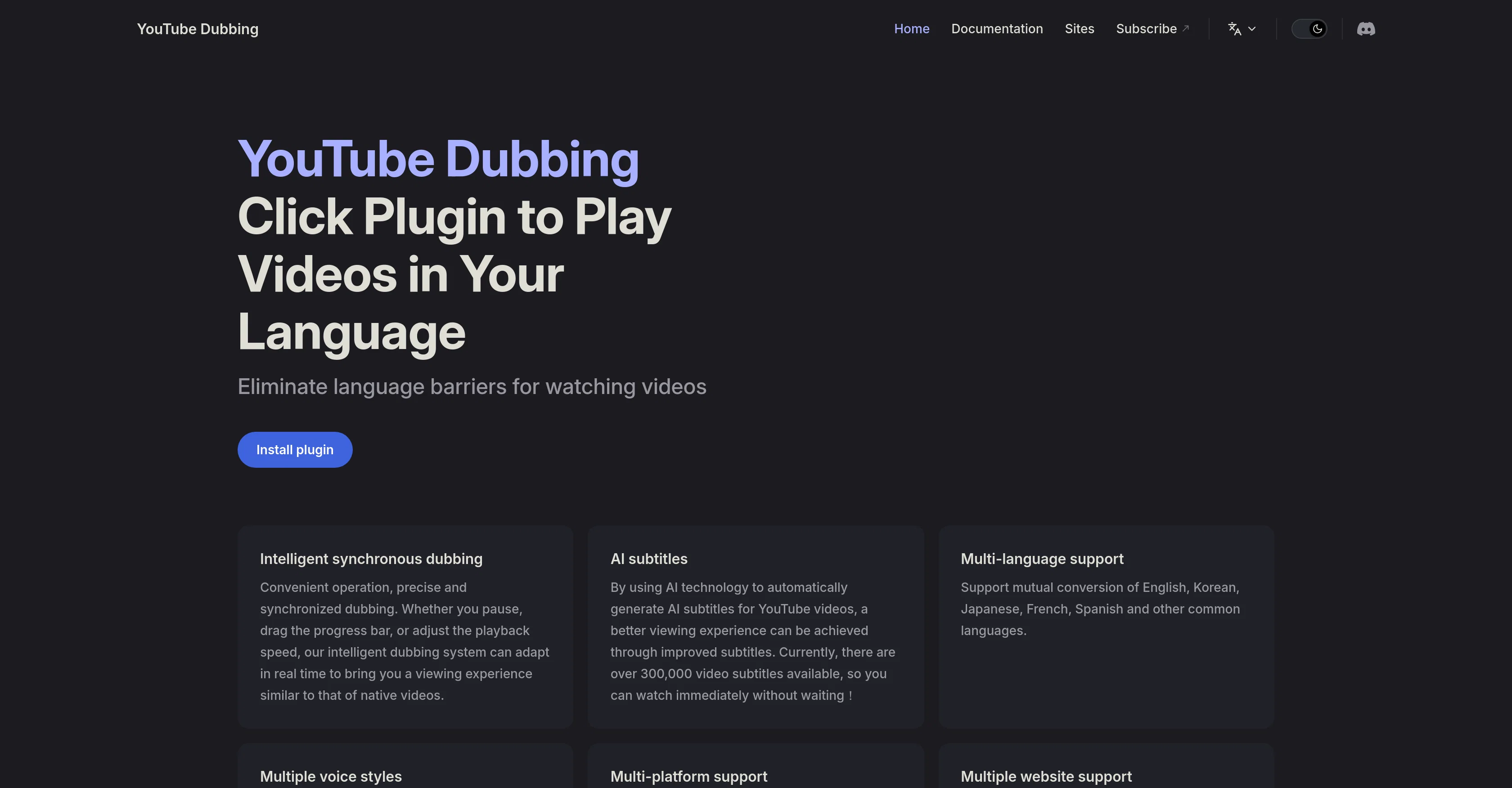
When considering YouTube Dubbing for integration into your organizational workflow, we recommend deploying a structured score card across three critical operational pillars: Security & Compliance, Integration Friction, and long-term Price Scalability. Rather than looking only at basic feature lists, modern procurement teams must assess how a software platform behaves under high load and how well it fits into the team's data security guidelines.
Depending on your operating region and field, ensure that YouTube Dubbing supports standard security layers such as SOC 2 Type II certifications, GDPR compliance, or HIPAA-compliant database encryption. If the tool connects directly to client database tables or handles user passwords, verify that they implement multi-factor authentication (MFA), single sign-on (SSO) integrations, and end-to-end data encryption in transit and at rest.
Siloed data is the primary cause of operational friction. Evaluate if YouTube Dubbing has native connectors for your current project trackers, messaging hubs, and customer communication channels. For custom developer requirements, check if they provide a fully documented REST API with reasonable rate limits, comprehensive Webhooks support, and robust SDK packages in your language. A flexible API layer saves hundreds of hours of manual copy-paste overhead.
SaaS pricing packages are often deceptively simple. When reviewing YouTube Dubbing's billing structure, map out your team's projected expansion over the next 12 to 24 months. Determine how costs scale as your customer database increases or as you add team members. Factor in setup costs, mandatory support plan upgrades, API access fees, and storage overage rates to understand the true cost before committing to a contract.
By combining verified user reviews from our directory with internal workflow pilot tests, your procurement team can make an informed decision that drives productivity without creating capital waste.
Overall rating
Based on 25 reviews
State of the Art
Dmitry G.
superb, e gratis, merge blana, in EN se aude ideal
jon doe
I'm still testing the tool yet it looks very promising. I tested it with a 5.5k words Academic text that I had previously red. I tested the Key points feature, it does work!
Ivana González
your answer is much too general, so useless. You could have just tell me to ask Perplexity.
Ta
Generated a pretty accurate video translation. Also, was quite impressed with a price tag.
Danter
Thank you so much! If you have any questions about usage, we are happy to help!
HeyWire
We are launching first of its kind AI Vision Search App.
Dos James
Looks like an interesting project with complete focus on ease of use and no-code environment! 🤩 #NoCode #Project #Software #Development #EaseOfUse
Ameya Joshi
Perfect user friendly tool for creating contents to post on LinkedIn. Highly recommended!
Meghali Bhoge
Super convenient especially for travel- highly recommend!
Luba Ismakov
It's very helpful
Syed Zaid i
Might as well use Harpa for this, that's free.
Eric Van de Kerckhove
It simplifies my video creation. It's a must-have tool.
fei shi
Amazing title choices! I put in a title idea with a one sentence video description and got back amazing title options.
Caroline Flansbaum
Helped condense 2-3 hours of work to 30 minutes, just gotta review well. 5 stars
Pete
Great tool for my video content
Silvia Cho
Not really worth it, not only does it only support Youtube, but can only generate up to 30s of video and has no options to control the image style.
Martin Tsolov
I think it's the best @Image Generator I ever found on the net. It gives more accurate image according to the prompt. And thank you for keeping it for free.
My Sawsiri
This software helps me watch various educational videos on YouTube without any obstacles, significantly improving my learning efficiency.
CoderDD
This software has truly solved the language barrier I faced while learning through videos on YouTube and Udemy. Now, I no longer have to rely on subtitles, which has significantly improved my learning efficiency. Plus, it’s available for both mobile phones and iPads, making it incredibly convenient to use.
YouTube Dubbing
Thank you for your recognition and support!
YouTube Dubbing
It's work. 5 stars.
kik
This software helps me watch various educational videos on YouTube without any obstacles, significantly improving my learning efficiency.
Venkatesh Boddu
Terrible, just terrible. You have to pay money to buy credits, and you start at zero. What a waste of effort!
Jamie Buchanan
Seemed good UI at first. But the quality is not good at all.
Sayanwita Khaskel
Starting Price
Free plan available
Free tier available with optional paid upgrades.


