5.02 months ago
“Review”
Built with passion. Thanks for your support. - cheers Solo founder :)
Kaipil Saimant

Write at the speed of your thoughts
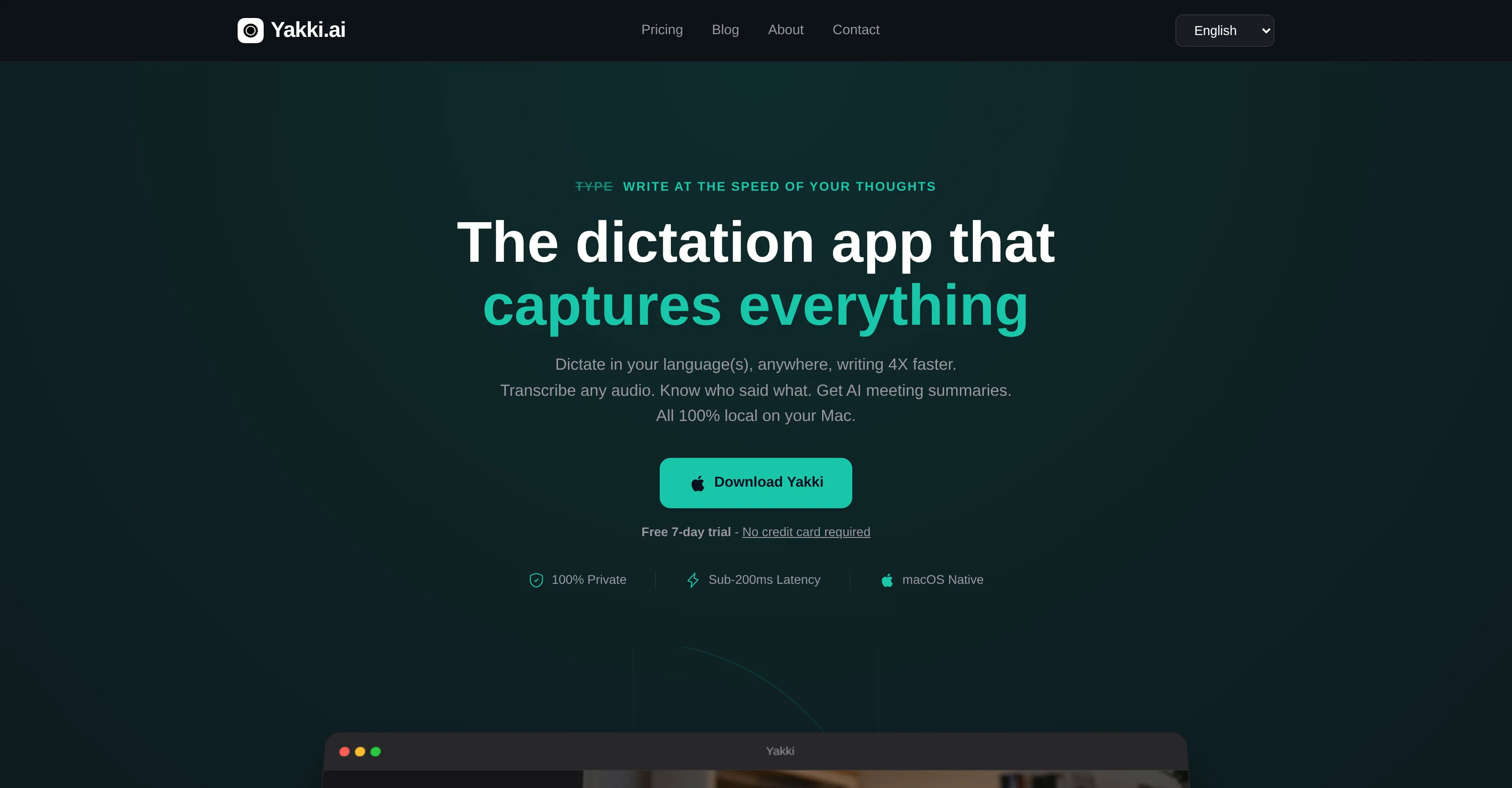
Yakki.ai is an AI-powered dictation tool designed to facilitate faster and convenient writing by transcribing your spoken words into text. Whether the user is drafting an email, writing notes or formulating Slack messages, Yakki.ai adapts to the context automatically. The tool is ideal for individuals looking for an alternate means to write or document their thoughts without having to physically type. It supports multiple languages and allows instant switching between them. Yakki.ai also offers features such as speaker diarization, transcription history and meeting intelligence for enhanced productivity. Beyond simple voice dictation, Yakki can transcribe audio from various sources, including Teams, Zoom, Safari, podcasts, and practically anything else playing on your Mac. All transcription processes occur on-device, and no data is sent to the cloud or servers, maintaining a high level of privacy and compliance with HIPAA regulations. Furthermore, Yakki includes capabilities such as automatic cleaning of filler words and repetition from the transcriptions, and it can provide AI-driven meeting summaries, highlighting key points, decisions, and action items from any meeting. Help other people by letting them know if this AI was useful. Add your own prompts and outputs to help others understand how to use this AI.
When considering Yakki for integration into your organizational workflow, we recommend deploying a structured score card across three critical operational pillars: Security & Compliance, Integration Friction, and long-term Price Scalability. Rather than looking only at basic feature lists, modern procurement teams must assess how a software platform behaves under high load and how well it fits into the team's data security guidelines.
Depending on your operating region and field, ensure that Yakki supports standard security layers such as SOC 2 Type II certifications, GDPR compliance, or HIPAA-compliant database encryption. If the tool connects directly to client database tables or handles user passwords, verify that they implement multi-factor authentication (MFA), single sign-on (SSO) integrations, and end-to-end data encryption in transit and at rest.
Siloed data is the primary cause of operational friction. Evaluate if Yakki has native connectors for your current project trackers, messaging hubs, and customer communication channels. For custom developer requirements, check if they provide a fully documented REST API with reasonable rate limits, comprehensive Webhooks support, and robust SDK packages in your language. A flexible API layer saves hundreds of hours of manual copy-paste overhead.
SaaS pricing packages are often deceptively simple. When reviewing Yakki's billing structure, map out your team's projected expansion over the next 12 to 24 months. Determine how costs scale as your customer database increases or as you add team members. Factor in setup costs, mandatory support plan upgrades, API access fees, and storage overage rates to understand the true cost before committing to a contract.
By combining verified user reviews from our directory with internal workflow pilot tests, your procurement team can make an informed decision that drives productivity without creating capital waste.
Overall rating
Based on 10 reviews
Built with passion. Thanks for your support. - cheers Solo founder :)
Kaipil Saimant
Instantly goes live without hassle
E
a friend sent me this the other day. veo, grok, seedance all run from one upload and it's actually fast. ui doesn't fight me. no complaints.
owen_reeves
Maybe you don’t have a subscription, so there are no credits on your account, and a lot of features require credits to use.
Span Chen
Many ai models help me create videos I love
long ff
Never thought I needed this but it’s really good
Paul
Why did I not find this earlier
Marvin
Really solid on Windows. I’ve tried several similar transcription tools before, but this one feels much better integrated into the system. The customizable global shortcuts are a game changer, you can either just do plain transcription or trigger your own custom prompts/actions with Adifferent hotkeys. A lot of competitors do Aroughly the same thing, but @EchoWrite stands out because the basic transcription is essentially free (you just need your own OpenAI API key, which costs next to nothing). If you want the custom prompts and translations, it’s a one-time payment instead of yet another subscription. In 2026 that’s actually pretty fair compared to everything else out there. Big thumbs up.
Taylor Lavie
@Spokenly feels genuinely practical for people who prefer talking through ideas instead of typing everything manually. I also like that offline/local support is included since a lot of dictation tools still depend completely on the cloud.
David Bergbom
This is one of those apps that when you use it for the first time, it feels like magic. It is one of the apps that has led to me using it the most every day. It's almost as integral to me now as ChatGPT.
Oliver Boyers
Starting Price
Free plan available
Free tier available with optional paid upgrades.


