5.02 months ago
“Review”
State of the Art
Dmitry G.

Extract text, analyze data, and unlock insights with AI.
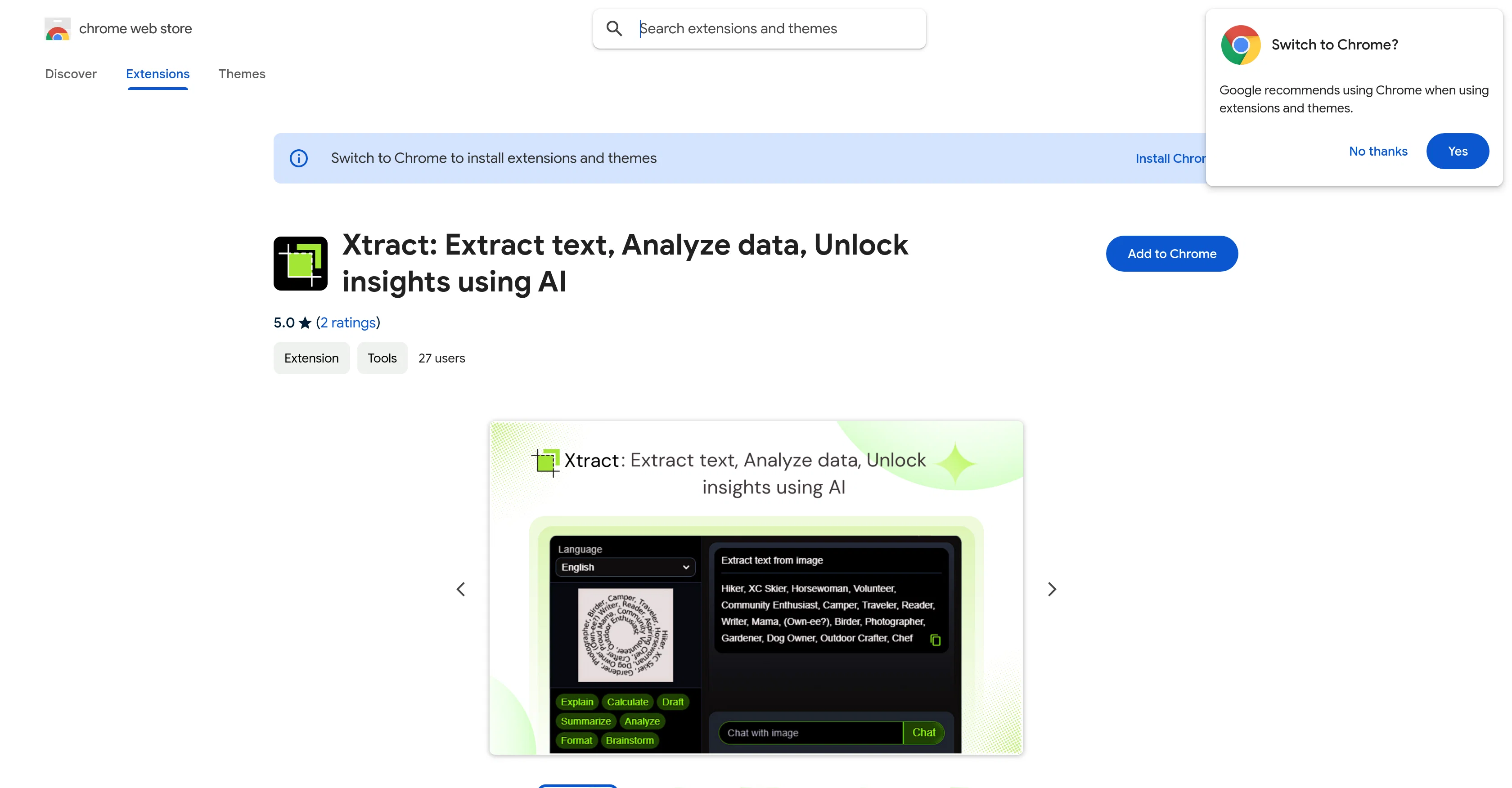
Xtract is an AI-powered Chrome extension, designed to transform the way users interact with web content. Primarily built around Google's Gemini AI technology, it is capable of turning any webpage, image, or video content into insights. One of its key features is its ability to extract text with high precision from any visual content. A handy Quick Snip Tool allows for instant screen capture and analysis. It offers multi-language support, enabling the extraction and processing of text in various languages. Users can also convert raw data into clear visualized insights and graphs automatically. It's also designed to spark intelligent conversations about the extracted content with its built-in AI chat. Visual Recognition can identify and provide context about content in images and videos. Users can activate the snip tool quickly with the Alt + S command. It's suitable for students, researchers, professionals, content creators, and anyone aiming to streamline their web research process. Additionally, it places a strong emphasis on user privacy, and doesn't store or collect any data, working locally within the user's browser. Help other people by letting them know if this AI was useful. Add your own prompts and outputs to help others understand how to use this AI.
When considering Xtract for integration into your organizational workflow, we recommend deploying a structured score card across three critical operational pillars: Security & Compliance, Integration Friction, and long-term Price Scalability. Rather than looking only at basic feature lists, modern procurement teams must assess how a software platform behaves under high load and how well it fits into the team's data security guidelines.
Depending on your operating region and field, ensure that Xtract supports standard security layers such as SOC 2 Type II certifications, GDPR compliance, or HIPAA-compliant database encryption. If the tool connects directly to client database tables or handles user passwords, verify that they implement multi-factor authentication (MFA), single sign-on (SSO) integrations, and end-to-end data encryption in transit and at rest.
Siloed data is the primary cause of operational friction. Evaluate if Xtract has native connectors for your current project trackers, messaging hubs, and customer communication channels. For custom developer requirements, check if they provide a fully documented REST API with reasonable rate limits, comprehensive Webhooks support, and robust SDK packages in your language. A flexible API layer saves hundreds of hours of manual copy-paste overhead.
SaaS pricing packages are often deceptively simple. When reviewing Xtract's billing structure, map out your team's projected expansion over the next 12 to 24 months. Determine how costs scale as your customer database increases or as you add team members. Factor in setup costs, mandatory support plan upgrades, API access fees, and storage overage rates to understand the true cost before committing to a contract.
By combining verified user reviews from our directory with internal workflow pilot tests, your procurement team can make an informed decision that drives productivity without creating capital waste.
Overall rating
Based on 19 reviews
State of the Art
Dmitry G.
Went from a C to an A in Cognitive Psychology using @Thea!!
Sarah White
I'm still testing the tool yet it looks very promising. I tested it with a 5.5k words Academic text that I had previously red. I tested the Key points feature, it does work!
Ivana González
🌟🌟🌟🌟🌟 This AI prompt generation tool is exceptional! It vividly brought to life the jungle scene I envisioned, capturing every detail with remarkable accuracy. The natural expressions, vibrant colors, and serene atmosphere were perfectly rendered. Highly recommended for creative projects!
Sukul Das PANIKA
very good image
Bristan “Capesterre” Carbier
Does not know how to spell
Emily Hamilton
provide trading bot
V Adhana
still background removing accuracy is required. it only 80% not 100%
Krutika Creations
your answer is much too general, so useless. You could have just tell me to ask Perplexity.
Ta
Glad that it helps! We are making it better. I would love your feedback!
Gaslighting Check
I may be wrong, but it seemed like any RAG Agent
kanawati
I've tried 10 note-taking tools, and so far this is the best. My work is now much simpler and more efficient.
Happy Kid
Which step felt like “subscription bait,” and which part is lacking utility?
Sevag H
Hi there! The tool works just fine, all you need to do is copy the text you want to rewrite and paste it in the little prompt box, where it says "Enter your prompt here". Click "Generate" and you're done!
Antonia Mitrea
superb, e gratis, merge blana, in EN se aude ideal
jon doe
Not at all accurate…. The only thing similar between original and generated images were the clothes and accessories… face was absolutely new and unconnected.
Shvetank Sharma
I think it's the best @Image Generator I ever found on the net. It gives more accurate image according to the prompt. And thank you for keeping it for free.
My Sawsiri
It can only capture a box in a page, but if the page is longer than the screen, and it has scrolling text, the tool cannot handle it wholly. Then the user has to scroll and do the job piece by piece, making this extension useless. I have also encountered several issues with e@Xtracting data from a web page with tables and pasting it onto an Excel file, the formatting was not kept and I have spent hours on portions of the texts just to be able to paste it into an excel file correctly. This last issue might be due solely to the web page I have tried the extension on, but the fact that the tool cannot capture the whole page, still stands.
Eden @ FX2LTD
Great tool for teachers of English as a foreign/second language!
Evan Sarver
Starting Price
Contact vendor for pricing
Pricing may vary based on team size and features selected.


