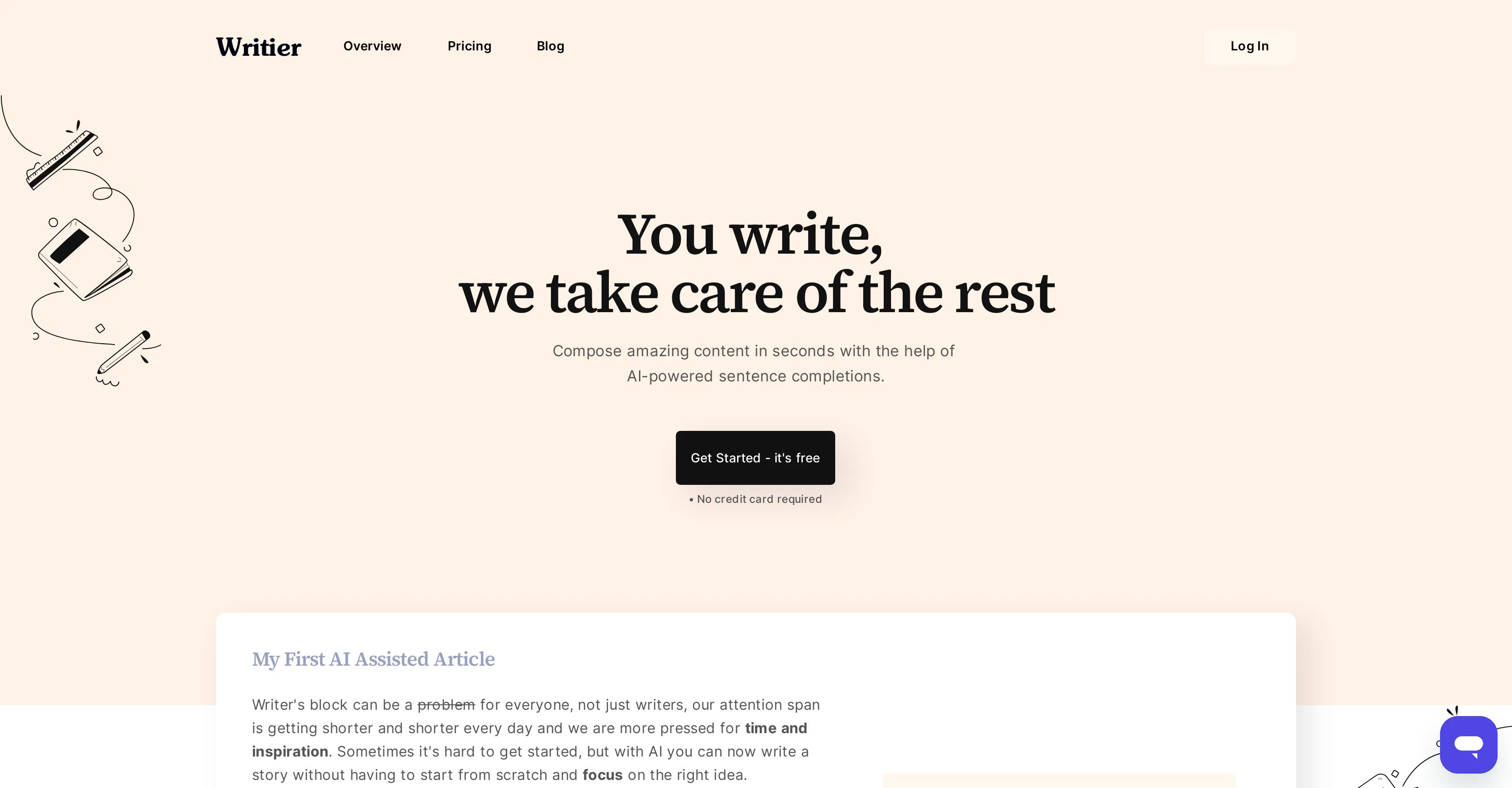
Writier is an AI-powered writing assistant tool designed to assist users in composing high-quality content effectively. The primary functionality of Writier is its ability to provide AI-generated sentence completions, which can substantially facilitate the writing process by suggesting possible continuations of sentences based on the context provided by the user.
This feature can be especially beneficial for combating common writing challenges such as writer's block. Getting started with Writier is straightforward, making it accessible for users from various backgrounds, whether you are a professional writer or a student.
While it's noted that the tool can produce content 'in seconds', the exact speed would likely depend on factors like the complexity of the requested text.
Writier does not specify particular use cases, suggesting a versatile application across a wide range of content types and writing needs. Note, however, that like any AI tool, human oversight is recommended to ensure content meets specific quality or stylistic requirements.
The tool is described as being free to start using. Future customers should check the latest pricing details on the official website.
Help other people by letting them know if this AI was useful.
Add your own prompts and outputs to help others understand how to use this AI.
Screenshot gallery
Pros & Cons
Pros
+Long-form editor powered by GPT-3
+Generates content in seconds
+Manages writing projects
+Tracks progress of drafts
+Offers headline suggestions
+Intro paragraph generator
+Auto-saving feature
+Grammarly integration
+PDF export
+Fights writer's block
+Increases productivity
+User-friendly interface
+Versatile application
+Facilitates sentence completions
+User-context based suggestions
+Usable by various backgrounds
+Free to start
+Fast content generation
+Helpful for different content types
+Can replace human writing
Cons
−Lacks specific use-case scenarios
−Depends on text complexity
−Requires human oversight for quality
−Unclear pricing details
−No mention of multi-language support
−No plagiarism checker
−No offline mode
−No collaborative features
−Limited export options
A Professional Framework to Evaluate Writier
When considering Writier for integration into your organizational workflow, we recommend deploying a structured score card across three critical operational pillars: Security & Compliance, Integration Friction, and long-term Price Scalability. Rather than looking only at basic feature lists, modern procurement teams must assess how a software platform behaves under high load and how well it fits into the team's data security guidelines.
1. Security and Database Compliance
Depending on your operating region and field, ensure that Writier supports standard security layers such as SOC 2 Type II certifications, GDPR compliance, or HIPAA-compliant database encryption. If the tool connects directly to client database tables or handles user passwords, verify that they implement multi-factor authentication (MFA), single sign-on (SSO) integrations, and end-to-end data encryption in transit and at rest.
2. API Coverage and Custom Integrations
Siloed data is the primary cause of operational friction. Evaluate if Writier has native connectors for your current project trackers, messaging hubs, and customer communication channels. For custom developer requirements, check if they provide a fully documented REST API with reasonable rate limits, comprehensive Webhooks support, and robust SDK packages in your language. A flexible API layer saves hundreds of hours of manual copy-paste overhead.
3. Total Cost of Ownership (TCO)
SaaS pricing packages are often deceptively simple. When reviewing Writier's billing structure, map out your team's projected expansion over the next 12 to 24 months. Determine how costs scale as your customer database increases or as you add team members. Factor in setup costs, mandatory support plan upgrades, API access fees, and storage overage rates to understand the true cost before committing to a contract.
By combining verified user reviews from our directory with internal workflow pilot tests, your procurement team can make an informed decision that drives productivity without creating capital waste.
Features of Writier
AI Writing Assistant
Content Generation
Text Completion
Natural Language Processing
Productivity Tool
Writing Aid
Free + From $9/Mo
SaaS1to10 verified reviews for Writier
Overall rating
★★★★★5.0
Based on 15 reviews
★★★★★5.02 months ago
“Review”
B12 exceeded my expectations especially after I tried a few similar tools. Signing up took under a minute and because I offer a very specific set of services as a consultant, I didn't expect the AI to be able to capture my work, but it did a great job with creating content for me. I only had to make a few edits, add my bio, and was able to publish that same day. Now I get lots of compliments on my site and I've even tried their other tools like email marketing, which is great because the emails match my site's appearance. Overall I would recommend B12 as an effective, affordable, and easy to use website solution.
Katie G
★★★★★5.02 months ago
“Review”
O GPT faz uma análise melhor e mais personalizada.
Vinicius Vilela
★★★★★5.02 months ago
“Review”
Brilliant- only just started my subscription with them. But if nothing else, the linking suggestions is a life-saver and has saved me so much time.
Andrew Hathaway
★★★★★5.02 months ago
“Review”
I just joined the website, hope it would be a worthy experience
Syed Moiz Uddin
★★★★★5.02 months ago
“Review”
The site has a fantastic presentation and from what we tested the features are perfect. Congratulations to the development team
Tudonumclic Consultoria
★★★★★5.02 months ago
“Review”
Only available on the iphone... doesn't seem super intuitive to use.
Mental Forge Media
★★★★★5.02 months ago
“Review”
Will not let you test on a HD picture without paying. I found a lot of these "programs" do a poor job and I am tired of paying for a test. Maybe offer 1 HD picture, but crop it (user crop)?
Tim Patrie
★★★★★5.02 months ago
“Review”
There are much better apps for much better pricing. Company was rude after discovering it couldn't do as advertised, refused any refund (nothing was really accomplished at all, quirky at best). MOVE app on the iphone is so much better. Avoid this software, waste of money.
Jared Smith
★★★★★5.02 months ago
“Review”
It's great for creating and managing knowledge bases as you can see https://youtu.be/w8YHPe0tZuo?si=iiNIgjIDj77DEs-L
J.I.
★★★★★5.02 months ago
“Review”
T shirt description
Adrita Jahan Afrin
★★★★★5.02 months ago
“Review”
It's a useful app.
musthafa basheer
★★★★★5.02 months ago
“Review”
It's a really great tool. I've used it for many different stories and brainstorms.
Justin Patterson
★★★★★5.02 months ago
“Review”
Have been trial running this tool and am very impressed by what I've seen. Would recommend for persons in need of a reliable, cost-effective and SEO optimized writing solution.
Kris Chan
★★★★★5.02 months ago
“Review”
I love this extension, mobile app and desktop software! I use it everyday and everywhere. Generated text are amazing. Well done to the team and continue your incredible work! For me, Voilà is the best AI assistant, copilot and AI writer on the market. I stopped my ChatGPT plus subscription since I discoverer it.
Lane Wood
★★★★★5.02 months ago
“Review”
your answer is much too general, so useless. You could have just tell me to ask Perplexity.