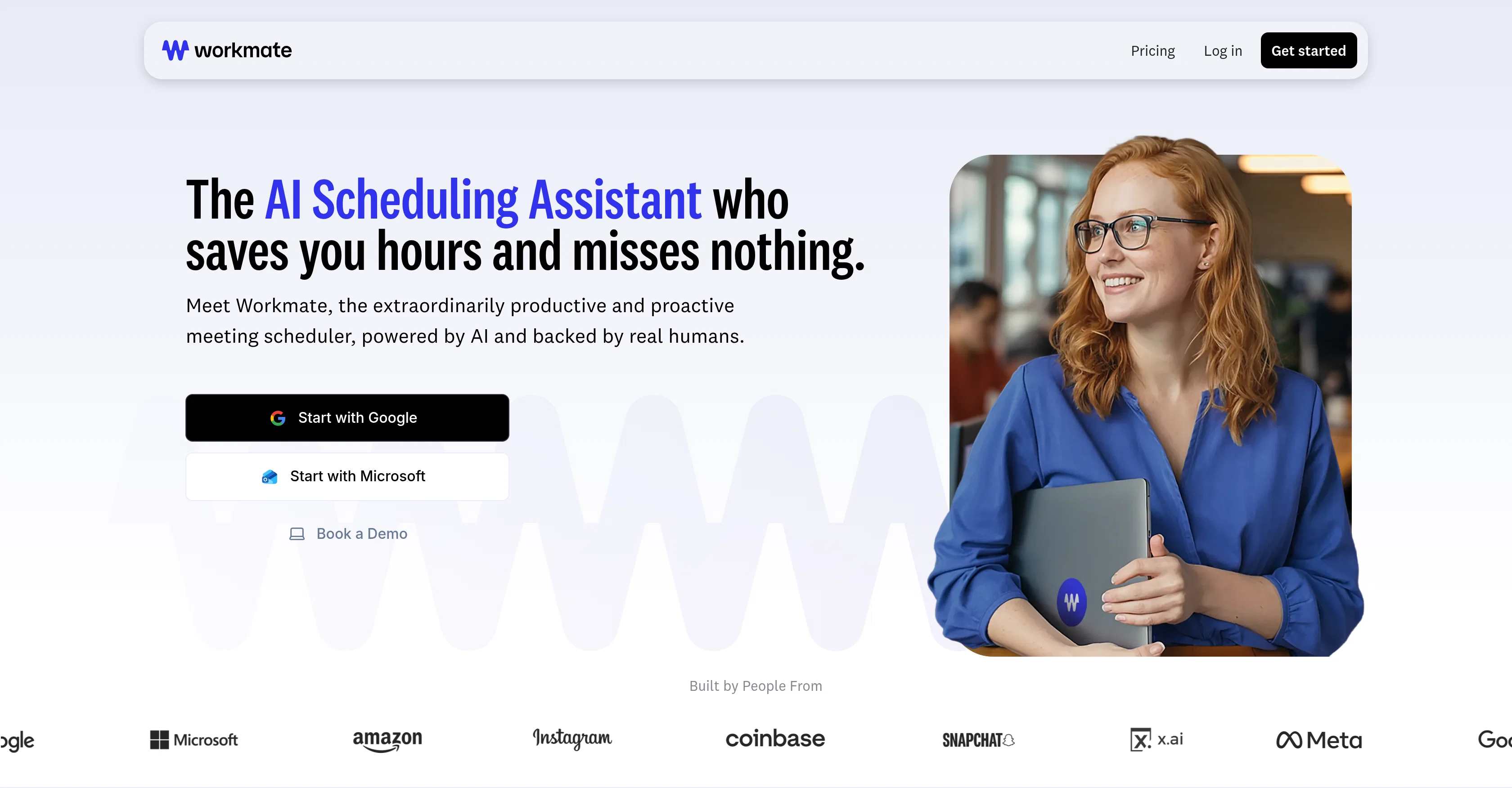
New in Workmate:
Help other people by letting them know if this AI was useful.
Add your own prompts and outputs to help others understand how to use this AI.
Screenshot gallery
Pros & Cons
Pros
+Automates meeting scheduling
+Manages calendar conflicts
+Automated follow-ups
+Personalized assistant identity
+Domain-specific email addresses
+Instant scheduling with colleagues
+24/7 availability
+Incorporates human verification
+Free option available
+Prioritizes user's preferences
+Handles back-and-forth communication
+Customizable appearance
+US-based support
+Reschedules any meeting
+Serves multiple industries
+Available over email, Slack, SMS
+Ease of use
+Handles scheduling instructions
+Finds best available time
+Handles scheduling under 10 mins
+Works under companys email domain
+Proactive conflict flagging
+No setup fees
+Customized email responses
+Proactive communication
+Integrated messaging system
Cons
−No setup for multiple teams
−Free plan limits meetings
−Cannot handle non-scheduling tasks
−Requires manual preference customization
−Has trouble with large group meetings
A Professional Framework to Evaluate Workmate1.2.0
When considering Workmate1.2.0 for integration into your organizational workflow, we recommend deploying a structured score card across three critical operational pillars: Security & Compliance, Integration Friction, and long-term Price Scalability. Rather than looking only at basic feature lists, modern procurement teams must assess how a software platform behaves under high load and how well it fits into the team's data security guidelines.
1. Security and Database Compliance
Depending on your operating region and field, ensure that Workmate1.2.0 supports standard security layers such as SOC 2 Type II certifications, GDPR compliance, or HIPAA-compliant database encryption. If the tool connects directly to client database tables or handles user passwords, verify that they implement multi-factor authentication (MFA), single sign-on (SSO) integrations, and end-to-end data encryption in transit and at rest.
2. API Coverage and Custom Integrations
Siloed data is the primary cause of operational friction. Evaluate if Workmate1.2.0 has native connectors for your current project trackers, messaging hubs, and customer communication channels. For custom developer requirements, check if they provide a fully documented REST API with reasonable rate limits, comprehensive Webhooks support, and robust SDK packages in your language. A flexible API layer saves hundreds of hours of manual copy-paste overhead.
3. Total Cost of Ownership (TCO)
SaaS pricing packages are often deceptively simple. When reviewing Workmate1.2.0's billing structure, map out your team's projected expansion over the next 12 to 24 months. Determine how costs scale as your customer database increases or as you add team members. Factor in setup costs, mandatory support plan upgrades, API access fees, and storage overage rates to understand the true cost before committing to a contract.
By combining verified user reviews from our directory with internal workflow pilot tests, your procurement team can make an informed decision that drives productivity without creating capital waste.
Features of Workmate1.2.0
Agent
AI Scheduling
Calendar Management
Meeting Organization
Scheduling
Automated Follow Ups
Free + From $45/Mo
SaaS1to10 verified reviews for Workmate1.2.0
Overall rating
★★★★★5.0
Based on 17 reviews
★★★★★5.02 months ago
“Review”
Landing page tests with @Articos helped me quickly identify conversion bottlenecks and uncover missing features. The insights were actionable and made it much easier to prioritize improvements that actually impact user behavior.
Osman ERDOĞAN
★★★★★5.02 months ago
“Review”
Amazing deep research feature! Haven't seen this level of execution through any other tool. It gives a designed socket to view a presentation at the end.
Zarrak Mushtaq
★★★★★5.02 months ago
“Review”
Just implemented your instruction out how to run drip campaigns automatically, nice! Getting prospect calls coming in
Jenn N.
★★★★★5.02 months ago
“Review”
Absolutely in love. I could create my own custom AI and shared it with my colleuges to get instant support from me, i mean digital AI of me :)
Derek W.
★★★★★5.02 months ago
“Review”
This tool finally helps me understand what makes a great prompt. It doesn't just give me a better version, it shows me to get there by analyzing why the original prompt is weak and showing what to improve. The difference this makes to the final AI output is incredible. An essential tool for getting more accurate and detailed results, Great Job!
Milo Quinn
★★★★★5.02 months ago
“Review”
I recently started using @Napkin AI, and I couldn't be more impressed! This tool is incredibly user-friendly and intuitive, making it easy to generate clear visual representations from text. Moreover, the interface is clean and visually appealing, which enhances the overall user experience. @Napkin AI is a fantastic companion. Highly recommended for anyone looking to elevate their creative process!
Jobin Mathew
★★★★★5.02 months ago
“Review”
Ideal for stock-watchlist and not missing trade setups that correspond to my strategy.
Builder
★★★★★5.02 months ago
“Review”
Accuracy nice. Free
Álvaro Sánchez Román
★★★★★5.02 months ago
“Review”
I rarely leave reviews, but Elsa amazed me. After a few weeks of using it, I'm still excited. Props, guys.
Anton
★★★★★5.02 months ago
“Review”
i would say it gives the mind a sense of clarity
Emmanuella Marshall
★★★★★5.02 months ago
“Review”
Very interesting
Béatrice Duval
★★★★★5.02 months ago
“Review”
Really like how it finds connection in the content that I save. I don't think any other tool can do that.
amix ffx
★★★★★5.02 months ago
“Review”
This tool i found is super cool, I created 5 books from this tool to sell them online, which gives me great profit. I am creating more valuable books to spread knowledge, and earn some bucks as well 🤑.
Bilal Ashraf
★★★★★5.02 months ago
“Review”
Great tool! Was very helpful in content production
Duck Typer
★★★★★5.02 months ago
“Review”
Great product!
Samantha Calles
★★★★★5.02 months ago
“Review”
Love how much time it saves me every week!
Jeffrey Juarez
★★★★★5.02 months ago
“Review”
Used this for scheduling my last 3 interviews and honestly forgot how annoying it was before. One company wanted to do 4 rounds and instead of me going back and forth with their HR person a dozen times, @Workmate just handled it. Saved me from that weird anxiety of 'did I respond fast enough' or 'is this time actually gonna work.'