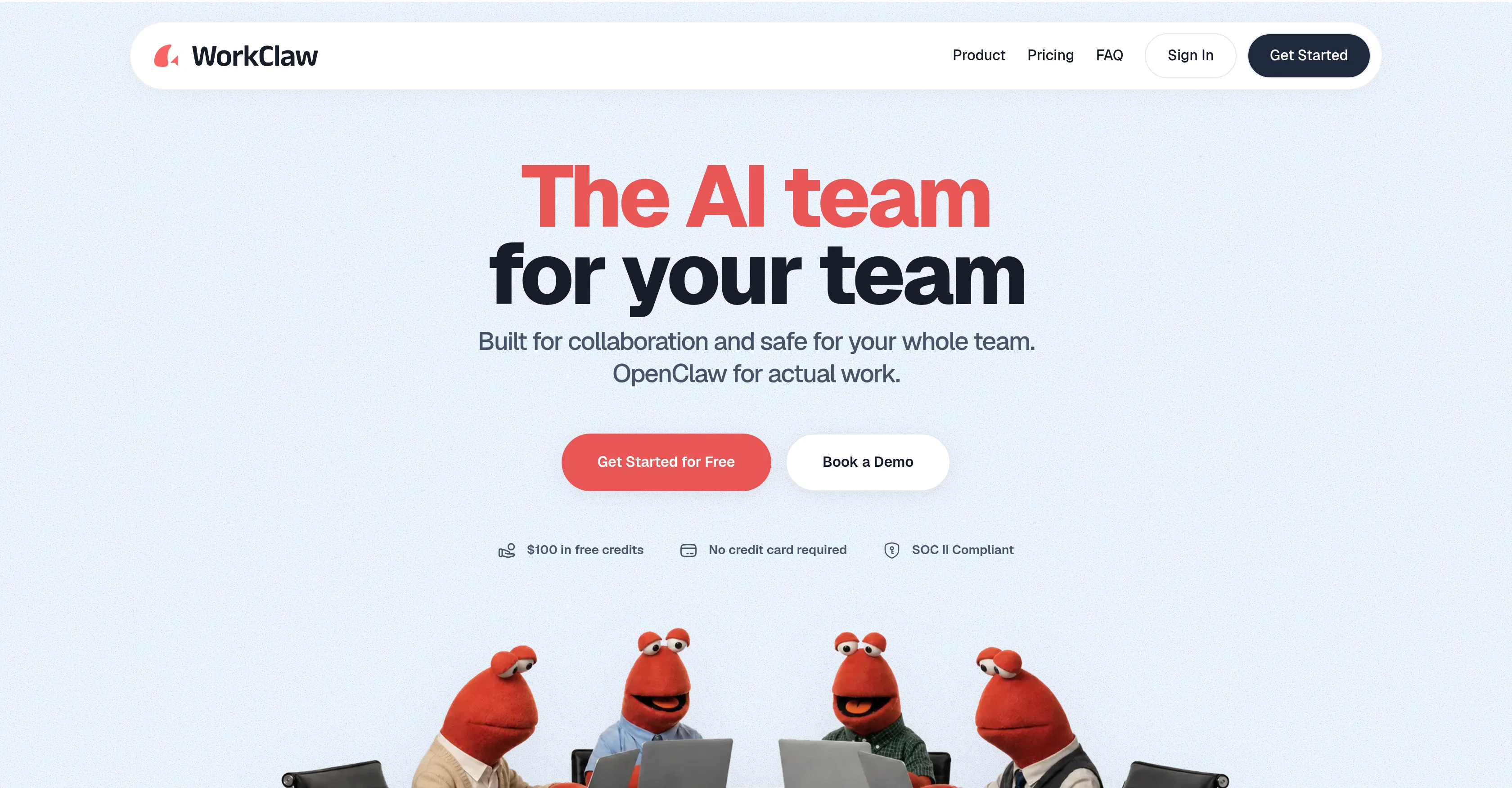
WorkClaw is an AI tool focused on boosting team productivity by offering custom, collaborative AI coworkers. It enables teams to automate and digitize their workflows in a customizable manner.
Each 'WorkClaw', the name given to the AI collaborators, functions on a separate, cloud-based system and can synchronize with over 3000 applications, including widely-used tools such as Slack, Google Workspace, and many Customer Relationship Management platforms.
WorkClaws are designed to be proactively 'at work' 24/7, learning to execute tasks as the team describes them, all while the team members engage in other activities.
It can perform tasks such as research, scheduling, drafting emails, follow-ups, reporting, and data entry. The platform also promotes collaborative learning and skill-sharing: skills created by one team member can be utilized by others.
The tool is designed with data security as a priority - all data is kept in isolated environments, which can be shared at the discretion of the user. Lastly, WorkClaw mitigates the setup and customization complexities and security concerns associated with its foundational platform, OpenClaw, making it an amiable solution for teamwork.
Help other people by letting them know if this AI was useful.
Add your own prompts and outputs to help others understand how to use this AI.
Screenshot gallery
Pros & Cons
Pros
+Boosts team productivity
+Automates workflows
+Full customizability
+Cloud-based operation
+Synchronizes with 3000+ apps
+Always at work 24/7
+Executable task learning
+Tasks include scheduling, reporting
+Promotes skill sharing
+Strict data security
+Isolated data environments
+Setup simplicity
+Integrates with OpenClaw
+Mitigates customization complexities
+Handles research and follow-ups
+User controlled data sharing
+Multi-platform integration
+Responsive performers
+Supports collaborative learning
+Utilizes member's skills
+One-click setup
+SOC II Compliant
+WorkClaw has separate computers
+Connects with Slack
+Proactive work completion
+Turn tasks into custom skills
+Comes with skill packs
+Secure credential storage
+Separate file storage for each WorkClaw
+Train WorkClaw to fit company
+Share skills with team easily
+Admin control over access
+Data entry capabilities
+Drafts emails
+Separate computer for each WorkClaw
+Connection to multiple popular tools
+No need for personal hardware
+Cloud-only functionality
+Battle-tested skill packs
+Secure, easy-to-use platform
+No experimentation needed
+Immediate value delivery
+Built on OpenClaw technology
Cons
−Multiple WorkClaws setup needed
−Communication reliant on Slack
−Requires constant workflow description
−Limited pre-built workflow library
−Custom skill creation required
−Not easily shareable by default
−No local machine installation
−Dependent on OpenClaw platform
−Data isolation may limit functionality
−Requires continuous learning for efficiency
A Professional Framework to Evaluate WorkClaw
When considering WorkClaw for integration into your organizational workflow, we recommend deploying a structured score card across three critical operational pillars: Security & Compliance, Integration Friction, and long-term Price Scalability. Rather than looking only at basic feature lists, modern procurement teams must assess how a software platform behaves under high load and how well it fits into the team's data security guidelines.
1. Security and Database Compliance
Depending on your operating region and field, ensure that WorkClaw supports standard security layers such as SOC 2 Type II certifications, GDPR compliance, or HIPAA-compliant database encryption. If the tool connects directly to client database tables or handles user passwords, verify that they implement multi-factor authentication (MFA), single sign-on (SSO) integrations, and end-to-end data encryption in transit and at rest.
2. API Coverage and Custom Integrations
Siloed data is the primary cause of operational friction. Evaluate if WorkClaw has native connectors for your current project trackers, messaging hubs, and customer communication channels. For custom developer requirements, check if they provide a fully documented REST API with reasonable rate limits, comprehensive Webhooks support, and robust SDK packages in your language. A flexible API layer saves hundreds of hours of manual copy-paste overhead.
3. Total Cost of Ownership (TCO)
SaaS pricing packages are often deceptively simple. When reviewing WorkClaw's billing structure, map out your team's projected expansion over the next 12 to 24 months. Determine how costs scale as your customer database increases or as you add team members. Factor in setup costs, mandatory support plan upgrades, API access fees, and storage overage rates to understand the true cost before committing to a contract.
By combining verified user reviews from our directory with internal workflow pilot tests, your procurement team can make an informed decision that drives productivity without creating capital waste.
Features of WorkClaw
Teamwork Solution
Workflow Automation
AI Team Extension
Collaborative AI
Data Protection
Productivity Enhancement
Free + From $29/Mo
SaaS1to10 verified reviews for WorkClaw
Overall rating
★★★★★5.0
Based on 16 reviews
★★★★★5.02 months ago
“Review”
Hey! My name is Domantas and I invite all fellow solopreneurs, business and product owners to try Hostinger Horizons. Using it is super simple - you are creating a website or application just by prompting - chatting with AI. No struggle, code or design skills are needed. You can literally have your website live in few minutes. Looking forward for your feedback!
Domantas Patinskas
★★★★★5.02 months ago
“Review”
your answer is much too general, so useless. You could have just tell me to ask Perplexity.
Ta
★★★★★5.02 months ago
“Review”
Really impressed with @Junior.so so far. Having an AI teammate inside Slack that can handle CRM updates and follow-ups without me constantly prompting it feels genuinely useful, especially for small teams juggling sales and ops. Setup was pretty smooth, and the daily reports are a nice bonus.
Gemini Omni Video - AI video generator that works like a creative conversation
★★★★★5.02 months ago
“Review”
very easy to use!
Thomas Ramirez
★★★★★5.02 months ago
“Review”
Does what it says. Signed up, picked a pre-built agent, live in under a minute. Token savings are noticeable, security is handled, and I don't have to think about Docker or VPS configs anymore. Free tier is enough to know if it works for you. It did for me.
mujtaba sheikh
★★★★★5.02 months ago
“Review”
affordable ready-to-go agentic AI vps
Mihai Gisca
★★★★★5.02 months ago
“Review”
I built a medical tracking App for a friend undergoing cancer treatment. He uses it to record side effects, medications, temperature, blood pressure, and more. The app turns his records into charts, making doctor visits much more efficient. Most importantly, all data stays on his own phone, giving him complete peace of mind!!! We can build apps not only for ourselfs but also as a new type of gift for people we care about. I am excited about this as I have no IT background. @NiuNiu keeps its promise that it is easy to build and deploy a real app just by chatting. definately I will try more ideas.
chaer
★★★★★5.02 months ago
“Review”
Instantly goes live without hassle
E
★★★★★5.02 months ago
“Review”
Purely magic. It increases the productivity by a lot and the process is pretty addictive. I've been building websites like there's not tomorrow.
Geo Burlibasa
★★★★★5.02 months ago
“Review”
I think it's the best @Image Generator I ever found on the net. It gives more accurate image according to the prompt. And thank you for keeping it for free.
My Sawsiri
★★★★★5.02 months ago
“Review”
I've put about 30-40 hours into SureThing, and it's seriously been a game-changer, basically acting like a virtual COO for my business!
Bonnie
★★★★★5.02 months ago
“Review”
This is a fantastic tool for creating a bespoke chatbot that understands the nuances of your business. It's so easy to set up, works with all the platforms I use, like Slack, Google Drive, Notion, and Zapier, and it's massively helped with customer service queries. Would definitely recommend.
Amanda GreenWood
★★★★★5.02 months ago
“Review”
Amazing, easy-to-use tool. Would definitely recommend it to anyone who wants to automate in a customer-friendly way!
Fleur Nouwens
★★★★★5.02 months ago
“Review”
We used @Rumora for our SaaS app and went from 512 to 23,956 signed up users in 3 months, here's the case study with screenshots: https://@Rumora.ai/case-studies/olovka
Rade Joksimovic
★★★★★5.02 months ago
“Review”
Easy to start and made a customer support agent for my website in a few minutes!
PeersIdea Inc.
★★★★★5.02 months ago
“Review”
Absolutely in love. I could create my own custom AI and shared it with my colleuges to get instant support from me, i mean digital AI of me :)