5.02 months ago
“Review”
State of the Art
Dmitry G.

See exactly why your Wi-Fi fails.
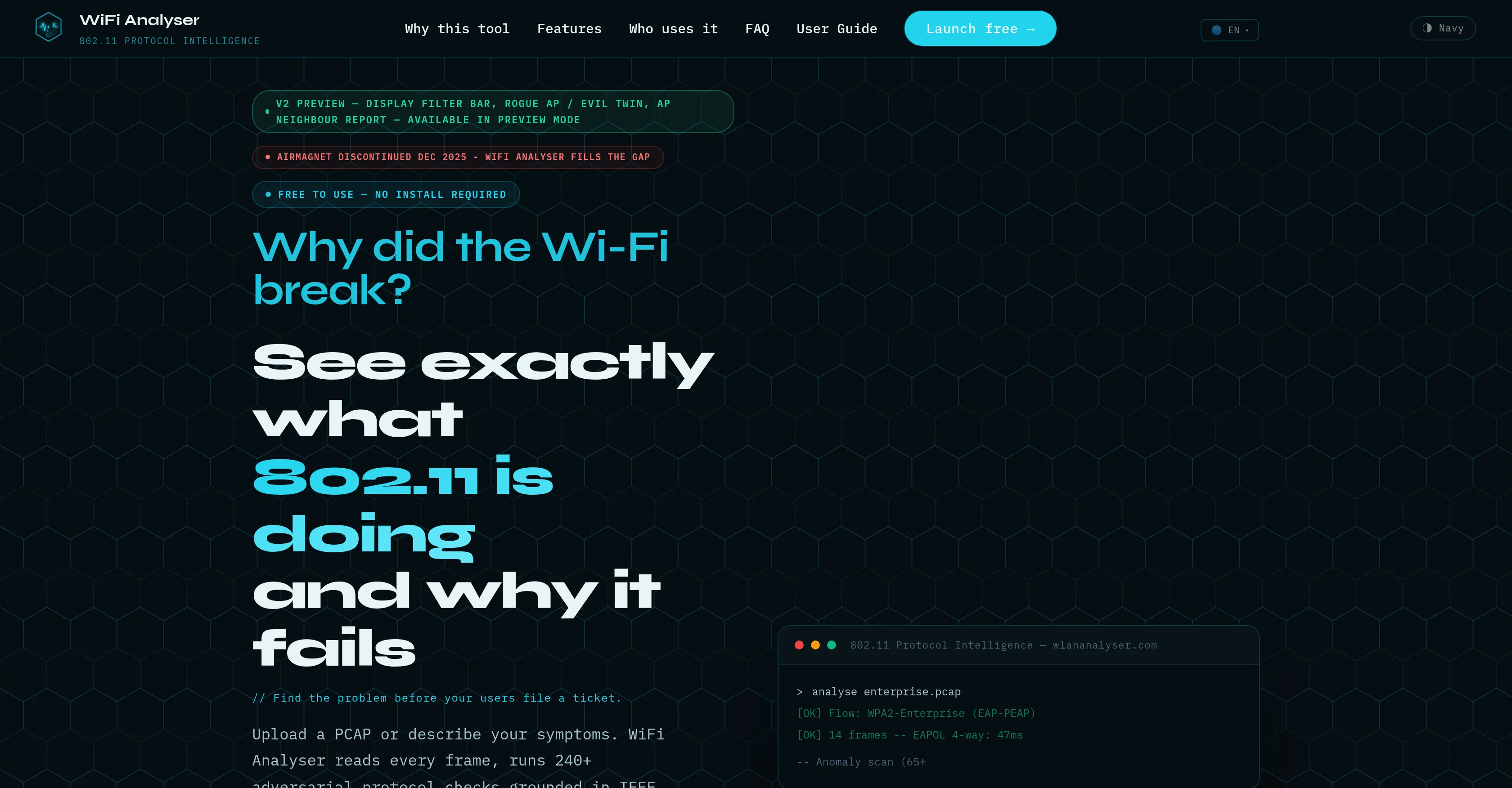
WiFi Analyser is a free browser-based utility that offers in-depth analysis of 802.11 protocols, delivering AI-backed diagnosis of potential network issues. Designed with a foundation in IEEE 802.11-2020 and MITRE CVE data, it helps identify issues right at the frame level. Users can upload a PCAP file or describe their networks symptoms to receive an instant root cause diagnosis. WiFi Analyser aims to replace the complexity experienced with alternatives like Wireshark, and it doesn't require installations, license keys or expiry dates.The tool completes over 240 adversarial protocol checks, reviewing each frame to identify anomalies, vulnerabilities, and offer potential fix commands. With the ability to work entirely within a web browser, the data analyzed is never stored, ensuring user privacy.An additional symptom mode is also available for problem diagnosis when no PCAP is present. While packed with rich features, including deep frame decoding, AI root cause engine, comprehensive security checks, and browser-only privacy features, it remains accessible to users of every AP brand, making analyzation and issue resolution instant and hassle-free.WiFi Analyser prides itself on its offensive-first detection model, viewing the users data capture as a potential attacker would, identifying vulnerabilities such as an offline-crackable handshake, unprotected management frames, and downgradeable cipher suites.An important note is that this tool is equally privacy-focused in addition to being powerful, all data is processed in-memory and discarded post-analysis, ensuring user data is never kept. Help other people by letting them know if this AI was useful. Add your own prompts and outputs to help others understand how to use this AI.
When considering WiFi Analyser for integration into your organizational workflow, we recommend deploying a structured score card across three critical operational pillars: Security & Compliance, Integration Friction, and long-term Price Scalability. Rather than looking only at basic feature lists, modern procurement teams must assess how a software platform behaves under high load and how well it fits into the team's data security guidelines.
Depending on your operating region and field, ensure that WiFi Analyser supports standard security layers such as SOC 2 Type II certifications, GDPR compliance, or HIPAA-compliant database encryption. If the tool connects directly to client database tables or handles user passwords, verify that they implement multi-factor authentication (MFA), single sign-on (SSO) integrations, and end-to-end data encryption in transit and at rest.
Siloed data is the primary cause of operational friction. Evaluate if WiFi Analyser has native connectors for your current project trackers, messaging hubs, and customer communication channels. For custom developer requirements, check if they provide a fully documented REST API with reasonable rate limits, comprehensive Webhooks support, and robust SDK packages in your language. A flexible API layer saves hundreds of hours of manual copy-paste overhead.
SaaS pricing packages are often deceptively simple. When reviewing WiFi Analyser's billing structure, map out your team's projected expansion over the next 12 to 24 months. Determine how costs scale as your customer database increases or as you add team members. Factor in setup costs, mandatory support plan upgrades, API access fees, and storage overage rates to understand the true cost before committing to a contract.
By combining verified user reviews from our directory with internal workflow pilot tests, your procurement team can make an informed decision that drives productivity without creating capital waste.
Overall rating
Based on 15 reviews
State of the Art
Dmitry G.
It doesn't want to follow the prompt (only up to 30%), so the strong stylization is too close to "coloring book art" rather than paintings, 2D, 3D, or any "handmade art," as strictly specified in the prompt and shown on the app's demo picture. It simply does whatever it wants, not whatever we want because it's a shiny-fancy rebel like R2D2 ;-) THX
Timeship
It’s amazing!!! It’s one of the best sketch image bots I’ve used. It makes the images look well sketched too.
Jojo
Nice app good results.
FX Designer
It is very receptive to the prompts and gives very aesthetically pleasing results.
Arianna
I especially like that there's a colored side to guide the artist as reference
Kristoff 1 Skalet 1
🌟🌟🌟🌟🌟 This AI prompt generation tool is exceptional! It vividly brought to life the jungle scene I envisioned, capturing every detail with remarkable accuracy. The natural expressions, vibrant colors, and serene atmosphere were perfectly rendered. Highly recommended for creative projects!
Sukul Das PANIKA
It’s good tool, but needs work when I write what supposed to be written is not working properly
Omar Ibrahim
Really impressive! The suggestions were simple, and the image came out beautifully well too!
Jojo
very good image
Bristan “Capesterre” Carbier
Does not know how to spell
Emily Hamilton
There were no aristocratic Asians and Africans in ancient Rome.
Sándor Gajdos
Wow, so good
Neskwusss
I think it's the best @Image Generator I ever found on the net. It gives more accurate image according to the prompt. And thank you for keeping it for free.
My Sawsiri
Not at all accurate…. The only thing similar between original and generated images were the clothes and accessories… face was absolutely new and unconnected.
Shvetank Sharma
Starting Price
Free plan available
Free tier available with optional paid upgrades.