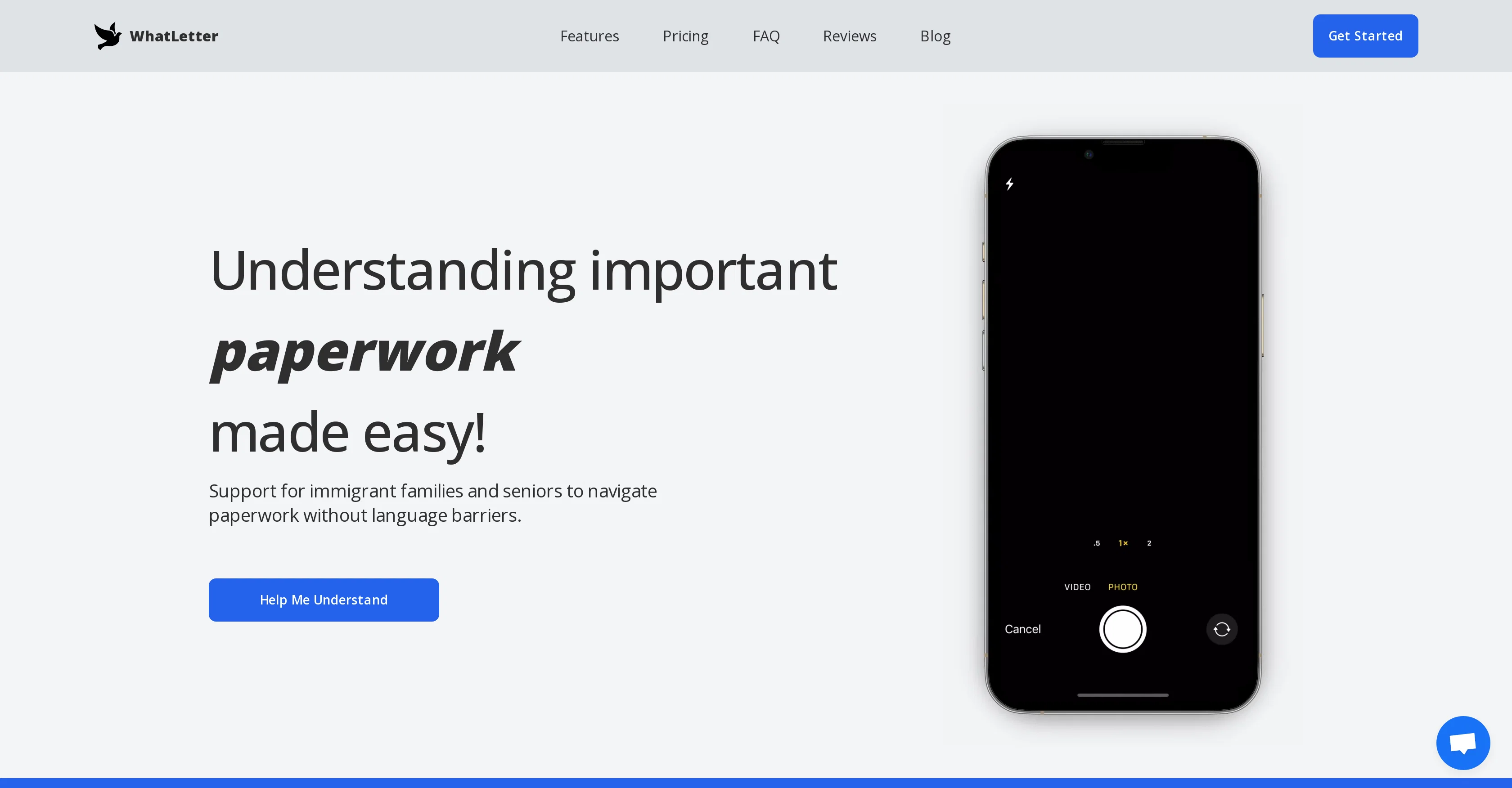
WhatLetter is an AI-powered application designed to facilitate the process of translating and understanding documents across various languages. The tool offers a user-friendly approach to navigate paperwork, particularly beneficial for immigrant families and seniors.
It supports 30+ languages, allowing for a truly global reach. Users can simply take a snapshot of a document, and the tool provides instant insights and contextually translating the content.
The tool also facilitates natural conversations and engagements in the user's chosen language, providing tailored explanations and responses. WhatLetter prioritises privacy, assuring no images or chat histories are saved on its servers or accessed by third parties.
It is universally accessible via web-based platforms on both desktop and mobile browsers. Regular updates, including integrations with communication platforms like WhatsApp and Telegram, are part of its ongoing development.
Apart from document translation, WhatLetter can be used for personal usage on medical records, bills, legal forms, travel guides, business contracts, technical documents, and more.
WhatLetter also aims to encourage independent usability by enabling users to understand their documents without assistance. The tool is aimed at delivering a seamless, confident, and time-saving document translation and comprehension experience.
Help other people by letting them know if this AI was useful.
Add your own prompts and outputs to help others understand how to use this AI.
Screenshot gallery
Pros & Cons
Pros
+Supports 30+ languages
+Instant insights on documents
+Contextual translation
+Natural conversation facilitation
+User privacy prioritized
+Accessible on web platforms
+Regular updates
+Integration with messaging apps
+Supports various document types
+Enables independent usability
+Designed with immigrant families and seniors in mind
When considering WhatLetter for integration into your organizational workflow, we recommend deploying a structured score card across three critical operational pillars: Security & Compliance, Integration Friction, and long-term Price Scalability. Rather than looking only at basic feature lists, modern procurement teams must assess how a software platform behaves under high load and how well it fits into the team's data security guidelines.
1. Security and Database Compliance
Depending on your operating region and field, ensure that WhatLetter supports standard security layers such as SOC 2 Type II certifications, GDPR compliance, or HIPAA-compliant database encryption. If the tool connects directly to client database tables or handles user passwords, verify that they implement multi-factor authentication (MFA), single sign-on (SSO) integrations, and end-to-end data encryption in transit and at rest.
2. API Coverage and Custom Integrations
Siloed data is the primary cause of operational friction. Evaluate if WhatLetter has native connectors for your current project trackers, messaging hubs, and customer communication channels. For custom developer requirements, check if they provide a fully documented REST API with reasonable rate limits, comprehensive Webhooks support, and robust SDK packages in your language. A flexible API layer saves hundreds of hours of manual copy-paste overhead.
3. Total Cost of Ownership (TCO)
SaaS pricing packages are often deceptively simple. When reviewing WhatLetter's billing structure, map out your team's projected expansion over the next 12 to 24 months. Determine how costs scale as your customer database increases or as you add team members. Factor in setup costs, mandatory support plan upgrades, API access fees, and storage overage rates to understand the true cost before committing to a contract.
By combining verified user reviews from our directory with internal workflow pilot tests, your procurement team can make an informed decision that drives productivity without creating capital waste.
Features of WhatLetter
Language Translation
Document Translation
Multilingual
Text Recognition
International Communication
User Privacy
Free + From $1.99/Mo
SaaS1to10 verified reviews for WhatLetter
Overall rating
★★★★★5.0
Based on 10 reviews
★★★★★5.01 months ago
“Review”
CreditBoostPro was useful and easy to understand. The AI gave clear, practical guidance without making wild promises, which I appreciated. It helped me think through credit improvement steps in a more organized way and made the process feel less confusing. Solid tool if you need direction and want a clearer path forward.
It's Dad
★★★★★5.01 months ago
“Review”
So right away, when you go to their site, it allows you to create a video. I punched in a short sentence about Hannahbelle And Tami, 2 women in pink ski masks that rob a bank and get away in a pink dodge charger, a recurring theme in many of my AI Generated tests. I didnt expect too much but i have to say, while I would have liked to have more control over the voiceover, and perhaps some of the images used, it wasnt bad for just going to the site and really without even signing up, getting a demo of what the site is capable of. The features are...few...but there is potential. No free tier, but you do get one free video. With little to no editing or manipulation available, the prices seem high. Also, not sure if you can change this, but the voiceover is auto-captioned inside the video.
Hannah Belle O.
★★★★★5.01 months ago
“Review”
very good tool. done your work in seconds with Retouch Pro
Tahir
★★★★★5.01 months ago
“Review”
The app is good
Abiola Valentine, Taiwo
★★★★★5.01 months ago
“Review”
Awesome tool! I have crafted my own tool, but @Syft is the best!
Jonathan Bahu
★★★★★5.01 months ago
“Review”
10 MB Limit does limit usability best if .pdf contains NO images.
Steve Bastiman
★★★★★5.01 months ago
“Review”
Accuracy nice. Free
Álvaro Sánchez Román
★★★★★5.01 months ago
“Review”
A little biased, but I think it's great.
Dawson Whitfield
★★★★★5.01 months ago
“Review”
Great tool! Was very helpful in content production
Duck Typer
★★★★★5.01 months ago
“Review”
I tried using it but the website has too many bugs.