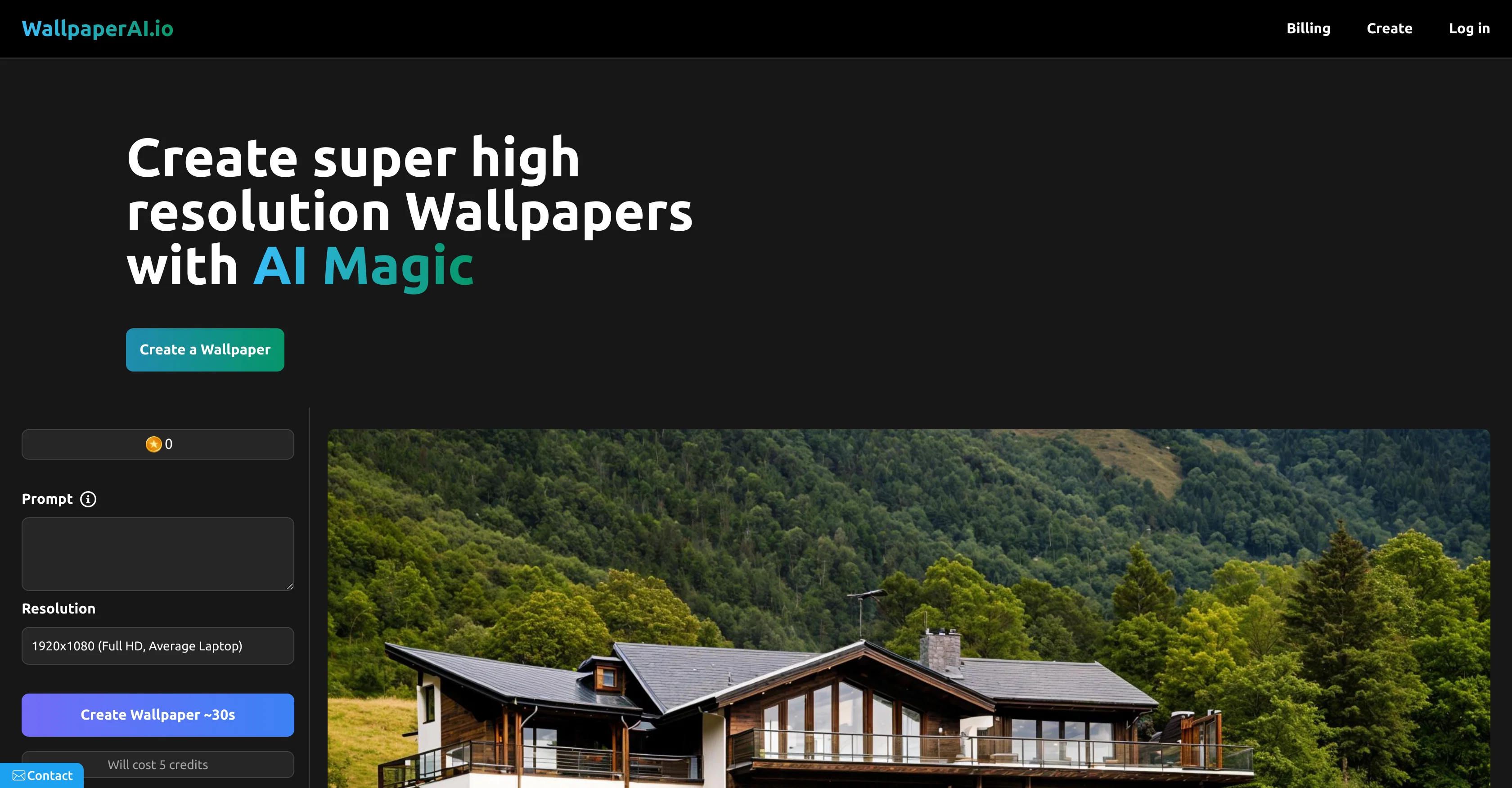
WallpaperAI.io is an AI-enabled tool designed to generate high-resolution wallpapers. Leveraging artificial intelligence, this application can significantly upscale and enhance the quality of your images.
It conveniently supports a variety of resolutions, ranging from Full HD for average laptops, WQHD for gaming monitors, 4K UHD, and dimensions suitable for average and premium smartphones.
It even supports 5K resolution for devices like MacBooks. It allows users to create personalized wallpapers with a variety of prompts, providing enhanced creativity and personal touch to image creation.
To generate a wallpaper, the user simply selects their desired resolution, provides a prompt, and the tool employs its AI capabilities to create high-quality wallpapers based on these inputs.
The waiting time for image creation is typically low. Please note that creating wallpaper with WallpaperAI.io consumes internal credits. This tool requires JavaScript enabled in your browser to function optimally.
Help other people by letting them know if this AI was useful.
Add your own prompts and outputs to help others understand how to use this AI.
Screenshot gallery
Pros & Cons
Pros
+High-resolution image output
+Image upscaling capabilities
+Enhancement of image quality
+Supports Full HD resolution
+Supports WQHD resolution
+Supports 4K UHD resolution
+Supports 5K resolution
+Personalization prompts
+Creativity enhancement
+Suitable for average laptops
+Suitable for gaming monitors
+Suitable for premium smartphones
+Suitable for MacBooks
+Low image creation waiting time
+JavaScript required
+Consumes internal credits
+Supports multiple image resolutions
+Ability to enter specific prompt
+Usage requires log-in
+Enables super high resolution
Cons
−Consumes internal credits
−Requires JavaScript enabled
−No API mentioned
−Limited to wallpaper creation
−No batch processing mentioned
−Relies on user prompts
−No free version
A Professional Framework to Evaluate WallpaperAI
When considering WallpaperAI for integration into your organizational workflow, we recommend deploying a structured score card across three critical operational pillars: Security & Compliance, Integration Friction, and long-term Price Scalability. Rather than looking only at basic feature lists, modern procurement teams must assess how a software platform behaves under high load and how well it fits into the team's data security guidelines.
1. Security and Database Compliance
Depending on your operating region and field, ensure that WallpaperAI supports standard security layers such as SOC 2 Type II certifications, GDPR compliance, or HIPAA-compliant database encryption. If the tool connects directly to client database tables or handles user passwords, verify that they implement multi-factor authentication (MFA), single sign-on (SSO) integrations, and end-to-end data encryption in transit and at rest.
2. API Coverage and Custom Integrations
Siloed data is the primary cause of operational friction. Evaluate if WallpaperAI has native connectors for your current project trackers, messaging hubs, and customer communication channels. For custom developer requirements, check if they provide a fully documented REST API with reasonable rate limits, comprehensive Webhooks support, and robust SDK packages in your language. A flexible API layer saves hundreds of hours of manual copy-paste overhead.
3. Total Cost of Ownership (TCO)
SaaS pricing packages are often deceptively simple. When reviewing WallpaperAI's billing structure, map out your team's projected expansion over the next 12 to 24 months. Determine how costs scale as your customer database increases or as you add team members. Factor in setup costs, mandatory support plan upgrades, API access fees, and storage overage rates to understand the true cost before committing to a contract.
By combining verified user reviews from our directory with internal workflow pilot tests, your procurement team can make an informed decision that drives productivity without creating capital waste.
Features of WallpaperAI
High Resolution
Wallpaper Generation
Multiple Resolutions
Images Upscaling
Image Enhancement
4K UHD
From $9/Mo
SaaS1to10 verified reviews for WallpaperAI
Overall rating
★★★★★5.0
Based on 16 reviews
★★★★★5.01 months ago
“Review”
It took me less than 20 minutes to create infographic perfection- all the other AI design sites I tried, and I tried them all, weren't able to give me what I wanted in 1 way or another. Outline Ninja helped me create my infographic
Gay Shirer
★★★★★5.01 months ago
“Review”
Which step felt like “subscription bait,” and which part is lacking utility?
Sevag H
★★★★★5.01 months ago
“Review”
It's pretty cool. There is a free plan/membership.That means that you get free 100 image credits every month that will refresh (on the date you created the account, not on every first of month). Seems to have relatively mild filters. Faces of celebs seem to be blocked. You can type in the name of a celeb and it will create a picture but the face will be a fragmented colorful mess. It has a in-painting function and you can enlarge the canvas (both are separate functions that will cost as much credits as the generation of an image. However it is possible to create NSFW images, if you're into that.
Marshmallowfroggy
★★★★★5.01 months ago
“Review”
Wish it had a 1-7 day trial or short demo.
Daniel Garaiacu
★★★★★5.01 months ago
“Review”
Great product to offload the data analytics workflow.
Pedro A Porras Luraschi
★★★★★5.01 months ago
“Review”
It created some decent logos. They are great as a start point
Samuel Barlet
★★★★★5.01 months ago
“Review”
They're dreaming if they think I'd give them my credit card info just for a free trial. Most useless thing ever...
Noeffen Way
★★★★★5.01 months ago
“Review”
It's sad to see people want to try your tool out but you have no free sample for them. This may be the best tool out there, but, as mentioned, going through with the AI for minutes to explain what you want, then being prompted to pay, without even knowing if it CAN create something, is discouraging. I hope we can get a free sample or preview at one point, im interested in this one.
Ron Jayson
★★★★★5.01 months ago
“Review”
It's not free, it forces you to input an email before shoving a price tag in your face.
Arvoly XSL
★★★★★5.01 months ago
“Review”
after playing around with it for a bit, i am now aware of how much i need this. i can already feel the hours of sleep coming back to me <3
Bru no no no
★★★★★5.01 months ago
“Review”
As the service was in beta-testing stage, I created there a dozen of AI-generated courses for free. I wanted to use them. Those courses remained in my account as they started subscription tiers. But recently I have found out that they were deleted. The support didn't answer to my e-mail at all.
Oldfag TV
★★★★★5.01 months ago
“Review”
I think it's the best @Image Generator I ever found on the net. It gives more accurate image according to the prompt. And thank you for keeping it for free.
My Sawsiri
★★★★★5.01 months ago
“Review”
Hi Guys its @Prefind Team. 1. We are free to use 2. We powered by Claude-3 and GPT-4 3. Its a very fast Chrome extensions. Please give it a try and tell us your feedback!
hh huang
★★★★★5.01 months ago
“Review”
I tried it to generate images of a product. of the four, non were relevant or useful. The negative prompt was ignored. It is nice that it generates images with transparent backgrounds, but if you are working on a product, there are many better options.
James Weitz
★★★★★5.01 months ago
“Review”
Thanks for the nice comment Cath! I'm working on it by myself, it's the first app that I build and I try to make the customer experience as good as I can. It's always the number one focus.
Marc Lamy
★★★★★5.01 months ago
“Review”
Free Start with a Free Experience $0 /mo
Vitus Bering
Pricing
Starting Price
From $16.00/user/month
Pricing may vary based on team size and features selected.