5.01 months ago
“Review”
very good, even the free ver
Hamza Bashiri

Create engaging business videos with animation software
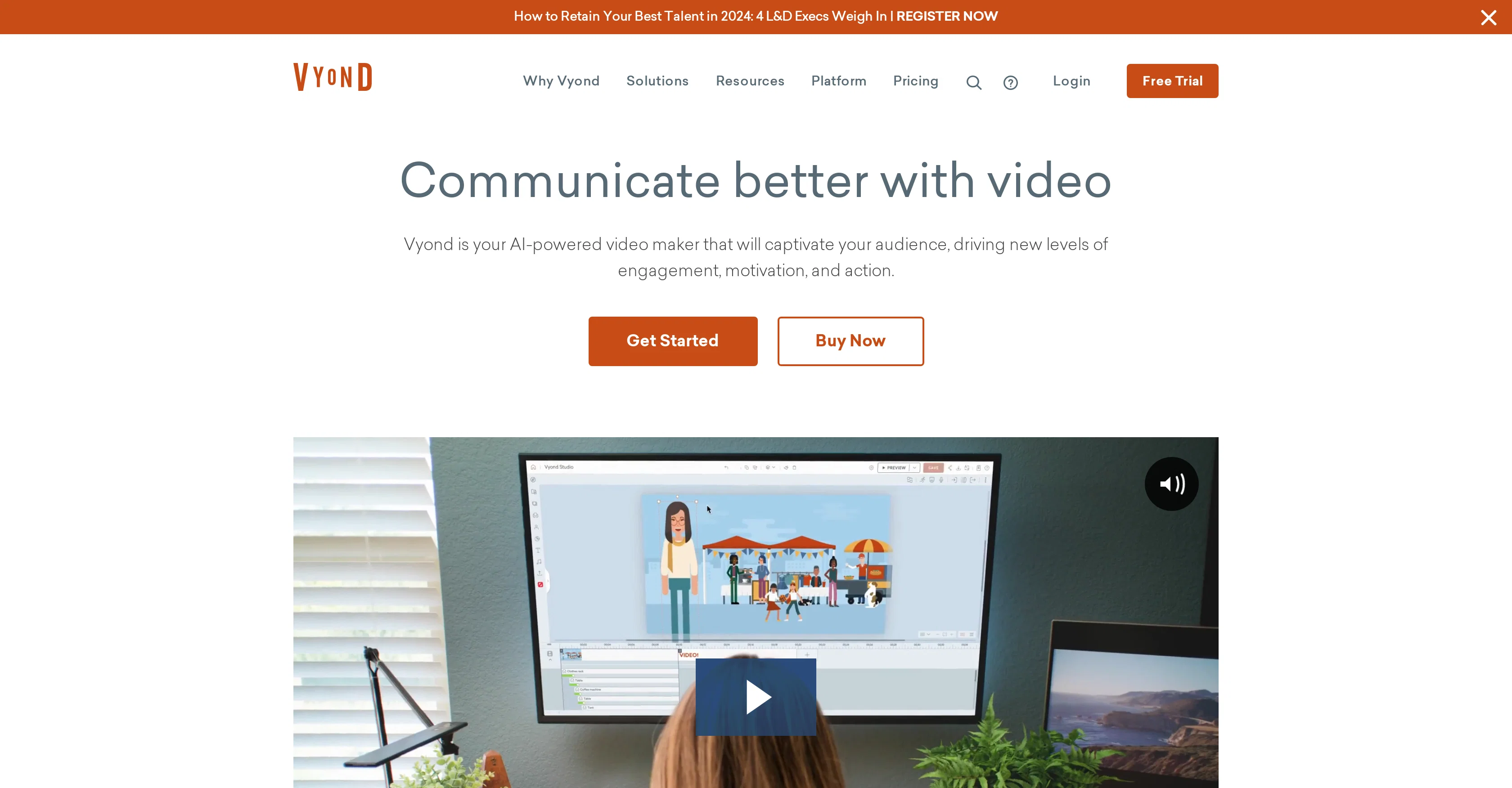
Vyond is a video animation software designed to cater to businesses. This includes enterprises, small and medium businesses, resellers, affiliates, agencies, and more. It provides solutions for different departments such as training and eLearning, human resources, internal communications, marketing, and sales, as well as serving various industries like finance, government, healthcare, hospitality, pharmaceuticals, professional services, and software & tech. With Vyond, users can transform mission-critical content into engaging and impactful media. Vyond also offers an AI-powered video maker called 'Vyond Go' that allows the creation of videos in seconds. This software is designed to maximize audience engagement, motivation, and action. Value and ROI, security, and commitment to service are key focuses of the tool, and it serves a wide user base across different sectors. Its capabilities extend to training, brand storytelling, and more, offering an impactful way to communicate and captivate audiences. The platform is equipped with additional resources like video templates, webinars, blogs, and a community platform to further assist users in their video creation journey. Help other people by letting them know if this AI was useful. Add your own prompts and outputs to help others understand how to use this AI.
When considering Vyond for integration into your organizational workflow, we recommend deploying a structured score card across three critical operational pillars: Security & Compliance, Integration Friction, and long-term Price Scalability. Rather than looking only at basic feature lists, modern procurement teams must assess how a software platform behaves under high load and how well it fits into the team's data security guidelines.
Depending on your operating region and field, ensure that Vyond supports standard security layers such as SOC 2 Type II certifications, GDPR compliance, or HIPAA-compliant database encryption. If the tool connects directly to client database tables or handles user passwords, verify that they implement multi-factor authentication (MFA), single sign-on (SSO) integrations, and end-to-end data encryption in transit and at rest.
Siloed data is the primary cause of operational friction. Evaluate if Vyond has native connectors for your current project trackers, messaging hubs, and customer communication channels. For custom developer requirements, check if they provide a fully documented REST API with reasonable rate limits, comprehensive Webhooks support, and robust SDK packages in your language. A flexible API layer saves hundreds of hours of manual copy-paste overhead.
SaaS pricing packages are often deceptively simple. When reviewing Vyond's billing structure, map out your team's projected expansion over the next 12 to 24 months. Determine how costs scale as your customer database increases or as you add team members. Factor in setup costs, mandatory support plan upgrades, API access fees, and storage overage rates to understand the true cost before committing to a contract.
By combining verified user reviews from our directory with internal workflow pilot tests, your procurement team can make an informed decision that drives productivity without creating capital waste.
Overall rating
Based on 26 reviews
very good, even the free ver
Hamza Bashiri
this is so good, i pasted a youtube link of 40 mins long video and it gave me a clean text nice to read and i didn’t find any mistakes. best part it only took 2 mins maybe less
beni1
I let my dog imitate the way I speak, it's so funny that it makes me laugh to death.
hu han
Great it's helps me alot
Rup Mondal
Thank you I got a great score and the information I needed to know if I was on the right track with this one.
Ryan Little
Sketch to Logo part is BROKEN
Berkay KARACAN
Really great at creating your "actor" and producing any scenario you prompt. Video creation lacks definition but images are exceptional
3Gs
This video generator did much better than I expected on complex subjects. Unfortunately, it isn't as free as I wished. I could not iterate my creation to create a resolved result.
Gamaliel yd
Classic tool 😮💨 Loving Gen 4, it's wild how good the motion consistency is. It feels like a full studio in your browser. Big W guys keep it up!
Chris Studioz
the kids really liked it, they started drawing a lot of pictures, trying to bring them to life - it turns out fantastic! it's important that there is one character in the picture
Yulia Boiko
@Opus Clip is clutch fr
gregory brooks
Allows me to create high-quality banners to promote my products.
Marc Heldo
Generating captions was super fast like seconds. Wish they had Anton font though
bob miller
@GoEnhance's production from video to animation is impressive. It can go up to 2k 60fps, so exciting.
qiufeng hua
This is phenomenal. I demo it in my sessions all the time.
Beth Ziesenis
When I want to sign up on the @Ideogram website with "Continue with Google" and press it, the sentence "Please choose an option to continue" appears below the banner and no action happens. Anybody can help me?
Michael Ryan
Such a great place to start out!
Helli Lang
I already have another transcription tool, but this one is much better. I love the different features such as the summary, quiz, and chapters. It does a great job of them. I've only done one transcript so far to try it out, but I'm truly impressed and am going to grab another code. A couple things that would make it even better are: - the ability to rename the files and organize them through folders. - the ability to download a copy of the other features as well as the transcript. Copying and pasting it works, but doesn't keep the format.
dunn
State of the Art
Dmitry G.
I'm still testing the tool yet it looks very promising. I tested it with a 5.5k words Academic text that I had previously red. I tested the Key points feature, it does work!
Ivana González
Hi this is best teacher in Japan he is teach English every well. Every student like this teacher and he also loving with his students. But every time he is angry on his students because the students is very stofed.
Dilawar Hussain
@Animagic works by allowing users to upload a photo of their character drawing. The AI-based tool then automates the process of animating the uploaded characters, as if they were dancing or performing various actions. Besides animation, users can also customize their creations, such as adding multiple characters, altering dancing moves, or changing backgrounds.
Jayaram Behera
Stunning. I love so much
Ji Aiden
It’s good but I don’t like that it doesn’t animate the whole picture, I mean 4 people on 1 picture would be animated differently so you can’t save a picture as whole
Boris Simasco
It's too complicated for a beginner
Giti Mortazavi
Creat cartoon video 5minet
PRAVIN THAKOR
Starting Price
Free plan available
Free tier available with optional paid upgrades.


