5.01 months ago
“Review”
It's very helpful
Syed Zaid i

AI video editing made simple for everyone.
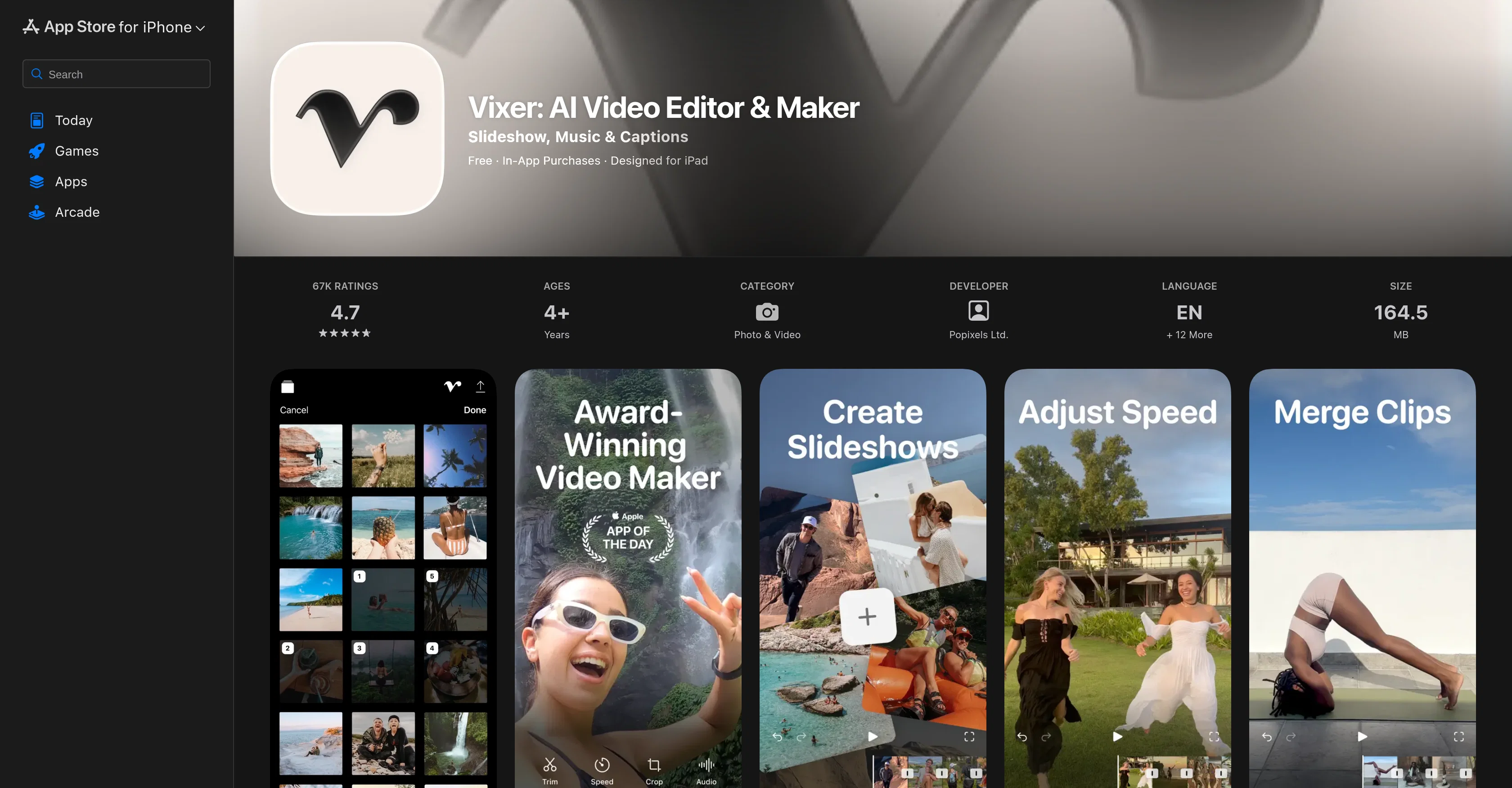
Vixer is an AI-powered video editing application developed by Popixels Ltd. Its user-friendly interface and simplicity make it an ideal tool for both beginners and seasoned creators. Primarily, it is designed for crafting short-form content tailored for social media platforms, aiming to enhance the business presence of users through impactful content. The features of the application can be categorized as follows: Editing functionalities including trimming, cropping, splitting, merging, rotating, speeding up or slowing down content; visual enhancements with dynamic transitions, trendy filters, colour adjustments, aesthetic text, and sophisticated frame overlays; creative additions of unlimited royalty-free music, voice-overs, and more; automated features turning live photos into videos or creating content from the user's camera roll. This application also enables customization of audio with precision mixing of music, volume adjustments and sound effects. Users have export options up to 4K resolution and can share their creations directly to social media platforms like TikTok, Instagram, and YouTube, where the content is perfectly formatted for each specific platform. Help other people by letting them know if this AI was useful. Add your own prompts and outputs to help others understand how to use this AI.
When considering Vixer: AI Video Editor for integration into your organizational workflow, we recommend deploying a structured score card across three critical operational pillars: Security & Compliance, Integration Friction, and long-term Price Scalability. Rather than looking only at basic feature lists, modern procurement teams must assess how a software platform behaves under high load and how well it fits into the team's data security guidelines.
Depending on your operating region and field, ensure that Vixer: AI Video Editor supports standard security layers such as SOC 2 Type II certifications, GDPR compliance, or HIPAA-compliant database encryption. If the tool connects directly to client database tables or handles user passwords, verify that they implement multi-factor authentication (MFA), single sign-on (SSO) integrations, and end-to-end data encryption in transit and at rest.
Siloed data is the primary cause of operational friction. Evaluate if Vixer: AI Video Editor has native connectors for your current project trackers, messaging hubs, and customer communication channels. For custom developer requirements, check if they provide a fully documented REST API with reasonable rate limits, comprehensive Webhooks support, and robust SDK packages in your language. A flexible API layer saves hundreds of hours of manual copy-paste overhead.
SaaS pricing packages are often deceptively simple. When reviewing Vixer: AI Video Editor's billing structure, map out your team's projected expansion over the next 12 to 24 months. Determine how costs scale as your customer database increases or as you add team members. Factor in setup costs, mandatory support plan upgrades, API access fees, and storage overage rates to understand the true cost before committing to a contract.
By combining verified user reviews from our directory with internal workflow pilot tests, your procurement team can make an informed decision that drives productivity without creating capital waste.
Overall rating
Based on 10 reviews
It's very helpful
Syed Zaid i
Too expensive.
AI777
Generating captions was super fast like seconds. Wish they had Anton font though
bob miller
Hey Jack, fair question! The AI is the "Wingman" feature inside the video call. Instead of transcribing the audio (which would violate our privacy policy), the AI is an on-demand agent powered by GPT-4o. You toggle modes like 'Roast' or 'Spicy', and it generates context-aware conversation cards to save the date if things get awkward. We prioritized user privacy over an 'always-listening' AI assistant. Give the Roast mode a try—it's pretty ruthless!
Aaron Rush
unlock premium
kamil khan
It's got a lot of potential...but glitchy right now (Sept 25). Unable to generate background video at the last line of the text. Eventually, if you tinker with the editing a few dozen times, the subtitles stop highlighting the current word.
Ben Letto
makes actually good clips
fourleafclover
Bro, @Captions is actually straight fire for short-form content. Script in, clean @Captions and edits out, and it makes talking-head clips feel way more polished in minutes. Big w for creators
Chris Studioz
Selamat siang saya akan membagikan tutorial gimana caranya mengedit video di aplikasi capcut
Rhyben Rinto
Video editing
Amrit kuli Amrit kuli
Starting Price
From $6.00/user/month
Pricing may vary based on team size and features selected.


