5.01 months ago
“Review”
i cant live without it, using it more then a year now. Love it!
Dawid Paliczuk

The world's fastest calendar for remote work
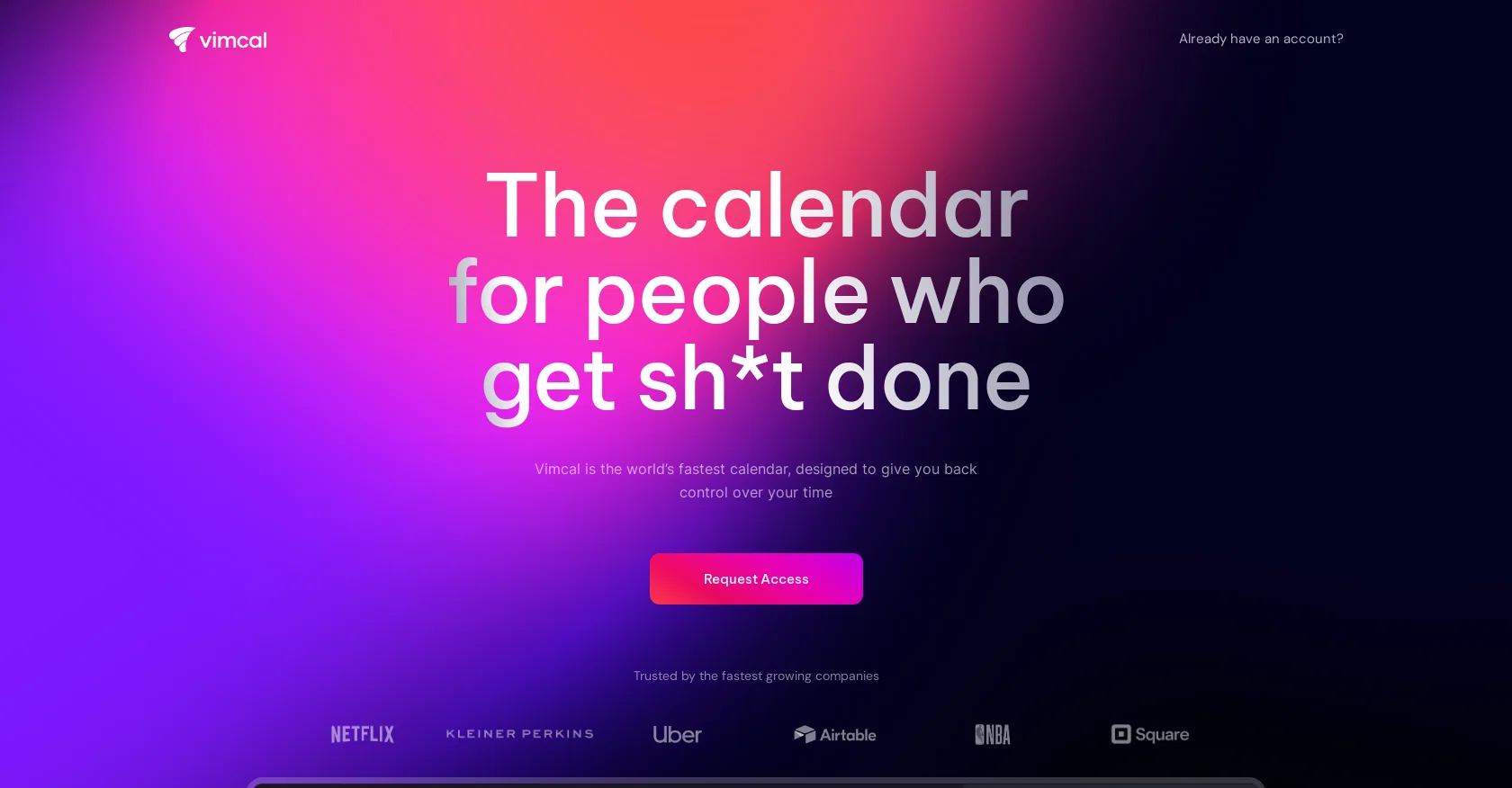
Vimcal is a calendar tool specifically designed for remote work. It allows users to easily schedule appointments and events across different time zones. The tool offers various features such as booking links, keyboard shortcuts, color coding, and polls to enhance productivity. Vimcal is accessible on desktop, iOS, and as a Chrome Extension, compatible with Google or Outlook/Exchange accounts. It promotes efficiency by providing lightning-fast operations through hotkeys and natural language commands. Additionally, Vimcal incorporates AI assistance to automate scheduling tasks, offering users predefined options that they can confirm with minimal effort. This feature is claimed to save users three hours per week.The iOS version of Vimcal is described as a powerful mobile calendar designed specifically for work and school, emphasizing its suitability for on-the-go professionals. It simplifies time zone management by allowing users to quickly find and select any time zone in the world by typing the corresponding city.Other notable features of Vimcal include social profiles and company dossiers for individuals users may encounter, a "Do Not Disturb" mode with customizable settings, and a unified view that integrates multiple personal and work accounts. The tool is endorsed by notable personalities from Twitter, Roam Research, Reflect & Clearbit, and ATLAN, who praise its user-friendly interface and time-saving capabilities. Vimcal positions itself as an executive assistant disguised as a calendar, offering users greater control over their time. Help other people by letting them know if this AI was useful. Add your own prompts and outputs to help others understand how to use this AI.
When considering Vimcal for integration into your organizational workflow, we recommend deploying a structured score card across three critical operational pillars: Security & Compliance, Integration Friction, and long-term Price Scalability. Rather than looking only at basic feature lists, modern procurement teams must assess how a software platform behaves under high load and how well it fits into the team's data security guidelines.
Depending on your operating region and field, ensure that Vimcal supports standard security layers such as SOC 2 Type II certifications, GDPR compliance, or HIPAA-compliant database encryption. If the tool connects directly to client database tables or handles user passwords, verify that they implement multi-factor authentication (MFA), single sign-on (SSO) integrations, and end-to-end data encryption in transit and at rest.
Siloed data is the primary cause of operational friction. Evaluate if Vimcal has native connectors for your current project trackers, messaging hubs, and customer communication channels. For custom developer requirements, check if they provide a fully documented REST API with reasonable rate limits, comprehensive Webhooks support, and robust SDK packages in your language. A flexible API layer saves hundreds of hours of manual copy-paste overhead.
SaaS pricing packages are often deceptively simple. When reviewing Vimcal's billing structure, map out your team's projected expansion over the next 12 to 24 months. Determine how costs scale as your customer database increases or as you add team members. Factor in setup costs, mandatory support plan upgrades, API access fees, and storage overage rates to understand the true cost before committing to a contract.
By combining verified user reviews from our directory with internal workflow pilot tests, your procurement team can make an informed decision that drives productivity without creating capital waste.
Overall rating
Based on 20 reviews
i cant live without it, using it more then a year now. Love it!
Dawid Paliczuk
Makes it easy to get started with a presentation if you have an outline, but as soon as you want more control, you're better off using Google Slides. @Gamma's feature that I used the most was image generation - you can select among a variety of models (Ideogram, Flux, DALL-E, but not Midjourney), and it shows 3 variations to choose from. Performance is slow and a little janky, even in Chrome. Prompts and settings are often not respected - e.g. you set it to "preserve text" and just generate slides, and it goes onto dumping an entire 3 paragraphs of text in one slide. You can't overlay text over images (e.g. for image attribution), and there's no precise positioning control, or grouping elements. No way to control table layout, e.g. to have two images slide-by-side in full bleed mode. I tried @Gamma for a new presentation, but next time I need to make a presentation, I'll go back to Google Slides and generate images independently.
Dan Dascalescu
Alternative for fast academic writing
Ivan Taslim
Great! I think @AI Lawyer is the best service I've ever seen. Perfect use. Prompting helps in the work
Yuri Gerasimov
easy to pick up and you get a few free file imports. it gives you results pretty fast, unfortunately i can't find a way to get back to these, they're locked behind the paid service.
Ron Jayson
Undetectable.wtf is better bypasses everything maintaining thee integrity of the text.
LiteEagle
I tried using it but the website has too many bugs.
João Neiva
The website is pretty good but there are only a limited number of responses
Probal Roy
It's not free, it forces you to input an email before shoving a price tag in your face.
Arvoly XSL
Such an impressive platform for all of us who are looking for more efficient ways to do the investigation. @OpenRead has the potential to solve our problems.
Zhuohang Tong
Works but I cannot understand what's the use. I was expecting it to give me some videos
Samartha Venkatramana
After my first use, I think it's surprisingly good. The only drawback so far is the PDF export option for the report which is formatless.
Alejandro Correa
I'm still testing the tool yet it looks very promising. I tested it with a 5.5k words Academic text that I had previously red. I tested the Key points feature, it does work!
Ivana González
O GPT faz uma análise melhor e mais personalizada.
Vinicius Vilela
As the service was in beta-testing stage, I created there a dozen of AI-generated courses for free. I wanted to use them. Those courses remained in my account as they started subscription tiers. But recently I have found out that they were deleted. The support didn't answer to my e-mail at all.
Oldfag TV
after playing around with it for a bit, i am now aware of how much i need this. i can already feel the hours of sleep coming back to me <3
Bru no no no
do the job well
Rifky
This has quickly become one of my favourite tools. It makes planning and scheduling so much easier. Also made a video about it https://youtu.be/Uf2ydOjlo2Y
J.I.
Good job dud good job , i wanna try sure
Moto Designer Pradeep Kushagra Patel
Thanks for the feedback, and also for the tip for the community. One more tip: if you upload an image directly, you can add context that might be missing in the image. For example, the duration is 3 hours or prefix every event title with Name:
Caren Cioffi
Starting Price
Free plan available
Free tier available with optional paid upgrades.