5.02 months ago
“Review”
Accuracy nice. Free
Álvaro Sánchez Román

AI for the rest of us.
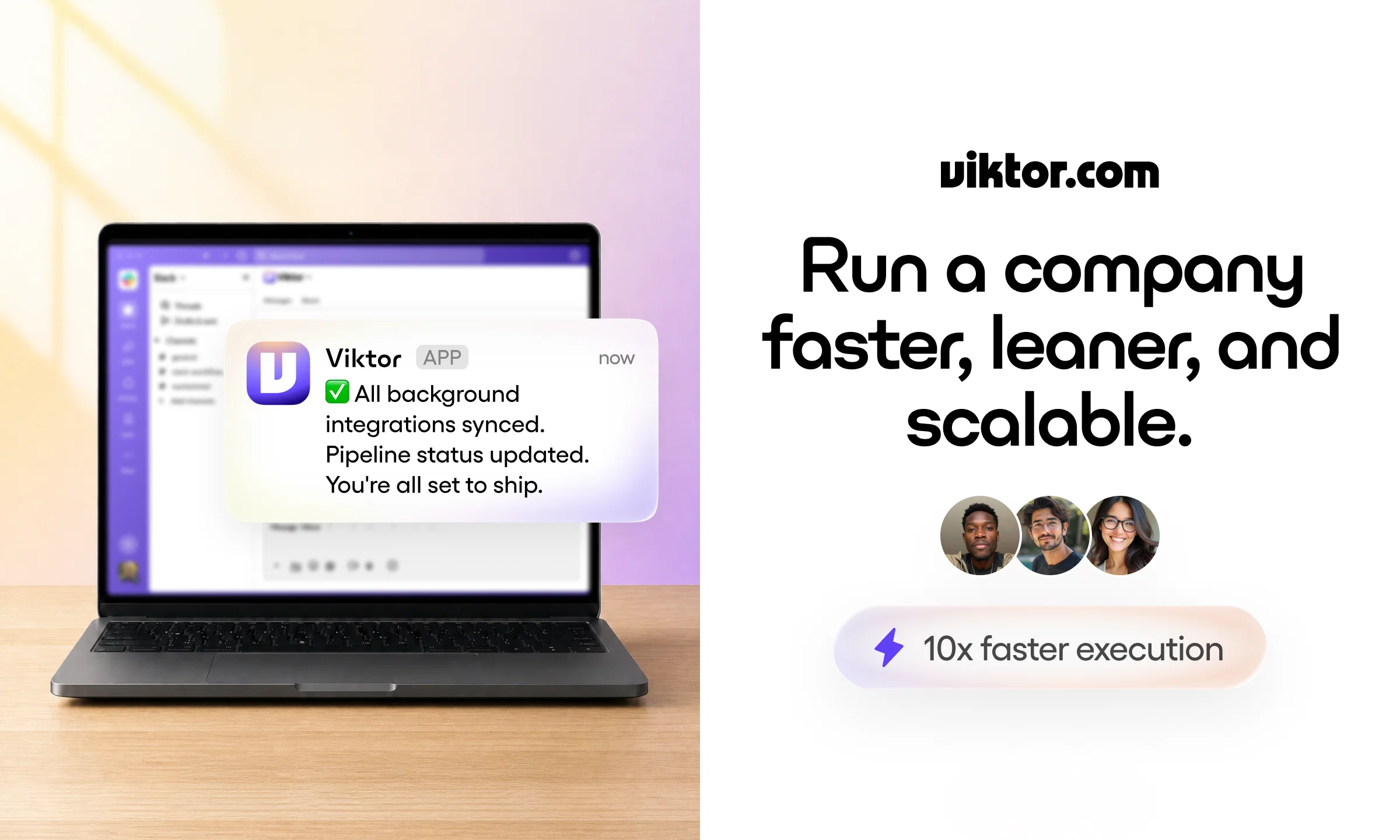
Viktor is a multi-functional AI employee that lives in Slack and Microsoft Teams, built to do real work rather than just answer questions. It is not a chatbot. Viktor writes and executes code, runs reliably over long stretches without losing context, and sees a task through to completion. It can manage and schedule work, update files, build applications, and run ad campaigns. Viktor connects to over 3,000 tools, so it operates across the platforms your team already uses. It is proactive: it spots problems before they become serious and proposes a fix instead of just raising an alert, often taking action without waiting to be asked. Viktor coordinates people, timelines, and priorities across teams, handling requests like creating issues for landing page updates, checking user analytics, and summarizing backend changes for non-technical teammates. The result is a small team that operates like a much larger one. Viktor is the AI for everyone else. Help other people by letting them know if this AI was useful. Add your own prompts and outputs to help others understand how to use this AI.
When considering Viktor for integration into your organizational workflow, we recommend deploying a structured score card across three critical operational pillars: Security & Compliance, Integration Friction, and long-term Price Scalability. Rather than looking only at basic feature lists, modern procurement teams must assess how a software platform behaves under high load and how well it fits into the team's data security guidelines.
Depending on your operating region and field, ensure that Viktor supports standard security layers such as SOC 2 Type II certifications, GDPR compliance, or HIPAA-compliant database encryption. If the tool connects directly to client database tables or handles user passwords, verify that they implement multi-factor authentication (MFA), single sign-on (SSO) integrations, and end-to-end data encryption in transit and at rest.
Siloed data is the primary cause of operational friction. Evaluate if Viktor has native connectors for your current project trackers, messaging hubs, and customer communication channels. For custom developer requirements, check if they provide a fully documented REST API with reasonable rate limits, comprehensive Webhooks support, and robust SDK packages in your language. A flexible API layer saves hundreds of hours of manual copy-paste overhead.
SaaS pricing packages are often deceptively simple. When reviewing Viktor's billing structure, map out your team's projected expansion over the next 12 to 24 months. Determine how costs scale as your customer database increases or as you add team members. Factor in setup costs, mandatory support plan upgrades, API access fees, and storage overage rates to understand the true cost before committing to a contract.
By combining verified user reviews from our directory with internal workflow pilot tests, your procurement team can make an informed decision that drives productivity without creating capital waste.
Overall rating
Based on 24 reviews
Accuracy nice. Free
Álvaro Sánchez Román
The most humanly AI i have used so far but the problem is as soon as you start piling up messages in single chat session , it starts getting slow and at some point it starts freezing and also uses a lot of resources. For time being its okay to do 3 4 messages but as soon as we continue it has messages limitation and also starts getting very very slow . For the price of £18 per month this is unacceptable and with the newly introduced feature called project, if we start new chat within the project we cannot continue with the context we provided in other chats within same project. There are lot of improvements for them to work on. And to start with the its speed and its price
Bibash Katel
I joined Kin's beta program on my iPhone XR. After upgrading to an iPhone 13, I found that I couldn't log into my existing account on the new phone, forcing me to create a new account. Now, I have two separate Kin accounts on different phones. Today, when I accessed the beta version of Kin, I got a notification stating that the test version ended on Monday, September 23rd. It instructed me to back up my data and move to the official Kin app. I did as advised—backed up my data, confirmed, uninstalled the beta app via TestFlight, and installed the official Kin app. However, when I attempted to “log in”, I was still unable to access my existing account. This issue hasn't been resolved yet. I have been trying desperately to get in contact with the support team. I left feedback through the test flight app and sent emails. No response. Now trying to find a forums, Reddit posts, TAAFT comments☻
Desiree Miller
This tool i found is super cool, I created 5 books from this tool to sell them online, which gives me great profit. I am creating more valuable books to spread knowledge, and earn some bucks as well 🤑.
Bilal Ashraf
State of the Art
Dmitry G.
B12 exceeded my expectations especially after I tried a few similar tools. Signing up took under a minute and because I offer a very specific set of services as a consultant, I didn't expect the AI to be able to capture my work, but it did a great job with creating content for me. I only had to make a few edits, add my bio, and was able to publish that same day. Now I get lots of compliments on my site and I've even tried their other tools like email marketing, which is great because the emails match my site's appearance. Overall I would recommend B12 as an effective, affordable, and easy to use website solution.
Katie G
gave @Botlor a quick try and the setup was pretty straightforward. It handled the basic use case well, though I’d want a bit more customization before using it for something serious. decently useful.
Marco Patuzzo
Thanks for your feedback! We are also shipping some exciting new features this month!
Saverio Pulizzi
Sorry for inconvenience, Its up and running now
Magicley AI
@Rocket is fast as heeeelll for spinning up prototypes when an idea hits. I've shipped small tools and MVPs with this as the foundation, saves days of boilerplate setup. Great one :)
Maarten Beast
Just implemented your instruction out how to run drip campaigns automatically, nice! Getting prospect calls coming in
Jenn N.
Absolutely in love. I could create my own custom AI and shared it with my colleuges to get instant support from me, i mean digital AI of me :)
Derek W.
Very interesting
Béatrice Duval
Thanks! Security was a priority from day one. All integrations connect via OAuth — no API keys are stored on our side or locally. Your credentials never touch our servers. On top of that: SOC 2 Type 1 certified, encryption in transit and at rest, and you control exactly which tools require your approval before executing. Your data is never sold or used for model training.
Viktor
Yes, finally a slack tool that does it all. I wonder how safe it is?
Mihnea Stanila
Fast, Easy to use and makes repetitive tasks easy
Ioannis Gikas
We're live folks! Do check us out and drop your feedback or requests.
Shubh Saras
Can’t use it without an invite code.
Steven
I work on the @Tendem team, so take this with that context — but I also use the product constantly for my own work. I've used @Tendem to research AI directories — finding relevant ones, pulling submission requirements, organizing everything into a spreadsheet I could act on. I've also used it for copy edits — sending over drafts and getting back tightened, polished versions without going back and forth with a prompt ten times. The thing that keeps me coming back is how little I have to think about the handoff. I describe what I need, send it, and move on to something else. It's slower than getting a ChatGPT response, sure. But I get something finished — not a starting point I still need to rework. When you use AI tools for this kind of work, you trade waiting time for cleanup time. @Tendem flips that. I'd rather wait and get a result I can use than get a fast draft I have to fix myself.
Vladimir Gromozdin
I've put about 30-40 hours into SureThing, and it's seriously been a game-changer, basically acting like a virtual COO for my business!
Bonnie
We were using Feedbird for social media (generic, low-effort content), GoHighLevel and Zoho side by side for CRM, and doing most operational work manually. I looked at hiring a virtual assistant and also evaluated a few AI writing tools, but nothing came close to the range of what Viktor actually does — it's not just content, it's code, integrations, data syncs, SEO implementation, even building us a custom software platform on our own GitHub repo.
Malcolm Setter
I use both Viktor and Sintra. I find a Sentra is a useful tool for design and CRM. But overall, I’ve loved using Viktor for the web design, CRM set up, and integrations. Not sure if Sintra has those capacities yet because it’s constantly evolving as well.
Angela DiCarlo
Before Viktor, we explored tools like Zapier, Make, Slack Workflow Builder, and custom scripts. Each worked for simple or structured tasks, but broke down when workflows became more dynamic or required real decision making. Traditional automation tools were too rigid, and standalone AI tools could not take real action within our systems. Viktor stood out because it combines reasoning with execution directly inside Slack, allowing us to handle complex workflows without needing to build and maintain our own infrastructure.
Jordan Dikoum
Before Viktor, I was bouncing between Manus, Claude, ChatGPT Codex... all of them. And look, those tools are impressive for what they are. But every single one of them still requires me to do the heavy lifting. I'm prompting, copy-pasting, reformatting, uploading, downloading, switching tabs. I'm the glue holding everything together, and that glue is exhausting.
Viktor seems to be pretrained to be an employee. Helpful, asks questions, doesn't leave you on read. He's proactive with asking if he can help with tasks he sees in your email or on your calendar. And he delivers! Quickly.
Melissa Elizondo
Starting Price
Free plan available
Free tier available with optional paid upgrades.


