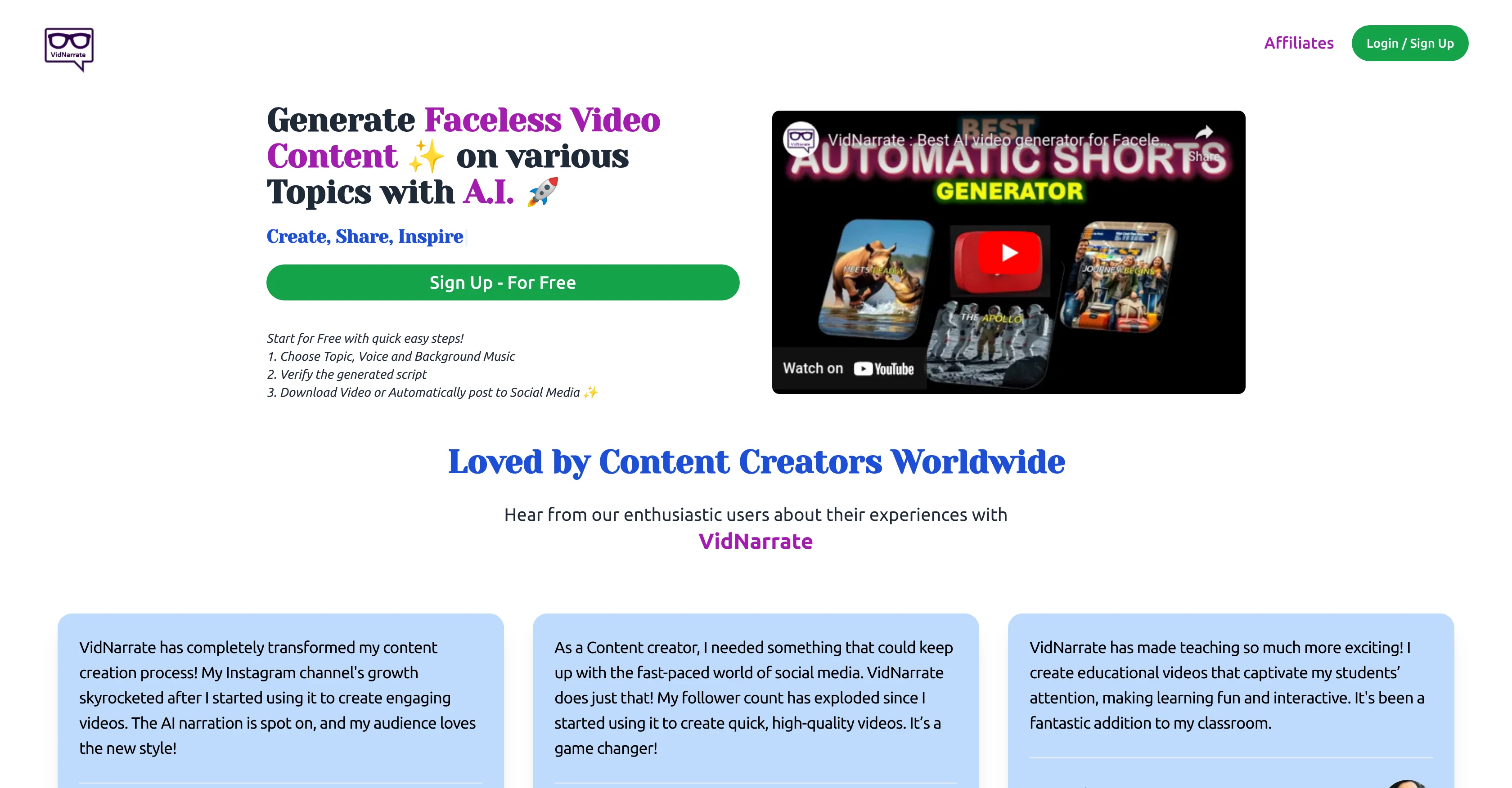
VidNarrate is an AI-driven tool designed for generating faceless video content on a wide variety of topics. Aimed at content creators of all skill levels, it offers a smooth and intuitive content creation process.
Users can choose a topic, voice, and background music for their video, review the AI-generated script, and either download their video or have it automatically posted to social media.
VidNarrate's AI technology creates a series of images, adds an AI generated voiceover and background music, and includes subtitles to bring your concept to life.
Quick and efficient, it transforms your content creation, allowing you to generate talent-driven videos in just a few minutes. With VidNarrate, you can schedule regular posting of your videos to your YouTube channel, allowing you to reach your audience in a timely manner.
The platform also allows for easy management of social media accounts, with options to link or unlink accounts as necessary. Furthermore, VidNarrate supports direct downloads of the generated videos.
This means that even without a social media account, you can keep, share, or use the videos in any project. Notably, VidNarrate is well-received by a global community of content creators, including influencers, teachers, and more, for its ability to transform how content is designed, produced and shared.
Help other people by letting them know if this AI was useful.
Add your own prompts and outputs to help others understand how to use this AI.
Screenshot gallery
Pros & Cons
Pros
+Generate faceless videos
+Customizable voiceover
+Customizable background music
+In-built subtitling
+Script review option
+Content scheduling feature
+Multi-Account Management
+Direct video downloads
+Supports various topics
+Time-efficient creation process
+Suitable for all skills
+Automatic social media posting
+Schedule YouTube postings
+Link and unlink accounts
+Engages global user community
+Easy step-by-step process
+Crafted for content professionals
+Flexible for different needs
+Efficient content transformation
+Saves original video concept
+Good for education videos
+Good for influencers
+Boosts social media growth
+Good for Instagram videos
+Generates video script
+Creates series of images
+Automatic video rendering
+Theme selection for videos
+Benefits students and teachers
+Supports video personalization
+Can keep downloaded video
+Immediate video usage
+Schedule posts effortlessly
+Detailed FAQ section
+User testimonials available
+Easy YouTube account linking
+Exploding follower count
+Single tool for content needs
+Content scheduler builds consistency
+Enhances audience reach
+Promotes audience engagement
+Advanced theme selection
+Quick account disconnection
+Control over social media accounts
+Automatic post tracking
+Likes, followers growth tracking
Cons
−Faceless video content only
−Only supports YouTube scheduling
−Lacks diverse voice options
−No options for animated videos
−Limited social media integration
−Dependence on script verification
−Automatic posting not customizable
−Inflexible video content themes
−Insensitive to global accents
−No non-social media scheduling
A Professional Framework to Evaluate VidNarrate
When considering VidNarrate for integration into your organizational workflow, we recommend deploying a structured score card across three critical operational pillars: Security & Compliance, Integration Friction, and long-term Price Scalability. Rather than looking only at basic feature lists, modern procurement teams must assess how a software platform behaves under high load and how well it fits into the team's data security guidelines.
1. Security and Database Compliance
Depending on your operating region and field, ensure that VidNarrate supports standard security layers such as SOC 2 Type II certifications, GDPR compliance, or HIPAA-compliant database encryption. If the tool connects directly to client database tables or handles user passwords, verify that they implement multi-factor authentication (MFA), single sign-on (SSO) integrations, and end-to-end data encryption in transit and at rest.
2. API Coverage and Custom Integrations
Siloed data is the primary cause of operational friction. Evaluate if VidNarrate has native connectors for your current project trackers, messaging hubs, and customer communication channels. For custom developer requirements, check if they provide a fully documented REST API with reasonable rate limits, comprehensive Webhooks support, and robust SDK packages in your language. A flexible API layer saves hundreds of hours of manual copy-paste overhead.
3. Total Cost of Ownership (TCO)
SaaS pricing packages are often deceptively simple. When reviewing VidNarrate's billing structure, map out your team's projected expansion over the next 12 to 24 months. Determine how costs scale as your customer database increases or as you add team members. Factor in setup costs, mandatory support plan upgrades, API access fees, and storage overage rates to understand the true cost before committing to a contract.
By combining verified user reviews from our directory with internal workflow pilot tests, your procurement team can make an informed decision that drives productivity without creating capital waste.
Features of VidNarrate
AI Driven
Video Content Creation
Social Media Posting
Video Automation
AI Generated Voiceover
Content Creators
SaaS1to10 verified reviews for VidNarrate
Overall rating
★★★★★5.0
Based on 21 reviews
★★★★★5.01 months ago
“Review”
All I can say is WoW! I don't know too terribly much about Tarot, but my reading was 110% spot on. And I am not referring only to the fact of the cards drawn couldn't have come closer if I hand-picked them but it was the analysis of each card individually, as well as overall. I'll be using this regularly from now on.
Jenna Hamilton
★★★★★5.01 months ago
“Review”
Speed is amazing ! I will definitely utilize the tool in the future for film generation
Derek Little
★★★★★5.01 months ago
“Review”
Pricing too steep for the offered quality.
Richard Stone
★★★★★5.01 months ago
“Review”
Great job nice tool
Anik Turi
★★★★★5.01 months ago
“Review”
"It’s like if Figma and ComfyUI had a baby." got me laughing. I am gonna use this thing.
Aathreya Shetty
★★★★★5.01 months ago
“Review”
great for making book photos
bappy Chaudhury
★★★★★5.01 months ago
“Review”
It's a fun tool to play around with. They start you with 70 credits, enough to make a model, images, and, a video.
Sue
★★★★★5.01 months ago
“Review”
interesting ai tool, quickly let you create a good looking website.. thumbs up
avoda mehabait
★★★★★5.01 months ago
“Review”
Generating captions was super fast like seconds. Wish they had Anton font though
bob miller
★★★★★5.01 months ago
“Review”
Amazing title choices! I put in a title idea with a one sentence video description and got back amazing title options.
Caroline Flansbaum
★★★★★5.01 months ago
“Review”
I think it's the best @Image Generator I ever found on the net. It gives more accurate image according to the prompt. And thank you for keeping it for free.
My Sawsiri
★★★★★5.01 months ago
“Review”
Not at all accurate…. The only thing similar between original and generated images were the clothes and accessories… face was absolutely new and unconnected.
Shvetank Sharma
★★★★★5.01 months ago
“Review”
Not really worth it, not only does it only support Youtube, but can only generate up to 30s of video and has no options to control the image style.
Martin Tsolov
★★★★★5.01 months ago
“Review”
No bg musics
power uz
★★★★★5.01 months ago
“Review”
y not free trial
Kamran Siddiqui
★★★★★5.01 months ago
“Review”
Seems nice and promising only if it actually loads
Blessed Chris
★★★★★5.02 months ago
“Review”
Have to sign up FIRST (give them all your information before you can see if the tool will even work for you).
Brave Routes
★★★★★5.02 months ago
“Review”
It looks interesting, they give demos of their AI work but no way to test it with your own script or image prompts just demos from what could be anywhere.
Steve DeGraffenreid
★★★★★5.02 months ago
“Review”
Sorry but right out of the gate, if I go to a site and the pricing model is x #of Credits = $$$ and they dont roll over, thats a huge issue for me, and is usually a deterrent. On top of that, there is no free tier. So what do you do with those extra credits that dont get used and dont roll over? Thats a loss for the user, and more profit for the website. They also have pretty shaky estimates on the bang for your buck, like for instance. For the smallest package: 5000 Credits = $29/month a table shows that you get approximately 25 ONE-MINUTE-LONG AI Videos which is about 200 credits per one minute video. Another table shows the breakdown for rendering etc but without a free tier its hard to estimate exactly.
Hannah Belle O.
★★★★★5.02 months ago
“Review”
It's very helpful
Syed Zaid i
★★★★★5.02 months ago
“Review”
Can't test without entering a credit card directly after sign up, I won't be using without testing it first. sorry!
zliki
Pricing
Starting Price
Contact vendor for pricing
Pricing may vary based on team size and features selected.