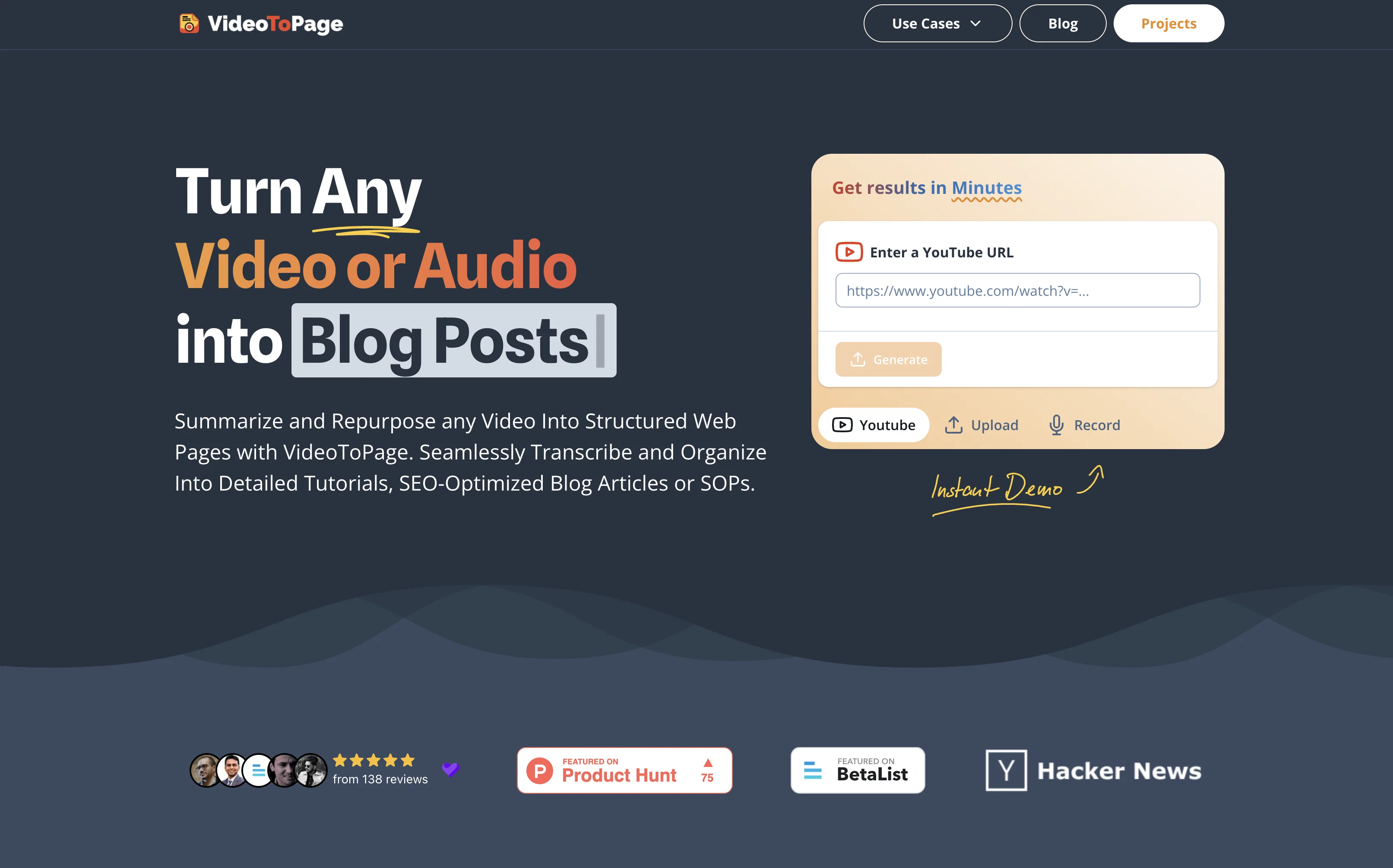
VideoToPage is an AI tool designed to convert any video or audio into a variety of text-based contents, including blog posts, articles, social media posts, among others.
It facilitates the creation of different types of content, such as in-depth video digests, long-form blog posts, detailed analyses, comprehensive written documentation, edited transcriptions, Standard Operating Procedures (SOPs), tutorials or courses, and marketing content.
The tool can also transform webinars into e-learning resources, create scripts for podcasts, SEO-optimized articles, and engaging social media posts. The capabilities of VideoToPage extend to the summarization and repurposing of video or audio content into hierarchically structured and semantically interlinked web pages.
The tool also offers rich text editing, chatbot assistance for each page, and control over content organization. Multilingual understanding allows content processing in any language.
It also facilitates easy publishing and content distribution. Users can begin with a recording, an upload, or a YouTube link to get started with the tool.
Help other people by letting them know if this AI was useful.
Add your own prompts and outputs to help others understand how to use this AI.
Screenshot gallery
Pros & Cons
Pros
+Converts video/audio to text
+Creates various content types
+Video digests generation
+Long-form blog posts creation
+Detailed analyses production
+Edited transcriptions
+SOP creation
+Tutorials and courses
+Webinars to e-learning resources
+Podcast script generation
+SEO-optimized articles
+Social media post creation
+Content organized semantically
+Rich text editing
+Chatbot assistance
+Content organization control
+Multilingual support
+Easy publishing and distribution
+Supports Youtube links
+Supports recorded/uploaded files
+Creates structured web pages
+Supports up to 5 hours video
+Supports 96 languages
+98.5% transcription accuracy
+No subscription required
+Content hierarchy building
+Semantic interlinking of pages
+Editable content
+Unlimited content generation
+Money-back guarantee
+Free for 5-minute videos
+Handles complex topics
+Interactive outlines editing
+Exports in different formats
+User maintains content control
+Supports audio files
+Handles commercial content
+Unlimited pages creation
+Applicable for academic purposes
Cons
−Pricey
−Potentially inaccurate transcriptions
−Limited video summary options
−No free unlimited option
−Content hierarchy might not match personal preferences
−Export format limitations
−Complexity for non-tech users
−Dependency on internet connection
−Semantically interlinked pages may not appeal to all users
A Professional Framework to Evaluate VideoToPage
When considering VideoToPage for integration into your organizational workflow, we recommend deploying a structured score card across three critical operational pillars: Security & Compliance, Integration Friction, and long-term Price Scalability. Rather than looking only at basic feature lists, modern procurement teams must assess how a software platform behaves under high load and how well it fits into the team's data security guidelines.
1. Security and Database Compliance
Depending on your operating region and field, ensure that VideoToPage supports standard security layers such as SOC 2 Type II certifications, GDPR compliance, or HIPAA-compliant database encryption. If the tool connects directly to client database tables or handles user passwords, verify that they implement multi-factor authentication (MFA), single sign-on (SSO) integrations, and end-to-end data encryption in transit and at rest.
2. API Coverage and Custom Integrations
Siloed data is the primary cause of operational friction. Evaluate if VideoToPage has native connectors for your current project trackers, messaging hubs, and customer communication channels. For custom developer requirements, check if they provide a fully documented REST API with reasonable rate limits, comprehensive Webhooks support, and robust SDK packages in your language. A flexible API layer saves hundreds of hours of manual copy-paste overhead.
3. Total Cost of Ownership (TCO)
SaaS pricing packages are often deceptively simple. When reviewing VideoToPage's billing structure, map out your team's projected expansion over the next 12 to 24 months. Determine how costs scale as your customer database increases or as you add team members. Factor in setup costs, mandatory support plan upgrades, API access fees, and storage overage rates to understand the true cost before committing to a contract.
By combining verified user reviews from our directory with internal workflow pilot tests, your procurement team can make an informed decision that drives productivity without creating capital waste.
Features of VideoToPage
Text Based Content Creation
Edited Transcriptions
SEO Optimized Articles
Comprehensive Written Documentation
Multilingual Understanding
Social Media Posts
From $31.06
SaaS1to10 verified reviews for VideoToPage
Overall rating
★★★★★5.0
Based on 19 reviews
★★★★★5.01 months ago
“Review”
It's sad to see people want to try your tool out but you have no free sample for them. This may be the best tool out there, but, as mentioned, going through with the AI for minutes to explain what you want, then being prompted to pay, without even knowing if it CAN create something, is discouraging. I hope we can get a free sample or preview at one point, im interested in this one.
Ron Jayson
★★★★★5.01 months ago
“Review”
B12 exceeded my expectations especially after I tried a few similar tools. Signing up took under a minute and because I offer a very specific set of services as a consultant, I didn't expect the AI to be able to capture my work, but it did a great job with creating content for me. I only had to make a few edits, add my bio, and was able to publish that same day. Now I get lots of compliments on my site and I've even tried their other tools like email marketing, which is great because the emails match my site's appearance. Overall I would recommend B12 as an effective, affordable, and easy to use website solution.
Katie G
★★★★★5.01 months ago
“Review”
An amazing app, I love the share feature and the comment section summaries
Silvia Cho
★★★★★5.01 months ago
“Review”
It's cool!!!!
Alethea
★★★★★5.01 months ago
“Review”
It's a fun tool to play around with. They start you with 70 credits, enough to make a model, images, and, a video.
Sue
★★★★★5.01 months ago
“Review”
Everything is working normally. Best,
Stefan Mitrovic
★★★★★5.01 months ago
“Review”
As the service was in beta-testing stage, I created there a dozen of AI-generated courses for free. I wanted to use them. Those courses remained in my account as they started subscription tiers. But recently I have found out that they were deleted. The support didn't answer to my e-mail at all.
Oldfag TV
★★★★★5.01 months ago
“Review”
Thanks, works!
Canada Centrist
★★★★★5.01 months ago
“Review”
This tool i found is super cool, I created 5 books from this tool to sell them online, which gives me great profit. I am creating more valuable books to spread knowledge, and earn some bucks as well 🤑.
Bilal Ashraf
★★★★★5.01 months ago
“Review”
Suppppeeeeerrr! Wowwww! @Mindsmith is absolutely fantastic! It is incredibly useful, easy to use, and very professional.
Claudia Scilletta
★★★★★5.01 months ago
“Review”
I'm still testing the tool yet it looks very promising. I tested it with a 5.5k words Academic text that I had previously red. I tested the Key points feature, it does work!
Ivana González
★★★★★5.01 months ago
“Review”
I think it's the best @Image Generator I ever found on the net. It gives more accurate image according to the prompt. And thank you for keeping it for free.
My Sawsiri
★★★★★5.01 months ago
“Review”
not that good it cant generate your prompt it can only generate custom prompt as saved by itself
Sarthak Agarwal
★★★★★5.01 months ago
“Review”
I completely agree with the previous comment. I first purchased the $5 package and then upgraded to the Pro package, hoping to create videos longer than 3.5 minutes. However, I was disappointed to find out that I needed to purchase the $99 package to create longer videos. It was not clear that the 5000 characters of script only equated to 3.5 minutes of video. To make things worse, the company has a strict no-refund policy, which feels unfair. They seem more focused on taking your money than providing quality service. I would highly recommend avoiding this service at all costs.
Yannis P.
★★★★★5.01 months ago
“Review”
No other tool quite like this, it's pretty straightforward. Needed to extract a long interview from YouTube and it extracted everything, providing it in different meaningful formats in less than two minutes. Awesome
Juan Sierra
★★★★★5.02 months ago
“Review”
It translateed quite well my video and easy to use and edit. PLus the free version is good to hava a first try
Nicoleta Dragus
★★★★★5.02 months ago
“Review”
Super helpful tool for content creators like myself. I have a Patreon where I give my Patreons quizzes and video summaries based on my YouTube video and this website speeds the whole process up tremendously.
Terzian Teaching
★★★★★5.02 months ago
“Review”
It doesn't allow me to upload a file with less then 1GB and sends the message "Tenant ID missing"...
Fil Ca
★★★★★5.02 months ago
“Review”
Fast - probably the fastest tool I've tried for transcribing from an uploaded MP3. Accuracy was good. My samples was a ~30 min university lecture recorded alone (recorded with a mic and laptop, not in a lecture hall). Only complaint is that the logical sectioning or paragraphing isn't great. (It's hard to do with these stream-of-consciousness type lectures, but some tools do a great job.) If I didn't need the logical breaks, I'd likely come back to this tool solely for the speed and accuracy. Great job!
Lisa Prowse
Pricing
Starting Price
From $16.00/user/month
Pricing may vary based on team size and features selected.