5.01 months ago
“Review”
makes actually good clips
fourleafclover

Enhance, convert, compress, and edit videos with AI power.
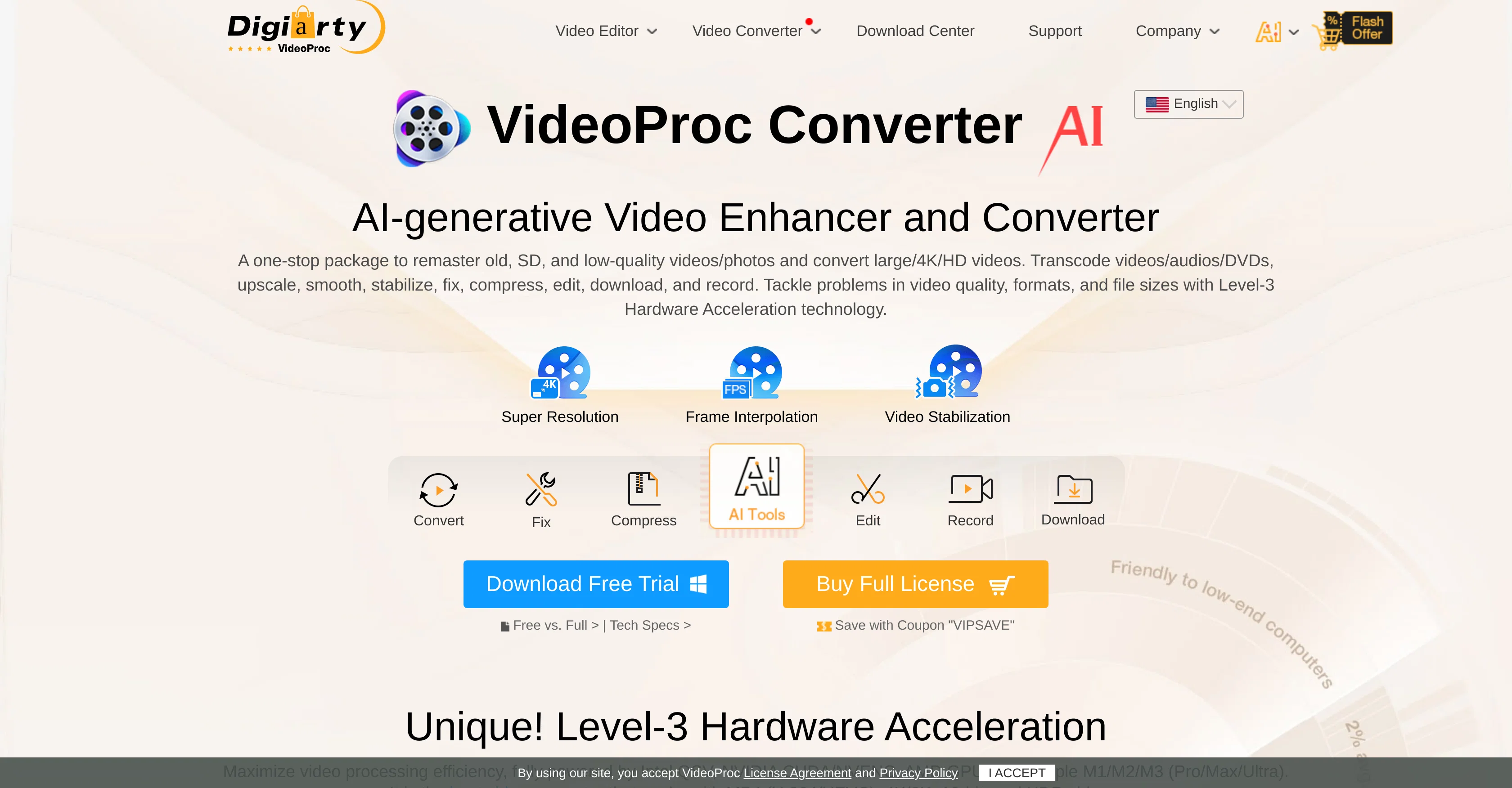
VideoProc Converter AI is a comprehensive, all-in-one software tool that incorporates AI technology for video enhancement. It serves multiple functions including video editing, converting, downloading, recording, enhancing, and compression. This software has the ability to remaster videos and images, manage different formats, and handle files of various sizes. Unique features include Super Resolution to upscale videos and images up to 4K quality, Frame Interpolation to boost the frame rate for smoother playback, and Video Stabilization to reduce shakiness in footage. Users can transcode videos, audios, DVDs, edit and record video and audio, and download videos from the web. It supports Level-3 Hardware Acceleration technology which optimizes video quality and processing efficiency and works well with various formats such as MP4 (H.264/HEVC), 4K, and 8K, among others. The tool also has capabilities for processing video footage captured by mobile phones and other devices like GoPro, DJI, Canon, and Sony, and converting DVDs to other formats. Improved processing speed is achieved with unique Level-3 Hardware Acceleration, making this tool efficient in handling videos. Lastly, the tool has support for multiple languages, making it accessible to a broad range of users worldwide. Help other people by letting them know if this AI was useful. Add your own prompts and outputs to help others understand how to use this AI.
When considering VideoProc Converter for integration into your organizational workflow, we recommend deploying a structured score card across three critical operational pillars: Security & Compliance, Integration Friction, and long-term Price Scalability. Rather than looking only at basic feature lists, modern procurement teams must assess how a software platform behaves under high load and how well it fits into the team's data security guidelines.
Depending on your operating region and field, ensure that VideoProc Converter supports standard security layers such as SOC 2 Type II certifications, GDPR compliance, or HIPAA-compliant database encryption. If the tool connects directly to client database tables or handles user passwords, verify that they implement multi-factor authentication (MFA), single sign-on (SSO) integrations, and end-to-end data encryption in transit and at rest.
Siloed data is the primary cause of operational friction. Evaluate if VideoProc Converter has native connectors for your current project trackers, messaging hubs, and customer communication channels. For custom developer requirements, check if they provide a fully documented REST API with reasonable rate limits, comprehensive Webhooks support, and robust SDK packages in your language. A flexible API layer saves hundreds of hours of manual copy-paste overhead.
SaaS pricing packages are often deceptively simple. When reviewing VideoProc Converter's billing structure, map out your team's projected expansion over the next 12 to 24 months. Determine how costs scale as your customer database increases or as you add team members. Factor in setup costs, mandatory support plan upgrades, API access fees, and storage overage rates to understand the true cost before committing to a contract.
By combining verified user reviews from our directory with internal workflow pilot tests, your procurement team can make an informed decision that drives productivity without creating capital waste.
Overall rating
Based on 20 reviews
makes actually good clips
fourleafclover
Video editing apps
Suraj Raj
This video generator did much better than I expected on complex subjects. Unfortunately, it isn't as free as I wished. I could not iterate my creation to create a resolved result.
Gamaliel yd
It simplifies my video creation. It's a must-have tool.
fei shi
Everything is working normally. Best,
Stefan Mitrovic
I completely agree with the previous comment. I first purchased the $5 package and then upgraded to the Pro package, hoping to create videos longer than 3.5 minutes. However, I was disappointed to find out that I needed to purchase the $99 package to create longer videos. It was not clear that the 5000 characters of script only equated to 3.5 minutes of video. To make things worse, the company has a strict no-refund policy, which feels unfair. They seem more focused on taking your money than providing quality service. I would highly recommend avoiding this service at all costs.
Yannis P.
Isn't it intriguing how all three other reviews for this "website builder" share the exact same profile photo?
Desiree Miller
easy onboarding, quick to set up.
Pluto Radigund
I think the software is really good.
Jiahui Zhou
It created some decent logos. They are great as a start point
Samuel Barlet
It's genius. Amazing tool. PDF generation might be improved, but apart from that is amazing.
Aleksander Lukashou
@KeywordSearch creates AI Ad Targeting audiences for YouTube
Aleric Heck
This app is dog water.
Latchinho
It`s up and running Amar! Give it another chance when you want to :D
Daniel Garaiacu
This is phenomenal. I demo it in my sessions all the time.
Beth Ziesenis
Very cool app! Build was fast as, and with a few tweaks I fully launched my website in 1 hour!
Joe Smythe
It's not free, it forces you to input an email before shoving a price tag in your face.
Arvoly XSL
Bro, @Captions is actually straight fire for short-form content. Script in, clean @Captions and edits out, and it makes talking-head clips feel way more polished in minutes. Big w for creators
Chris Studioz
Selamat siang saya akan membagikan tutorial gimana caranya mengedit video di aplikasi capcut
Rhyben Rinto
Video editing
Amrit kuli Amrit kuli
Starting Price
From $24.00/user/month
Pricing may vary based on team size and features selected.


