5.02 months ago
“Review”
@VideoIdeas.ai Creates YouTube Video Ideas & Scripts
Aleric Heck

Turn knowledge into AI-generated training videos instantly.
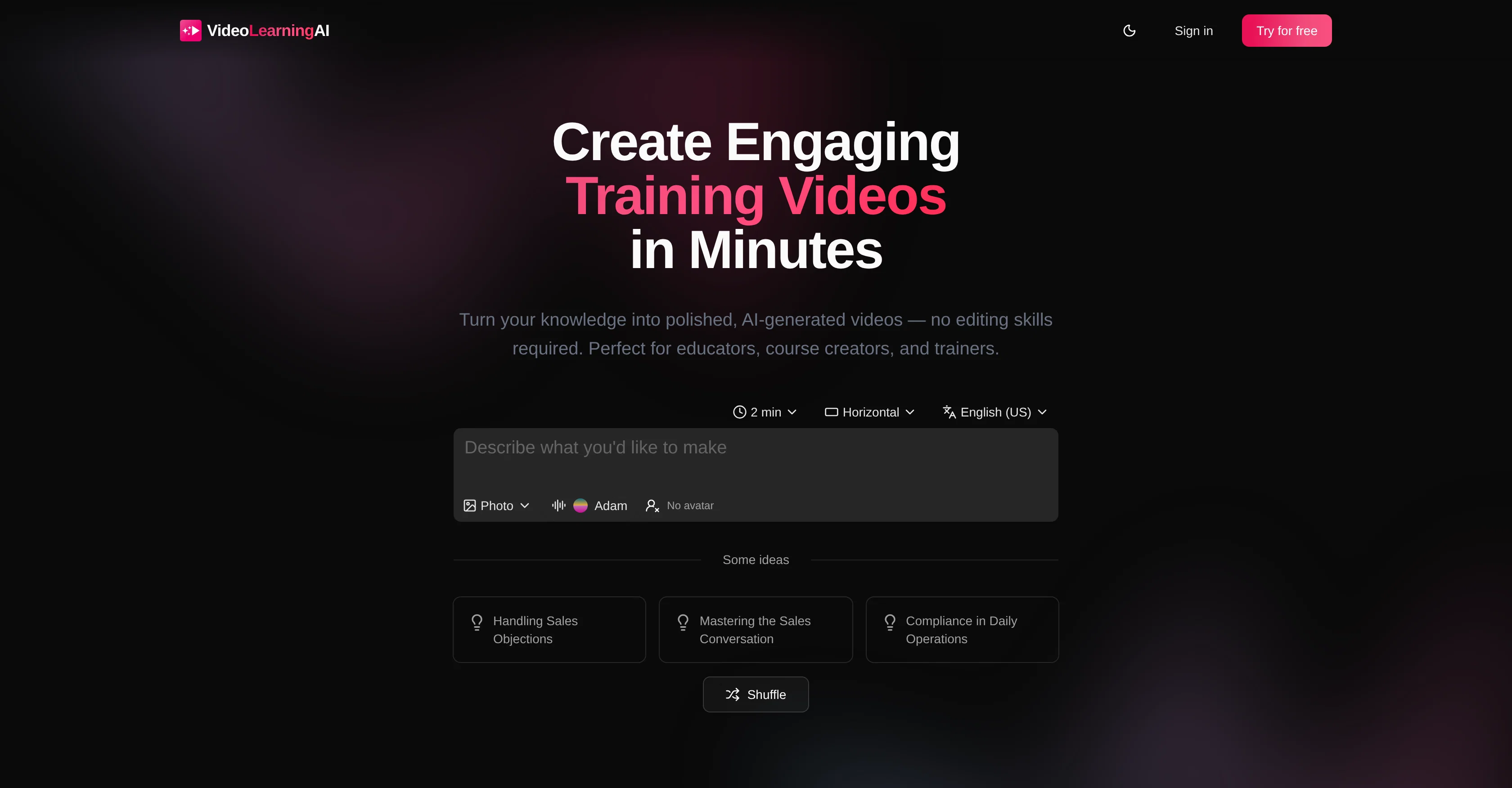
VideoLearningAI is an AI-powered tool specifically designed to transform ideas, scripts, and lessons into engaging training videos without the need for complex editing skills. This tool is ideal for educators, course creators, and trainers who aim to efficiently convert their knowledge into visually appealing and comprehensible videos. The AI-driven Training Video Generator effortlessly converts course material into easy-to-understand videos, while the Microlearning Video Creator focuses on creating compact learning modules. The LMS Video Publishing feature encourages easy dispersal of these videos across Learning Management Systems. In addition, VideoLearningAI provides pre-designed templates for various purposes such as onboarding training, compliance training, customer education, and sales enablement. The tool also supports different platforms and hence can be used as an alternative to other video-making platforms like Synthesia, HeyGen, VEED, and Camtasia. Various practical use cases for VideoLearningAI include AI videos for corporate training, employee onboarding, customer education, and compliance training. Help other people by letting them know if this AI was useful. Add your own prompts and outputs to help others understand how to use this AI.
When considering VideoLearningAI for integration into your organizational workflow, we recommend deploying a structured score card across three critical operational pillars: Security & Compliance, Integration Friction, and long-term Price Scalability. Rather than looking only at basic feature lists, modern procurement teams must assess how a software platform behaves under high load and how well it fits into the team's data security guidelines.
Depending on your operating region and field, ensure that VideoLearningAI supports standard security layers such as SOC 2 Type II certifications, GDPR compliance, or HIPAA-compliant database encryption. If the tool connects directly to client database tables or handles user passwords, verify that they implement multi-factor authentication (MFA), single sign-on (SSO) integrations, and end-to-end data encryption in transit and at rest.
Siloed data is the primary cause of operational friction. Evaluate if VideoLearningAI has native connectors for your current project trackers, messaging hubs, and customer communication channels. For custom developer requirements, check if they provide a fully documented REST API with reasonable rate limits, comprehensive Webhooks support, and robust SDK packages in your language. A flexible API layer saves hundreds of hours of manual copy-paste overhead.
SaaS pricing packages are often deceptively simple. When reviewing VideoLearningAI's billing structure, map out your team's projected expansion over the next 12 to 24 months. Determine how costs scale as your customer database increases or as you add team members. Factor in setup costs, mandatory support plan upgrades, API access fees, and storage overage rates to understand the true cost before committing to a contract.
By combining verified user reviews from our directory with internal workflow pilot tests, your procurement team can make an informed decision that drives productivity without creating capital waste.
Overall rating
Based on 11 reviews
@VideoIdeas.ai Creates YouTube Video Ideas & Scripts
Aleric Heck
We used @Rumora for our SaaS app and went from 512 to 23,956 signed up users in 3 months, here's the case study with screenshots: https://@Rumora.ai/case-studies/olovka
Rade Joksimovic
I'm using it to significantly reduce time to make high-quality post. it works much better that regular chatgpt/claude
Islam Midov
Most flexible financial tracking tool in the market! - support live connection (US/Canada) - support Google Spreadsheet attached transaction. - support multiple profiles / multiple categorization - document interface, like using Notion / AI to get insights. Great bundle!
Shawn Cao
Deploys the backend directly from chat!
Spam Trapper
i love it i use it to teach me Italian and ukranian and programing ! and it awesome , because it allows you in the free version send many prints of your screen , not having to explain all the errors by typing diferent from gpt that you can only send 3 photos in the free version. i also use @Grok to study i frist make the exercise in my book then i take a photo of my exercise then i ask it to see if there is any mistake and dissipate my terryble handwriting it understands
fernand Lopes
Best AI powered course builder! Love it!
Katya Komarova
Absolutely in love. I could create my own custom AI and shared it with my colleuges to get instant support from me, i mean digital AI of me :)
Derek W.
easy onboarding, quick to set up.
Pluto Radigund
Great free tool. Simple and easy to use. Best of all don't need any subscriptions.
Ecko Max
Thanks for your feedback! We are also shipping some exciting new features this month!
Saverio Pulizzi
Starting Price
Free plan available
Free tier available with optional paid upgrades.


