5.02 months ago
“Review”
State of the Art
Dmitry G.

Turn video and audio into text effortlessly.
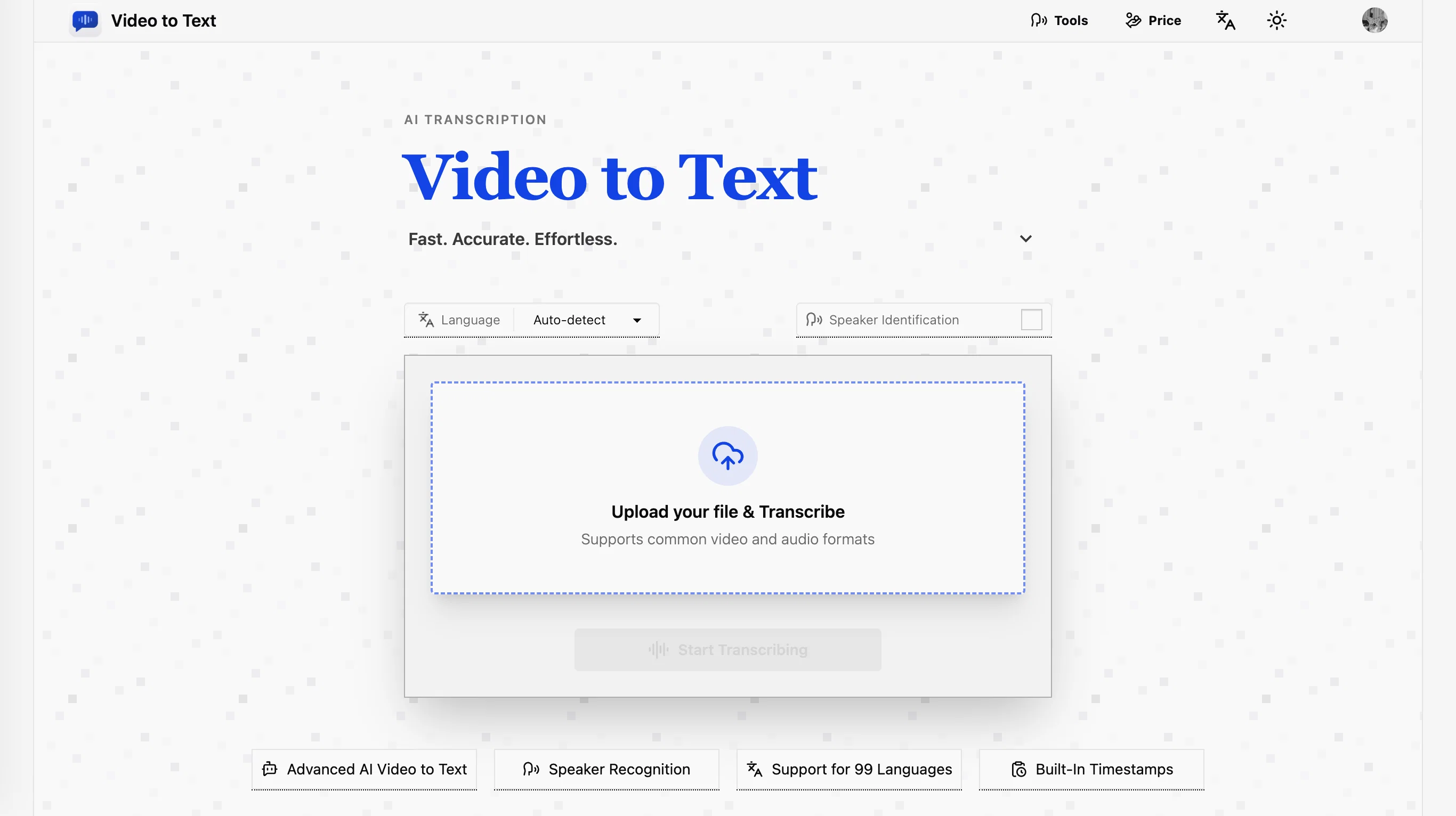
Video to Text is a high-accuracy AI transcription tool designed to convert video and audio content into text. It comes equipped with features such as speaker diarization for clear identification of different speakers, timestamped transcripts for easy referencing and reviewing, and support for multiple export formats, including TXT, SRT, VTT, and CSV. These exported transcripts can be utilized for subtitle creation, content review, data analysis, and more. What sets this tool apart is its ability to detect and transcribe content from 99 different languages automatically, making it useful for handling bilingual or multilingual conversations or files. It also supports mainstream audio and video formats for easy and reliable uploads, thus speeding up the overall transcription process. The tool's design promotes a simple workflow, allowing users to upload their video or audio file, let the AI process the transcription, and then download the resultant text. Suitable for various uses from creating subtitles for online content to transcribing interviews for research, Video to Text provides a convenient and efficient solution for converting spoken language into written text. Help other people by letting them know if this AI was useful. Add your own prompts and outputs to help others understand how to use this AI.
When considering Video to Text.net for integration into your organizational workflow, we recommend deploying a structured score card across three critical operational pillars: Security & Compliance, Integration Friction, and long-term Price Scalability. Rather than looking only at basic feature lists, modern procurement teams must assess how a software platform behaves under high load and how well it fits into the team's data security guidelines.
Depending on your operating region and field, ensure that Video to Text.net supports standard security layers such as SOC 2 Type II certifications, GDPR compliance, or HIPAA-compliant database encryption. If the tool connects directly to client database tables or handles user passwords, verify that they implement multi-factor authentication (MFA), single sign-on (SSO) integrations, and end-to-end data encryption in transit and at rest.
Siloed data is the primary cause of operational friction. Evaluate if Video to Text.net has native connectors for your current project trackers, messaging hubs, and customer communication channels. For custom developer requirements, check if they provide a fully documented REST API with reasonable rate limits, comprehensive Webhooks support, and robust SDK packages in your language. A flexible API layer saves hundreds of hours of manual copy-paste overhead.
SaaS pricing packages are often deceptively simple. When reviewing Video to Text.net's billing structure, map out your team's projected expansion over the next 12 to 24 months. Determine how costs scale as your customer database increases or as you add team members. Factor in setup costs, mandatory support plan upgrades, API access fees, and storage overage rates to understand the true cost before committing to a contract.
By combining verified user reviews from our directory with internal workflow pilot tests, your procurement team can make an informed decision that drives productivity without creating capital waste.
Overall rating
Based on 11 reviews
State of the Art
Dmitry G.
I think it's the best @Image Generator I ever found on the net. It gives more accurate image according to the prompt. And thank you for keeping it for free.
My Sawsiri
"WriteSongAI offers an incredibly smooth end-to-end experience for music creation. The AI vocals sound remarkably human-like across different genres, and the ability to export studio-grade WAV files directly from the browser is a huge plus. Whether you are a beginner or a pro needing a quick arrangement, this tool delivers quality results in seconds."
harry lu
way better than what microsoft has
Dara Mason
Maybe you don’t have a subscription, so there are no credits on your account, and a lot of features require credits to use.
Span Chen
Instantly goes live without hassle
E
Many ai models help me create videos I love
long ff
It translateed quite well my video and easy to use and edit. PLus the free version is good to hava a first try
Nicoleta Dragus
Super helpful tool for content creators like myself. I have a Patreon where I give my Patreons quizzes and video summaries based on my YouTube video and this website speeds the whole process up tremendously.
Terzian Teaching
It doesn't allow me to upload a file with less then 1GB and sends the message "Tenant ID missing"...
Fil Ca
Fast - probably the fastest tool I've tried for transcribing from an uploaded MP3. Accuracy was good. My samples was a ~30 min university lecture recorded alone (recorded with a mic and laptop, not in a lecture hall). Only complaint is that the logical sectioning or paragraphing isn't great. (It's hard to do with these stream-of-consciousness type lectures, but some tools do a great job.) If I didn't need the logical breaks, I'd likely come back to this tool solely for the speed and accuracy. Great job!
Lisa Prowse
Starting Price
Free plan available
Free tier available with optional paid upgrades.


