Video Summarizer AI

5.0(20 reviews)

Turn YouTube videos into concise summaries.

Video Summarizer AI Overview

What is Video Summarizer AI?

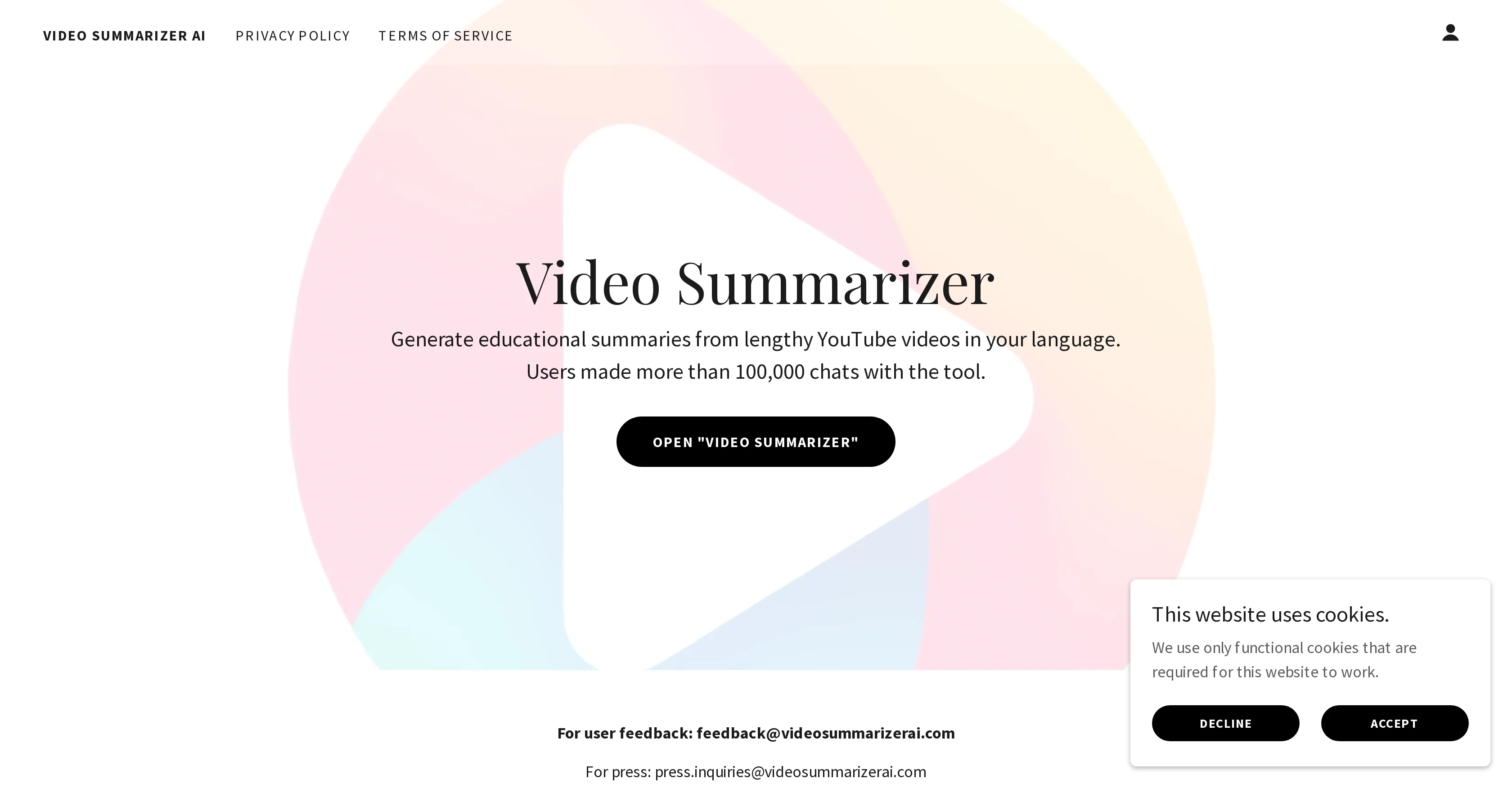
Video Summarizer AI is an advanced tool designed to create educational summaries from comprehensive YouTube videos. This artificial intelligence-based tool is language-sensitive, allowing it to generate summaries in the primary language of the user, thereby promoting increased comprehension and efficiency. Video Summarizer AI proves useful for transforming lengthy video content into summarized textual content, saving users time while ensuring they still gain the main insight from the original video. The tool is particularly effective for users seeking to gain key insights from educational or informative YouTube content without having to invest extensive time into viewing these videos in their full-length. It also maintains an interactive interface, as indicated by the substantial number of chats initiated by users. The AI tool can be accessed directly at 'Video Summarizer', which is a dedicated subdomain on the parent platform 'OpenAI'. While this tool shoulders the responsibility of summarizing YouTube content, it complies strictly with privacy policies and terms of services, ensuring a safe user experience. An account creation option is also provided where users can sign in and save their preferences. Help other people by letting them know if this AI was useful. Add your own prompts and outputs to help others understand how to use this AI.

Screenshot gallery

Video Summarizer AI screenshot

Pros & Cons

Pros

  • Creates educational summaries
  • Supports multiple languages
  • Time-saving tool
  • Transforms video into text
  • Ideal for long videos
  • Interactive user interface
  • Compliant with privacy policies
  • Terms of service adherence
  • Provides account creation
  • Allows saving user preferences
  • User-friendly platform
  • Great for educational YouTube content
  • Facilitates effective comprehension
  • Promotes efficiency
  • Chats initiated by users
  • Safe user experience
  • Support emails for feedback
  • Support emails for press
  • Dedicated subdomain access
  • Strictly follows privacy rules
  • User-made chats exceeding 100,000
  • Functional website cookies

Cons

  • Only summarizes YouTube videos
  • Requires account creation
  • Focused on educational content
  • Requires internet connection
  • Language limitations
  • Limited API integration
  • Unspecified video length limit
  • Privacy concerns with chats
  • No offline operation

A Professional Framework to Evaluate Video Summarizer AI

When considering Video Summarizer AI for integration into your organizational workflow, we recommend deploying a structured score card across three critical operational pillars: Security & Compliance, Integration Friction, and long-term Price Scalability. Rather than looking only at basic feature lists, modern procurement teams must assess how a software platform behaves under high load and how well it fits into the team's data security guidelines.

1. Security and Database Compliance

Depending on your operating region and field, ensure that Video Summarizer AI supports standard security layers such as SOC 2 Type II certifications, GDPR compliance, or HIPAA-compliant database encryption. If the tool connects directly to client database tables or handles user passwords, verify that they implement multi-factor authentication (MFA), single sign-on (SSO) integrations, and end-to-end data encryption in transit and at rest.

2. API Coverage and Custom Integrations

Siloed data is the primary cause of operational friction. Evaluate if Video Summarizer AI has native connectors for your current project trackers, messaging hubs, and customer communication channels. For custom developer requirements, check if they provide a fully documented REST API with reasonable rate limits, comprehensive Webhooks support, and robust SDK packages in your language. A flexible API layer saves hundreds of hours of manual copy-paste overhead.

3. Total Cost of Ownership (TCO)

SaaS pricing packages are often deceptively simple. When reviewing Video Summarizer AI's billing structure, map out your team's projected expansion over the next 12 to 24 months. Determine how costs scale as your customer database increases or as you add team members. Factor in setup costs, mandatory support plan upgrades, API access fees, and storage overage rates to understand the true cost before committing to a contract.

By combining verified user reviews from our directory with internal workflow pilot tests, your procurement team can make an informed decision that drives productivity without creating capital waste.

Features of Video Summarizer AI

  • Video Summary
  • Educational Tools
  • AI Based Tools
  • Language Sensitive
  • Time Saving
  • Content Transformation

SaaS1to10 verified reviews for Video Summarizer AI

Overall rating

5.0

Based on 20 reviews

5.01 weeks ago

Review

Finally, a prompt optimizer that makes sense, adding power to my own words. Easy to expand details, easy to go deeper and to get exactly what I need to squeeze out incredible results with ChatGPT. The Prompt_Enhancer setting is something serious. Thanks guys, keep on providing excellent AI tools!

Hollie Arsement

5.01 weeks ago

Review

Loved the search engine ideas.

Amr عمرو Amin امين

5.01 weeks ago

Review

It's genius. Amazing tool. PDF generation might be improved, but apart from that is amazing.

Aleksander Lukashou

5.01 weeks ago

Review

@KeywordSearch creates AI Ad Targeting audiences for YouTube

Aleric Heck

5.01 weeks ago

Review

Makes it easy to get started with a presentation if you have an outline, but as soon as you want more control, you're better off using Google Slides. @Gamma's feature that I used the most was image generation - you can select among a variety of models (Ideogram, Flux, DALL-E, but not Midjourney), and it shows 3 variations to choose from. Performance is slow and a little janky, even in Chrome. Prompts and settings are often not respected - e.g. you set it to "preserve text" and just generate slides, and it goes onto dumping an entire 3 paragraphs of text in one slide. You can't overlay text over images (e.g. for image attribution), and there's no precise positioning control, or grouping elements. No way to control table layout, e.g. to have two images slide-by-side in full bleed mode. I tried @Gamma for a new presentation, but next time I need to make a presentation, I'll go back to Google Slides and generate images independently.

Dan Dascalescu

5.01 weeks ago

Review

I joined Kin's beta program on my iPhone XR. After upgrading to an iPhone 13, I found that I couldn't log into my existing account on the new phone, forcing me to create a new account. Now, I have two separate Kin accounts on different phones. Today, when I accessed the beta version of Kin, I got a notification stating that the test version ended on Monday, September 23rd. It instructed me to back up my data and move to the official Kin app. I did as advised—backed up my data, confirmed, uninstalled the beta app via TestFlight, and installed the official Kin app. However, when I attempted to “log in”, I was still unable to access my existing account. This issue hasn't been resolved yet. I have been trying desperately to get in contact with the support team. I left feedback through the test flight app and sent emails. No response. Now trying to find a forums, Reddit posts, TAAFT comments☻

Desiree Miller

5.01 weeks ago

Review

This tool i found is super cool, I created 5 books from this tool to sell them online, which gives me great profit. I am creating more valuable books to spread knowledge, and earn some bucks as well 🤑.

Bilal Ashraf

5.01 weeks ago

Review

An amazing app, I love the share feature and the comment section summaries

Silvia Cho

5.01 weeks ago

Review

There were no aristocratic Asians and Africans in ancient Rome.

Sándor Gajdos

5.01 weeks ago

Review

Not at all accurate…. The only thing similar between original and generated images were the clothes and accessories… face was absolutely new and unconnected.

Shvetank Sharma

5.01 weeks ago

Review

okayyy this is actually way closer to what i expected from @FilmmakerPRO lol. tossed in a short horror concept and got a pretty sick visual draft back fast. a few transitions felt kinda cheesy, but the overall vibe was there and it gave me enough to build on. solid little tool.

Miss Roso

5.01 weeks ago

Review

This tool has completely transformed my social media content. I can now create engaging talking videos from my photos in minutes. The lip sync is incredibly realistic!

video lipsync

5.01 weeks ago

Review

nice holistic

Amit ImmI

5.01 weeks ago

Review

your answer is much too general, so useless. You could have just tell me to ask Perplexity.

Ta

5.01 weeks ago

Review

I think it's the best @Image Generator I ever found on the net. It gives more accurate image according to the prompt. And thank you for keeping it for free.

My Sawsiri

5.03 weeks ago

Review

yes its useful

Roberto Martina

5.03 weeks ago

Review

Thanks - are you looking to generate business ideas from the transcript as an extra feature?

Robbie Tilleard

5.03 weeks ago

Review

Did you install the extension through the chrome web store? It shouldn't add anything to your desktop or send you an email haha. If you look at the extension page it says my email is andre@not.pizza, please shoot me a line and I'll help figure out what's going on

Andre Popovitch

5.03 weeks ago

Review

I was able to get a summary for a half hour video in just under 2 minutes. An hour long video took 5 minutes. Saved me a phenomenal amount of time having to watch videos for courses!

Linda Kolean

5.03 weeks ago

Review

Hey! @Summify developer here. which summary style did you tried in which language? could you send us the video to examine? Best, Ry contact@Summify.io

Ray

Pricing

Starting Price

Contact vendor for pricing

Pricing may vary based on team size and features selected.

Where can Video Summarizer AI be deployed?

  • Cloud, SaaS, Web-Based

Recommended for you