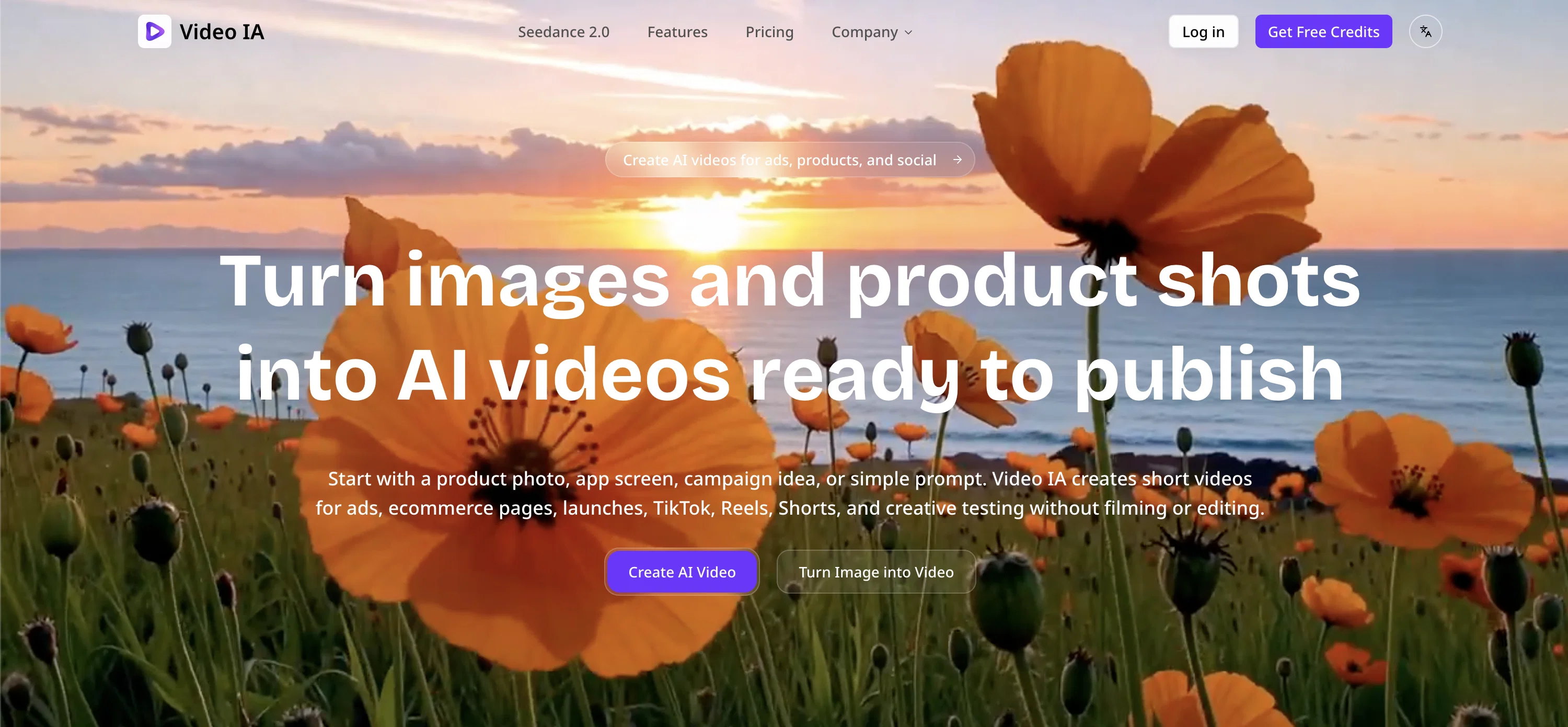
Video IA is a digital tool designed to create short videos for various purposes, such as social media, online advertising, and e-commerce. It utilizes AI technology to convert images, text, or visual ideas into engaging video clips without the need to record or edit.
Users can essentially convert product pictures into promotional videos, animate promotional text into a video format, and create multiple versions of a design by using one image.
One of the core advantages of Video IA is its ability to transform static content into dynamic and attention-grabbing videos, which is especially effective in enhancing online presence.
Video IA also offers the functionality to test and tweak videos before they're published to determine the most promising direction to go into. It operates entirely online, requiring no software installation and works on both computers and mobile devices.
It is particularly useful for online stores, sellers, community managers, personal brands, and local businesses, to produce visually compelling content on the go and with no need for an editing background.
Help other people by letting them know if this AI was useful.
Add your own prompts and outputs to help others understand how to use this AI.
Screenshot gallery
Pros & Cons
Pros
+Transforms photos into videos
+Converts texts into videos
+Creates different design versions
+Improves social media engagement
+Ideal for various platforms
+Supports diverse content formats
+No software installation
+User-friendly
+Mobile friendly
+No editing background required
+Creates dynamic content
+Online presence enhancement
+Content testing capability
+Enables animated posts
+Content creation from promotional idea
+Generates sales page videos
+Supports brand posting
+Creates ad campaign videos
+Supports catalogue video creation
+Generates TikTok compatible videos
+Creates shorts and stories
+Transforms static into dynamic content
+Operates entirely online
+Generates engaging video clips
+Produces multiple design versions
+Converts marketing ideas to videos
+Video testing before publishing
+Releasing versions for evaluation
+Helpful for local business marketing
+Useful for personal branding
+Creates promo animated posts
+Generates content for online stores
+Suitable for community managers
+Beneficial for small agencies
+Useful for product presentations
+Creates videos for customer engagement
+Enhances attention on social media
+Creates catalog videos
+Transforms campaign materials into videos
+Aids quick content development
+Facilitates content variation creation
+Quick video prototypes
+Tool for content managers
+Helpful for online sellers
+No heavy download needed
+Enables visual content transformation
+Ideal for Instagram and Reels
+Visible online ads creation
+Transforms e-commerce images
Cons
−Limited to short videos
−No live recording option
−No personal editing option
−Potentially generic video outputs
−Limited design variation
−Reliance on product photos
−No software download option
−Ideal mostly for online uses
−Lack of professional grade tools
−No built-in analytic tools
A Professional Framework to Evaluate Video IA
When considering Video IA for integration into your organizational workflow, we recommend deploying a structured score card across three critical operational pillars: Security & Compliance, Integration Friction, and long-term Price Scalability. Rather than looking only at basic feature lists, modern procurement teams must assess how a software platform behaves under high load and how well it fits into the team's data security guidelines.
1. Security and Database Compliance
Depending on your operating region and field, ensure that Video IA supports standard security layers such as SOC 2 Type II certifications, GDPR compliance, or HIPAA-compliant database encryption. If the tool connects directly to client database tables or handles user passwords, verify that they implement multi-factor authentication (MFA), single sign-on (SSO) integrations, and end-to-end data encryption in transit and at rest.
2. API Coverage and Custom Integrations
Siloed data is the primary cause of operational friction. Evaluate if Video IA has native connectors for your current project trackers, messaging hubs, and customer communication channels. For custom developer requirements, check if they provide a fully documented REST API with reasonable rate limits, comprehensive Webhooks support, and robust SDK packages in your language. A flexible API layer saves hundreds of hours of manual copy-paste overhead.
3. Total Cost of Ownership (TCO)
SaaS pricing packages are often deceptively simple. When reviewing Video IA's billing structure, map out your team's projected expansion over the next 12 to 24 months. Determine how costs scale as your customer database increases or as you add team members. Factor in setup costs, mandatory support plan upgrades, API access fees, and storage overage rates to understand the true cost before committing to a contract.
By combining verified user reviews from our directory with internal workflow pilot tests, your procurement team can make an informed decision that drives productivity without creating capital waste.
Features of Video IA
Photo To Video
Video Creation
Image To Video
Online Advertisements
Online Stores
Dynamic Clips
Free + From $29.9
SaaS1to10 verified reviews for Video IA
Overall rating
★★★★★5.0
Based on 18 reviews
★★★★★5.02 weeks ago
“Review”
I can't explain how impressed i am by this. I've seen tools to help you brainstorm ideas, but not one to break your task down into big steps, then little steps for each of these. Plus "games" to help come up with more ideas for your project. I'm excited to use this!
ImpulseOscar
★★★★★5.02 weeks ago
“Review”
that's such a great AI
piw
★★★★★5.02 weeks ago
“Review”
I think the software is really good.
Jiahui Zhou
★★★★★5.02 weeks ago
“Review”
I think it's the best @Image Generator I ever found on the net. It gives more accurate image according to the prompt. And thank you for keeping it for free.
My Sawsiri
★★★★★5.02 weeks ago
“Review”
Not at all accurate…. The only thing similar between original and generated images were the clothes and accessories… face was absolutely new and unconnected.
Shvetank Sharma
★★★★★5.02 weeks ago
“Review”
I’ve been using Image Combiner for quick image blending tests, and it does exactly what I need without making the workflow complicated. The interface is clean, uploads are simple, and the generated combinations are useful enough to iterate on quickly.
ShanAIDev
★★★★★5.02 weeks ago
“Review”
tried it for a quick music idea and it came together pretty smoothly. good for getting a track started when you don’t wanna spend forever setting things up. solid tool.
Kelechi Ajoku
★★★★★5.02 weeks ago
“Review”
It can generate any image I want freely, it's amazing!
Phan Tung
★★★★★5.02 weeks ago
“Review”
Really good product, simple and no bs 👍
Etienne Dupuis
★★★★★5.02 weeks ago
“Review”
I like it but sometimes it changes some features in somone
Cherry
★★★★★5.02 weeks ago
“Review”
Best Free Movie Maker App on the Market
Iacoletti Software
★★★★★5.02 weeks ago
“Review”
Deploys the backend directly from chat!
Spam Trapper
★★★★★5.02 weeks ago
“Review”
Very interesting
Béatrice Duval
★★★★★5.03 weeks ago
“Review”
They're dreaming if they think I'd give them my credit card info just for a free trial. Most useless thing ever...
Noeffen Way
★★★★★5.03 weeks ago
“Review”
easy onboarding, quick to set up.
Pluto Radigund
★★★★★5.03 weeks ago
“Review”
You get 300 credits upon signing up, which is enough to test out the app and see its potential. I had a bit of fun with it. It takes a few minutes to generate content, but the results are impressive. There are many styles, modifiers, and customization options available. I would definitely use this for content creation or storytelling.
Daniel Garaiacu
★★★★★5.03 weeks ago
“Review”
WE USE @D-ID AT THE COLORADO VIRTUAL CREATIVE FACTORY...AND LOVE IT.