5.02 months ago
“Review”
I found it very useful. I tried a few videos and it worked well for me. The one on their homepage is pretty good https://videohighlight.com/video/summary/cNfINi5CNbY
Azorian Project

Summarize and take notes from videos instantly.
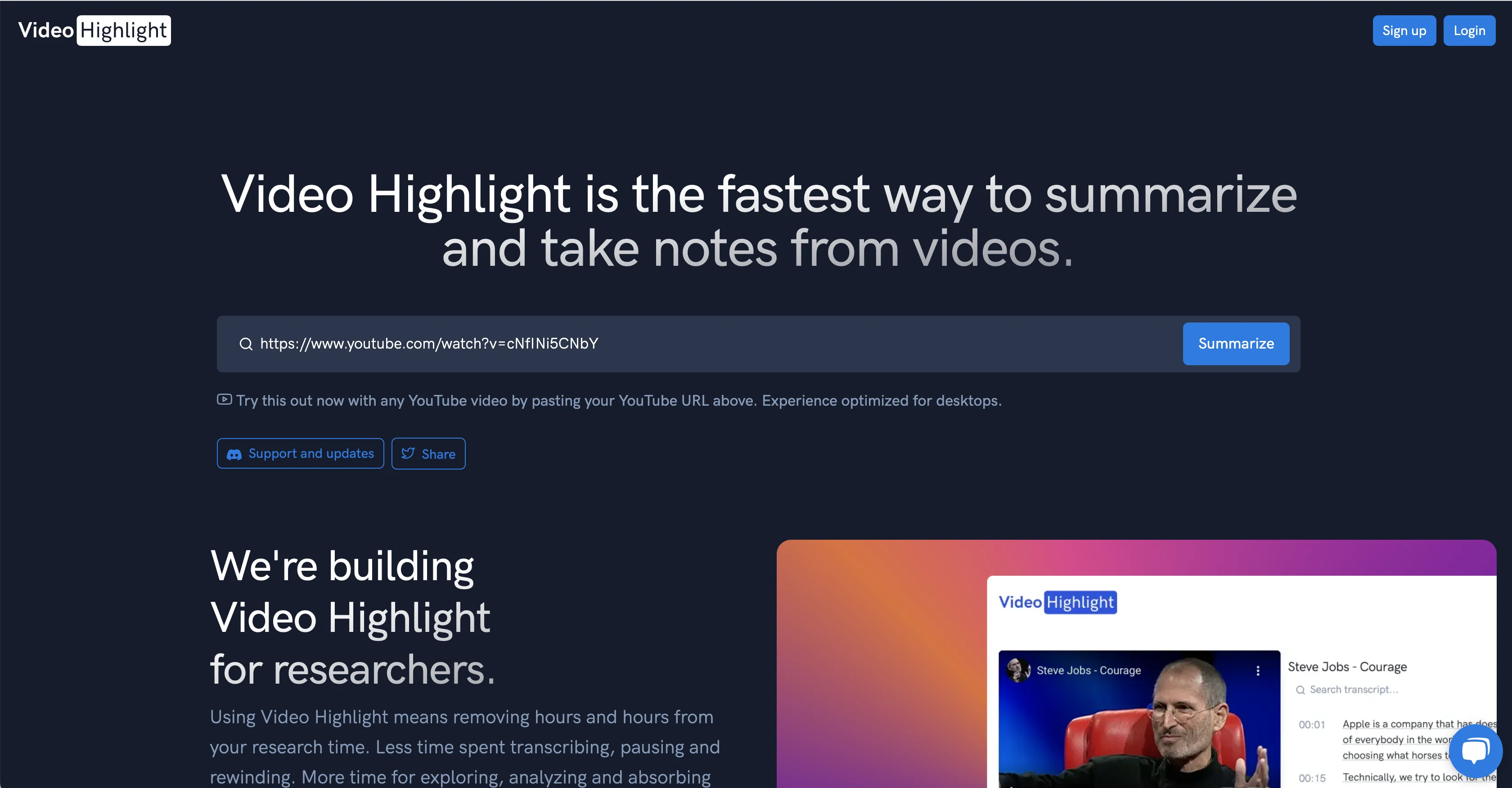
Video Highlight is an AI-powered tool that allows users to summarize and take notes from videos quickly and easily. The tool's interface is designed to be user-friendly, and it utilizes cutting-edge AI technology to extract key points from every video. Users can also find specific information within a video by using the tool's transcripts and timestamps, which allows them to skim through the contents of the video quickly. Video Highlight also enables users to add screenshots to their notes to remember key moments.This tool is different from traditional note-taking tools as it is specifically designed to help users interact with video content seamlessly. It is optimized for desktop use and is compatible with YouTube videos. Video Highlight also provides the ability to export notes directly into Roam Research, Notion, Evernote, or to connect with Readwise accounts for streamlined research.Furthermore, Video Highlight is ideal for individuals who want to improve their research efficiency by minimizing transcription efforts and gaining sharper analytical focus. It is also beneficial for anyone who wants to engage with video content on a deeper level.Given the high demand for such a tool, the Video Highlight team is working hard to expand their infrastructure to better serve users. Overall, if you want to take notes from videos in a fast and efficient way, Video Highlight is a valuable tool for you. Help other people by letting them know if this AI was useful. Add your own prompts and outputs to help others understand how to use this AI.
When considering Video Highlight for integration into your organizational workflow, we recommend deploying a structured score card across three critical operational pillars: Security & Compliance, Integration Friction, and long-term Price Scalability. Rather than looking only at basic feature lists, modern procurement teams must assess how a software platform behaves under high load and how well it fits into the team's data security guidelines.
Depending on your operating region and field, ensure that Video Highlight supports standard security layers such as SOC 2 Type II certifications, GDPR compliance, or HIPAA-compliant database encryption. If the tool connects directly to client database tables or handles user passwords, verify that they implement multi-factor authentication (MFA), single sign-on (SSO) integrations, and end-to-end data encryption in transit and at rest.
Siloed data is the primary cause of operational friction. Evaluate if Video Highlight has native connectors for your current project trackers, messaging hubs, and customer communication channels. For custom developer requirements, check if they provide a fully documented REST API with reasonable rate limits, comprehensive Webhooks support, and robust SDK packages in your language. A flexible API layer saves hundreds of hours of manual copy-paste overhead.
SaaS pricing packages are often deceptively simple. When reviewing Video Highlight's billing structure, map out your team's projected expansion over the next 12 to 24 months. Determine how costs scale as your customer database increases or as you add team members. Factor in setup costs, mandatory support plan upgrades, API access fees, and storage overage rates to understand the true cost before committing to a contract.
By combining verified user reviews from our directory with internal workflow pilot tests, your procurement team can make an informed decision that drives productivity without creating capital waste.
Overall rating
Based on 23 reviews
I found it very useful. I tried a few videos and it worked well for me. The one on their homepage is pretty good https://videohighlight.com/video/summary/cNfINi5CNbY
Azorian Project
😥😥😥😌😌😌😁😁😁😁
ranjit Kharpadiya
I was able to get a summary for a half hour video in just under 2 minutes. An hour long video took 5 minutes. Saved me a phenomenal amount of time having to watch videos for courses!
Linda Kolean
Great tool to summarise videos, amongst other things. I also made a video on it: https://youtu.be/_zMpsUhwfNk
J.I.
A valuable resource. I think I will be using this site quite regularly.
Slavica Voss
Seems to be working for me. Maybe try again?
Aramis
Did not work, keeps on thinking
Frank van Tussenbroek
It doesn't allow me to upload a file with less then 1GB and sends the message "Tenant ID missing"...
Fil Ca
It seems to be working fine right now. Maybe try again and double check if you’re using the book’s original or most recognized title. That might make a difference.
Alexandru Bostina
Nice interface, but no good at PDF answers, especially tables data.
hifive szu
Free Start with a Free Experience $0 /mo
Vitus Bering
I tried using it but the website has too many bugs.
João Neiva
As the service was in beta-testing stage, I created there a dozen of AI-generated courses for free. I wanted to use them. Those courses remained in my account as they started subscription tiers. But recently I have found out that they were deleted. The support didn't answer to my e-mail at all.
Oldfag TV
Might as well use Harpa for this, that's free.
Eric Van de Kerckhove
I tried NovelGPT a template in @Agentgpt and it did an excellent job writing the first two episodes of my novel complete with character descriptions, setting,plot points and well I think you get the point. Great tool can't wait to see it out of beta.
Kelli Crose
After my first use, I think it's surprisingly good. The only drawback so far is the PDF export option for the report which is formatless.
Alejandro Correa
Really amazing! Makes learning content and engaging with things so much easier!
Jamie McDonald
O GPT faz uma análise melhor e mais personalizada.
Vinicius Vilela
I'm still testing the tool yet it looks very promising. I tested it with a 5.5k words Academic text that I had previously red. I tested the Key points feature, it does work!
Ivana González
An amazing app, I love the share feature and the comment section summaries
Silvia Cho
Thanks - are you looking to generate business ideas from the transcript as an extra feature?
Robbie Tilleard
Did you install the extension through the chrome web store? It shouldn't add anything to your desktop or send you an email haha. If you look at the extension page it says my email is andre@not.pizza, please shoot me a line and I'll help figure out what's going on
Andre Popovitch
Hey! @Summify developer here. which summary style did you tried in which language? could you send us the video to examine? Best, Ry contact@Summify.io
Ray
Starting Price
Free plan available
Free tier available with optional paid upgrades.


