5.02 months ago
“Review”
This tool i found is super cool, I created 5 books from this tool to sell them online, which gives me great profit. I am creating more valuable books to spread knowledge, and earn some bucks as well 🤑.
Bilal Ashraf

AI motion graphics generator - VibeMotionAI
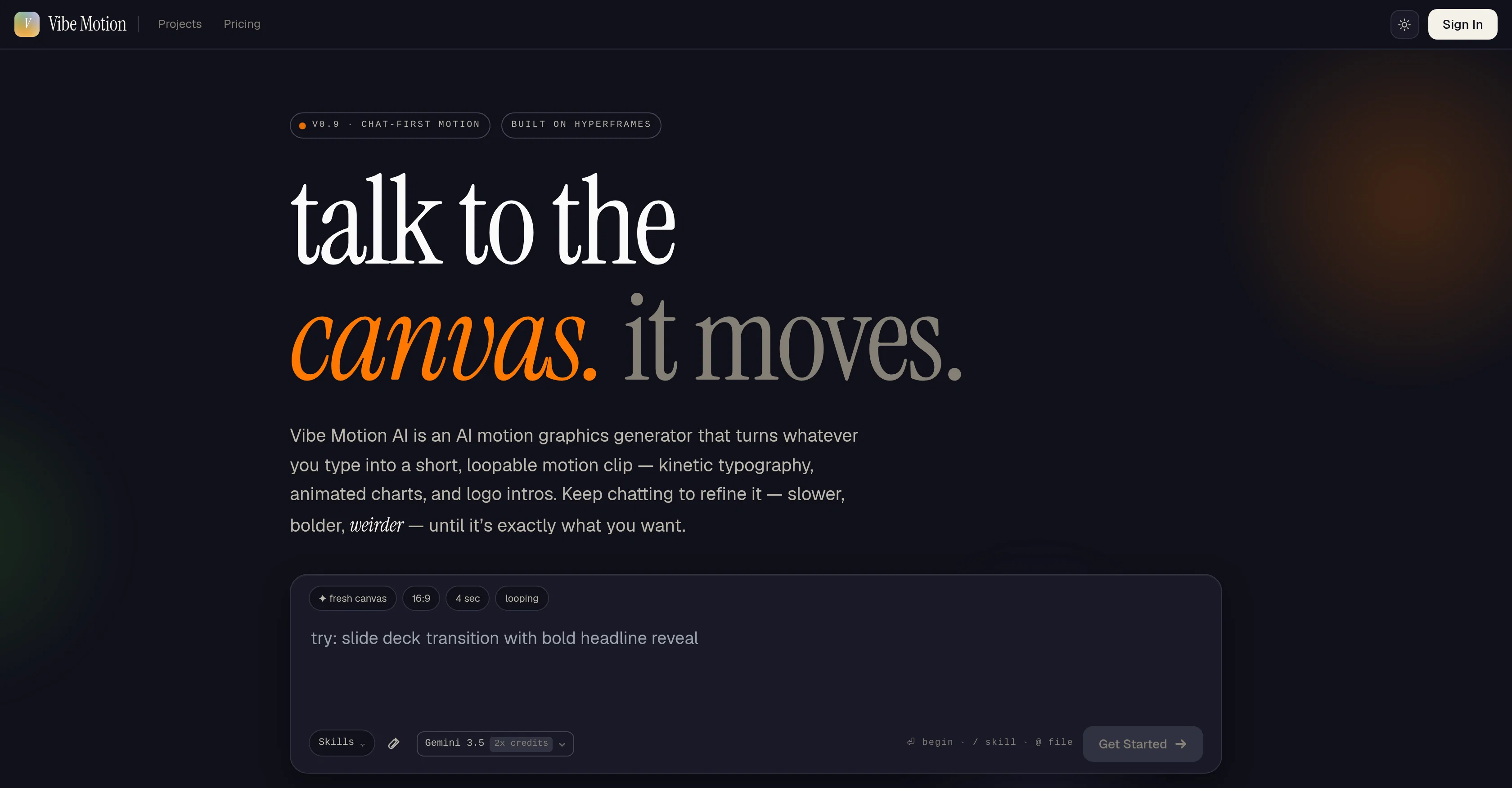
Vibe Motion AI is an innovative tool designed to create motion graphics via AI power. It takes inputs in the form of text, converts this into a variety of motion graphics media including but not limited to kinetic typography, animated charts, logo intros and more. The tool serves as a much quicker and efficient alternative to traditional motion graphics software, leveraging artificial intelligence to simplify the process. Its receptive approach allows for modifications at any point, letting users interactively refine the output by specifying changes in pace, intensity or novelty until achieving the desired result. It operates on a loop and can transform whatever you type into a short, continually repeating motion graphic clip. Examples of its versatility include generating animated bar charts, revealing company logos, constructing step-by-step process flow animations, drawing out airplane flight paths, animating segments of a pie chart and highlighting product features with text callouts. The product is user-friendly, encouraging users to 'chat' their way through the creation process to achieve an end product that completely satisfies their requirements. Help other people by letting them know if this AI was useful. Add your own prompts and outputs to help others understand how to use this AI.
When considering Vibe Motion for integration into your organizational workflow, we recommend deploying a structured score card across three critical operational pillars: Security & Compliance, Integration Friction, and long-term Price Scalability. Rather than looking only at basic feature lists, modern procurement teams must assess how a software platform behaves under high load and how well it fits into the team's data security guidelines.
Depending on your operating region and field, ensure that Vibe Motion supports standard security layers such as SOC 2 Type II certifications, GDPR compliance, or HIPAA-compliant database encryption. If the tool connects directly to client database tables or handles user passwords, verify that they implement multi-factor authentication (MFA), single sign-on (SSO) integrations, and end-to-end data encryption in transit and at rest.
Siloed data is the primary cause of operational friction. Evaluate if Vibe Motion has native connectors for your current project trackers, messaging hubs, and customer communication channels. For custom developer requirements, check if they provide a fully documented REST API with reasonable rate limits, comprehensive Webhooks support, and robust SDK packages in your language. A flexible API layer saves hundreds of hours of manual copy-paste overhead.
SaaS pricing packages are often deceptively simple. When reviewing Vibe Motion's billing structure, map out your team's projected expansion over the next 12 to 24 months. Determine how costs scale as your customer database increases or as you add team members. Factor in setup costs, mandatory support plan upgrades, API access fees, and storage overage rates to understand the true cost before committing to a contract.
By combining verified user reviews from our directory with internal workflow pilot tests, your procurement team can make an informed decision that drives productivity without creating capital waste.
Overall rating
Based on 6 reviews
This tool i found is super cool, I created 5 books from this tool to sell them online, which gives me great profit. I am creating more valuable books to spread knowledge, and earn some bucks as well 🤑.
Bilal Ashraf
State of the Art
Dmitry G.
Went from a C to an A in Cognitive Psychology using @Thea!!
Sarah White
B12 exceeded my expectations especially after I tried a few similar tools. Signing up took under a minute and because I offer a very specific set of services as a consultant, I didn't expect the AI to be able to capture my work, but it did a great job with creating content for me. I only had to make a few edits, add my bio, and was able to publish that same day. Now I get lots of compliments on my site and I've even tried their other tools like email marketing, which is great because the emails match my site's appearance. Overall I would recommend B12 as an effective, affordable, and easy to use website solution.
Katie G
Cool tool and easy to use.
Nirit Altony
Speed is amazing ! I will definitely utilize the tool in the future for film generation
Derek Little
Starting Price
Free plan available
Free tier available with optional paid upgrades.


