5.01 months ago
“Review”
This tool i found is super cool, I created 5 books from this tool to sell them online, which gives me great profit. I am creating more valuable books to spread knowledge, and earn some bucks as well 🤑.
Bilal Ashraf

AI-powered IT estate management for proactive risk control.
Veriom is an AI-powered tool designed to deliver robust management of IT estates. The tool performs comprehensive analysis of entire IT infrastructures, providing in-depth insights into the IT landscape. Verioms primary function lies in identifying potential risks and bottlenecks that can escalate into costly problems. It accomplishes this by using AI-driven algorithms to extract insights from complex data patterns, enabling proactive risk management and enhancement of efficiency within IT infrastructures.Veriom offers tools for conducting two-click system audits, maintaining end-to-end process visibility, and producing actionable reports, thereby simplifying the auditing procedure and granting comprehensive visibility of IT processes. Another important feature is its Compliance Management capability, designed to proactively identify and mitigate potentially escalating compliance risks, simplify navigation through complex regulatory landscapes, and thereby enhancing trust with clients and stakeholders. Aside from Compliance Management, Veriom also offers tools for Security Assessment and Risk Management, focused on preventing security vulnerabilities and critical operational disruptions. Additionally, Veriom provides Process Optimization tools for addressing performance bottlenecks and inefficiencies, fostering productivity and efficiency in IT operations. By cross-referencing data from various sources, such as code repositories, testing environments, and production systems, Veriom guarantees comprehensive analysis, enabling it to pinpoint underlying causes of potential issues. The platform also delivers actionable recommendations, allowing organizations to mitigate compliance risks, address process inefficiencies, and optimize IT operations. Help other people by letting them know if this AI was useful. Add your own prompts and outputs to help others understand how to use this AI.
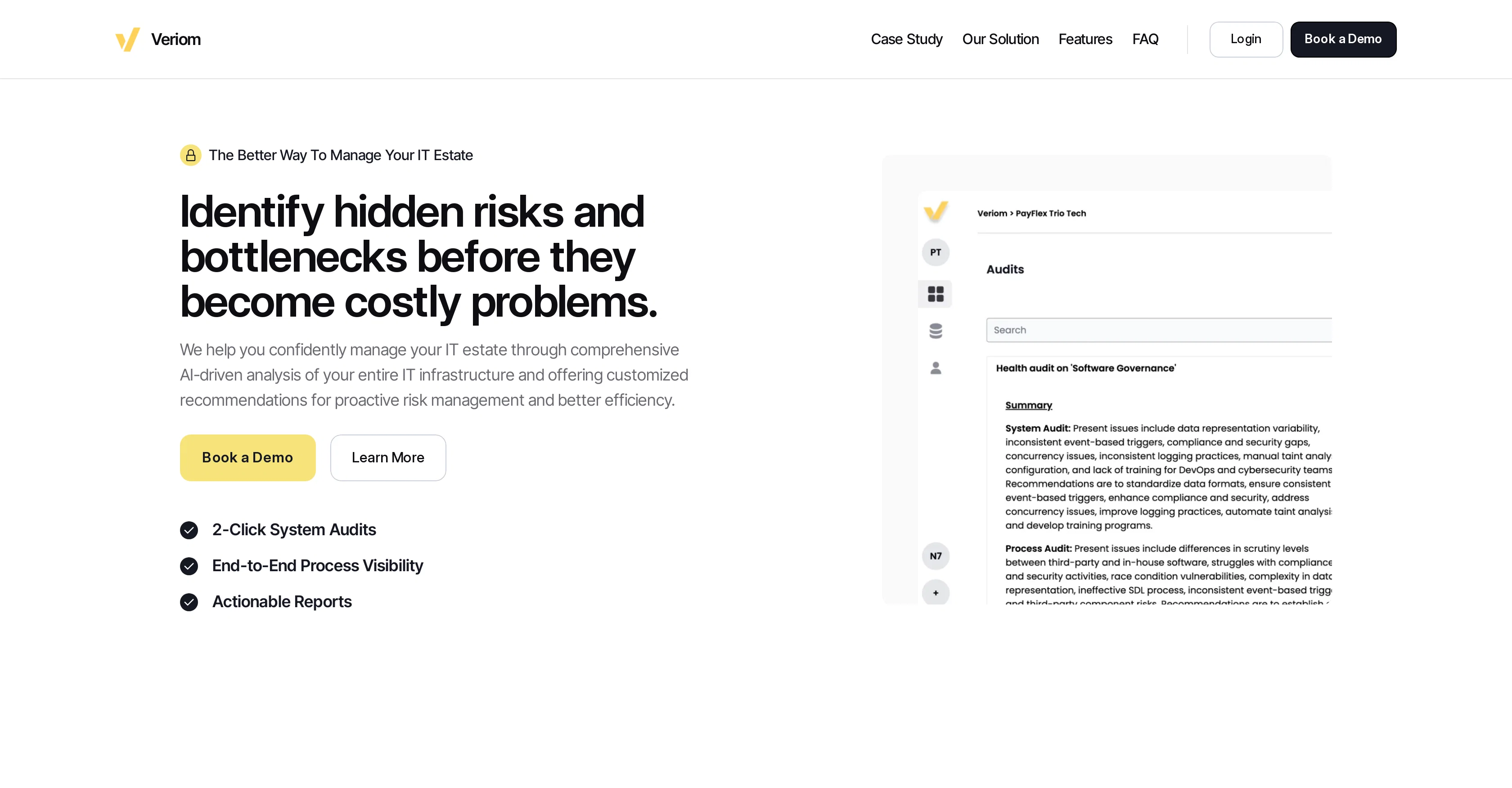
When considering Veriom for integration into your organizational workflow, we recommend deploying a structured score card across three critical operational pillars: Security & Compliance, Integration Friction, and long-term Price Scalability. Rather than looking only at basic feature lists, modern procurement teams must assess how a software platform behaves under high load and how well it fits into the team's data security guidelines.
Depending on your operating region and field, ensure that Veriom supports standard security layers such as SOC 2 Type II certifications, GDPR compliance, or HIPAA-compliant database encryption. If the tool connects directly to client database tables or handles user passwords, verify that they implement multi-factor authentication (MFA), single sign-on (SSO) integrations, and end-to-end data encryption in transit and at rest.
Siloed data is the primary cause of operational friction. Evaluate if Veriom has native connectors for your current project trackers, messaging hubs, and customer communication channels. For custom developer requirements, check if they provide a fully documented REST API with reasonable rate limits, comprehensive Webhooks support, and robust SDK packages in your language. A flexible API layer saves hundreds of hours of manual copy-paste overhead.
SaaS pricing packages are often deceptively simple. When reviewing Veriom's billing structure, map out your team's projected expansion over the next 12 to 24 months. Determine how costs scale as your customer database increases or as you add team members. Factor in setup costs, mandatory support plan upgrades, API access fees, and storage overage rates to understand the true cost before committing to a contract.
By combining verified user reviews from our directory with internal workflow pilot tests, your procurement team can make an informed decision that drives productivity without creating capital waste.
Overall rating
Based on 18 reviews
This tool i found is super cool, I created 5 books from this tool to sell them online, which gives me great profit. I am creating more valuable books to spread knowledge, and earn some bucks as well 🤑.
Bilal Ashraf
Great tool! Was very helpful in content production
Duck Typer
Suppppeeeeerrr! Wowwww! @Mindsmith is absolutely fantastic! It is incredibly useful, easy to use, and very professional.
Claudia Scilletta
Looks great, helps my family a lot!
mikew12044@lofiey.com
It's sad to see people want to try your tool out but you have no free sample for them. This may be the best tool out there, but, as mentioned, going through with the AI for minutes to explain what you want, then being prompted to pay, without even knowing if it CAN create something, is discouraging. I hope we can get a free sample or preview at one point, im interested in this one.
Ron Jayson
B12 exceeded my expectations especially after I tried a few similar tools. Signing up took under a minute and because I offer a very specific set of services as a consultant, I didn't expect the AI to be able to capture my work, but it did a great job with creating content for me. I only had to make a few edits, add my bio, and was able to publish that same day. Now I get lots of compliments on my site and I've even tried their other tools like email marketing, which is great because the emails match my site's appearance. Overall I would recommend B12 as an effective, affordable, and easy to use website solution.
Katie G
The website is pretty good but there are only a limited number of responses
Probal Roy
After my first use, I think it's surprisingly good. The only drawback so far is the PDF export option for the report which is formatless.
Alejandro Correa
I'm still testing the tool yet it looks very promising. I tested it with a 5.5k words Academic text that I had previously red. I tested the Key points feature, it does work!
Ivana González
Can you share some success stories from recent 91 Club members and their journeys to achieving their goals? I'm particularly interested in how they overcame obstacles and what advice they would give to aspiring individuals.
Harsh Yadav
Thq you so much
Harun Rashid
O GPT faz uma análise melhor e mais personalizada.
Vinicius Vilela
As the service was in beta-testing stage, I created there a dozen of AI-generated courses for free. I wanted to use them. Those courses remained in my account as they started subscription tiers. But recently I have found out that they were deleted. The support didn't answer to my e-mail at all.
Oldfag TV
Improving your public speaking skills for professional presentations can be achieved through practice, preparation, and persistence. Here are some tips to help you enhance your public speaking skills: Practice and Preparation Building Confidence Start small: Begin with small presentations or group discussions to build your confidence. Focus on your message: Focus on the value of your message rather than your own nervousness. Delivery Techniques Make eye contact: Engage with your audience by making eye contact with different people in the room. Vary your tone and pace: Use vocal variety to add emphasis and keep your audience engaged. Use visual aids: Use visual aids like slides, videos, or props to support your message and add visual interest. Managing Nervousness Take deep breaths: Take deep breaths before your presentation to calm your nerves. Use positive self-talk: Encourage yourself with positive affirmations, such as "I am well-prepared" or "I can do this." Focus on your audience: Focus on your audience's needs and interests rather than your own nervousness. Seeking Feedback Ask for feedback: Ask colleagues or mentors for feedback on your presentations. Be open to constructive criticism: Use feedback to identify areas for improvement and work on making changes. Continuously improve: Continuously work on improving your public speaking skills through practice, feedback, and self-reflection. By following these tips, you can improve your public speaking skills and deliver confident, effective presentations in a professional setting.
Abul Kashem
Does not know how to spell
Emily Hamilton
Well it goes to show that autocad can't be done by AI. At least for now
Wilson Abella
So very useful
BDG 100 % Winning
nice holistic
Amit ImmI
Starting Price
Contact vendor for pricing
Pricing may vary based on team size and features selected.


