5.01 months ago
“Review”
Seems good , but do not have single easy to use step guide to help use it. Its like your learn and then it works . They could prepared a small cheat sheet to make their product easy to use . I am logging out
Jayesh Patel

AI that takes detailed notes of your meetings
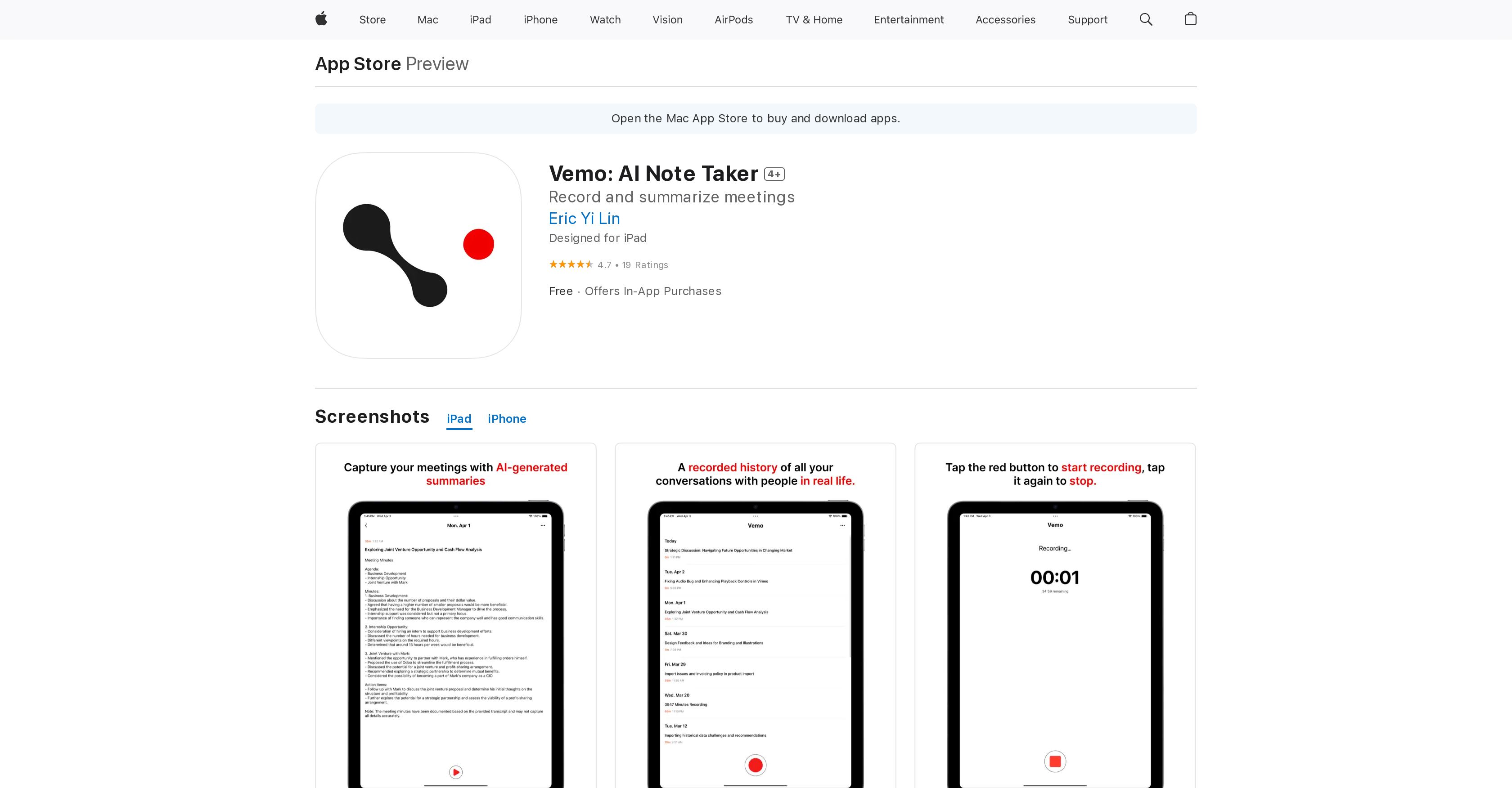
Vemo is an AI-powered note-taking application designed to understand conversations and take detailed notes. The tool is dedicated to professionals and learners who wish to keep track of their extensive and complex discussions with coworkers, clients, while in meetings or instructional settings. Users can easily capture all elements of their conversations, relieving them from the task of manual note-taking and ensuring that important details are not lost. Vemo integrates a recording feature that allows users to document meetings and generates summaries from these recordings. These meeting summaries can then be reviewed, regenerated until the user is satisfied with the final version, and shared with others such as bosses, coworkers or classmates.Vemo showcases an easy-to-use interface and a commitment to user privacy. It employs Apple Sign In, ensuring that no personally identifiable information is stored if users opt not to share their email. This feature makes Vemo ideal for both in-person and web-based meetings, brainstorming sessions, client interviews, lectures and talks, and for providing actionable summaries of YouTube videos. It also serves as a useful tool for those who are struggling with attention and focus issues by providing structured and concise notes. Help other people by letting them know if this AI was useful. Add your own prompts and outputs to help others understand how to use this AI.
When considering Vemo: AI Note Taker for integration into your organizational workflow, we recommend deploying a structured score card across three critical operational pillars: Security & Compliance, Integration Friction, and long-term Price Scalability. Rather than looking only at basic feature lists, modern procurement teams must assess how a software platform behaves under high load and how well it fits into the team's data security guidelines.
Depending on your operating region and field, ensure that Vemo: AI Note Taker supports standard security layers such as SOC 2 Type II certifications, GDPR compliance, or HIPAA-compliant database encryption. If the tool connects directly to client database tables or handles user passwords, verify that they implement multi-factor authentication (MFA), single sign-on (SSO) integrations, and end-to-end data encryption in transit and at rest.
Siloed data is the primary cause of operational friction. Evaluate if Vemo: AI Note Taker has native connectors for your current project trackers, messaging hubs, and customer communication channels. For custom developer requirements, check if they provide a fully documented REST API with reasonable rate limits, comprehensive Webhooks support, and robust SDK packages in your language. A flexible API layer saves hundreds of hours of manual copy-paste overhead.
SaaS pricing packages are often deceptively simple. When reviewing Vemo: AI Note Taker's billing structure, map out your team's projected expansion over the next 12 to 24 months. Determine how costs scale as your customer database increases or as you add team members. Factor in setup costs, mandatory support plan upgrades, API access fees, and storage overage rates to understand the true cost before committing to a contract.
By combining verified user reviews from our directory with internal workflow pilot tests, your procurement team can make an informed decision that drives productivity without creating capital waste.
Overall rating
Based on 19 reviews
Seems good , but do not have single easy to use step guide to help use it. Its like your learn and then it works . They could prepared a small cheat sheet to make their product easy to use . I am logging out
Jayesh Patel
Among mobile apps this is the best tool making AI-written texts out of speech
I K
Hey AI fans, I am Kalo, co-founder of @Breezemail. If your inbox is anything like mine, you spend at least 20% of your life opening, answering, and unsubscribing from emails. Arguably, the only thing more tedious than this is fixing your grandma’s Windows XP (arguably). Or you just gave up, and your inbox app has a cute red dot with a truncation ellipsis (…), also known as the symbol of inbox doom. Either way, the whole inbox situation is an absolute disaster. We wanted to solve this challenge using AI. @Breezemail will help you enter the holy land of Inbox Zero. It’s an email categorizer tool that keeps important emails in your inbox and categorizes the rest into folders using natural language prompts. How does it work? 1. @Breezemail has a default Important category which leaves all your real human emails in your inbox. 2. Everything else is organized into AI folders (or labels). Labels using natural language prompts, for example, “All emails from my family”. 3. We give you a bunch of pre-defined categories to start with, and you can create your own custom categories, the same way you would write a ChatGPT prompt (yes, our tool also uses ChatGPT). We’ve been testing it in-house for both our personal and business emails, and it worked so well that I no longer hate link builders and outreach people because their requests are neatly organized into a couple of folders. For my personal inbox, I can finally see all my receipts in one place, and all stock newsletters are ready for daily review in a different folder. Go try it out now for free. We’d love to hear your feedback, so please don’t be shy and drop me a line back. Currently, the tool is only available for Outlook, but we are working on a Gmail app, too. If you’d like to try it for Gmail, please let us know. Thank you, Kalo
Kaloyan Yankulov
I like @Needle very much, it helps me a lot as it saves me so much time that I would otherwise waste on unnecessary searching, thank you very much @Needle :)
Thomas Waldstett
Matt here from @Dokkio support! Thanks for checking out our page. If you'd like a free demo of @Dokkio, please do not hesitate to reach out to support@Dokkio.com
Matt Castaldo
We built this for us, and if other people want to use it, so be it, but I’m not going to try and sell on why one should use or buy it. Judging by the sign-ups and upgrades, it looks like more people are finding it useful. You are right about #1 and that line does sound a bit dishonest and salesy - which was unintentional so I’m changing that. It was very real though and we carefully baked in tiny little details for our upgraded users. For eg, we have invited most of our upgraded users to try the mobile apps’ TestFlight version.
Jijo Sunny
My inbox was flooded before @AImReply—and it’s not anymore! Thanks, @AImReply
Nathan Hughess
Great and easy to use chatbot.... It is my personal advisor...
David Mavashev
Works for me
Aramis
It is not free. So i couldnt test anything
Isa Venancio
I would highly recommend for researches and students. useful to manage your articles and use AI to get the key points.
Hamed Mousavi
Great tool for my video content
Silvia Cho
I tried using it but the website has too many bugs.
João Neiva
I've tried 10 note-taking tools, and so far this is the best. My work is now much simpler and more efficient.
Happy Kid
Maybe more useful as I think!
yuesheng zheng
I like the desktop version, it can record and transcribe my meetings. Pretty accurate transcript and summary.
akihouse98
very accurate transcription. summaries are spot on. and can transcribe conversations in real-time. easy to use
Jeff Matteus
Very smooth and effective. It could detect even Hindi language and could summarise pretty reasonably
Pankaj Dixit
👋 Hey everyone — I’m Yusef, founder of @Jamy. We built @Jamy because we were tired of wasting time after meetings — rewriting notes, chasing action items, and trying to remember what was actually said. @Jamy handles all of that automatically: it joins your calls, transcribes, summarizes, pulls tasks and quotes, and even sends branded follow-ups. It works with Zoom, Google Meet, Teams, and phone calls — and connects with tools like Slack, Trello, and Notion. If you’re curious, give it a spin — @Jamy.ai. Would love your feedback! — Yusef
Yusef Jacobs
Starting Price
Free plan available
Free tier available with optional paid upgrades.


