5.02 months ago
“Review”
Requires payment even for try
Kim Cardoso

AI-powered pixel to vector conversion.
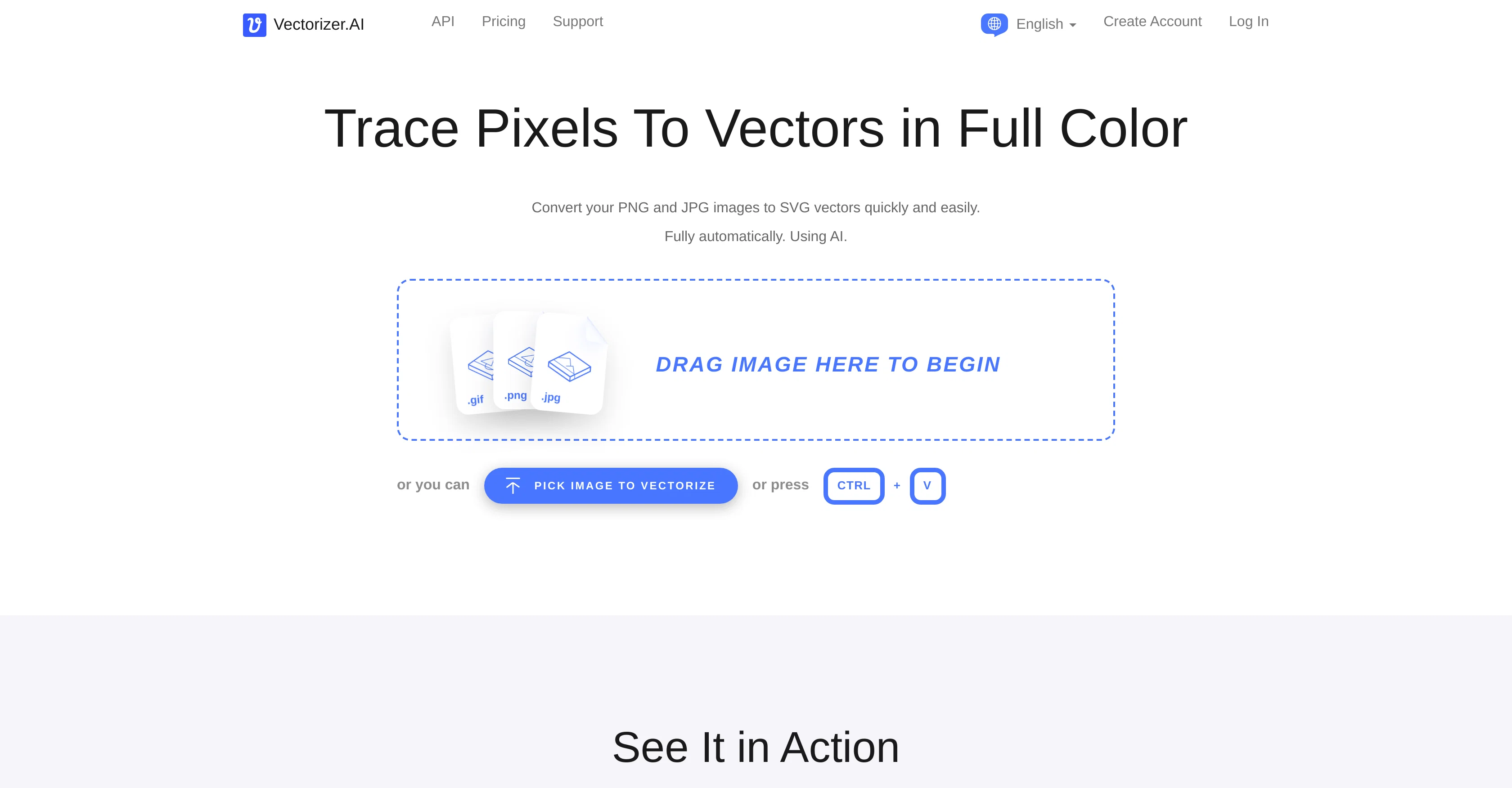
Vectorizer.AI is a tool designed to facilitate the smooth conversion of pixel-based (raster) PNG and JPG images into scalable vector graphics (SVGs) fully automatically. Built on a foundation of deep learning and classical algorithms, this tool analyzes, processes, and transforms your image from a grid of pixels to geometrical shapes. These resulting vector images can be expanded to any resolution without losing quality, allowing for a wider range of applications, including printing, cutting, embroidering and more.A core feature of Vectorizer.AI is its deep vector engine that employs artificial intelligence networks to create thorough and precise vector conversions. It also utilizes a unique computational geometry framework, the Vector Graph, which enables automated edits and localized optimizations that are challenging to achieve with conventional vector image representations. Rather than limiting its functioning to simple Bezier curves, it fits complex geometric shapes where applicable to provide an ideal fit and unmatched consistency. It supports various types of curves and uses them as needed, providing results that are more natural than those from other vectorizers. High performance is ensured through the full utilization of state-of-the-art GPUs for deep learning, and efficient, parallel classical algorithms conducted on multi-core CPUs.Vectorizer.AI takes care of features that are less than a pixel wide and places boundaries according to the anti-aliasing pixel values. Fully automatic, it doesnt require user input to produce results, working effectively on scanner images, photos of sketches, drawn artwork, and photographs. It also supports full 32-bit color, including the alpha channel, and allows for a wide range of export options, including SVG, PDF, EPS, DXF, and PNG formats. Help other people by letting them know if this AI was useful. Add your own prompts and outputs to help others understand how to use this AI.
When considering Vectorizer for integration into your organizational workflow, we recommend deploying a structured score card across three critical operational pillars: Security & Compliance, Integration Friction, and long-term Price Scalability. Rather than looking only at basic feature lists, modern procurement teams must assess how a software platform behaves under high load and how well it fits into the team's data security guidelines.
Depending on your operating region and field, ensure that Vectorizer supports standard security layers such as SOC 2 Type II certifications, GDPR compliance, or HIPAA-compliant database encryption. If the tool connects directly to client database tables or handles user passwords, verify that they implement multi-factor authentication (MFA), single sign-on (SSO) integrations, and end-to-end data encryption in transit and at rest.
Siloed data is the primary cause of operational friction. Evaluate if Vectorizer has native connectors for your current project trackers, messaging hubs, and customer communication channels. For custom developer requirements, check if they provide a fully documented REST API with reasonable rate limits, comprehensive Webhooks support, and robust SDK packages in your language. A flexible API layer saves hundreds of hours of manual copy-paste overhead.
SaaS pricing packages are often deceptively simple. When reviewing Vectorizer's billing structure, map out your team's projected expansion over the next 12 to 24 months. Determine how costs scale as your customer database increases or as you add team members. Factor in setup costs, mandatory support plan upgrades, API access fees, and storage overage rates to understand the true cost before committing to a contract.
By combining verified user reviews from our directory with internal workflow pilot tests, your procurement team can make an informed decision that drives productivity without creating capital waste.
Overall rating
Based on 19 reviews
Requires payment even for try
Kim Cardoso
you have build an incorrect customer journey where you mostly feel user feel cheated and dissapointed as you dont even allow to try your product before payment. I wont use this tool again unless you change your model.
Anna Bylina
trash paywall for test
Leandro Dener
Nothing to add after this comment from Anna Bylina: "you have build an incorrect customer journey where you mostly feel user feel cheated and dissapointed as you dont even allow to try your product before payment."
Melih kanmaz
This one is great for logo and poster concepts. The vector-style output looks clean, and it handled a few pixel-art prompts better than expected. I’d still like tighter controls for fonts and style consistency, but it’s a strong tool overall.
Oleg John
love it and the customization it offers. still needs some work creating faces :| even cartoon ones
Bernard
It has everything that I need in one place: ChatGPT, Copywriting templates, AI Images, Audio Transcription.
Dmytro
It works nicely. The autodraw function works really well, it easily detects what I’m trying to go for. W tool!
Orit Paredes
This is exactly what we have been looking for. Can't wait to run it
Simon
At first glance, this will save me hours of keyword research. I can't wait for the pro plan to be released to get access to more keywords. Much more user-friendly than traditional keyword research tools
Enzo Snyman
It created some decent logos. They are great as a start point
Samuel Barlet
After my first use, I think it's surprisingly good. The only drawback so far is the PDF export option for the report which is formatless.
Alejandro Correa
O GPT faz uma análise melhor e mais personalizada.
Vinicius Vilela
I think it's the best @Image Generator I ever found on the net. It gives more accurate image according to the prompt. And thank you for keeping it for free.
My Sawsiri
I’ve tried many AI writing tools in the past, but this one actually delivers content that sounds human and ranks. I love how you can create a full SEO blog post with just a keyword… and it’s ready to publish in one click. That saves me so much time. Also, small win for the wallet — use code FSL25 to get 25% off on any plan. Definitely helped me out when testing it for the first time. 👍 Hope this helps someone else who’s been struggling like I was!
Jason
It's not free, it forces you to input an email before shoving a price tag in your face.
Arvoly XSL
Really amazing! Makes learning content and engaging with things so much easier!
Jamie McDonald
As the service was in beta-testing stage, I created there a dozen of AI-generated courses for free. I wanted to use them. Those courses remained in my account as they started subscription tiers. But recently I have found out that they were deleted. The support didn't answer to my e-mail at all.
Oldfag TV
Free Start with a Free Experience $0 /mo
Vitus Bering
Starting Price
From $15.00/user/month
Pricing may vary based on team size and features selected.


