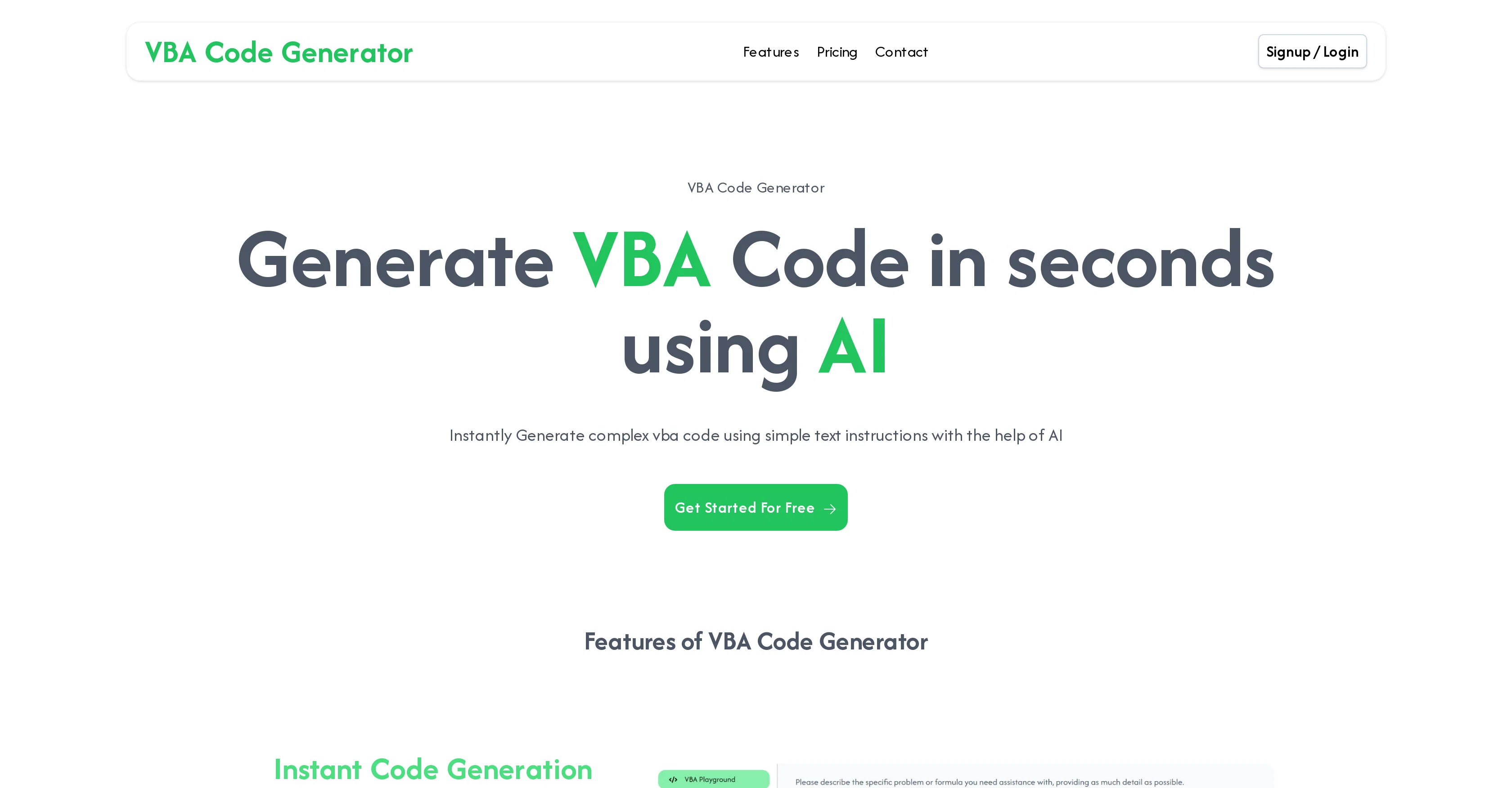
VBA Code Generator, powered by artificial intelligence, automates the creation of custom VBA (Visual Basic for Applications) code. This tool is specifically designed to streamline Excel and Office tasks, eliminating the need for extensive programming skills or manual coding.
By accepting simple text instructions as input, the tool generates accurate VBA code almost instantaneously. The generated code caters to a wide variety of VBA applications, ranging from Excel automation to Access database management.
VBA Code Generator provides a user-friendly interface that is designed for both programming novices and experienced users. It aims to save users' time, allowing them to focus on other significant areas of their work.
However, users are advised to review and verify the generated formulas to ensure they meet specific needs. While the tool can handle a broad spectrum of formula complexities, including nested functions, multiple conditions, and advanced calculations, highly complicated or specialized formulas might require manual intervention or further customization.
Help other people by letting them know if this AI was useful.
Add your own prompts and outputs to help others understand how to use this AI.
Screenshot gallery
Pros & Cons
Pros
+Automates custom VBA code creation
+Streamlines Excel and Office tasks
+Requires no coding skills
+Accepts simple text instructions
+Instant code generation
+Caters to wide range of VBA applications
+User-friendly interface
+Time-saving
+Handles formula complexities
+Suitable for programming novices and experts
+Excel automation capability
+Access database management capability
+Free to try
+Supports nested functions
+Supports multiple conditions
+Supports advanced calculations
+Allows for manual customization
+Various payment methods available
Cons
−Limited to VBA applications
−Potential inaccuracies in code
−Needs manual review of formulas
−Inefficient for highly complex formulas
−Paid plans for extended use
−No support for other languages
−Limited to Excel and Office
−Requires text instructions as input
−Manual intervention for specialized formulas
−Doesn't support other coding platforms
A Professional Framework to Evaluate VBA Code Generator
When considering VBA Code Generator for integration into your organizational workflow, we recommend deploying a structured score card across three critical operational pillars: Security & Compliance, Integration Friction, and long-term Price Scalability. Rather than looking only at basic feature lists, modern procurement teams must assess how a software platform behaves under high load and how well it fits into the team's data security guidelines.
1. Security and Database Compliance
Depending on your operating region and field, ensure that VBA Code Generator supports standard security layers such as SOC 2 Type II certifications, GDPR compliance, or HIPAA-compliant database encryption. If the tool connects directly to client database tables or handles user passwords, verify that they implement multi-factor authentication (MFA), single sign-on (SSO) integrations, and end-to-end data encryption in transit and at rest.
2. API Coverage and Custom Integrations
Siloed data is the primary cause of operational friction. Evaluate if VBA Code Generator has native connectors for your current project trackers, messaging hubs, and customer communication channels. For custom developer requirements, check if they provide a fully documented REST API with reasonable rate limits, comprehensive Webhooks support, and robust SDK packages in your language. A flexible API layer saves hundreds of hours of manual copy-paste overhead.
3. Total Cost of Ownership (TCO)
SaaS pricing packages are often deceptively simple. When reviewing VBA Code Generator's billing structure, map out your team's projected expansion over the next 12 to 24 months. Determine how costs scale as your customer database increases or as you add team members. Factor in setup costs, mandatory support plan upgrades, API access fees, and storage overage rates to understand the true cost before committing to a contract.
By combining verified user reviews from our directory with internal workflow pilot tests, your procurement team can make an informed decision that drives productivity without creating capital waste.
Features of VBA Code Generator
VBA
Code Generation
Excel Automation
Access Database Management
Programming
Automation
Free + From $4.99/Mo
SaaS1to10 verified reviews for VBA Code Generator
Overall rating
★★★★★5.0
Based on 18 reviews
★★★★★5.01 months ago
“Review”
Excellent chatbot, very functional and easy to teach. It took me a while to vary the prompt, but I ended up getting a great result when I put it through a stress test. I give 4 stars because I think this AI can still improve. In any case I recommend it.
Waltdege
★★★★★5.01 months ago
“Review”
interesting ai tool, quickly let you create a good looking website.. thumbs up
avoda mehabait
★★★★★5.01 months ago
“Review”
Working great as of 30/11/2024. Let me tell you why I'm so happy about this, because I was desperate: - Firecrawl.dev? Inconsistent API documentation. Apify scrapers? Couldn't work on my target URL. - I spent $150 over 4-5 OTHER tools before finding this one, which is free to use locally right now. Wow. I'm dumb. - My target URL was a broken site, with 500 javascript errors, content violations, bad cookies, etc. - Not a single scraper worked that I tried, except for this one. So yeah, I'd say I'm pretty happy
Sha Ok
★★★★★5.01 months ago
“Review”
The site has a fantastic presentation and from what we tested the features are perfect. Congratulations to the development team
Tudonumclic Consultoria
★★★★★5.01 months ago
“Review”
This team took the time to understand the industry, problem and its users and designed a perfectly engineered solution. Kudos.
Junaid Ali
★★★★★5.01 months ago
“Review”
It is not free. So i couldnt test anything
Isa Venancio
★★★★★5.01 months ago
“Review”
"Brilliant AI solution—making life easier."
Catherine Leblanc
★★★★★5.01 months ago
“Review”
I've been playing around with this for a few hours. It's made me say "WOW" too many times than i wish to admit. I'm going to follow this and see how it evolves. For now, i managed to create quite a nice Expenses app for personal use. | It did have some problems when it came to moving some components on other pages, but for how short the prompts it uses can be, it is really impressive. With some proper prompts it can generate some strong stuff.
Bernard
★★★★★5.01 months ago
“Review”
Hi thanks for pointing this out, we've checked and can confirm that the thing is in fact doing the thing 🫡
Osum
★★★★★5.01 months ago
“Review”
It's genius. Amazing tool. PDF generation might be improved, but apart from that is amazing.
Aleksander Lukashou
★★★★★5.01 months ago
“Review”
Wow, wonderful project.
Palash Roy
★★★★★5.01 months ago
“Review”
WE USE @D-ID AT THE COLORADO VIRTUAL CREATIVE FACTORY...AND LOVE IT.
Franco Arteseros
★★★★★5.01 months ago
“Review”
B12 exceeded my expectations especially after I tried a few similar tools. Signing up took under a minute and because I offer a very specific set of services as a consultant, I didn't expect the AI to be able to capture my work, but it did a great job with creating content for me. I only had to make a few edits, add my bio, and was able to publish that same day. Now I get lots of compliments on my site and I've even tried their other tools like email marketing, which is great because the emails match my site's appearance. Overall I would recommend B12 as an effective, affordable, and easy to use website solution.
Katie G
★★★★★5.01 months ago
“Review”
Excellent app! Very accurate and helpful
Oğuzcan Nas
★★★★★5.01 months ago
“Review”
Fantastic tool for anyone who is looking to promote their personal brand and gain followers on Linkedin with no experience. The tool has a lot of potential to grow and as someone who has recently purchased the tool I'm hoping for more topics in settings.
Ed Soltani
★★★★★5.01 months ago
“Review”
This tool i found is super cool, I created 5 books from this tool to sell them online, which gives me great profit. I am creating more valuable books to spread knowledge, and earn some bucks as well 🤑.
Bilal Ashraf
★★★★★5.02 months ago
“Review”
GOOD AI FOR ALL TASKS
abdelmajid el-gheryby
★★★★★5.02 months ago
“Review”
I need to create a relationship between the Excel that contains the phone numbers in column A for the people to whom I want to send their performance sheet via WhatsApp every month with the click of a button automatically and without any intervention from me, knowing that the performance sheet is an image in column C and each person has his own sheet where the only link between the performance sheet and the phone number is their personal names