5.02 months ago
“Review”
No imprint with business location, owner or contact. Also no contact form or email for support. Trying the free version the test videos are showing onyl 'in progress' after several days. Scam?
Kai Hessing

Upscale images up to 40x without quality loss.
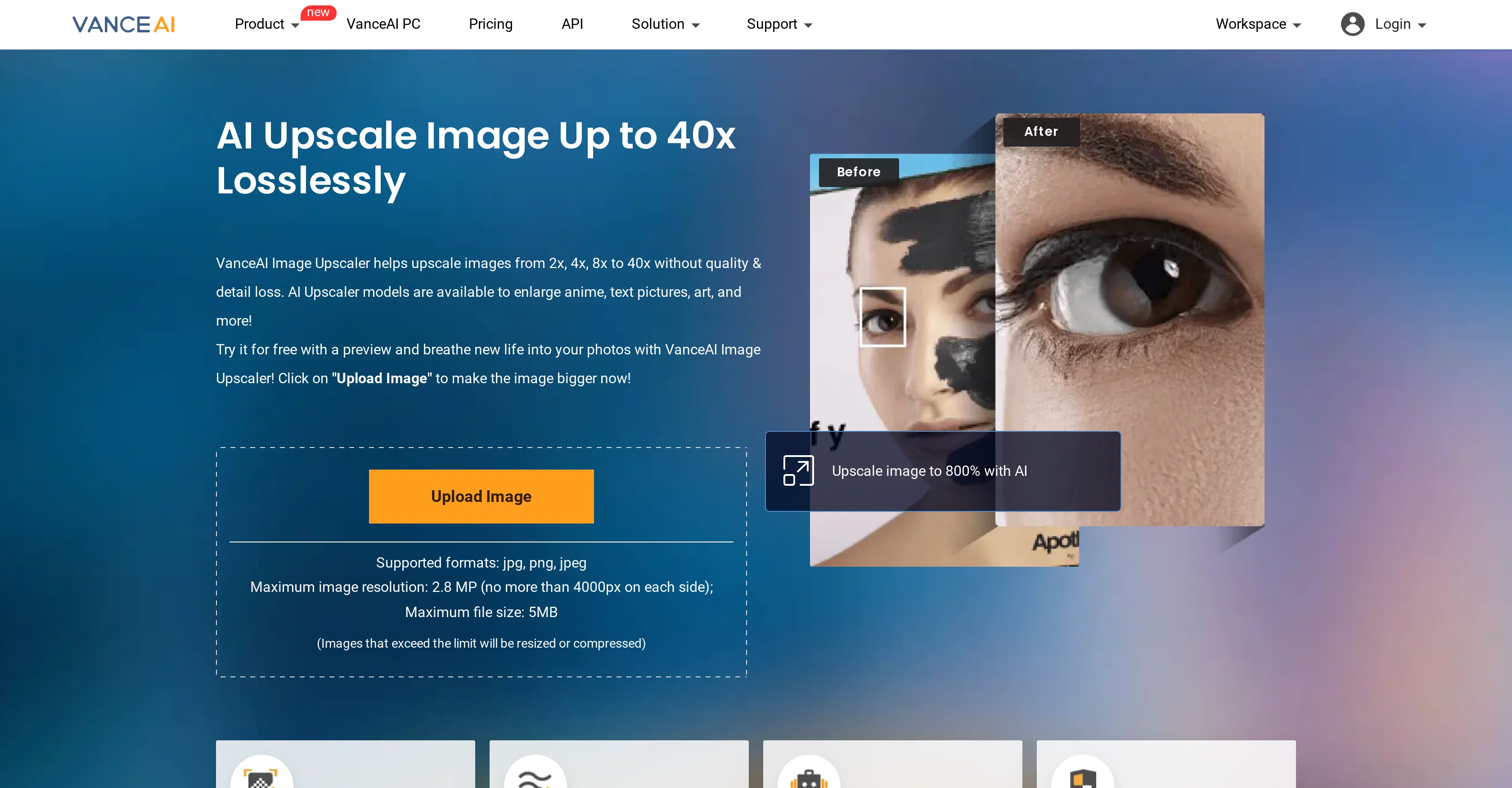
VanceAI Image Upscaler is an AI tool designed to enlarge images while retaining detail and quality. The tool has the ability to upscale images online and with the downloadable software version. Utilizing AI models, VanceAI Image Upscaler can also extend advanced image enlargements to various kinds of visuals including anime, text pictures, and artwork. The AI solution employs cutting-edge AI algorithms to upscale images up to 8x online, and up to a remarkable 40x within the software platform. These processes are carried out efficiently with a commitment to preserve the image's initial quality. VanceAI Image Upscaler promises the safety of user's data, ensuring all processed images will be deleted within 24 hours to maintain personal privacy. Furthermore, this AI tool differentiates itself from traditional image upscale processes by utilizing deep learning to restore image resolution, reducing blockiness and pixelation that might result from regular upscaling methods. It also has applications in fields such as e-commerce by improving product photo quality, or for personal use to enhance photo print quality. Help other people by letting them know if this AI was useful. Add your own prompts and outputs to help others understand how to use this AI.
When considering VanceAI Image Upscaler for integration into your organizational workflow, we recommend deploying a structured score card across three critical operational pillars: Security & Compliance, Integration Friction, and long-term Price Scalability. Rather than looking only at basic feature lists, modern procurement teams must assess how a software platform behaves under high load and how well it fits into the team's data security guidelines.
Depending on your operating region and field, ensure that VanceAI Image Upscaler supports standard security layers such as SOC 2 Type II certifications, GDPR compliance, or HIPAA-compliant database encryption. If the tool connects directly to client database tables or handles user passwords, verify that they implement multi-factor authentication (MFA), single sign-on (SSO) integrations, and end-to-end data encryption in transit and at rest.
Siloed data is the primary cause of operational friction. Evaluate if VanceAI Image Upscaler has native connectors for your current project trackers, messaging hubs, and customer communication channels. For custom developer requirements, check if they provide a fully documented REST API with reasonable rate limits, comprehensive Webhooks support, and robust SDK packages in your language. A flexible API layer saves hundreds of hours of manual copy-paste overhead.
SaaS pricing packages are often deceptively simple. When reviewing VanceAI Image Upscaler's billing structure, map out your team's projected expansion over the next 12 to 24 months. Determine how costs scale as your customer database increases or as you add team members. Factor in setup costs, mandatory support plan upgrades, API access fees, and storage overage rates to understand the true cost before committing to a contract.
By combining verified user reviews from our directory with internal workflow pilot tests, your procurement team can make an informed decision that drives productivity without creating capital waste.
Overall rating
Based on 21 reviews
No imprint with business location, owner or contact. Also no contact form or email for support. Trying the free version the test videos are showing onyl 'in progress' after several days. Scam?
Kai Hessing
easy to use and can get what I need.
Neal Han
My comedy thumbnail
Arman Khan
Doesn't change anything other than the requested changes, even when changes are the ones not requested. black to blonde hair when requesting redhead, e.g.. Only changes hair, but doesn't give you the prompt you put in consistently
Roman LaPier
It's not free. Once it makes you log in with your gmail account and upload your picture, it tells you that you need to buy credits to proceed.
Giti Mortazavi
Only human face restoration.
Annhen A
The application arbitrarily adds doors and windows, making the final design unusable. It also changes the view from the window. In the final you are looking at a completely different room than the one you are interested in redesigning.
Martin Březina
Got the 100 photo package and out of those the majority didn't look like me and reminded more someone of Slavic/East Asian descent (I'm NE European). Some photos had typical AI flaws. While I got some nice hairstyle ideas out of the photos, I would dare to upload only a couple out of those 100 as my professional headshots. The generator did not account to my body type AT ALL - I am reasonably far from the petite East Asian figure and even with weight loss this result would be literally unattainable. Those 100 photos generated were more repetitive than I would've expected for the price.
Taiki-Viia Tungal
This is exactly what we have been looking for. Can't wait to run it
Simon
Extremely useful for work.
Rob Hopper
WE USE @D-ID AT THE COLORADO VIRTUAL CREATIVE FACTORY...AND LOVE IT.
Franco Arteseros
It's not free, it forces you to input an email before shoving a price tag in your face.
Arvoly XSL
Really amazing! Makes learning content and engaging with things so much easier!
Jamie McDonald
It worked very good to upscale the image. But it upscaled the size as well from 1.63mb to 10.7mb.
Ann P
Very practical
Scofield michael
you only get 10 credits better to use other upscalers
Requiem of Ice
Very good job. File size concerns me, it was 10.2mb from a 1.63mb file. That was only one image, what if I had 50?
Ann P
5 minutes to create account. 1 minute to discover poor photo enhancing. Waste of time
Екатерина Дашкова
Androlicous!!!
Wazim Aju
nice holistic
Amit ImmI
Horror, disaster. I do not recommend.
Libor Jiránek
Starting Price
From $7.00/user/month
Pricing may vary based on team size and features selected.


