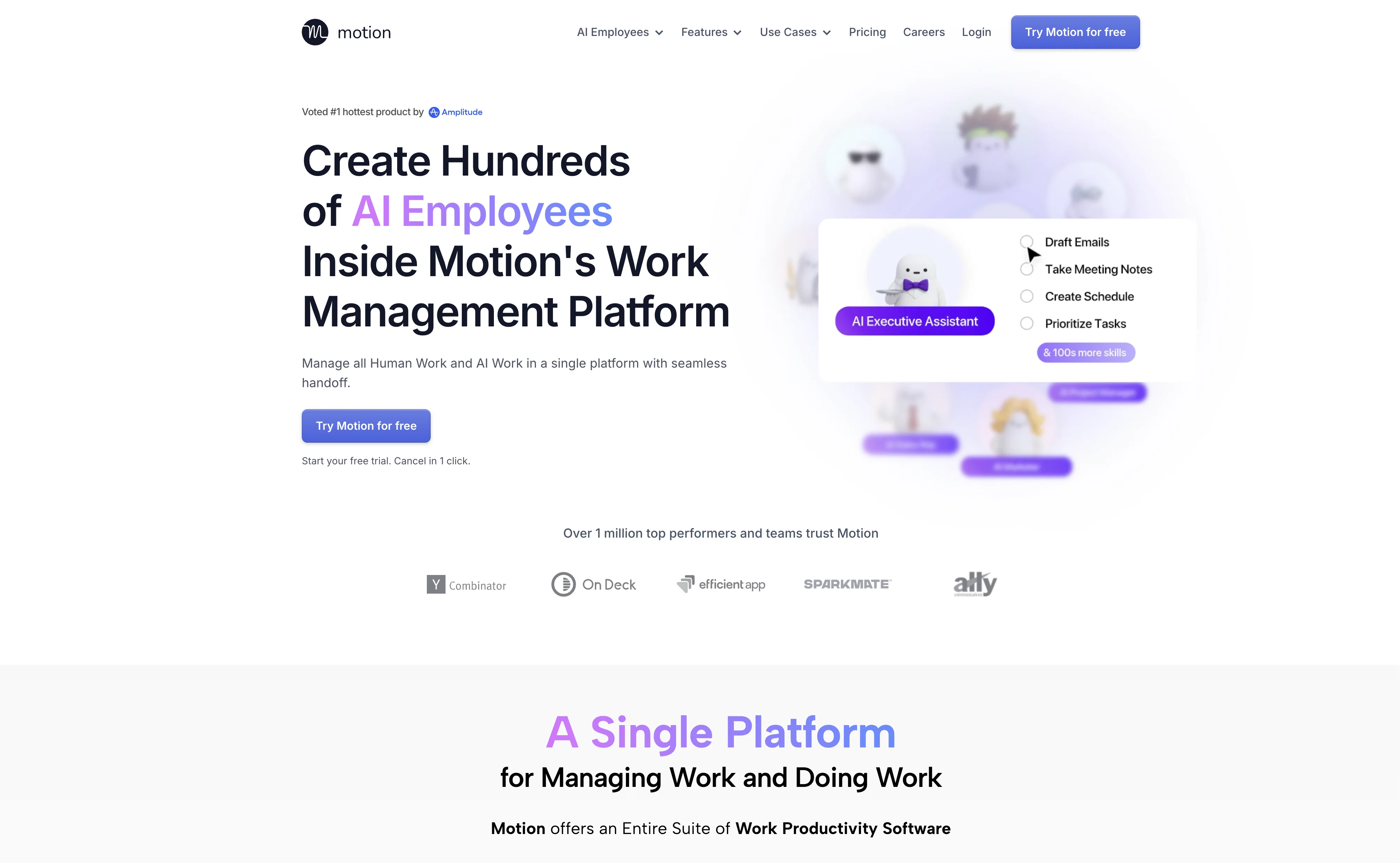
Motion Calendar is an Artificial Intelligence (AI) based tool used in planning work schedules, managing calendars, tasks, meetings and project management.
The tool provides an automatic schedule based on the user's tasks and priorities, by taking into account all projects and tasks and displaying them in a prioritized time-block manner.
The tool dynamically optimizes schedules dozens of times in a day to keep plans up-to-date. The tool is especially useful for enhancing productivity as it assists busy individuals and work teams.
The proprietary algorithm of the tool called 'The Happiness Algorithm' aims to maximize user happiness and satisfaction while increasing productivity.
It automatically integrates work and personal calendars into a master calendar. The tool helps users to manage tasks by computing across all projects and tasks, their deadlines, priorities, dependencies, etc.
The tool also has workload reporting that advises users if they are taking too much work or setting impossible deadlines. In terms of meetings, Motion creates meeting booking pages, shows availability, and schedules meetings at ideal times.
Motion provides services for various businesses such as IT Service providers, Marketing agencies, Design agencies, Law Firms, Consulting Businesses, Startups, Product Teams, Marketing Teams, Sales Teams, Executive Teams, and others in a wide array of sectors.
Help other people by letting them know if this AI was useful.
Add your own prompts and outputs to help others understand how to use this AI.
Screenshot gallery
Pros & Cons
Pros
+30.3 days saved per year
+Calendar, project and task management
+Custom user needs adaptation
+Serves diverse business types
+20,000+ professional user base
+Intelligent calendar view
+Automatic task prioritization
+Reschedules unfinished work
+Alerts for deadlines
+Progress tracking
+Notes, attachments, and comments
+Custom meeting templates
+Shared availability for booking
+Back to back meeting scheduling
+7-day free trial
+One-click cancellation
+Priority based task display
+Schedule optimization multiple times a day
+Dedicated algorithm called 'Happiness Algorithm'
+Work and personal calendar integration
+Computes deadlines, priorities, dependencies
+Workload reporting to manage work volume
+Automated meeting booking
+Variety of business use cases
+Calendar Syncing
+Task Scheduling
+Prioritizing tasks
+Helps manage executive dysfunction
+Automated rescheduling of tasks
+Recommended by top-performing professionals
+Reduces manual planning
+Reduces coordination effort
+Boosts team collaboration and visibility
+Dynamically adapts to changing conditions
+Real-time visibility of team schedules
+Helps set realistic deadlines
+Integrates favorite tools
+Connects with calendars
+One-stop productivity solution
+Automatic details for tasks
+Designed for diverse roles and teams
+Combined master calendar
+Customizable for diverse needs
+Proactive deadline tracking
+Automated meeting scheduling
+Task completion tracker
+Real-time workload reporting
+Compatible with top calendars
+Automatic plan optimization
+Customizable work plans
Cons
−Limited integration options
−No offline mode
−No multi-language support
−No iOS or Android app
−No collaboration tools
−No customer support chat
−No version history feature
−No task dependency feature
−No chat within tasks
−Only calendar-focused
A Professional Framework to Evaluate Motion
When considering Motion for integration into your organizational workflow, we recommend deploying a structured score card across three critical operational pillars: Security & Compliance, Integration Friction, and long-term Price Scalability. Rather than looking only at basic feature lists, modern procurement teams must assess how a software platform behaves under high load and how well it fits into the team's data security guidelines.
1. Security and Database Compliance
Depending on your operating region and field, ensure that Motion supports standard security layers such as SOC 2 Type II certifications, GDPR compliance, or HIPAA-compliant database encryption. If the tool connects directly to client database tables or handles user passwords, verify that they implement multi-factor authentication (MFA), single sign-on (SSO) integrations, and end-to-end data encryption in transit and at rest.
2. API Coverage and Custom Integrations
Siloed data is the primary cause of operational friction. Evaluate if Motion has native connectors for your current project trackers, messaging hubs, and customer communication channels. For custom developer requirements, check if they provide a fully documented REST API with reasonable rate limits, comprehensive Webhooks support, and robust SDK packages in your language. A flexible API layer saves hundreds of hours of manual copy-paste overhead.
3. Total Cost of Ownership (TCO)
SaaS pricing packages are often deceptively simple. When reviewing Motion's billing structure, map out your team's projected expansion over the next 12 to 24 months. Determine how costs scale as your customer database increases or as you add team members. Factor in setup costs, mandatory support plan upgrades, API access fees, and storage overage rates to understand the true cost before committing to a contract.
By combining verified user reviews from our directory with internal workflow pilot tests, your procurement team can make an informed decision that drives productivity without creating capital waste.
Features of Motion
AI Scheduling
Calendar Integration
Task Management
Productivity Enhancement
Project Management
Prioritization
Free + From $19/Mo
SaaS1to10 verified reviews for Motion
Overall rating
★★★★★5.0
Based on 18 reviews
★★★★★5.01 months ago
“Review”
Good idea on democratization of AHP based Multiple Criteria Decision Making / Analysis (MCDM / MCDA). Helping common people to get AI powered MCDA at own mobile phone, otherwise only available expencive software with enterprises.
Shashi Bhattarai
★★★★★5.02 months ago
“Review”
Thanks for the comment – I’ve always wondered what it was like, but been put off by the pricetag. Doesn’t sound like it’s worth it. :-(
Jamie Jones
★★★★★5.02 months ago
“Review”
Good idea, but full of bug.
It removed my lunch to put a working task, the report bug form doesn't let you write anything.
I'm out
Maxime
★★★★★5.02 months ago
“Review”
easy to pick up and you get a few free file imports. it gives you results pretty fast, unfortunately i can't find a way to get back to these, they're locked behind the paid service.
Ron Jayson
★★★★★5.02 months ago
“Review”
An amazing app, I love the share feature and the comment section summaries
Silvia Cho
★★★★★5.02 months ago
“Review”
I tried NovelGPT a template in @Agentgpt and it did an excellent job writing the first two episodes of my novel complete with character descriptions, setting,plot points and well I think you get the point. Great tool can't wait to see it out of beta.
Kelli Crose
★★★★★5.02 months ago
“Review”
I'm still testing the tool yet it looks very promising. I tested it with a 5.5k words Academic text that I had previously red. I tested the Key points feature, it does work!
Ivana González
★★★★★5.02 months ago
“Review”
Such an impressive platform for all of us who are looking for more efficient ways to do the investigation. @OpenRead has the potential to solve our problems.
Zhuohang Tong
★★★★★5.02 months ago
“Review”
Really like how it finds connection in the content that I save. I don't think any other tool can do that.
amix ffx
★★★★★5.02 months ago
“Review”
The website is pretty good but there are only a limited number of responses
Probal Roy
★★★★★5.02 months ago
“Review”
O GPT faz uma análise melhor e mais personalizada.
Vinicius Vilela
★★★★★5.02 months ago
“Review”
After my first use, I think it's surprisingly good. The only drawback so far is the PDF export option for the report which is formatless.
Alejandro Correa
★★★★★5.02 months ago
“Review”
Nice interface, but no good at PDF answers, especially tables data.
hifive szu
★★★★★5.02 months ago
“Review”
Really amazing! Makes learning content and engaging with things so much easier!
Jamie McDonald
★★★★★5.02 months ago
“Review”
As the service was in beta-testing stage, I created there a dozen of AI-generated courses for free. I wanted to use them. Those courses remained in my account as they started subscription tiers. But recently I have found out that they were deleted. The support didn't answer to my e-mail at all.
Oldfag TV
★★★★★5.02 months ago
“Review”
I tried using it but the website has too many bugs.
João Neiva
★★★★★5.02 months ago
“Review”
Not really what I was looking for. But did a good job
Paulo Massagem e Terapias
★★★★★5.02 months ago
“Review”
I've been exploring AI for quite some time, and it's been a true lifesaver for my severe ADHD. Finding the perfect calendar, task, and habit-tracking app that uses AI to intelligently schedule tasks with minimal interaction has been a quest. @Day Flow is the closest I've found to my ideal solution. It's not perfect, but it's really good and incredibly helpful.