5.02 months ago
“Review”
I think it's the best @Image Generator I ever found on the net. It gives more accurate image according to the prompt. And thank you for keeping it for free.
My Sawsiri

AI image enhancement with control.
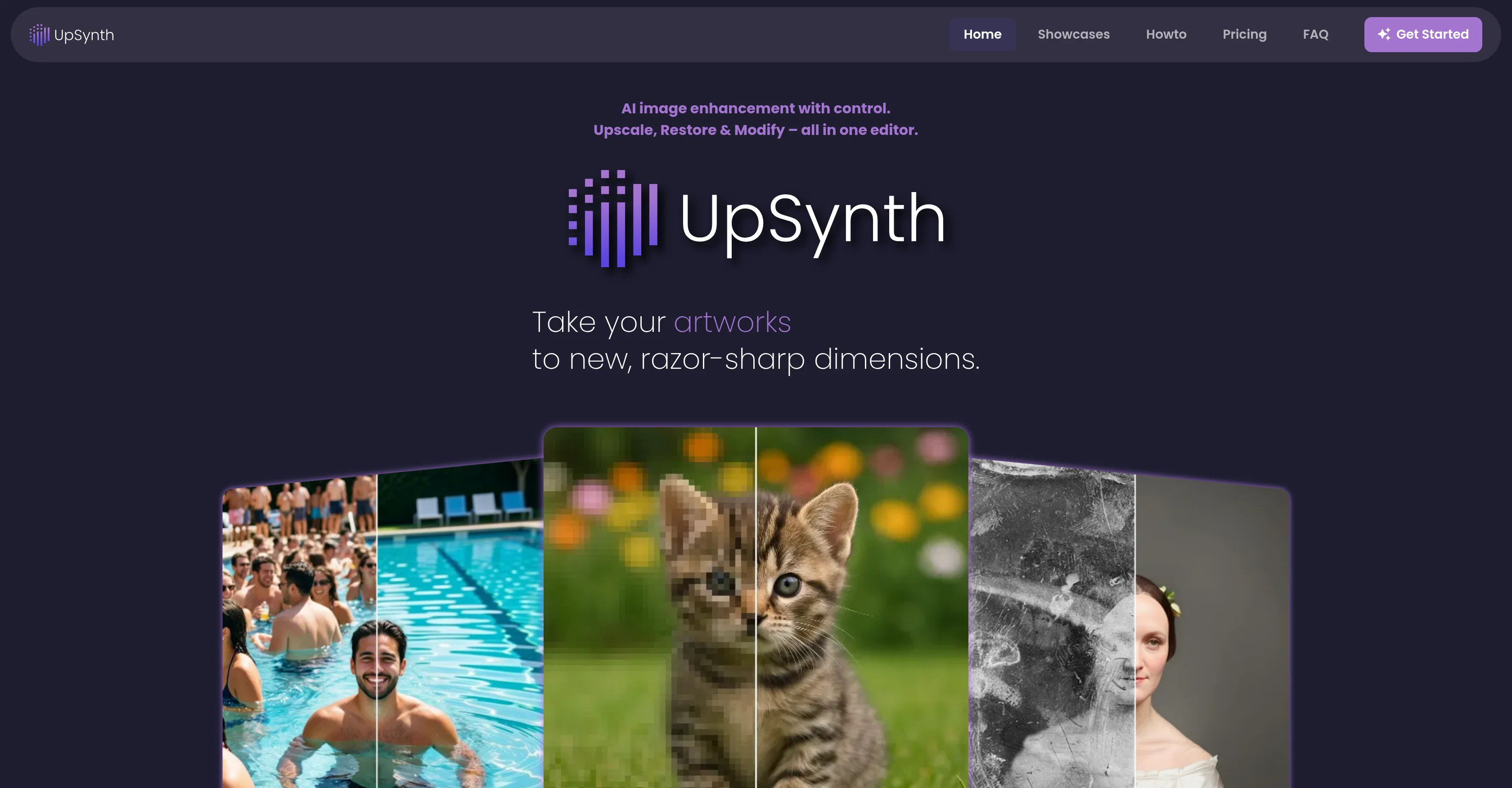
UpSynth is an AI-powered tool designed for image enhancement. Primarily aimed at upscaling, restoring, and modifying photographic and graphic images, UpSynth integrates these three functions into one seamless editor. It provides more control over the modification process by allowing users to refine details selectively. With its upscale function, UpSynth intelligently enlarges images and refines them without distorting their original appearance. It also reduces common image disturbances such as artifacts or image noise. The restore feature allows users to selectively restore incorrectly interpreted or distorted image areas. The modify feature enables users to selectively adjust image content according to their specifications, such as replacing objects, removing elements, or changing visual details. UpSynth interprets these instructions in context providing multiple variants for users to select from. This platform is tailored to cater to a wide range of image types, including old photos, illustrations, landscapes, wedding photos, posters, designs, and game graphics. An additional uniqueness is the adjustable 'magic value', which controls the extent to which the AI modifies the image. UpSynth is commonly used to restore old or damaged photos and preparing images in high resolution for print or web. Help other people by letting them know if this AI was useful. Add your own prompts and outputs to help others understand how to use this AI.
When considering UpSynth for integration into your organizational workflow, we recommend deploying a structured score card across three critical operational pillars: Security & Compliance, Integration Friction, and long-term Price Scalability. Rather than looking only at basic feature lists, modern procurement teams must assess how a software platform behaves under high load and how well it fits into the team's data security guidelines.
Depending on your operating region and field, ensure that UpSynth supports standard security layers such as SOC 2 Type II certifications, GDPR compliance, or HIPAA-compliant database encryption. If the tool connects directly to client database tables or handles user passwords, verify that they implement multi-factor authentication (MFA), single sign-on (SSO) integrations, and end-to-end data encryption in transit and at rest.
Siloed data is the primary cause of operational friction. Evaluate if UpSynth has native connectors for your current project trackers, messaging hubs, and customer communication channels. For custom developer requirements, check if they provide a fully documented REST API with reasonable rate limits, comprehensive Webhooks support, and robust SDK packages in your language. A flexible API layer saves hundreds of hours of manual copy-paste overhead.
SaaS pricing packages are often deceptively simple. When reviewing UpSynth's billing structure, map out your team's projected expansion over the next 12 to 24 months. Determine how costs scale as your customer database increases or as you add team members. Factor in setup costs, mandatory support plan upgrades, API access fees, and storage overage rates to understand the true cost before committing to a contract.
By combining verified user reviews from our directory with internal workflow pilot tests, your procurement team can make an informed decision that drives productivity without creating capital waste.
Overall rating
Based on 9 reviews
I think it's the best @Image Generator I ever found on the net. It gives more accurate image according to the prompt. And thank you for keeping it for free.
My Sawsiri
Not at all accurate…. The only thing similar between original and generated images were the clothes and accessories… face was absolutely new and unconnected.
Shvetank Sharma
Worked as described, released my music on Spotify
Online Era
@GoAISong is an AI Song Creation Workspace for turning ideas, lyrics, stories, or owned audio into finished, downloadable songs. Create from text, use prompt libraries and examples, then unlock one selected track for watermark-free download, sharing, or commercial-use context under @GoAISong terms.
陈子歌
I’ve been using Image Combiner for quick image blending tests, and it does exactly what I need without making the workflow complicated. The interface is clean, uploads are simple, and the generated combinations are useful enough to iterate on quickly.
ShanAIDev
Hi TAAFT! I'm Henry, the founder of CartoMind. CartoMind offers a fully automated AI workflow to help you quickly organize text content and generate the perfect infographics to match. 【Why did I build this?】 When creating infographics with AI today, users are often forced to choose between two extremes. You either use generic AI image SaaS tools that trap you in complex prompt engineering and steep design learning curves with zero knowledge management, or you use products like NotebookLM. While they are fantastic for knowledge management, their infographic generation is just an afterthought, lacking design freedom and rich templates. 【Here is where CartoMind stands out:】 1. Lightweight knowledge & note management: We support uploading multiple file formats and automatically parsing text, allowing you to freely select the exact knowledge snippets you want to visualize. 2. Fully automated workflow: Based on your selected content, our AI automatically distills the key text elements and instantly matches you with the ideal infographic design from over 500 professional combinations. 3. Massive template library: A rich selection of infographic templates offering a true what-you-see-is-what-you-get experience. 【Who is using it?】 Marketers, educators, social media creators... In fact, anyone who needs to make their domain knowledge "visible" and loves to share it will find it incredibly useful. 【I can't wait for you all to try it out!】
Henry
Great!! I used a blurry photo of mine and tried two different modes, Soft and Balanced, and the effect was very good! But the tips for different enhance modes could be more detailed so that I can better judge which enhance mode my photos. The effect of enhancing the picture is still very good!
Ethan Smith
I really enjoy using @Remini, but I can only rate it three stars for two main reasons: 1. The ads in the free version are too long and disrupt the experience. 2. The pro version is extremely expensive, making it hard to justify the upgrade.
Eugene Bridger
I’ve used PhotoGrid for 8 years—it’s amazing! The new AI Eraser
Lee Carrie
Starting Price
From $12.00/user/month
Pricing may vary based on team size and features selected.


