5.01 months ago
“Review”
Loved the tool! I used it to build a launch strategy for a project and took all the market analysis and competitors research from there. A real time saver
Natalia Cristin

Embed AI-powered analytics for customers instantly.
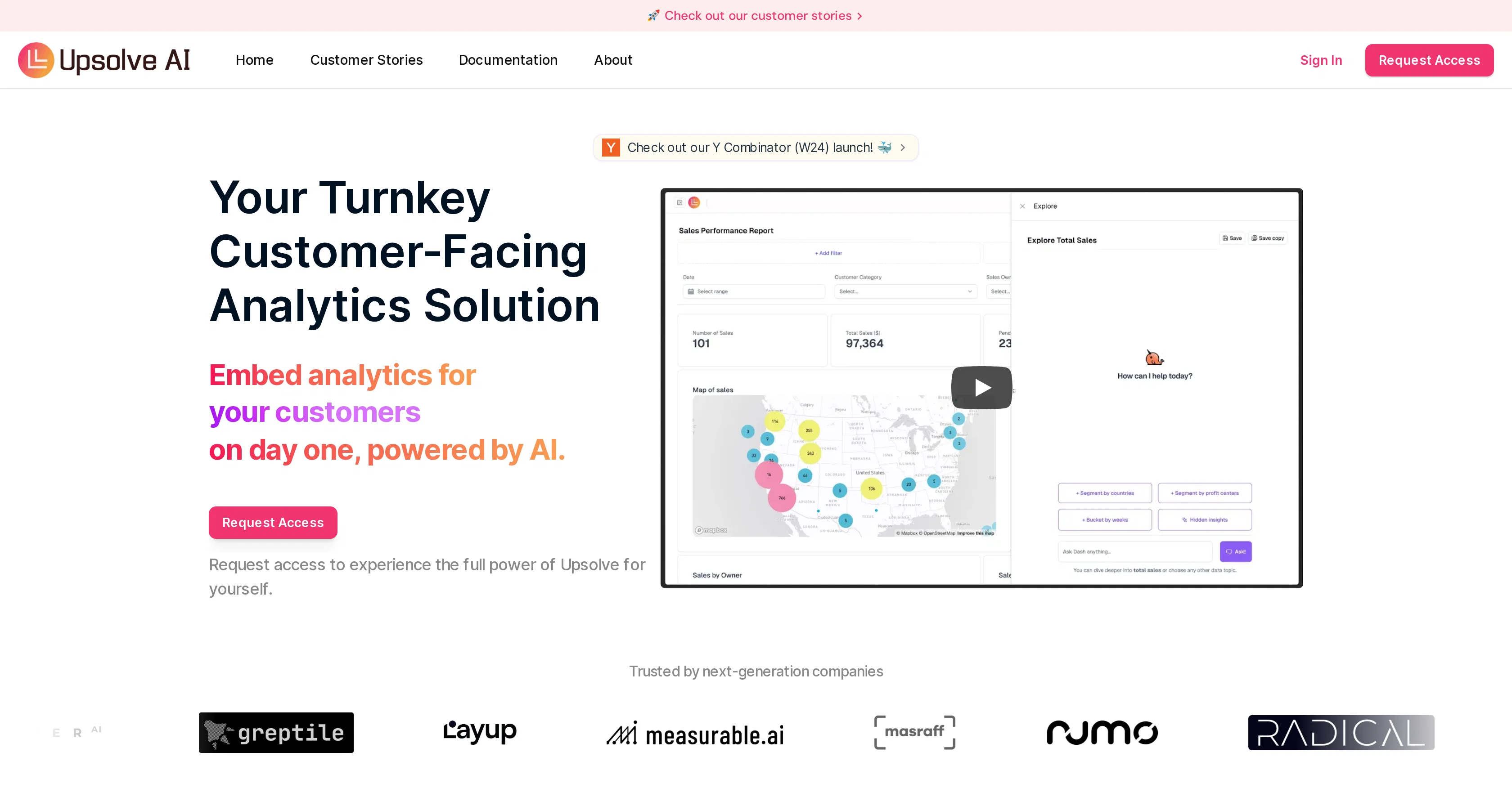
Upsolve AI is an artificial intelligence-powered tool aimed at handling customer-facing analytics. The tool frees up resources by managing analytics so businesses can concentrate on their core competencies. Upsolve AI can intuitively respond to user inquiries regarding product data, thereby enhancing the overall value of the product to the end-user without necessitating additional engineering effort. One of the key features of Upsolve AI is the creation of effortless visualizations. With its point-and-click interface, businesses can build an embedded analytics dashboard and streamline the visualization creation process by simply querying Upsolve AI. Users are allowed to explore data using the embedded analytics and base their actions on the recommendations provided by the AI system. Upsolve AI offers seamless connections, facilitating out-of-the-box connectivity to popular databases and data warehouses. An additional advantage of Upsolve AI is its guiding action feature that allows end users to delve deep into data, using the embedded analytics as a base and acting on recommendations provided by the AI. Lastly, the AI tool is designed for a fast and efficient setup allowing businesses to have their dashboard up and running in a day. Help other people by letting them know if this AI was useful. Add your own prompts and outputs to help others understand how to use this AI.
When considering Upsolve AI for integration into your organizational workflow, we recommend deploying a structured score card across three critical operational pillars: Security & Compliance, Integration Friction, and long-term Price Scalability. Rather than looking only at basic feature lists, modern procurement teams must assess how a software platform behaves under high load and how well it fits into the team's data security guidelines.
Depending on your operating region and field, ensure that Upsolve AI supports standard security layers such as SOC 2 Type II certifications, GDPR compliance, or HIPAA-compliant database encryption. If the tool connects directly to client database tables or handles user passwords, verify that they implement multi-factor authentication (MFA), single sign-on (SSO) integrations, and end-to-end data encryption in transit and at rest.
Siloed data is the primary cause of operational friction. Evaluate if Upsolve AI has native connectors for your current project trackers, messaging hubs, and customer communication channels. For custom developer requirements, check if they provide a fully documented REST API with reasonable rate limits, comprehensive Webhooks support, and robust SDK packages in your language. A flexible API layer saves hundreds of hours of manual copy-paste overhead.
SaaS pricing packages are often deceptively simple. When reviewing Upsolve AI's billing structure, map out your team's projected expansion over the next 12 to 24 months. Determine how costs scale as your customer database increases or as you add team members. Factor in setup costs, mandatory support plan upgrades, API access fees, and storage overage rates to understand the true cost before committing to a contract.
By combining verified user reviews from our directory with internal workflow pilot tests, your procurement team can make an informed decision that drives productivity without creating capital waste.
Overall rating
Based on 14 reviews
Loved the tool! I used it to build a launch strategy for a project and took all the market analysis and competitors research from there. A real time saver
Natalia Cristin
After my first use, I think it's surprisingly good. The only drawback so far is the PDF export option for the report which is formatless.
Alejandro Correa
It's not free, it forces you to input an email before shoving a price tag in your face.
Arvoly XSL
I'm still testing the tool yet it looks very promising. I tested it with a 5.5k words Academic text that I had previously red. I tested the Key points feature, it does work!
Ivana González
O GPT faz uma análise melhor e mais personalizada.
Vinicius Vilela
Does not know how to spell
Emily Hamilton
A great tool to identify product market fit.
Cecilia Lawson
Really impressive AI powered search and easy to use.
Ekku Jokinen
Thanks for your great feedback Gregory. A feature in @Macky that is designed for more specific industry-specific information is the "Ask @Macky" one. In this feature you can use your own promopting to get outputs that are specific to the business question being asked. Also, at the end of each output you have an opportunity to ask any detailed question you want about the output to get more specific responses. You can drill down several times to get further insights using this feature. Hope this helps!
Kinetic Consulting
I can't help but rave about this product because of the level of craftsmanship in it; @Vizly is made for data scientists, by data scientists, and it shows. Having tried various tools in the space, I can confidently say it's the best by a mile, the UX is silky smooth and will feel familiar to any data scientist, and yet it manages to supercharge your workflows - I gurantee you'll be a few times more productive, can't recommend it enough.
Amir Abushanab
We will give you guys a go! thanks!
Silent Co
@Insight7 helps us with customer, employee and stakeholder focus group interview analysis. Has a fantastic UX and saves us hours doing manual analysis!
Odun
Big time saver but the download file is not very friendly
Paul Mercer
I was one of the first users of Zocra. The platform has been instrumental in helping me prepare for meetings, generate follow ups, and ensure that no customer action items are ever missed. I use it continuously to provide feedback and feature requests to the product team, as well as to develop real-world use cases for our marketing efforts.
Sofia J. Villanueva
Starting Price
From $15.00/user/month
Pricing may vary based on team size and features selected.


