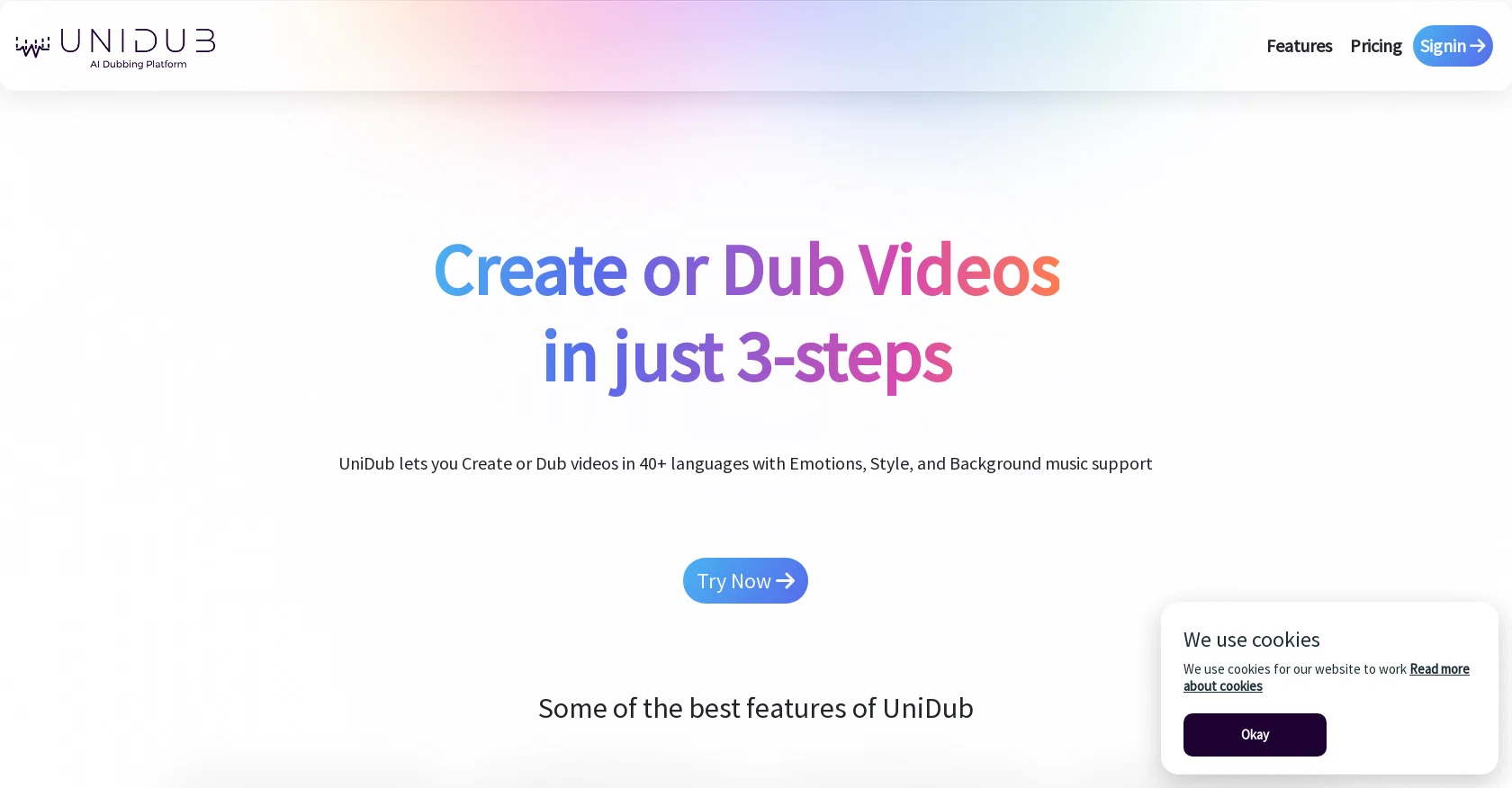
UniDub is a multi-lingual AI dubbing platform that allows users to create or dub videos in over 40 languages. This tool offers support for emotions, style, and background music, and it can be used in just three simple steps.
UniDub is cost-effective, providing a more affordable alternative to manual dubbing. It also enables users to create videos that can express multiple emotions, helping to enhance the overall quality of the content.
With support for more than 40 languages, UniDub allows users to expand their audience base by reaching them in their preferred language. Additionally, UniDub is designed to minimize production time, significantly reducing the time required for manual dubbing.
Some of the top use cases of UniDub include dubbing videos with emotions, style, and background music, creating animated videos with text and voices in multiple languages, making custom voices for a personalized experience, and converting storybooks into videos with character-wise voices.
UniDub offers a free version with limited credit minutes, and it also provides Pro and Enterprise plans with additional features such as pay-as-you-go pricing, custom voices, custom avatars, and extended retention periods.
The tool is supported by SAIVA Technology Private Limited and offers customer support via email and a dedicated helpline.
Help other people by letting them know if this AI was useful.
Add your own prompts and outputs to help others understand how to use this AI.
Screenshot gallery
Pros & Cons
Pros
+Supports 40+ languages
+Emotion and style support
+Background music support
+Cost-effective
+Expressive speech creation
+Minimizes production time
+Custom avatars creation
+Creating audiobooks
+Free version available
+Pay-as-you-go pricing option
+Extended retention periods
+Custom voices feature
+Customer support via email
+Customer support via helpline
+No credit card required
+Translation and STT support
+Custom avatars
+Add extra languages
+Unlimited Voices
+Unlimited Avatars
+Video creation support
+24/5 customer support
+24/7 customer support
+Help center access
+Dedicated customer support
Cons
−Limited free version
−No upfront cost required
−Limited retention period
−Pay-as-you-go can be costly
−Video creation coming soon not ready
−Custom avatar requires user effort
−Dependent on subtitle quality
−Emotion depiction may not be perfect
−Helpline may have wait time
−Customer support mainly via email
−Unsure of custom voice quality
−Video and voice upload required
A Professional Framework to Evaluate UniDub
When considering UniDub for integration into your organizational workflow, we recommend deploying a structured score card across three critical operational pillars: Security & Compliance, Integration Friction, and long-term Price Scalability. Rather than looking only at basic feature lists, modern procurement teams must assess how a software platform behaves under high load and how well it fits into the team's data security guidelines.
1. Security and Database Compliance
Depending on your operating region and field, ensure that UniDub supports standard security layers such as SOC 2 Type II certifications, GDPR compliance, or HIPAA-compliant database encryption. If the tool connects directly to client database tables or handles user passwords, verify that they implement multi-factor authentication (MFA), single sign-on (SSO) integrations, and end-to-end data encryption in transit and at rest.
2. API Coverage and Custom Integrations
Siloed data is the primary cause of operational friction. Evaluate if UniDub has native connectors for your current project trackers, messaging hubs, and customer communication channels. For custom developer requirements, check if they provide a fully documented REST API with reasonable rate limits, comprehensive Webhooks support, and robust SDK packages in your language. A flexible API layer saves hundreds of hours of manual copy-paste overhead.
3. Total Cost of Ownership (TCO)
SaaS pricing packages are often deceptively simple. When reviewing UniDub's billing structure, map out your team's projected expansion over the next 12 to 24 months. Determine how costs scale as your customer database increases or as you add team members. Factor in setup costs, mandatory support plan upgrades, API access fees, and storage overage rates to understand the true cost before committing to a contract.
By combining verified user reviews from our directory with internal workflow pilot tests, your procurement team can make an informed decision that drives productivity without creating capital waste.
Features of UniDub
Video
Dub
Multilingual
Free + From $0.018
SaaS1to10 verified reviews for UniDub
Overall rating
★★★★★5.0
Based on 18 reviews
★★★★★5.02 months ago
“Review”
Voice clone sounds really good and the lip sync is the most accurate I've seen. Look forward to seeing how this product progresses. Pricing is good imo, especially since others don't have voice clone or lip sync with the translation. The editor is also really useful for checking the transcripts and translations. I think it's the best editor out of all the ones I have tested.
James Harvey
★★★★★5.02 months ago
“Review”
Its just impossible to get a demo of their API! I guess they have a 5 year $ runway and dont care about customers anyways.
Test Tube
★★★★★5.02 months ago
“Review”
brilliant app thats evolving fast
aaron jones
★★★★★5.02 months ago
“Review”
Really great at creating your "actor" and producing any scenario you prompt. Video creation lacks definition but images are exceptional
3Gs
★★★★★5.02 months ago
“Review”
Might as well use Harpa for this, that's free.
Eric Van de Kerckhove
★★★★★5.02 months ago
“Review”
WE USE @D-ID AT THE COLORADO VIRTUAL CREATIVE FACTORY...AND LOVE IT.
Franco Arteseros
★★★★★5.02 months ago
“Review”
I'm still testing the tool yet it looks very promising. I tested it with a 5.5k words Academic text that I had previously red. I tested the Key points feature, it does work!
Ivana González
★★★★★5.02 months ago
“Review”
I think it's the best @Image Generator I ever found on the net. It gives more accurate image according to the prompt. And thank you for keeping it for free.
My Sawsiri
★★★★★5.02 months ago
“Review”
Great tool! Cheap, fast and super accurate.
Anna Pechenina
★★★★★5.02 months ago
“Review”
Too expensive.
Jack Lam
★★★★★5.02 months ago
“Review”
Instantly deleted my account after first video failed to generate and when tried second time, it says you've reached the limit. NEED MORE IMPROVEMENT
KLOUDXD
★★★★★5.02 months ago
“Review”
After not even ONE try, it asks for Pro. No success, just imo developer hyper-greed. Avoid!
Katrina Silas
★★★★★5.02 months ago
“Review”
Really like how it finds connection in the content that I save. I don't think any other tool can do that.
amix ffx
★★★★★5.02 months ago
“Review”
I completely agree with the previous comment. I first purchased the $5 package and then upgraded to the Pro package, hoping to create videos longer than 3.5 minutes. However, I was disappointed to find out that I needed to purchase the $99 package to create longer videos. It was not clear that the 5000 characters of script only equated to 3.5 minutes of video. To make things worse, the company has a strict no-refund policy, which feels unfair. They seem more focused on taking your money than providing quality service. I would highly recommend avoiding this service at all costs.
Yannis P.
★★★★★5.02 months ago
“Review”
I tested the app, and it works perfectly. If you're still experiencing any issues, feel free to contact the tool’s support team. Have fun and take care!
Daniel Garaiacu
★★★★★5.02 months ago
“Review”
Terrible, just terrible. You have to pay money to buy credits, and you start at zero. What a waste of effort!
Jamie Buchanan
★★★★★5.02 months ago
“Review”
Seemed good UI at first. But the quality is not good at all.
Sayanwita Khaskel
★★★★★5.02 months ago
“Review”
This software helps me watch various educational videos on YouTube without any obstacles, significantly improving my learning efficiency.