5.02 months ago
“Review”
Not at all accurate…. The only thing similar between original and generated images were the clothes and accessories… face was absolutely new and unconnected.
Shvetank Sharma

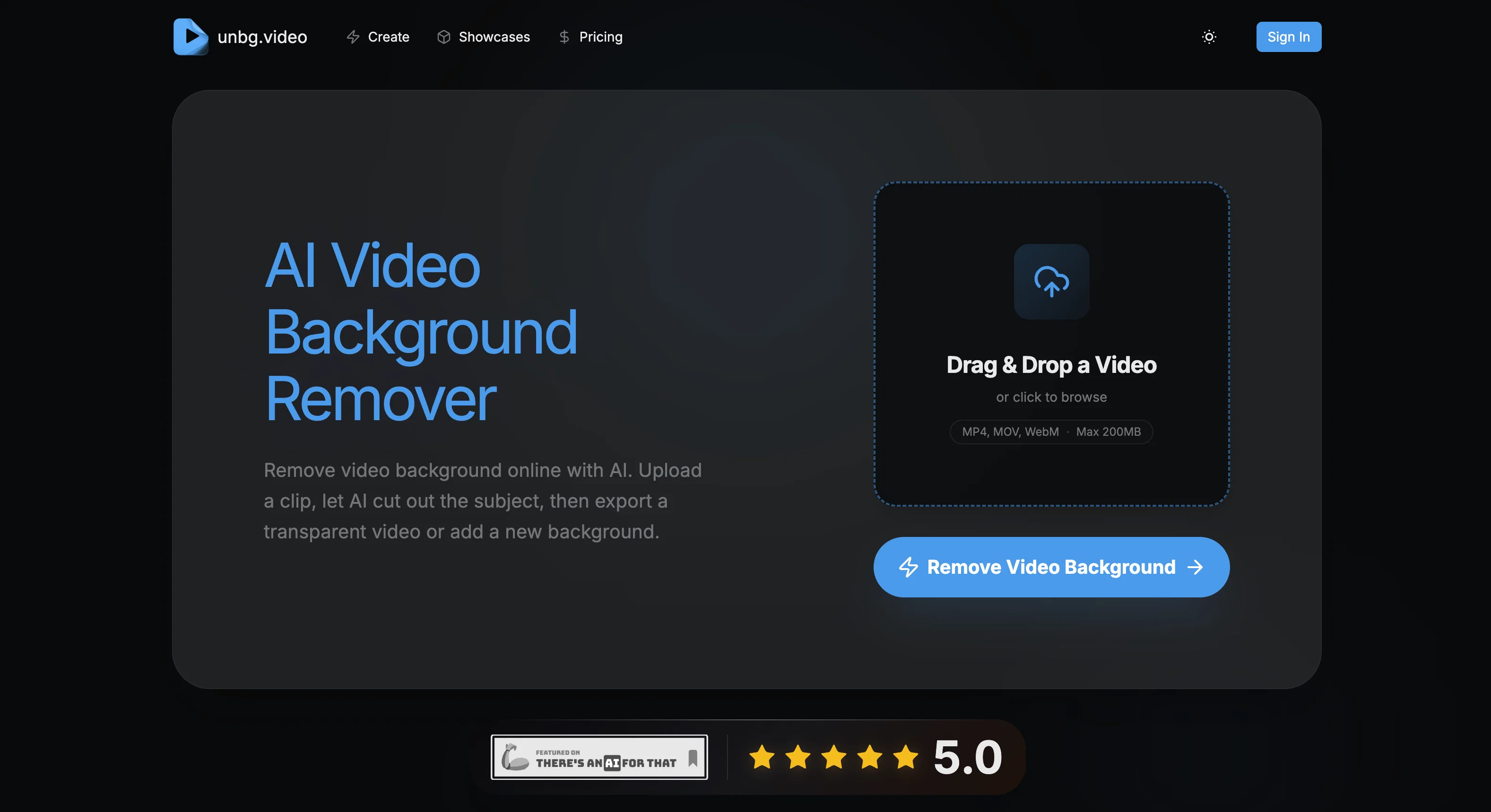
Remove video backgrounds instantly with AI precision.
unbg.video is a professional-grade AI-powered tool that functions as a video background remover. The advanced technology behind the tool allows users to remove video backgrounds without the need for a green screen. This software can identify subjects in the video with a high level of accuracy, allowing for precise removal of backgrounds. With this tool, users can not only remove video backgrounds, but also replace them. They can choose to replace the background with either a solid color, transparency, or a custom image, giving creators a variety of options for personalizing their content. The tool supports a variety of video formats including MP4, MOV, and WebM. One key feature of unbg.video is its designed ease of use, from simple drag and drop functionality to real-time previews with instant feedback. Furthermore, preserving quality is a top priority for unbg.video. The tool ensures high-detail preservation, allowing for smooth, visually appealing results post-background removal. In addition, it offers the possibility of choosing the quality level when exporting the videos. Lastly, unbg.video ensures data security and privacy while using their service. Help other people by letting them know if this AI was useful. Add your own prompts and outputs to help others understand how to use this AI.
When considering unbg.video for integration into your organizational workflow, we recommend deploying a structured score card across three critical operational pillars: Security & Compliance, Integration Friction, and long-term Price Scalability. Rather than looking only at basic feature lists, modern procurement teams must assess how a software platform behaves under high load and how well it fits into the team's data security guidelines.
Depending on your operating region and field, ensure that unbg.video supports standard security layers such as SOC 2 Type II certifications, GDPR compliance, or HIPAA-compliant database encryption. If the tool connects directly to client database tables or handles user passwords, verify that they implement multi-factor authentication (MFA), single sign-on (SSO) integrations, and end-to-end data encryption in transit and at rest.
Siloed data is the primary cause of operational friction. Evaluate if unbg.video has native connectors for your current project trackers, messaging hubs, and customer communication channels. For custom developer requirements, check if they provide a fully documented REST API with reasonable rate limits, comprehensive Webhooks support, and robust SDK packages in your language. A flexible API layer saves hundreds of hours of manual copy-paste overhead.
SaaS pricing packages are often deceptively simple. When reviewing unbg.video's billing structure, map out your team's projected expansion over the next 12 to 24 months. Determine how costs scale as your customer database increases or as you add team members. Factor in setup costs, mandatory support plan upgrades, API access fees, and storage overage rates to understand the true cost before committing to a contract.
By combining verified user reviews from our directory with internal workflow pilot tests, your procurement team can make an informed decision that drives productivity without creating capital waste.
Overall rating
Based on 13 reviews
Not at all accurate…. The only thing similar between original and generated images were the clothes and accessories… face was absolutely new and unconnected.
Shvetank Sharma
I tested a few AI presentation tools and this one works smoothly inside Google Slides.
Giulietta Studios
Super! Honest 5 stars!
Sergej Kelsch
@AIReel provides a convenient way to generate videos or images from text prompts or photos using several AI models in one place. When trying different prompts and images, the platform produced AI creations with noticeably different visual styles depending on the model selected. Compared with accessing many AI video models directly on their native platforms, the overall cost is more affordable, making it easier to experiment with AI-generated content, including both AI videos and AI images.
AIReel
I forgot to take videos on my trip, so I gave this a shot with just the photos I had. Surprisingly, it created a short clip that actually looked real, super cool. Just wish it didn’t take forever to render
Noob Gupta
Thanks for your feedback! We are also shipping some exciting new features this month!
Saverio Pulizzi
Love how it offers stuff for both free and premium users. huge thanks to the devs and keep it up!
Burner Cruz
very convenient tool, exactly what I was looking for
Abdula
This one gives some pretty decent logo directions quickly. The first concepts are useful, but I’d still want finer control over typography and spacing before calling anything final.
Josh KUMAR
@Cursor is underrated.
Vanessa
This tool finally helps me understand what makes a great prompt. It doesn't just give me a better version, it shows me to get there by analyzing why the original prompt is weak and showing what to improve. The difference this makes to the final AI output is incredible. An essential tool for getting more accurate and detailed results, Great Job!
Milo Quinn
I got some top quality results after learning how to prompt songs 🤩
Claes Lanng
This tool i found is super cool, I created 5 books from this tool to sell them online, which gives me great profit. I am creating more valuable books to spread knowledge, and earn some bucks as well 🤑.
Bilal Ashraf
Starting Price
Free plan available
Free tier available with optional paid upgrades.


