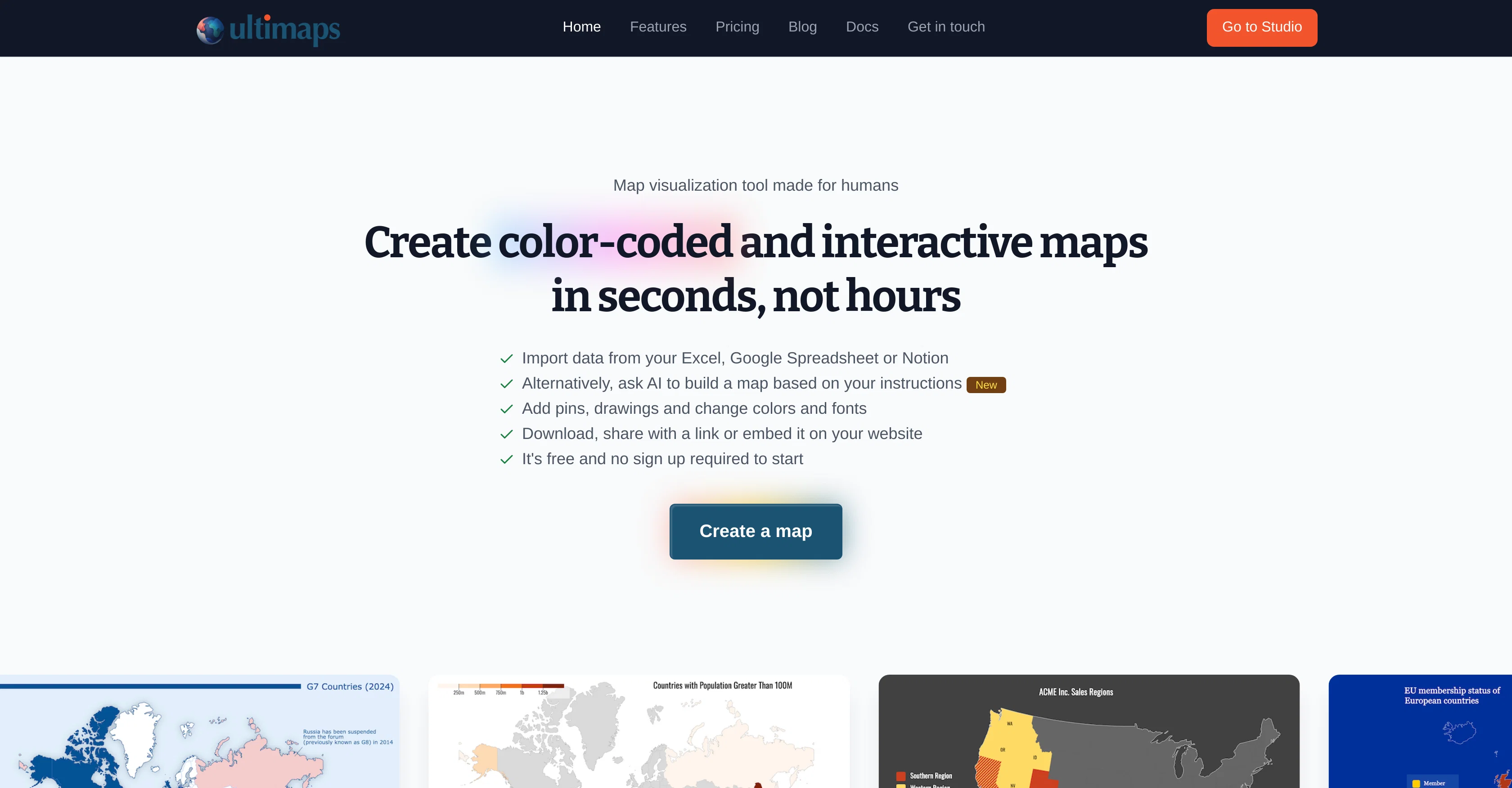
Ultimaps is a user-friendly map visualization tool that allows users to create color-coded and interactive maps quickly and efficiently. Users can import data from numerous sources such as Excel, Google Spreadsheet or Notion to build their maps.
The platform includes customization features, enabling users to personalize their maps, adjust color schemes, add pins, drawings, and change fonts to meet specific needs.
Your map will be color-coded automatically based on the data you import, and each map comes with an adjustable legend. Added drawings can enhance the map's storytelling and make it more engaging for audiences.
Functionality includes making maps interactive with elements like tooltips and popup windows, which can be published and shared via a link or embedded on a website.
The platform works seamlessly on mobile devices. The maps you create are auto-saved, allowing you to return to them whenever needed. Ultimaps offers a free tier with a range of features, as well as a subscription-based Pro version for those who publish maps frequently or require a white-label version.
Help other people by letting them know if this AI was useful.
Add your own prompts and outputs to help others understand how to use this AI.
Screenshot gallery
Pros & Cons
Pros
+User-friendly interface
+Quick map creation
+Multiple data import sources
+Extensive customization features
+Automatic color-coding of maps
+Adjustable legend
+Interactive elements
+Embeddable maps
+Mobile compatibility
+Auto-save feature
+Offers free tier
+Subscription-based Pro version
+White-label version availability
+Map personalization
+Effective storytelling
+Data analysis
+Easy map publishing
+Sharing features
+No sign-up requirement
+Page export to PNG
+Unlimited maps for creation
+Export to SVG (Pro feature)
+Export for printing (Pro feature)
+Custom map request (Pro feature)
Cons
−No offline version
−Not open-source
−No API for third-party integration
−Lacks advanced analysis features
−White-label version requires subscription
−No multi-user collaboration
−No real-time data sync
−No specific GIS functionalities
−No Desktop Application
−Limited customization options
A Professional Framework to Evaluate Ultimaps
When considering Ultimaps for integration into your organizational workflow, we recommend deploying a structured score card across three critical operational pillars: Security & Compliance, Integration Friction, and long-term Price Scalability. Rather than looking only at basic feature lists, modern procurement teams must assess how a software platform behaves under high load and how well it fits into the team's data security guidelines.
1. Security and Database Compliance
Depending on your operating region and field, ensure that Ultimaps supports standard security layers such as SOC 2 Type II certifications, GDPR compliance, or HIPAA-compliant database encryption. If the tool connects directly to client database tables or handles user passwords, verify that they implement multi-factor authentication (MFA), single sign-on (SSO) integrations, and end-to-end data encryption in transit and at rest.
2. API Coverage and Custom Integrations
Siloed data is the primary cause of operational friction. Evaluate if Ultimaps has native connectors for your current project trackers, messaging hubs, and customer communication channels. For custom developer requirements, check if they provide a fully documented REST API with reasonable rate limits, comprehensive Webhooks support, and robust SDK packages in your language. A flexible API layer saves hundreds of hours of manual copy-paste overhead.
3. Total Cost of Ownership (TCO)
SaaS pricing packages are often deceptively simple. When reviewing Ultimaps's billing structure, map out your team's projected expansion over the next 12 to 24 months. Determine how costs scale as your customer database increases or as you add team members. Factor in setup costs, mandatory support plan upgrades, API access fees, and storage overage rates to understand the true cost before committing to a contract.
By combining verified user reviews from our directory with internal workflow pilot tests, your procurement team can make an informed decision that drives productivity without creating capital waste.
Features of Ultimaps
Interactive Maps
Color Coding
Map Visualization
Data Visualization
Mapping Tool
Data Integration
Free + From $105/Mo
SaaS1to10 verified reviews for Ultimaps
Overall rating
★★★★★5.0
Based on 16 reviews
★★★★★5.01 months ago
“Review”
This is my best bro! I communicate with him like my best friend, he always helps to direct my thoughts and ideas in the right direction, always tells me how to improve something and always gives detailed instructions during the conversation. Thanks to him, I’m launching a new project, in which he helps me take my ideas to a new level, just communication, during which you reassemble your concept and rethink your original idea, because you didn’t know how it would be better and more correct. @DeepSeek is my best assistant today, my creative inspiration, who gives me support and confidence in my business, guiding me to realize my dreams)
Gamer TOTORO
★★★★★5.01 months ago
“Review”
The most humanly AI i have used so far but the problem is as soon as you start piling up messages in single chat session , it starts getting slow and at some point it starts freezing and also uses a lot of resources. For time being its okay to do 3 4 messages but as soon as we continue it has messages limitation and also starts getting very very slow . For the price of £18 per month this is unacceptable and with the newly introduced feature called project, if we start new chat within the project we cannot continue with the context we provided in other chats within same project. There are lot of improvements for them to work on. And to start with the its speed and its price
Bibash Katel
★★★★★5.01 months ago
“Review”
Loved the search engine ideas.
Amr عمرو Amin امين
★★★★★5.01 months ago
“Review”
Very interesting
Béatrice Duval
★★★★★5.01 months ago
“Review”
A groundbreaking tech project in the AI sector
Shreeram Bharadwaj
★★★★★5.01 months ago
“Review”
@KeywordSearch creates AI Ad Targeting audiences for YouTube
Aleric Heck
★★★★★5.01 months ago
“Review”
I got some top quality results after learning how to prompt songs 🤩
Claes Lanng
★★★★★5.01 months ago
“Review”
Really like how it finds connection in the content that I save. I don't think any other tool can do that.
amix ffx
★★★★★5.01 months ago
“Review”
Such a great place to start out!
Helli Lang
★★★★★5.01 months ago
“Review”
This tool i found is super cool, I created 5 books from this tool to sell them online, which gives me great profit. I am creating more valuable books to spread knowledge, and earn some bucks as well 🤑.
Bilal Ashraf
★★★★★5.01 months ago
“Review”
I'm still testing the tool yet it looks very promising. I tested it with a 5.5k words Academic text that I had previously red. I tested the Key points feature, it does work!
Ivana González
★★★★★5.01 months ago
“Review”
nice holistic
Amit ImmI
★★★★★5.01 months ago
“Review”
Stunning. I love so much
Ji Aiden
★★★★★5.01 months ago
“Review”
Give it a try on the web app and be amazed by the results. The AI image processing is outstanding, and the intuitive flow makes it a pleasure to use. Highly recommended for anyone looking for a seamless and impressive experience!
Magnus
★★★★★5.01 months ago
“Review”
It’s good but I don’t like that it doesn’t animate the whole picture, I mean 4 people on 1 picture would be animated differently so you can’t save a picture as whole