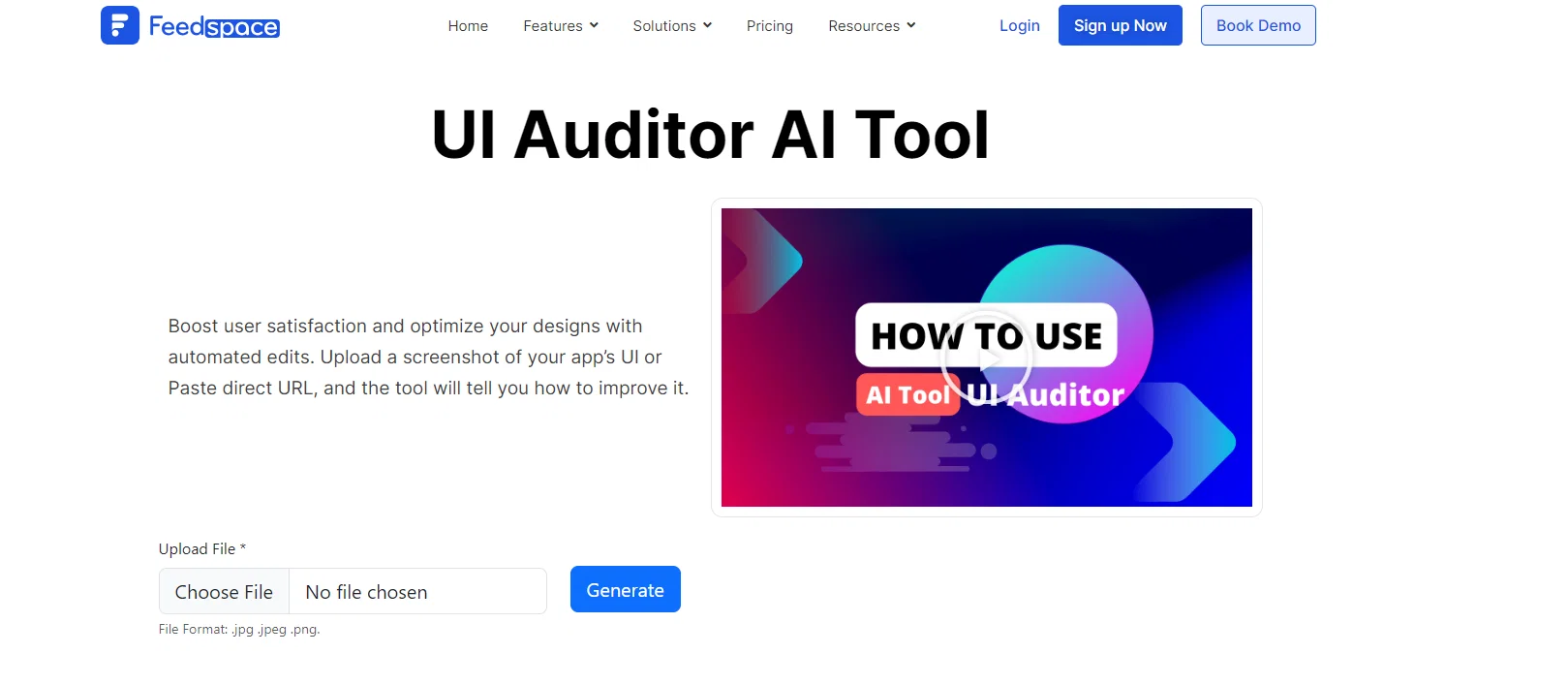
UI Auditor AI Tool is an artificial intelligence tool designed to enhance the user interface (UI) of websites. Working on the principle of automated audits, this tool optimizes design elements on your website to improve performance, which in turn boosts user satisfaction.
The tool aims to make the user experience on your website as seamless as possible by identifying design issues and opportunities for enhancement. This tool can be used by individuals and teams looking to improve the UI of their websites, as well as organizations that offer website and UI development services.
The intended users include freelancers and product managers, as well as startups, influencers, educational institutions, and e-commerce businesses. Notably, the tool comes with a comprehensive range of features and tutorials for ease of learning and integration, and can be accessed freely.
Help other people by letting them know if this AI was useful.
Add your own prompts and outputs to help others understand how to use this AI.
Screenshot gallery
Pros & Cons
Pros
+Improves UI performance
+Boosts user satisfaction
+Identifies design issues
+Suggests enhancements opportunities
+Useful for individuals and teams
+Great for freelancers
+Ideal for product managers
+Startup friendly
+E-commerce tailored
+Educational institutions solution
+Includes numerous tutorials
+Seamless integration
+Free access
+Direct URL usage
+File upload support (.jpg, .jpeg, .png)
+Generates UI optimization suggestions
+Ideal for UI learning
+UI analysis automation
+Shareable tool
+FAQs for UI auditing
+Website UX analysis
+Access via sign up
Cons
−Lacks personalized UI recommendations
−No real-time auditing
−No comparative analysis feature
−Limited to website UI
−Doesn't support all file types
−No integration with design tools
−Lack of local language support
−Requires manual screenshot upload
−No responsive design audit
−No user behavior analytics
A Professional Framework to Evaluate UI Auditor AI Tool
When considering UI Auditor AI Tool for integration into your organizational workflow, we recommend deploying a structured score card across three critical operational pillars: Security & Compliance, Integration Friction, and long-term Price Scalability. Rather than looking only at basic feature lists, modern procurement teams must assess how a software platform behaves under high load and how well it fits into the team's data security guidelines.
1. Security and Database Compliance
Depending on your operating region and field, ensure that UI Auditor AI Tool supports standard security layers such as SOC 2 Type II certifications, GDPR compliance, or HIPAA-compliant database encryption. If the tool connects directly to client database tables or handles user passwords, verify that they implement multi-factor authentication (MFA), single sign-on (SSO) integrations, and end-to-end data encryption in transit and at rest.
2. API Coverage and Custom Integrations
Siloed data is the primary cause of operational friction. Evaluate if UI Auditor AI Tool has native connectors for your current project trackers, messaging hubs, and customer communication channels. For custom developer requirements, check if they provide a fully documented REST API with reasonable rate limits, comprehensive Webhooks support, and robust SDK packages in your language. A flexible API layer saves hundreds of hours of manual copy-paste overhead.
3. Total Cost of Ownership (TCO)
SaaS pricing packages are often deceptively simple. When reviewing UI Auditor AI Tool's billing structure, map out your team's projected expansion over the next 12 to 24 months. Determine how costs scale as your customer database increases or as you add team members. Factor in setup costs, mandatory support plan upgrades, API access fees, and storage overage rates to understand the true cost before committing to a contract.
By combining verified user reviews from our directory with internal workflow pilot tests, your procurement team can make an informed decision that drives productivity without creating capital waste.
Features of UI Auditor AI Tool
UI Design
Website Optimization
Automated Audits
Performance Enhancement
User Experience
Website Development
From $99/Yr
SaaS1to10 verified reviews for UI Auditor AI Tool
Overall rating
★★★★★5.0
Based on 13 reviews
★★★★★5.01 months ago
“Review”
Currently, the website provides free text-to-speech (TTS) with emotions without requiring registration. You can generate 50,000 characters using generic Microsoft voices which are available also within any ReadAloud/Read out Loud apps. However, these voices lack emotion, but you can generate 5,000 characters with emotion per generation for free. Firstly, you have to select a voice, preview it, and then select it - paste your text or write it down and after a few minutes, you can listen and download it for free. However, the website's reviews are likely fake, suggesting that this free service might not last long.
Shteryan Nikolaev (AcTePuKc)
★★★★★5.01 months ago
“Review”
@GPT Trainer is run by a highly responsive management team and support staff. Questions are answered quickly, feature requests are incorporated quickly. We have multiple chatbots that are live with GPT Traner, including for Healthcare, hospitality and solar energy providers. We highly recommend for both value and quality.
John Griffith
★★★★★5.01 months ago
“Review”
Great designs
Brian Gacheru
★★★★★5.01 months ago
“Review”
Thanks, works!
Canada Centrist
★★★★★5.01 months ago
“Review”
Used this for a quick ebook draft and it got the structure down pretty well. The first chapters were stronger than the later ones, but it’s a useful starting point if you want to turn an idea into something readable fast.
Niraj Katy
★★★★★5.01 months ago
“Review”
Amazing tool to get things done! Trully amazing use of AI
Andres
★★★★★5.01 months ago
“Review”
Absolutely in love. I could create my own custom AI and shared it with my colleuges to get instant support from me, i mean digital AI of me :)
Derek W.
★★★★★5.01 months ago
“Review”
Useful tool for visualizing traffic flowing through your website. Does what GA4 does but without the headache and unnecessary learning curve.
Nic Miller
★★★★★5.01 months ago
“Review”
Very cool app! Build was fast as, and with a few tweaks I fully launched my website in 1 hour!
Joe Smythe
★★★★★5.01 months ago
“Review”
free version doesn't even work in figma, you need figjam
Chris Agi
★★★★★5.01 months ago
“Review”
I’ve been using UX sniff for a little while now and I absolutely love it! It’s brilliant! It’s very easy to use, very easy to set up and the support has been spot on. It’s really been helping me with my Business - Pawfection Pet Products. I highly recommend this product.
Anneka Avery
★★★★★5.02 months ago
“Review”
As a technical entrepreneur, working with designers is often way too slow - when I have an idea, I want a prototype the same day - not days/weeks later. I created UX Canvas because I wanted a better way to communicate my UI/UX ideas to developers, without having to spend thousands on hiring UI/UX designers or opening Figma and spending days/hours manually creating, iterating on, and prototyping designs myself. UX Canvas unlocks the ability for anyone - technical or not - to rapidly prototype their design ideas and instantly share them with team members in minutes. If you can put your idea into words, you can design it. No design skills required. (Although they are helpful) The agent has the ability to do cool things like generate it’s own image assets to be used in the design, and you can even export your designs to clean React/Typescript code - so you can hand the code over to your developers (or other AI tools like Cursor, Windsurf, etc.) to bring your product idea to life. Try it for free and let me know what you think! https://@UXCanvas.ai
Mike Tromba
★★★★★5.02 months ago
“Review”
Thank you everyone for trying @1UI! If you haven't yet, give it a spin and use code ‘TAAFT’ to get $5 credits to try @1UI.
Jessin Sam s
Pricing
Starting Price
From $23.00/user/month
Pricing may vary based on team size and features selected.