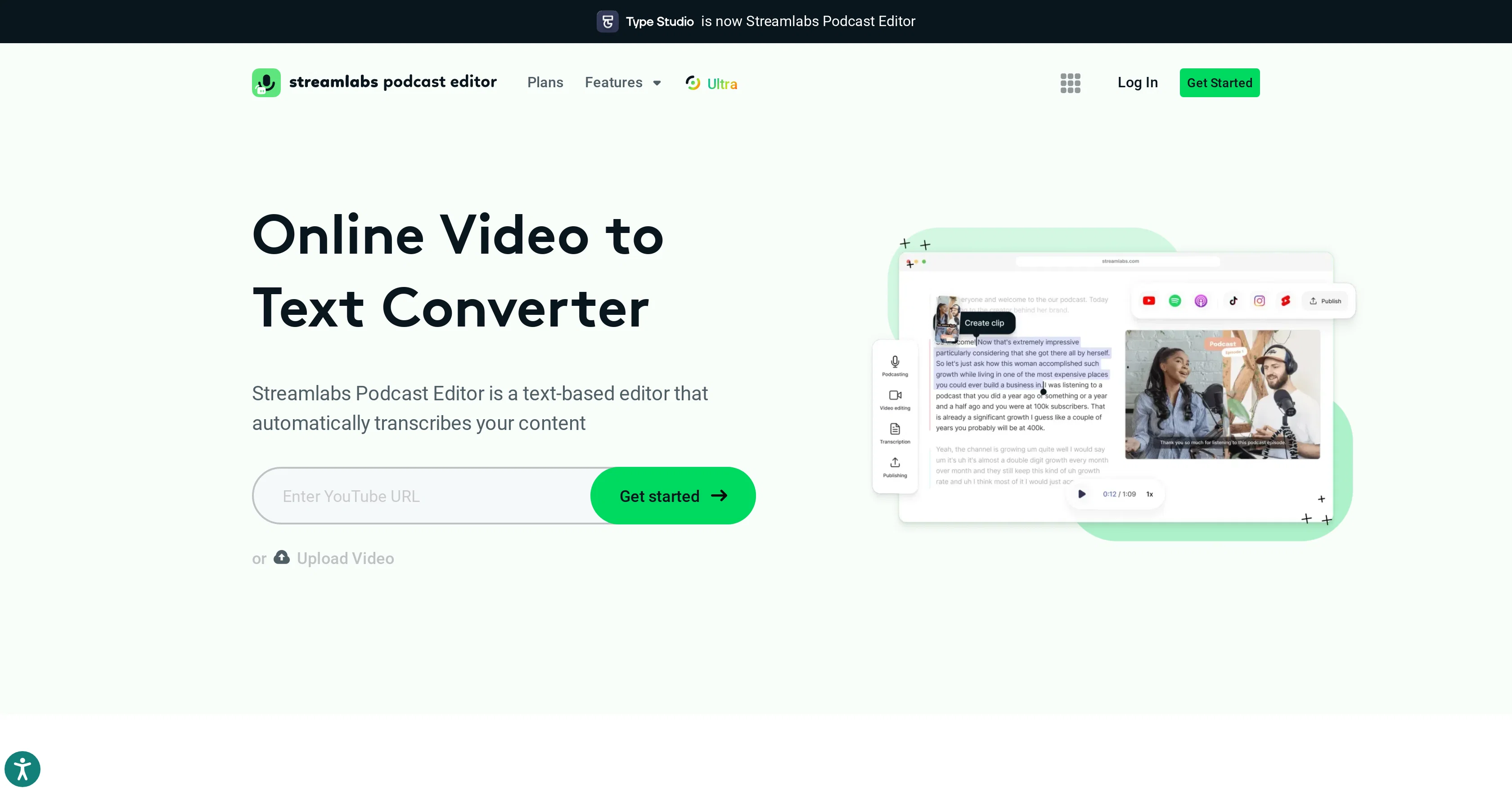
Streamlabs Podcast Editor is an advanced tool designed specifically for the transformation of video content into written text. It makes use of automated transcription techniques to convert your video files swiftly into a written format, making it easier for content creators to repurpose video or audio content into blogs, scripts, articles, or other text-based material.
For podcasters and video makers, this tool may prove beneficial in deriving written content from their spoken word, offering efficient means of interaction for audience preferring text over video or audio.
With a one-click mechanism, this tool promises convenience, time-saving and a user-friendly experience, with all operations online. However, the exact speed and quality may vary and it's always advisable to manually check the generated texts for any errors.
Ultimately, Streamlabs Podcast Editor allows users to maximize content utilization while saving considerable time and effort that would have been expended in manual transcription.
Help other people by letting them know if this AI was useful.
Add your own prompts and outputs to help others understand how to use this AI.
Screenshot gallery
Pros & Cons
Pros
+Web-based tool
+Uses Revvoice recognition
+Supports 30+ languages
+Multiple export formats
+Optional timestamps
+Text-based video editor
+Content repurposing capability
+Translation into different languages
+Embeddable videos
+Used by leading companies
+SEO performance improvement
+Automatic saving of progress
+Shareable via email
+Ability to embed in blog
+Increases content accessibility
+Content discoverability improvement
+Video repurposing options
+Supports all video formats
+Auto language translation
+Ability to correct translations
+Offers a free plan
+Optimized video editor interface
+Enables subtitle addition
+Webcam recording feature
+Screen recording editing
+Automatic transcript generation
+Supports transcription of various languages
+Exports transcripts with subtitles
+Automatic transcription accuracy
+No software installation required
+Preview feature before export
+Suitable for multilingual content
+Video to article feature
+Automated content repurposing
+Search inside video functionality
+Text addition to video
+Image addition to video
+Video rotation capability
Cons
−Web-based only
−Relies on RevVoice technology
−Limited file support (.mp4, .mov)
−No offline option
−Shared content privacy risks
−Limited language assistance
−Transcription inaccuracies possible
−Limited export formats (.srt, .vtt, .txt)
−Limited editing features
−No mention of versioning
A Professional Framework to Evaluate Streamlabs Podcast Editor
When considering Streamlabs Podcast Editor for integration into your organizational workflow, we recommend deploying a structured score card across three critical operational pillars: Security & Compliance, Integration Friction, and long-term Price Scalability. Rather than looking only at basic feature lists, modern procurement teams must assess how a software platform behaves under high load and how well it fits into the team's data security guidelines.
1. Security and Database Compliance
Depending on your operating region and field, ensure that Streamlabs Podcast Editor supports standard security layers such as SOC 2 Type II certifications, GDPR compliance, or HIPAA-compliant database encryption. If the tool connects directly to client database tables or handles user passwords, verify that they implement multi-factor authentication (MFA), single sign-on (SSO) integrations, and end-to-end data encryption in transit and at rest.
2. API Coverage and Custom Integrations
Siloed data is the primary cause of operational friction. Evaluate if Streamlabs Podcast Editor has native connectors for your current project trackers, messaging hubs, and customer communication channels. For custom developer requirements, check if they provide a fully documented REST API with reasonable rate limits, comprehensive Webhooks support, and robust SDK packages in your language. A flexible API layer saves hundreds of hours of manual copy-paste overhead.
3. Total Cost of Ownership (TCO)
SaaS pricing packages are often deceptively simple. When reviewing Streamlabs Podcast Editor's billing structure, map out your team's projected expansion over the next 12 to 24 months. Determine how costs scale as your customer database increases or as you add team members. Factor in setup costs, mandatory support plan upgrades, API access fees, and storage overage rates to understand the true cost before committing to a contract.
By combining verified user reviews from our directory with internal workflow pilot tests, your procurement team can make an informed decision that drives productivity without creating capital waste.
Features of Streamlabs Podcast Editor
Video To Text
Transcription
Automatic Transcription
Podcast
Content Transformation
Streamlabs
Free + From $12.00/Mo
SaaS1to10 verified reviews for Streamlabs Podcast Editor
Overall rating
★★★★★5.0
Based on 14 reviews
★★★★★5.02 months ago
“Review”
@Uizard is so great for spinning out ideas and iterating. You can generate designs from text prompts as well as individual screens and themes. Also has a ton of other cool AI features like turning screenshots into editable designs and attention heatmaps. I suck at design so this is a game changer for me.
J Williams
★★★★★5.02 months ago
“Review”
It doesn’t make sense
Lilian Mandapat
★★★★★5.02 months ago
“Review”
No good at pdfs
Chris Cox
★★★★★5.02 months ago
“Review”
It´s not free
Aldos
★★★★★5.02 months ago
“Review”
Super easy and fast, not professional result but fun and free.
Federico Godoy
★★★★★5.02 months ago
“Review”
Comprehensive course outlines, lessons, and assessments within seconds.
Sebastian Cognetta
★★★★★5.02 months ago
“Review”
Neat concept. But I'm not really working yet. Especiallafter the 2.0 release But most of all, there was no response from developers.
(Bertmac)
★★★★★5.02 months ago
“Review”
paid and stuff and not that good
Max Adventures
★★★★★5.02 months ago
“Review”
Too expensive.
Jack Lam
★★★★★5.02 months ago
“Review”
Really amazing! Makes learning content and engaging with things so much easier!
Jamie McDonald
★★★★★5.02 months ago
“Review”
It translateed quite well my video and easy to use and edit. PLus the free version is good to hava a first try
Nicoleta Dragus
★★★★★5.02 months ago
“Review”
Super helpful tool for content creators like myself. I have a Patreon where I give my Patreons quizzes and video summaries based on my YouTube video and this website speeds the whole process up tremendously.
Terzian Teaching
★★★★★5.02 months ago
“Review”
It doesn't allow me to upload a file with less then 1GB and sends the message "Tenant ID missing"...
Fil Ca
★★★★★5.02 months ago
“Review”
Fast - probably the fastest tool I've tried for transcribing from an uploaded MP3. Accuracy was good. My samples was a ~30 min university lecture recorded alone (recorded with a mic and laptop, not in a lecture hall). Only complaint is that the logical sectioning or paragraphing isn't great. (It's hard to do with these stream-of-consciousness type lectures, but some tools do a great job.) If I didn't need the logical breaks, I'd likely come back to this tool solely for the speed and accuracy. Great job!