5.01 months ago
“Review”
Great tool for interactive tools
Ehud Basis

AI-powered forms that work smarter, not harder.
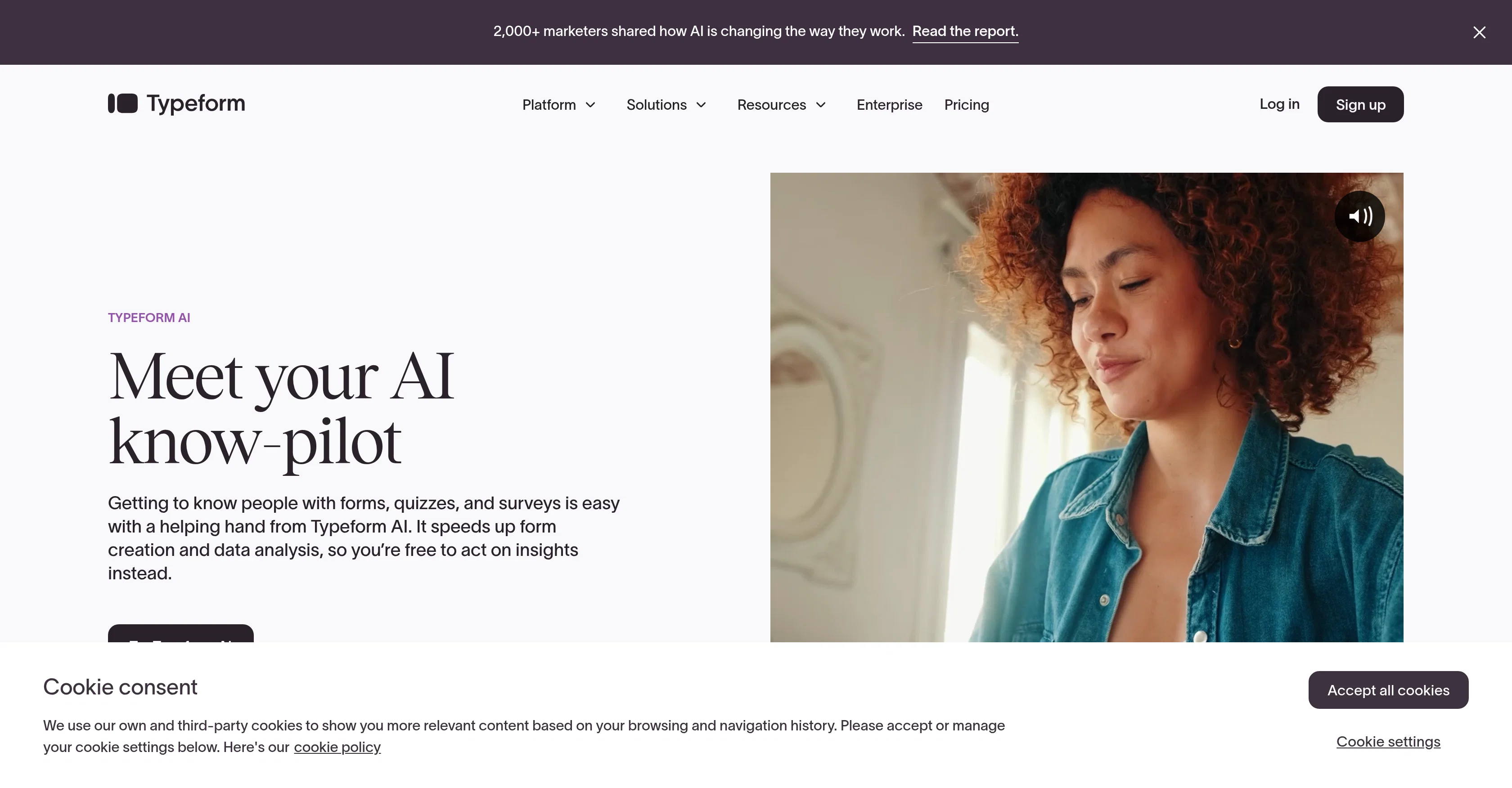
Typeform AI is a form-building tool that uses artificial intelligence to assist in the form creation and data analysis processes. This AI-driven tool comprises three main features. Firstly, the 'Creator AI' function simplifies form creation by allowing users to describe their requirements, while the AI builds and brands the form according to these needs. It automates question generation, design, and editing which increases efficiency and enables the creation of forms that better connect with targeted audiences. Secondly, the 'Interaction AI' feature adds a unique interview-style approach to each form, automatically asking follow-up questions specific to each respondent. It allows users to gather more detailed and relevant information. Lastly, the 'Insights AI' feature comes in to facilitate data analysis. It can swiftly summarize findings, generate visual representations of the data, and extract key themes from open-ended responses, making it easier for users to understand and act on the collected data. The tool also offers various additional features including automatic translation into over 25 languages, effortless import of questions, and on-brand form designs based on a companys URL. To ensure data privacy, Typeform AI utilizes a combination of LLMs provided by Anthropic, OpenAI, and AWS without storing any data with these providers. Help other people by letting them know if this AI was useful. Add your own prompts and outputs to help others understand how to use this AI.
When considering Typeform AI for integration into your organizational workflow, we recommend deploying a structured score card across three critical operational pillars: Security & Compliance, Integration Friction, and long-term Price Scalability. Rather than looking only at basic feature lists, modern procurement teams must assess how a software platform behaves under high load and how well it fits into the team's data security guidelines.
Depending on your operating region and field, ensure that Typeform AI supports standard security layers such as SOC 2 Type II certifications, GDPR compliance, or HIPAA-compliant database encryption. If the tool connects directly to client database tables or handles user passwords, verify that they implement multi-factor authentication (MFA), single sign-on (SSO) integrations, and end-to-end data encryption in transit and at rest.
Siloed data is the primary cause of operational friction. Evaluate if Typeform AI has native connectors for your current project trackers, messaging hubs, and customer communication channels. For custom developer requirements, check if they provide a fully documented REST API with reasonable rate limits, comprehensive Webhooks support, and robust SDK packages in your language. A flexible API layer saves hundreds of hours of manual copy-paste overhead.
SaaS pricing packages are often deceptively simple. When reviewing Typeform AI's billing structure, map out your team's projected expansion over the next 12 to 24 months. Determine how costs scale as your customer database increases or as you add team members. Factor in setup costs, mandatory support plan upgrades, API access fees, and storage overage rates to understand the true cost before committing to a contract.
By combining verified user reviews from our directory with internal workflow pilot tests, your procurement team can make an informed decision that drives productivity without creating capital waste.
Overall rating
Based on 5 reviews
Great tool for interactive tools
Ehud Basis
We replaced our demo request form with Perspective and our show rate went up overnight. Prospects actually tell us what they need before the call — no more showing up blind. Wish we'd done it sooner.
Nate Richardson
Not working. Worst app
abuhasan sheikh
This tool removes all of the prep work of getting an LLM API endpoint running. I can try out ideas quickly and see within minutes whether an endpoint concept actually works. And when it does, moving it into a production app is about as easy as it gets.
Leonie
Used it to make a client intake form and it nailed it, built the whole thing clean, simple and concise. Definitely considering using it more regularly.
Zheng Loo
Starting Price
From $16.00/user/month
Pricing may vary based on team size and features selected.


