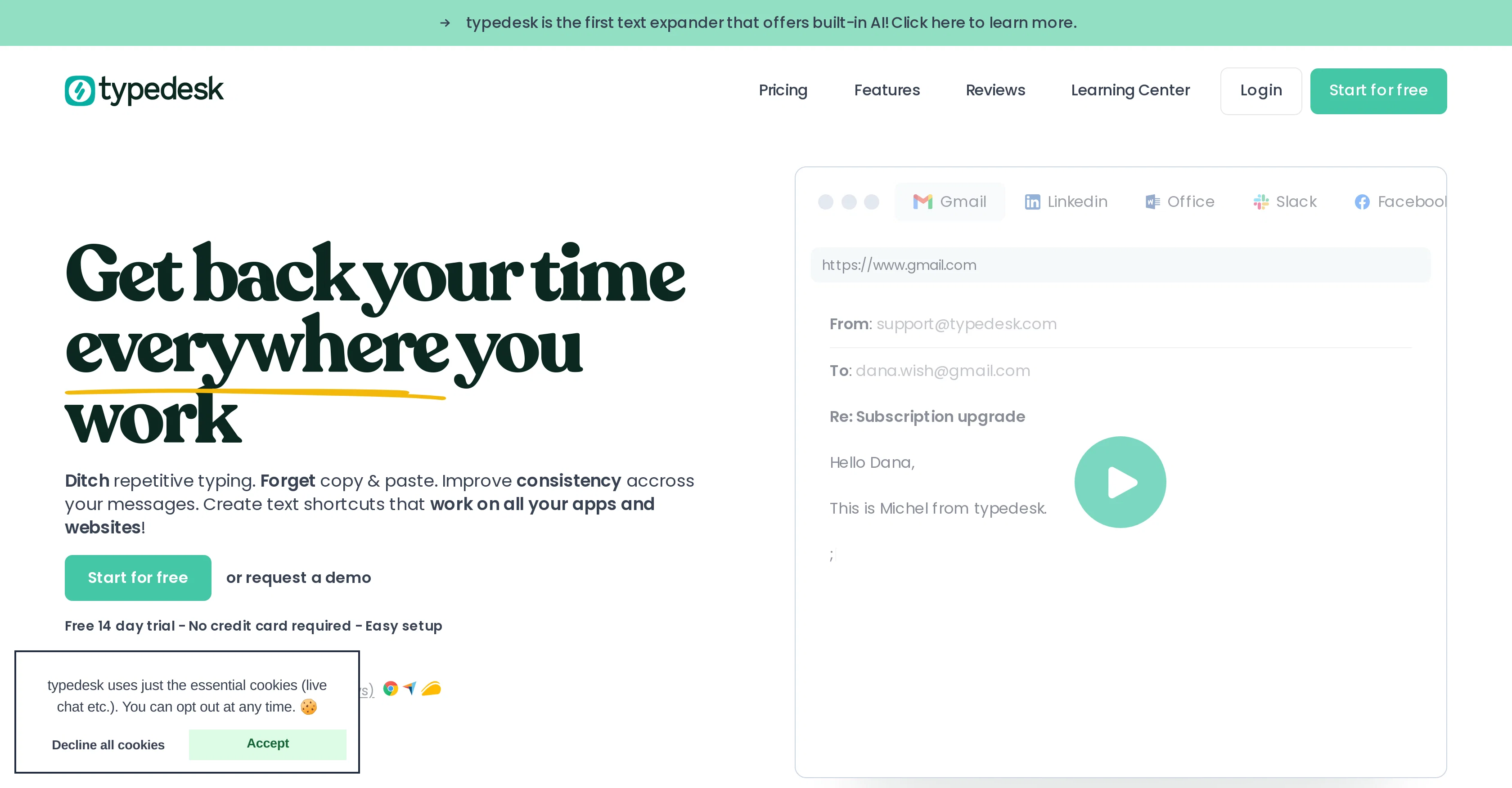
typedesk is a comprehensive text expansion and keyboard automation application, designed to minimize repetitive typing and improve consistency across businesses' communication channels.
As the first text expander to offer a built-in AI, it provides intelligent ways of managing canned responses for various purposes. typedesk can be efficiently used across a range of platforms such as Gmail, Zendesk, Helpscout, and Facebook, among others.
The tool allows users to create text shortcuts that can be used on all applications and websites, thereby improving productivity by reducing time spent on typing similar texts repeatedly.
It offers features like pre-made messages, email scripts, and auto-correct software, facilitating seamless communication maintenance. Additionally, the tool is equipped with a response library, email macros, and automated responses that enable users to tailor their messages for use across multiple channels.Furthermore, typedesk provides response templates, quick responses, and customized shortcuts to enhance user productivity.
The ability of this tool to integrate with different platforms without requiring additional efforts makes it a versatile solution for improving business communication and efficiency.It is important to note that typedesk has been positively rated and used by many businesses, ensuring uniform, quick, and efficient communications while also maintaining a personal touch to the responses.
Such features make typedesk a reliable and time-saving tool for businesses looking to enhance their communication capabilities.
Help other people by letting them know if this AI was useful.
Add your own prompts and outputs to help others understand how to use this AI.
Screenshot gallery
Pros & Cons
Pros
+Text expansion
+Keyboard automation
+Minimizes repetitive typing
+Improves communication consistency
+Intelligent canned responses
+Multi-platform compatibility
+Text shortcuts creation
+Time-saving
+Pre-made messages feature
+Email scripts
+Auto-correct software
+Response library
+Email macros
+Automated responses
+Customized shortcuts
+Highly rated
+Maintains personal touch
+Auto-completion
+Works on all apps
+Works on all websites
+Workflow automation
+Formatted responses
+Response templates
+Templated Emails
+Saved Replies
+Keyboard macros
+Productivity enhancement
+Response Management
+Boilerplate Text
+Cross-platform
+User-friendly
+Blazing fast
+Team collaboration features
+Powerful variables
+Quick text tool
+Abbreviation tool
+Text snippet tool
+Phrase expansion software
+Text replacement software
+Consistent communication alignment
+Requires no integration
+Time-saving software
+Works with major browsers
+Works out of the box
+Super-fast with shortcuts
+Native integrations
+Dynamic placeholders feature
+Calculations within templates
+Short response time
+Sharing responses feature
Cons
−No mobile apps
−No mentioned security measures
−No collaboration features
−Lacks advanced text formatting
−No task automation
−Limited integration options
−Lacks contextual response feature
−No analytics or reporting
−No offline mode
A Professional Framework to Evaluate Typedesk
When considering Typedesk for integration into your organizational workflow, we recommend deploying a structured score card across three critical operational pillars: Security & Compliance, Integration Friction, and long-term Price Scalability. Rather than looking only at basic feature lists, modern procurement teams must assess how a software platform behaves under high load and how well it fits into the team's data security guidelines.
1. Security and Database Compliance
Depending on your operating region and field, ensure that Typedesk supports standard security layers such as SOC 2 Type II certifications, GDPR compliance, or HIPAA-compliant database encryption. If the tool connects directly to client database tables or handles user passwords, verify that they implement multi-factor authentication (MFA), single sign-on (SSO) integrations, and end-to-end data encryption in transit and at rest.
2. API Coverage and Custom Integrations
Siloed data is the primary cause of operational friction. Evaluate if Typedesk has native connectors for your current project trackers, messaging hubs, and customer communication channels. For custom developer requirements, check if they provide a fully documented REST API with reasonable rate limits, comprehensive Webhooks support, and robust SDK packages in your language. A flexible API layer saves hundreds of hours of manual copy-paste overhead.
3. Total Cost of Ownership (TCO)
SaaS pricing packages are often deceptively simple. When reviewing Typedesk's billing structure, map out your team's projected expansion over the next 12 to 24 months. Determine how costs scale as your customer database increases or as you add team members. Factor in setup costs, mandatory support plan upgrades, API access fees, and storage overage rates to understand the true cost before committing to a contract.
By combining verified user reviews from our directory with internal workflow pilot tests, your procurement team can make an informed decision that drives productivity without creating capital waste.
Features of Typedesk
Business Communication
Text Expansion
Business Efficiency
Productivity Tool
Efficiency
Time Saving
Free + From $5/Mo
SaaS1to10 verified reviews for Typedesk
Overall rating
★★★★★5.0
Based on 3 reviews
★★★★★5.02 months ago
“Review”
Teams use text shortcuts, but without clear impact on pipeline metrics that tool becomes a cost center → usually drops enterprise conversions by ~15–25% vs solutions tied to revenue outcomes.
Are buyers asking how you move the needle on revenue, or just “does this save typing”?
Paul
★★★★★5.02 months ago
“Review”
$20 LET ALONE $100!! is way to expensive for this, and they dont have an unlimited amount of generations even then. The UI is wonderful tho, but the prompts only work half the time (but props to the ui engineers)
project iris
★★★★★5.02 months ago
“Review”
Finally, a productivity tool that doesn't overcomplicate things. @Caret's tab-complete works seamlessly across apps — once you get used to it, going back feels impossible. Exactly what macOS was missing.