5.01 months ago
“Review”
Comprehensive course outlines, lessons, and assessments within seconds.
Sebastian Cognetta

AI autocomplete that works everywhere you type.
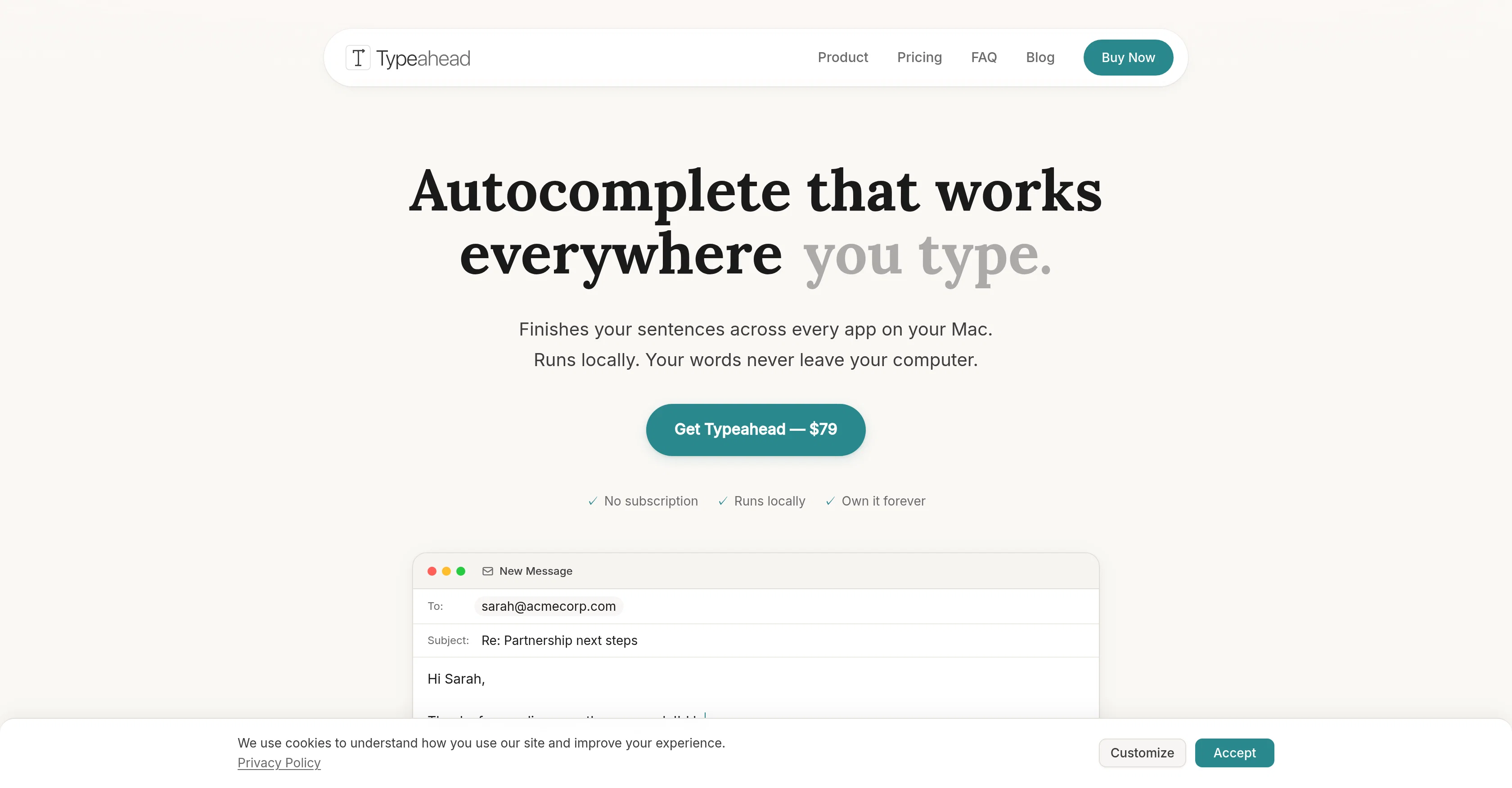
Typeahead is a native Mac application that offers system-wide AI-powered autocomplete across every application installed on a Mac system. This AI tool is configured to learn your voice and writing style, providing suggestions which adapt to your unique communication approach. It is designed to save time on repetitive typing tasks, such as writing emails, coding, or generating documents. Typeahead is usable offline, entirely private, and carries out all AI processing tasks locally on your machine. This ensures that your data never leaves your computer and is not shipped to a remote server. You can use it with applications ranging from mail platforms to coding tools like Slack and Notion. Another highlight of this tool is that it requires a single, one-time purchase, with no following subscriptions necessary. Privacy by design is a core principle, and your written words are processed on your Mac by local AI models without any transmission to the cloud or external networking. Help other people by letting them know if this AI was useful. Add your own prompts and outputs to help others understand how to use this AI.
When considering Typeahead for integration into your organizational workflow, we recommend deploying a structured score card across three critical operational pillars: Security & Compliance, Integration Friction, and long-term Price Scalability. Rather than looking only at basic feature lists, modern procurement teams must assess how a software platform behaves under high load and how well it fits into the team's data security guidelines.
Depending on your operating region and field, ensure that Typeahead supports standard security layers such as SOC 2 Type II certifications, GDPR compliance, or HIPAA-compliant database encryption. If the tool connects directly to client database tables or handles user passwords, verify that they implement multi-factor authentication (MFA), single sign-on (SSO) integrations, and end-to-end data encryption in transit and at rest.
Siloed data is the primary cause of operational friction. Evaluate if Typeahead has native connectors for your current project trackers, messaging hubs, and customer communication channels. For custom developer requirements, check if they provide a fully documented REST API with reasonable rate limits, comprehensive Webhooks support, and robust SDK packages in your language. A flexible API layer saves hundreds of hours of manual copy-paste overhead.
SaaS pricing packages are often deceptively simple. When reviewing Typeahead's billing structure, map out your team's projected expansion over the next 12 to 24 months. Determine how costs scale as your customer database increases or as you add team members. Factor in setup costs, mandatory support plan upgrades, API access fees, and storage overage rates to understand the true cost before committing to a contract.
By combining verified user reviews from our directory with internal workflow pilot tests, your procurement team can make an informed decision that drives productivity without creating capital waste.
Overall rating
Based on 16 reviews
Comprehensive course outlines, lessons, and assessments within seconds.
Sebastian Cognetta
Useful to quickly explore the content of and interconnections between research papers. Makes it a more fun process.
Jon Hasworth
hmm it is un-real...literally...sounds robotic....far awy from Real
Dhhaval Joshi
Amar sonar Bangla Ami tomay bhalobashi chiro din tumhara customer
Rasel 2.0
Finally, a prompt optimizer that makes sense, adding power to my own words. Easy to expand details, easy to go deeper and to get exactly what I need to squeeze out incredible results with ChatGPT. The Prompt_Enhancer setting is something serious. Thanks guys, keep on providing excellent AI tools!
Hollie Arsement
Zero GPT which is supposed to be covered detects it with 100% certainty. So... No.
Stephan Tual
Hey Dillon, email me at bobby@revmo.ai and let’s see if we can figure out what’s going on.
Revmo
I joined Kin's beta program on my iPhone XR. After upgrading to an iPhone 13, I found that I couldn't log into my existing account on the new phone, forcing me to create a new account. Now, I have two separate Kin accounts on different phones. Today, when I accessed the beta version of Kin, I got a notification stating that the test version ended on Monday, September 23rd. It instructed me to back up my data and move to the official Kin app. I did as advised—backed up my data, confirmed, uninstalled the beta app via TestFlight, and installed the official Kin app. However, when I attempted to “log in”, I was still unable to access my existing account. This issue hasn't been resolved yet. I have been trying desperately to get in contact with the support team. I left feedback through the test flight app and sent emails. No response. Now trying to find a forums, Reddit posts, TAAFT comments☻
Desiree Miller
I already have another transcription tool, but this one is much better. I love the different features such as the summary, quiz, and chapters. It does a great job of them. I've only done one transcript so far to try it out, but I'm truly impressed and am going to grab another code. A couple things that would make it even better are: - the ability to rename the files and organize them through folders. - the ability to download a copy of the other features as well as the transcript. Copying and pasting it works, but doesn't keep the format.
dunn
I tried using it but the website has too many bugs.
João Neiva
Works but I cannot understand what's the use. I was expecting it to give me some videos
Samartha Venkatramana
Really amazing! Makes learning content and engaging with things so much easier!
Jamie McDonald
Very smooth and effective. It could detect even Hindi language and could summarise pretty reasonably
Pankaj Dixit
Time saving. Works well when you add great ideas. But also helps to build content easy and reduces stress, especially when you are running out of ideas. Overall a great tool!
Sabina D
Very cool app! Build was fast as, and with a few tweaks I fully launched my website in 1 hour!
Joe Smythe
No other tool quite like this, it's pretty straightforward. Needed to extract a long interview from YouTube and it extracted everything, providing it in different meaningful formats in less than two minutes. Awesome
Juan Sierra
Starting Price
From $14.00/user/month
Pricing may vary based on team size and features selected.


