5.01 months ago
“Review”
Amazing deep research feature! Haven't seen this level of execution through any other tool. It gives a designed socket to view a presentation at the end.
Zarrak Mushtaq

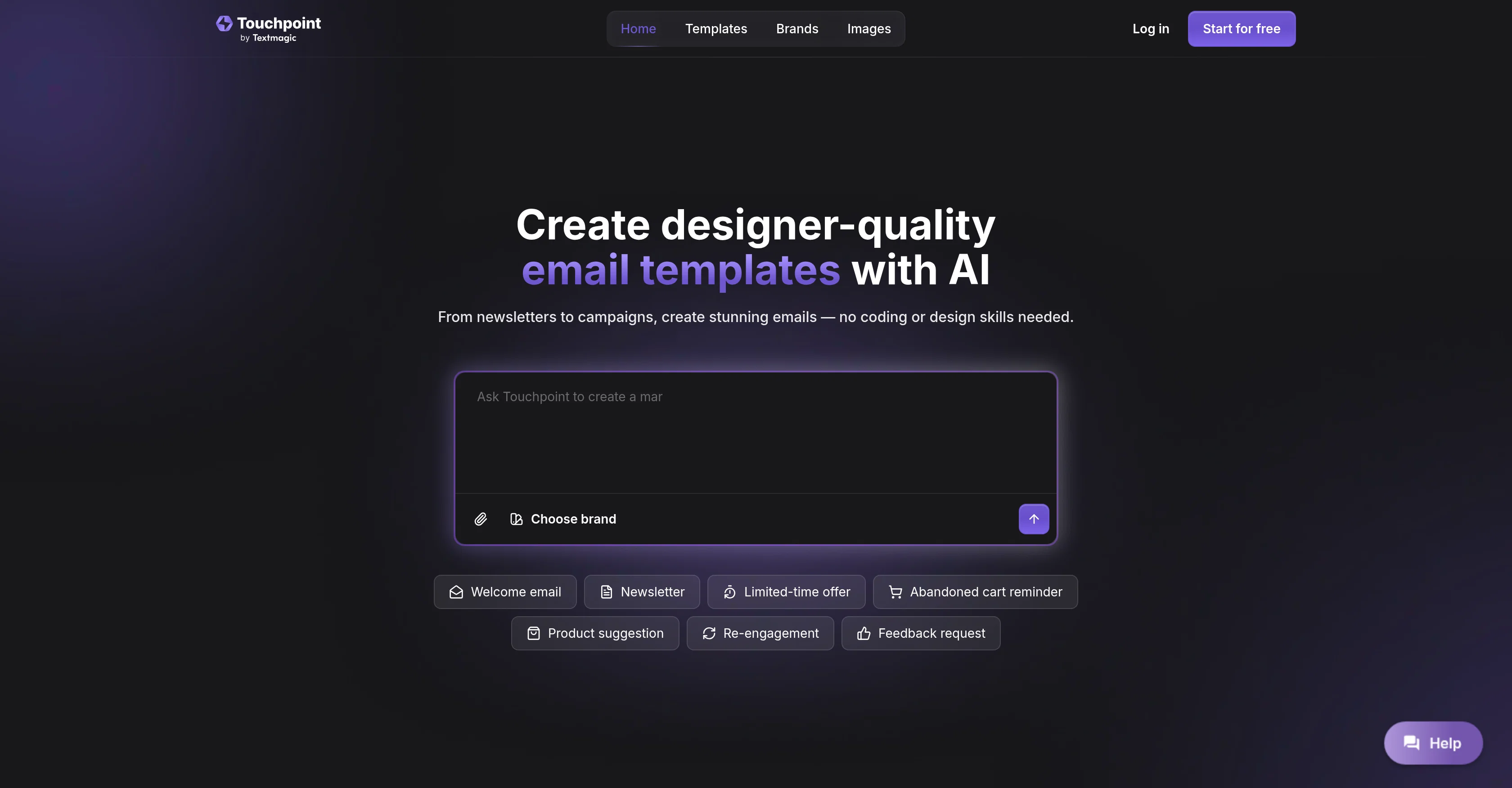
Create designer-quality email templates with AI
Touchpoint is an AI-powered tool designed for creating attractive and responsive email templates. Aimed at users with little or no coding or design skills, this tool simplifies the entire process of making professionally designed emails for various purposes. Users can design from newsletters to campaigns, and even abandoned cart reminders or product suggestions. The platform offers an intuitive chat with AI feature to guide users in transforming their ideas into polished email templates. It additionally extracts brand assets automatically from linked websites, maintaining brand consistency throughout all created emails. The tool also ensures an easy editing process where the layout, visuals and copy can be tweaked without coding, with an option for advanced users to refine the HTML for more creative control. After the creation, the ready email templates can be exported to Textmagic, Touchpoint's parent platform, which allows for the quick delivery of the professional emails worldwide. To assist the user, Touchpoint provides pre-built prompts meant to stimulate ideas and expedite the creation process. Help other people by letting them know if this AI was useful. Add your own prompts and outputs to help others understand how to use this AI.
When considering Touchpoint for integration into your organizational workflow, we recommend deploying a structured score card across three critical operational pillars: Security & Compliance, Integration Friction, and long-term Price Scalability. Rather than looking only at basic feature lists, modern procurement teams must assess how a software platform behaves under high load and how well it fits into the team's data security guidelines.
Depending on your operating region and field, ensure that Touchpoint supports standard security layers such as SOC 2 Type II certifications, GDPR compliance, or HIPAA-compliant database encryption. If the tool connects directly to client database tables or handles user passwords, verify that they implement multi-factor authentication (MFA), single sign-on (SSO) integrations, and end-to-end data encryption in transit and at rest.
Siloed data is the primary cause of operational friction. Evaluate if Touchpoint has native connectors for your current project trackers, messaging hubs, and customer communication channels. For custom developer requirements, check if they provide a fully documented REST API with reasonable rate limits, comprehensive Webhooks support, and robust SDK packages in your language. A flexible API layer saves hundreds of hours of manual copy-paste overhead.
SaaS pricing packages are often deceptively simple. When reviewing Touchpoint's billing structure, map out your team's projected expansion over the next 12 to 24 months. Determine how costs scale as your customer database increases or as you add team members. Factor in setup costs, mandatory support plan upgrades, API access fees, and storage overage rates to understand the true cost before committing to a contract.
By combining verified user reviews from our directory with internal workflow pilot tests, your procurement team can make an informed decision that drives productivity without creating capital waste.
Overall rating
Based on 13 reviews
Amazing deep research feature! Haven't seen this level of execution through any other tool. It gives a designed socket to view a presentation at the end.
Zarrak Mushtaq
I like @Needle very much, it helps me a lot as it saves me so much time that I would otherwise waste on unnecessary searching, thank you very much @Needle :)
Thomas Waldstett
This is simply amazing. I used @Nodu AI to create an employer branding video for our Talent Acquisition team to promote one of our key roles. Very impressed by the high-quality visuals it has generated, including the voiceover based on my brief. I like the way it has so nicely incorporated the brand logo and call to action messaging. My video looks like a professional production. Highly recommend!
Shalini Deshpande
Hey everyone! I’m Martin — co-founder, builder, and creator of @OneTask 🚀 @OneTask is specifically designed for people with ADHD and other creatives who can’t be bothered to spend time “managing” their tasks, and instead need an app that just helps them get things done. We have a Todoist and Google Calendar integration, and offer many other features that will help you optimize your life. Let me know if you have any questions! As of this writing, we have a special lifetime deal featured on our website — be sure to catch it before it’s gone! Martin
Martin Adams
Amazing! Will blow your mind. Beautiful designs.
Danny Wayne Johnson
It’s an very interesting project, it helps me a lot to speed up my process.
Max Reverey
We used @Rumora for our SaaS app and went from 512 to 23,956 signed up users in 3 months, here's the case study with screenshots: https://@Rumora.ai/case-studies/olovka
Rade Joksimovic
Great tool. I use it a lot. It's free, you don't have to sign up, and it's quick. I also made a video on it https://youtu.be/wWQHOtY6cYE
J.I.
Ideal for stock-watchlist and not missing trade setups that correspond to my strategy.
Builder
Very interesting
Béatrice Duval
Great tool! Was very helpful in content production
Duck Typer
Confusing to start, but eventually it made sense. I would consider using this to design your own brand's email
Sarah Ray
Hope it worked for you :)
Adam
Starting Price
Free plan available
Free tier available with optional paid upgrades.