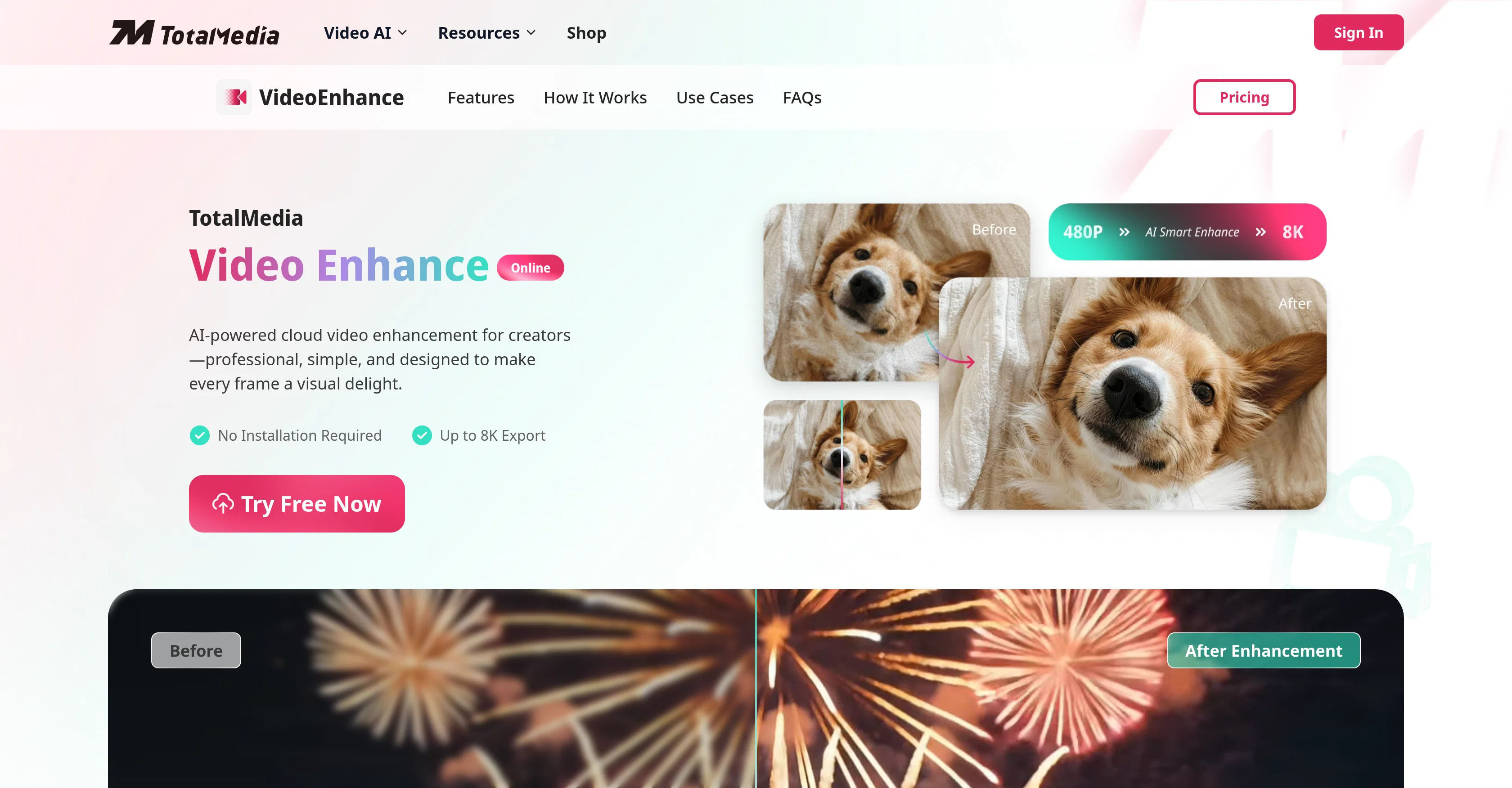
TotalMedia Video Enhancer is an AI-powered tool designed for video enhancement. It provides professional-grade enhancement resources for creators to improve video quality without the need for installation or any particular technical expertise.
The application has been created to work online, making it functional across different devices without putting a strain on system resources. Users can upscale their videos up to 8K quality using the AI-driven super-resolution feature, which lets you maintain video clarity regardless of the resolution.
The tool's frame interpolation capability allows users to elevate video frame rates to as much as 120fps for seamless, artifact-free motion, ideal for gaming, sports and action videos.
The one-click enhancement feature enables the AI to automatically optimize brightness, contrast, color, and sharpness of videos. For concurrent enhancement of various videos, the AI smart batch processing optimizes resources quickly.
Furthermore, this cloud-based service utilizes an advanced GPU acceleration to ensure fast delivery of enhanced results, reducing waiting times. It supports a broad range of video formats including MP4, AVI, MOV, MKV, WMV, FLV, among others, making it a versatile tool for any video enhancement tasks.
Help other people by letting them know if this AI was useful.
Add your own prompts and outputs to help others understand how to use this AI.
Screenshot gallery
Pros & Cons
Pros
+Online cloud-based tool
+No installation required
+Supports various video formats
+8K video upscaling
+Frame interpolation for smoother motion
+One-click brightness and contrast optimization
+One-click color adjustment
+One-click sharpness adjustment
+Advanced GPU acceleration for fast rendering
+Cross device compatibility
+Automatic noise removal
+Automatic color correction
+Easy three-step process for video enhancement
+Wide range of users: from film enthusiasts to content creators
+Supports professional-grade video enhancement
+Allows multi-video concurrent processing
+Light on system resources
+Preview and download enhancement feature
+Supports a wide range of output qualities
+Supports both 4K and 8k output
+Edge enhancement in super resolution process
+Quality maintenance during upscaling
+Allows resource allocation in batch processing
+Background queue management for multiple videos
+Functional for different devices
+Delivers artifact-free motion in frame interpolation
+Drastically reduces waiting times
+Allows any device anywhere use
+Removes motion jitters
+Supports wide range of video formats including MP4, AVI, MOV, MKV, WMV, FLV
Cons
−Lack of offline use
−May strain resources with batch processing
−No mobile app
−Dependent on internet speed
−Limited to video enhancement only
−Potential long queue times
−Videos deleted after 24 hours
−No free permanent version
−No live tech support
−Limited to certain video formats
A Professional Framework to Evaluate TotalMedia | Video Enhancer
When considering TotalMedia | Video Enhancer for integration into your organizational workflow, we recommend deploying a structured score card across three critical operational pillars: Security & Compliance, Integration Friction, and long-term Price Scalability. Rather than looking only at basic feature lists, modern procurement teams must assess how a software platform behaves under high load and how well it fits into the team's data security guidelines.
1. Security and Database Compliance
Depending on your operating region and field, ensure that TotalMedia | Video Enhancer supports standard security layers such as SOC 2 Type II certifications, GDPR compliance, or HIPAA-compliant database encryption. If the tool connects directly to client database tables or handles user passwords, verify that they implement multi-factor authentication (MFA), single sign-on (SSO) integrations, and end-to-end data encryption in transit and at rest.
2. API Coverage and Custom Integrations
Siloed data is the primary cause of operational friction. Evaluate if TotalMedia | Video Enhancer has native connectors for your current project trackers, messaging hubs, and customer communication channels. For custom developer requirements, check if they provide a fully documented REST API with reasonable rate limits, comprehensive Webhooks support, and robust SDK packages in your language. A flexible API layer saves hundreds of hours of manual copy-paste overhead.
3. Total Cost of Ownership (TCO)
SaaS pricing packages are often deceptively simple. When reviewing TotalMedia | Video Enhancer's billing structure, map out your team's projected expansion over the next 12 to 24 months. Determine how costs scale as your customer database increases or as you add team members. Factor in setup costs, mandatory support plan upgrades, API access fees, and storage overage rates to understand the true cost before committing to a contract.
By combining verified user reviews from our directory with internal workflow pilot tests, your procurement team can make an informed decision that drives productivity without creating capital waste.
Features of TotalMedia | Video Enhancer
Video Resolution Upscale
Video Enhancement
Video Quality Improvement
One Click Enhancement
Video Upscaling
Cloud Tool
Free + From $6.95/Mo
SaaS1to10 verified reviews for TotalMedia | Video Enhancer
Overall rating
★★★★★5.0
Based on 11 reviews
★★★★★5.02 months ago
“Review”
B12 exceeded my expectations especially after I tried a few similar tools. Signing up took under a minute and because I offer a very specific set of services as a consultant, I didn't expect the AI to be able to capture my work, but it did a great job with creating content for me. I only had to make a few edits, add my bio, and was able to publish that same day. Now I get lots of compliments on my site and I've even tried their other tools like email marketing, which is great because the emails match my site's appearance. Overall I would recommend B12 as an effective, affordable, and easy to use website solution.
Katie G
★★★★★5.02 months ago
“Review”
🌟🌟🌟🌟🌟 This AI prompt generation tool is exceptional! It vividly brought to life the jungle scene I envisioned, capturing every detail with remarkable accuracy. The natural expressions, vibrant colors, and serene atmosphere were perfectly rendered. Highly recommended for creative projects!
Sukul Das PANIKA
★★★★★5.02 months ago
“Review”
I think it's the best @Image Generator I ever found on the net. It gives more accurate image according to the prompt. And thank you for keeping it for free.
My Sawsiri
★★★★★5.02 months ago
“Review”
Not at all accurate…. The only thing similar between original and generated images were the clothes and accessories… face was absolutely new and unconnected.
Shvetank Sharma
★★★★★5.02 months ago
“Review”
Maybe you don’t have a subscription, so there are no credits on your account, and a lot of features require credits to use.
Span Chen
★★★★★5.02 months ago
“Review”
This tool i found is super cool, I created 5 books from this tool to sell them online, which gives me great profit. I am creating more valuable books to spread knowledge, and earn some bucks as well 🤑.
Bilal Ashraf
★★★★★5.02 months ago
“Review”
I love it, this software surprisingly colors my black and white family video images and fits this video perfectly. The effect is so stunning.
Harney Zheng
★★★★★5.02 months ago
“Review”
It works well on video upscaling. I can fix my blurry old videos.
Cuiyun Luo
★★★★★5.02 months ago
“Review”
Nice tool, easy to use
Your Papa
★★★★★5.02 months ago
“Review”
Not even close to being worth the heavy pricing.
foodisgood
★★★★★5.02 months ago
“Review”
Excellent to restore old interlaced video, and to add FPS in order to make the motion smooth. The best part is that is accessible in browser, from any device, no equipment request.
Sanja Trbojević Montina
Pricing
Starting Price
Free plan available
Free tier available with optional paid upgrades.
Where can TotalMedia | Video Enhancer be deployed?