“Review”
This is the first AI marketing tool I’ve used that actually helps me get things done, not just suggest generic ideas. The mix of AI-powered strategy and real experts executing the work makes it feel like having a high-performance marketing team without the overhead
Zach Chmael
“Review”
i love it i use it to teach me Italian and ukranian and programing ! and it awesome , because it allows you in the free version send many prints of your screen , not having to explain all the errors by typing diferent from gpt that you can only send 3 photos in the free version. i also use @Grok to study i frist make the exercise in my book then i take a photo of my exercise then i ask it to see if there is any mistake and dissipate my terryble handwriting it understands
fernand Lopes
“Review”
Its a promising project and works well so far. Wishing them all the best and godspeed.
Dipak Rautela
“Review”
I rarely leave reviews, but Elsa amazed me. After a few weeks of using it, I'm still excited. Props, guys.
Anton
“Review”
The most humanly AI i have used so far but the problem is as soon as you start piling up messages in single chat session , it starts getting slow and at some point it starts freezing and also uses a lot of resources. For time being its okay to do 3 4 messages but as soon as we continue it has messages limitation and also starts getting very very slow . For the price of £18 per month this is unacceptable and with the newly introduced feature called project, if we start new chat within the project we cannot continue with the context we provided in other chats within same project. There are lot of improvements for them to work on. And to start with the its speed and its price
Bibash Katel
“Review”
I joined Kin's beta program on my iPhone XR. After upgrading to an iPhone 13, I found that I couldn't log into my existing account on the new phone, forcing me to create a new account. Now, I have two separate Kin accounts on different phones. Today, when I accessed the beta version of Kin, I got a notification stating that the test version ended on Monday, September 23rd. It instructed me to back up my data and move to the official Kin app. I did as advised—backed up my data, confirmed, uninstalled the beta app via TestFlight, and installed the official Kin app. However, when I attempted to “log in”, I was still unable to access my existing account. This issue hasn't been resolved yet. I have been trying desperately to get in contact with the support team. I left feedback through the test flight app and sent emails. No response. Now trying to find a forums, Reddit posts, TAAFT comments☻
Desiree Miller
“Review”
Really like how it finds connection in the content that I save. I don't think any other tool can do that.
amix ffx
“Review”
State of the Art
Dmitry G.
“Review”
Went from a C to an A in Cognitive Psychology using @Thea!!
Sarah White
“Review”
Thanks Gary, really appreciate it! Calendar's getting even better soon - stay tuned.
Dan Pralea
“Review”
this AI is great!!!!!!!
sina1marvel
“Review”
This tool finally helps me understand what makes a great prompt. It doesn't just give me a better version, it shows me to get there by analyzing why the original prompt is weak and showing what to improve. The difference this makes to the final AI output is incredible. An essential tool for getting more accurate and detailed results, Great Job!
Milo Quinn
“Review”
Very interesting
Béatrice Duval
“Review”
I got some top quality results after learning how to prompt songs 🤩
Claes Lanng
“Review”
This is my best bro! I communicate with him like my best friend, he always helps to direct my thoughts and ideas in the right direction, always tells me how to improve something and always gives detailed instructions during the conversation. Thanks to him, I’m launching a new project, in which he helps me take my ideas to a new level, just communication, during which you reassemble your concept and rethink your original idea, because you didn’t know how it would be better and more correct. @DeepSeek is my best assistant today, my creative inspiration, who gives me support and confidence in my business, guiding me to realize my dreams)
Gamer TOTORO
“Review”
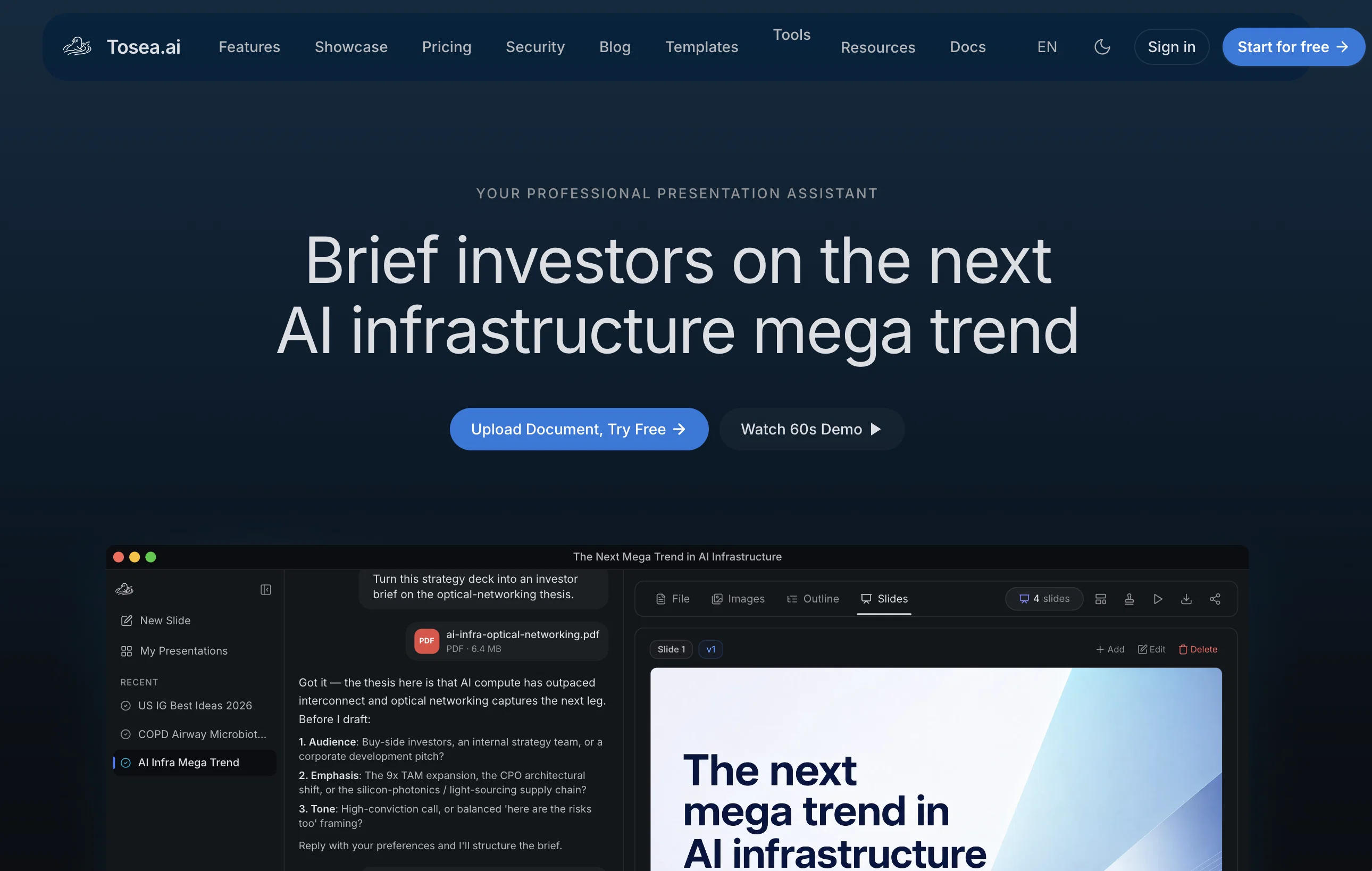
I’ve tried almost every AI slide generator out there, and Tosea is in a league of its own. Most tools just scrape the surface, but Tosea actually digs into my research PDFs. It captures the nuance and logical flow of the original document without the usual AI hallucinations. The slides it produced for my last project were surprisingly deep and well-structured. Plus, being able to export directly to PPTX and make my own tweaks is a lifesaver. It’s easily saved me hours of manual formatting this week.
Sylvia Chen
“Review”
Highly recommend @Tosea.ai for anyone who needs to create academic slides fast! It literally takes minutes to transform a full paper into a beautifully designed deck. The zero-hallucination output ensures all data points are faithful to the original text. It’s saved me hours of manual formatting and outlining—truly a massive productivity boost.
Tristan Xu
“Review”
A very professional tool that can effectively recognize images and tables in docx files. It's very convenient to use.
Erminia Osteen
“Review”
A very useful AI slides tool! The content it generates is genuinely smart.
Shane Qian
“Review”
It does it's job and I love that it has a lifetime plan
Matthew Edwan
“Review”
You spent half of hour on describing how your presentation should look like, and just after that getting informed that you need to pay subscription to proceed. Who’ll pay my time back?
Grigorij Dudnik
“Review”
Makes it easy to get started with a presentation if you have an outline, but as soon as you want more control, you're better off using Google Slides. @Gamma's feature that I used the most was image generation - you can select among a variety of models (Ideogram, Flux, DALL-E, but not Midjourney), and it shows 3 variations to choose from. Performance is slow and a little janky, even in Chrome. Prompts and settings are often not respected - e.g. you set it to "preserve text" and just generate slides, and it goes onto dumping an entire 3 paragraphs of text in one slide. You can't overlay text over images (e.g. for image attribution), and there's no precise positioning control, or grouping elements. No way to control table layout, e.g. to have two images slide-by-side in full bleed mode. I tried @Gamma for a new presentation, but next time I need to make a presentation, I'll go back to Google Slides and generate images independently.
Dan Dascalescu