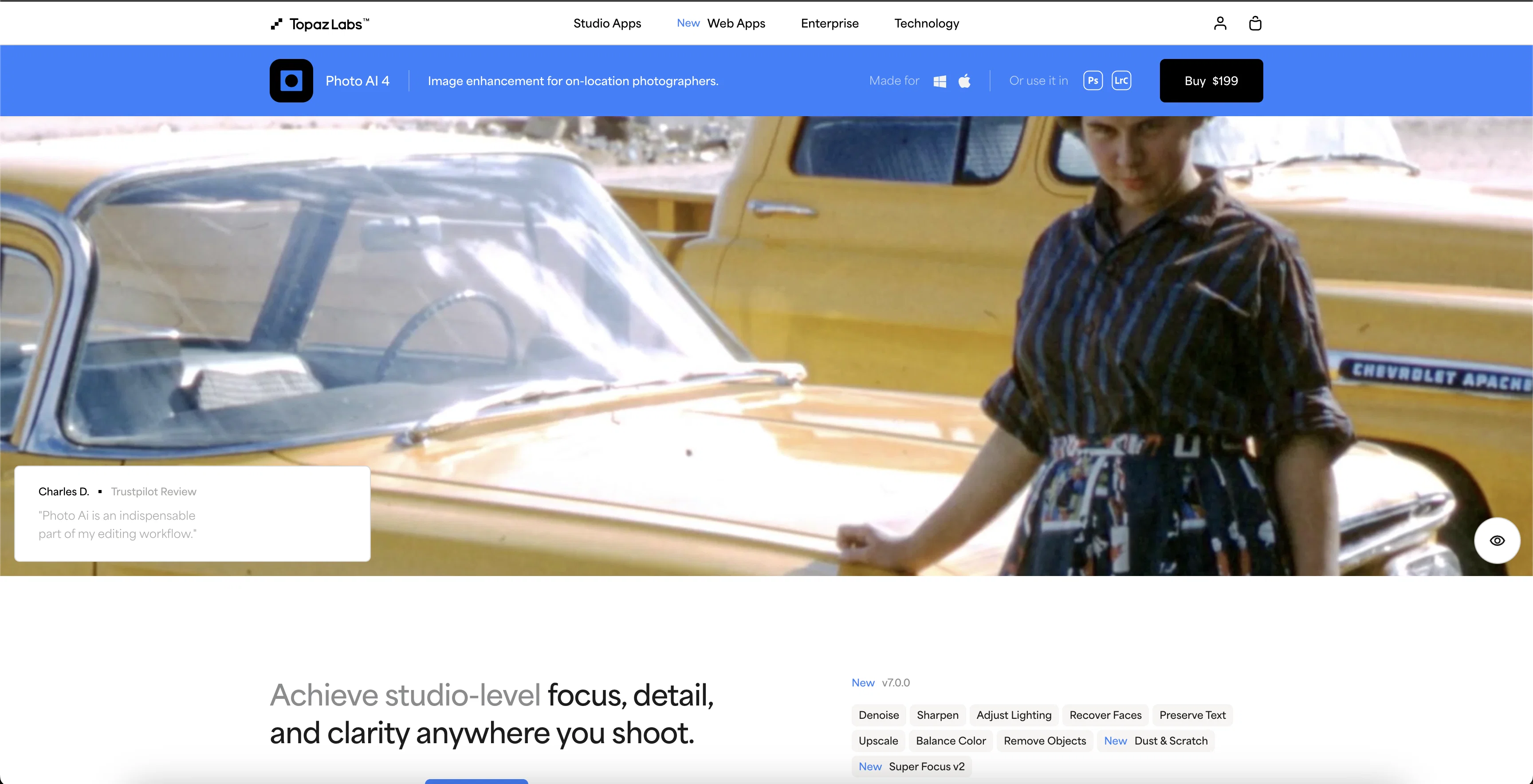
Photo AI 4 is a tool developed by Topaz Labs focused on photo enhancement. It utilizes Artificial Intelligence to refine, sharpen, denoise, and upscale images.
This application comprehends objects in the image, differentiating between image detail and noise in those objects, preserving the details and minimizing the noise.
It combats blurriness caused by issues such as camera shake, motion blur, and missed focus by employing an advanced sharpening technique that naturally reverses these root causes.
Other remarkable highlights include its distinctive ability to upscale images by adding intelligent pixels, enriching the overall quality of the image.
Additionally, it's fitted with special features to recover faces, remove objects, preserve text, adjust lighting, and balance color. Photo AI 4 also works to improve the quality of distorted text, shapes, and details resulting from denoising, sharpening, or upscaling the image.
It is characterized by seamless integration with other platforms like Photoshop and Lightroom Classic and an adaptable interface that allows speedy preview updates and drag panels.
Help other people by letting them know if this AI was useful.
Add your own prompts and outputs to help others understand how to use this AI.
Screenshot gallery
Pros & Cons
Pros
+Maximizes image quality
+Effective noise reduction
+Sharpening features
+Upscaling capabilities
+Face Recovery module
+Can differentiate real image detail and noise
+Corrects root causes of blurriness
+Works with most photo editors
+Raw file processing
+Can be used as standalone
+Can be used as a plugin
+Intelligent pixel addition in upscaling
+Highly accurate object removal
+Preserves text in enhancement
+Offers lighting adjustment
+Compatible with Photoshop and Lightroom
+Quick preview updates
+Drag panel interface
+Can correct distorted details
+Enhances text and shapes
+Utilizes context-aware algorithms
+Works smoothly on Mac and PC
+High performance optimization with hardware manufacturers
+User-friendly interface
+Multiple photo enhancements in one use
+Simultaneous under and over-exposure correction
+Two seats included in purchase
+Intelligent color and temperature correction
+Supports batching for multiple images
+Performs actions in any sequence
+Brightness and contrast correction
+Seamlessly integrates with workflow
+Color balancing feature
+Can correct entire image or selected parts
+Improves quality of distorted details
+Interface allows speedy changes
+Enhances and upscales face/text with natural look
+Reconstructs object removal patch
+1 year full product support
+Softwares support major hardware like Nvidia, AMD, Intel
+Allows drag panel placement
+Balance color new feature
Cons
−Expensive
−Requires 16GB RAM minimum
−Allows only two seats
−Limited object removal
−No free trial
−Nested interface
−Needs high-end graphics card
−Can't correct extreme blurriness
−Lacks manual pixel control
−Only 12 months of updates
A Professional Framework to Evaluate Topaz Labs | Photo AI 4
When considering Topaz Labs | Photo AI 4 for integration into your organizational workflow, we recommend deploying a structured score card across three critical operational pillars: Security & Compliance, Integration Friction, and long-term Price Scalability. Rather than looking only at basic feature lists, modern procurement teams must assess how a software platform behaves under high load and how well it fits into the team's data security guidelines.
1. Security and Database Compliance
Depending on your operating region and field, ensure that Topaz Labs | Photo AI 4 supports standard security layers such as SOC 2 Type II certifications, GDPR compliance, or HIPAA-compliant database encryption. If the tool connects directly to client database tables or handles user passwords, verify that they implement multi-factor authentication (MFA), single sign-on (SSO) integrations, and end-to-end data encryption in transit and at rest.
2. API Coverage and Custom Integrations
Siloed data is the primary cause of operational friction. Evaluate if Topaz Labs | Photo AI 4 has native connectors for your current project trackers, messaging hubs, and customer communication channels. For custom developer requirements, check if they provide a fully documented REST API with reasonable rate limits, comprehensive Webhooks support, and robust SDK packages in your language. A flexible API layer saves hundreds of hours of manual copy-paste overhead.
3. Total Cost of Ownership (TCO)
SaaS pricing packages are often deceptively simple. When reviewing Topaz Labs | Photo AI 4's billing structure, map out your team's projected expansion over the next 12 to 24 months. Determine how costs scale as your customer database increases or as you add team members. Factor in setup costs, mandatory support plan upgrades, API access fees, and storage overage rates to understand the true cost before committing to a contract.
By combining verified user reviews from our directory with internal workflow pilot tests, your procurement team can make an informed decision that drives productivity without creating capital waste.
Features of Topaz Labs | Photo AI 4
Photo Enhancement
Image Sharpening
Image Upscaling
Detail Preservation
Denoise
Blur Correction
From $199.00
SaaS1to10 verified reviews for Topaz Labs | Photo AI 4
Overall rating
★★★★★5.0
Based on 15 reviews
★★★★★5.01 months ago
“Review”
Worked very well on upscaling as most of them do, but this one didn't enlarge the file size too much. It went from 1.63mb to 2.01mb, a very minor amount. It is expensive, 99.99, as of this writing. But also a one time fee that I can tell.
Ann P
★★★★★5.02 months ago
“Review”
Really negative. Maybe my idea was terrible but I didn't get any constructive criticism.
Tamara Hervera
★★★★★5.02 months ago
“Review”
It´s not free
Aldos
★★★★★5.02 months ago
“Review”
paid and stuff and not that good
Max Adventures
★★★★★5.02 months ago
“Review”
Too expensive.
Jack Lam
★★★★★5.02 months ago
“Review”
No good at pdfs
Chris Cox
★★★★★5.02 months ago
“Review”
Super easy and fast, not professional result but fun and free.
Federico Godoy
★★★★★5.02 months ago
“Review”
Really amazing! Makes learning content and engaging with things so much easier!
Jamie McDonald
★★★★★5.02 months ago
“Review”
Very practical
Scofield michael
★★★★★5.02 months ago
“Review”
you only get 10 credits better to use other upscalers
Requiem of Ice
★★★★★5.02 months ago
“Review”
Very good job. File size concerns me, it was 10.2mb from a 1.63mb file. That was only one image, what if I had 50?
Ann P
★★★★★5.02 months ago
“Review”
5 minutes to create account. 1 minute to discover poor photo enhancing. Waste of time
Екатерина Дашкова
★★★★★5.02 months ago
“Review”
Androlicous!!!
Wazim Aju
★★★★★5.02 months ago
“Review”
nice holistic
Amit ImmI
★★★★★5.02 months ago
“Review”
I tried three of the alternatives (below) that offered free trials. They were OK. Then I downloaded the desktop (Mac) trial version (6.3.3) of Gigapixel AI. The differences among all four can be subtle, but I pre-ordered vers. 7 of Gigapixel on the basis of that testing. And now, all I can say is "Wow!" I am an amateur photographer, not a professional, so your experience/opinion may vary. But as an amateur, let me repeat: "Wow!"
otinokyad
Pricing
Starting Price
From $19.00/user/month
Pricing may vary based on team size and features selected.