5.01 months ago
“Review”
it's nice that you have a Summarize button on youtube when you go and have the extension installed. Im not getting sources on articles it gives me however..
Ron Jayson

AI-powered browser assistant for explanations, translations, and chat.
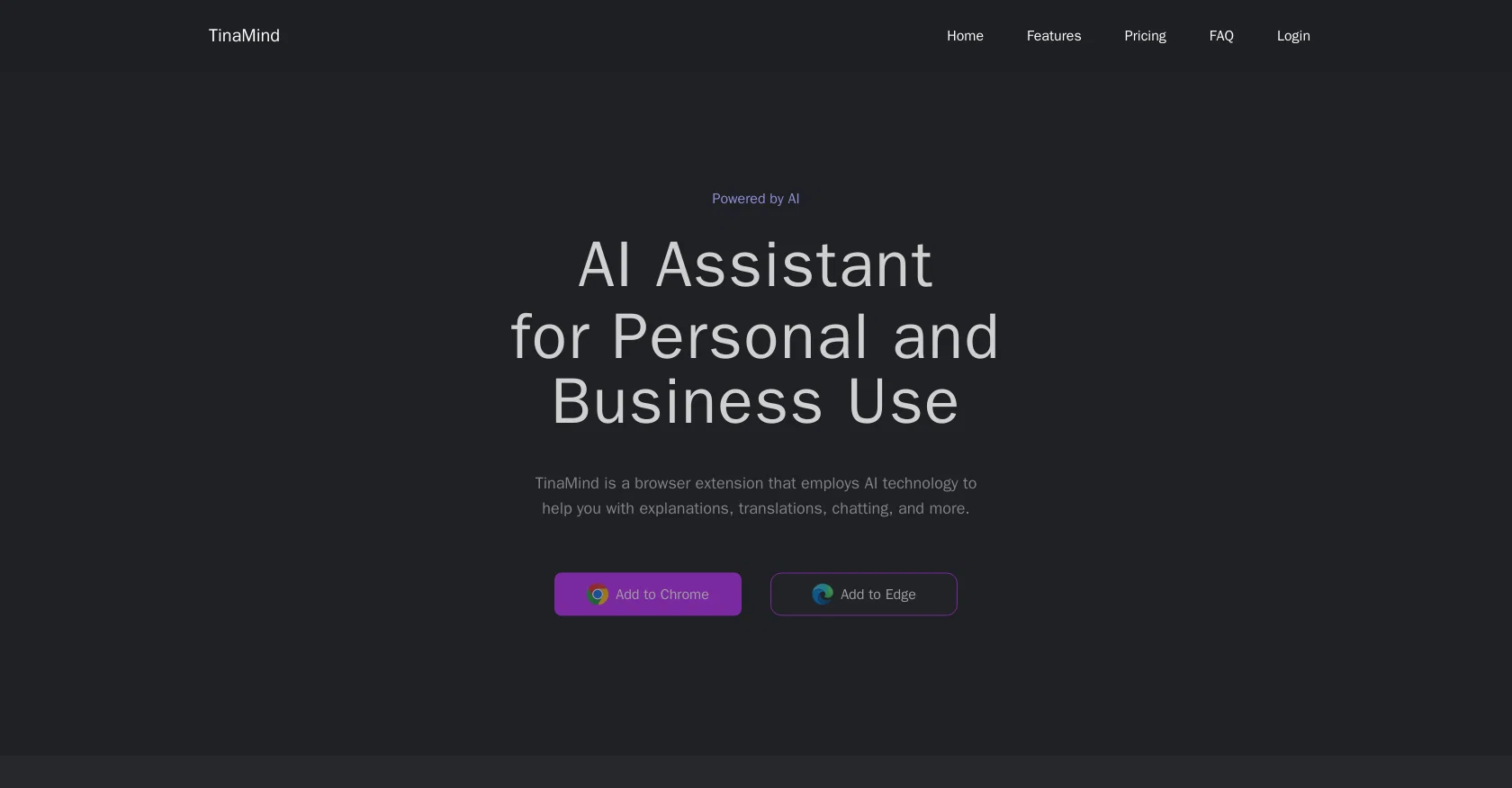
TinaMind is an AI-powered browser extension designed to provide assistance with explanations, translations, chatting, and more. By leveraging AI technology, TinaMind can comprehend and reply to chat messages, generate copywriting using templates, and translate, rephrase, and clarify text on any webpage. The browser extension offers a range of core features that make it highly useful. With just one click, users can process selected text on any web page and receive explanations, translations, and rephrasing from TinaMind. The tool also serves as a chatbot, allowing users to engage in contextual conversations, seek answers to questions, and even find writing inspiration.TinaMind is available for installation on Chrome and Edge browsers. Users can initiate conversations with TinaMind by clicking the sidebar button or take advantage of its capabilities by selecting text within web pages.While basic features of TinaMind are available for free, users can upgrade to a paid version for advanced features and benefits. Specific pricing details can be found on the website.With its AI technology, TinaMind offers a practical solution for users seeking assistance with various tasks, such as language translation, information clarification, and engaging in contextual conversations. Its browser extension format makes it easily accessible for users across different web platforms. Help other people by letting them know if this AI was useful. Add your own prompts and outputs to help others understand how to use this AI.
When considering TinaMind for integration into your organizational workflow, we recommend deploying a structured score card across three critical operational pillars: Security & Compliance, Integration Friction, and long-term Price Scalability. Rather than looking only at basic feature lists, modern procurement teams must assess how a software platform behaves under high load and how well it fits into the team's data security guidelines.
Depending on your operating region and field, ensure that TinaMind supports standard security layers such as SOC 2 Type II certifications, GDPR compliance, or HIPAA-compliant database encryption. If the tool connects directly to client database tables or handles user passwords, verify that they implement multi-factor authentication (MFA), single sign-on (SSO) integrations, and end-to-end data encryption in transit and at rest.
Siloed data is the primary cause of operational friction. Evaluate if TinaMind has native connectors for your current project trackers, messaging hubs, and customer communication channels. For custom developer requirements, check if they provide a fully documented REST API with reasonable rate limits, comprehensive Webhooks support, and robust SDK packages in your language. A flexible API layer saves hundreds of hours of manual copy-paste overhead.
SaaS pricing packages are often deceptively simple. When reviewing TinaMind's billing structure, map out your team's projected expansion over the next 12 to 24 months. Determine how costs scale as your customer database increases or as you add team members. Factor in setup costs, mandatory support plan upgrades, API access fees, and storage overage rates to understand the true cost before committing to a contract.
By combining verified user reviews from our directory with internal workflow pilot tests, your procurement team can make an informed decision that drives productivity without creating capital waste.
Overall rating
Based on 26 reviews
it's nice that you have a Summarize button on youtube when you go and have the extension installed. Im not getting sources on articles it gives me however..
Ron Jayson
It is pretty good, but kinda hard to use
David
A solid app for me
Percy111
A unique app, I use it every day
Theasssss
A very good app for me and my productivity
SalazarKo
@TinaMinda is good for everything that I need
NotUpButHere
This is a great tool! I have a question. The first time I created an Interactive Lesson, the published result had a transcript of the podcast which interacted simultaneously with the mindmap. After navigating out of that window, I can't access this again. Is there a way to access it? Currently it only shows an outline, the podcast and mindmap with no transcript or mindmap interactivity.
Fly Soul O
Works for me
Aramis
I can't explain how impressed i am by this. I've seen tools to help you brainstorm ideas, but not one to break your task down into big steps, then little steps for each of these. Plus "games" to help come up with more ideas for your project. I'm excited to use this!
ImpulseOscar
Thanks for the feedback, and also for the tip for the community. One more tip: if you upload an image directly, you can add context that might be missing in the image. For example, the duration is 3 hours or prefix every event title with Name:
Caren Cioffi
Great accuracy and easy to crosscheck with the provided hyperlinks to the sources.
Marius Schmitt
This is a powerful and helpful real-life app.
Sue
It is not free. So i couldnt test anything
Isa Venancio
filters my spam calls
Robin Haw
Accuracy nice. Free
Álvaro Sánchez Román
Great idea, but does not find what you are looking for-about the same as Google Scholar
Andy
the search functionality is a bit limited i think. like i save lots of webpages but it can't really know the pages content themselves
Lilly Walsh
easy to pick up and you get a few free file imports. it gives you results pretty fast, unfortunately i can't find a way to get back to these, they're locked behind the paid service.
Ron Jayson
I have been using @ProNoto for over an year, the extension has helped a lot with my meetings and presentations.
Neha P
I joined Kin's beta program on my iPhone XR. After upgrading to an iPhone 13, I found that I couldn't log into my existing account on the new phone, forcing me to create a new account. Now, I have two separate Kin accounts on different phones. Today, when I accessed the beta version of Kin, I got a notification stating that the test version ended on Monday, September 23rd. It instructed me to back up my data and move to the official Kin app. I did as advised—backed up my data, confirmed, uninstalled the beta app via TestFlight, and installed the official Kin app. However, when I attempted to “log in”, I was still unable to access my existing account. This issue hasn't been resolved yet. I have been trying desperately to get in contact with the support team. I left feedback through the test flight app and sent emails. No response. Now trying to find a forums, Reddit posts, TAAFT comments☻
Desiree Miller
I tried using it but the website has too many bugs.
João Neiva
Used it for PPT generation and performed extremely well, especially the numbers and data part.
Salina Hook
I’ve been using @Collate to go through technical PDFs, and it’s been surprisingly handy. Summarizing docs and being able to ask questions directly saves me time, especially when I’m skimming through research or API references. No sign-ups, works offline, and everything stays on my device — which I appreciate.
Harman
Miro has massively improved how we collaborate and execute. The AI features have made a real difference in day-to-day productivity, helping us structure ideas quickly and get to decisions faster. What really surprised me is the new prototyping feature: it’s now much easier to turn a workshop board into an actual prototype and iterate with the team. If you’re running product work, workshops, roadmaps, or even GTM planning, Miro is worth it.
Joran Hofman
Works well and connects with my apps easily. I’m considering using it for daily reports and posts
Ron Hardman
Great tool! Was very helpful in content production
Duck Typer
Starting Price
From $13.00/user/month
Pricing may vary based on team size and features selected.


