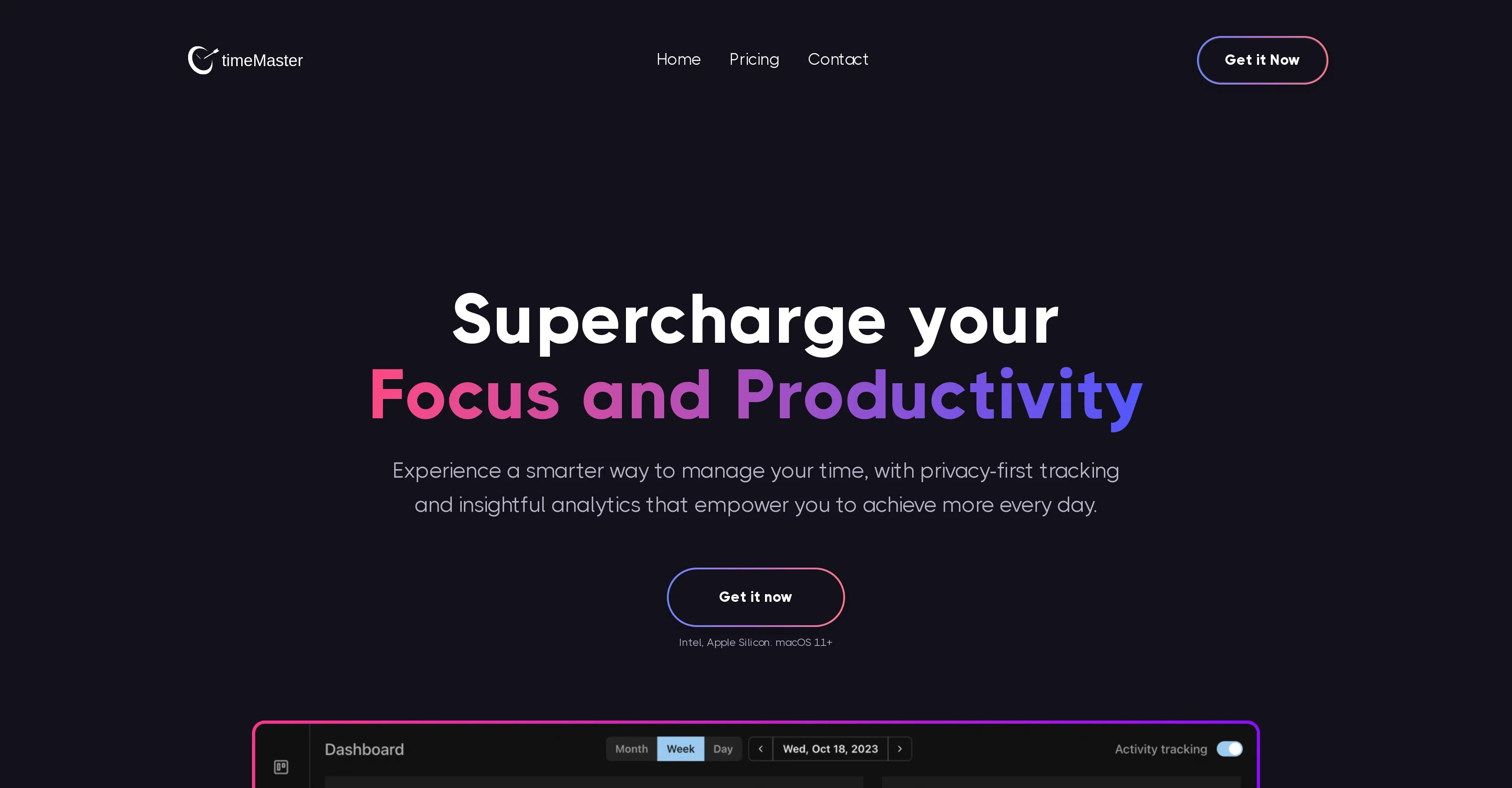
timeMaster is an AI-enabled productivity tool centred on helping users manage their time more effectively. Its key features include automatic time tracking, project detection, and exclusion of non-work activities, providing a precise picture of work duration and patterns.
By automatically detecting what the user is working on, it categorises activities, tags projects, and generates detailed time logs. It also intelligently identifies when the users start working on a new project and begins tracking it accordingly.
Furthermore, the tool offers a feature to eliminate time wasted on non-work activities such as browsing the web or using social media. In terms of boosting work routines, timeMaster has functionalities for scheduling automatic breaks, setting and tracking goals, and sending notifications in cases of overworking or distraction.
It places high importance on privacy and data security, ensuring data is stored locally, encrypted, and accessed in a limited manner. The tool also offers insights into the users' most productive hours, top distractions, focus and distraction metrics and provides detailed reports on a weekly and monthly basis.
Additionally, it presents an overview of each project and automatic time logs to foster a deeper understanding of the user's work and focus patterns. Privacy is treated with high priority as it provides localized data storage, data encryption, and access to minimal information.
Help other people by letting them know if this AI was useful.
Add your own prompts and outputs to help others understand how to use this AI.
Screenshot gallery
Pros & Cons
Pros
+Compatible with macOS 11+
+Works with Intel and Apple Silicon
+Automatic time tracking
+Categorizes activities effortlessly
+Tagging projects function
+Excludes non-work distractions
+Generates detailed time logs
+Detects new projects automatically
+Schedules automatic breaks
+Goal setting feature
+Overworking notification
+Data remains locally stored
+Uses encryption for data protection
+Identifies productive hours
+Identifies top distractions
+Insight into focus, distraction metrics
+Weekly, monthly reports
+In-depth work habits analysis
+Automatic overviews for projects
+Privacy-first tracking
+Limited-time early bird offer
+Black Friday sale
+Premium features in standard plan
+Unlimited analytics
+Limited access for secure data
+Excludes time spent on non-work activities
+Helps in building better work habits
+Overworking reminders
+Work break ratio tracking
+Local data storage
+Data encrypted before saving
+Reads only app title for information
+Categorizes user activities accurately
+Automatic time logs for tasks
+Insight into focus score
+Insight into frequently used apps
Cons
−Limited to macOS 11+
−Only for Intel, Apple Silicon
−No real-time syncing
−No multi-device support
−Limited user information access
−No cross-platform compatibility
−No web-based version
−Minimalistic interface lacking features
−Can't integrate with other apps
−Requires premium for full features
A Professional Framework to Evaluate timeMaster
When considering timeMaster for integration into your organizational workflow, we recommend deploying a structured score card across three critical operational pillars: Security & Compliance, Integration Friction, and long-term Price Scalability. Rather than looking only at basic feature lists, modern procurement teams must assess how a software platform behaves under high load and how well it fits into the team's data security guidelines.
1. Security and Database Compliance
Depending on your operating region and field, ensure that timeMaster supports standard security layers such as SOC 2 Type II certifications, GDPR compliance, or HIPAA-compliant database encryption. If the tool connects directly to client database tables or handles user passwords, verify that they implement multi-factor authentication (MFA), single sign-on (SSO) integrations, and end-to-end data encryption in transit and at rest.
2. API Coverage and Custom Integrations
Siloed data is the primary cause of operational friction. Evaluate if timeMaster has native connectors for your current project trackers, messaging hubs, and customer communication channels. For custom developer requirements, check if they provide a fully documented REST API with reasonable rate limits, comprehensive Webhooks support, and robust SDK packages in your language. A flexible API layer saves hundreds of hours of manual copy-paste overhead.
3. Total Cost of Ownership (TCO)
SaaS pricing packages are often deceptively simple. When reviewing timeMaster's billing structure, map out your team's projected expansion over the next 12 to 24 months. Determine how costs scale as your customer database increases or as you add team members. Factor in setup costs, mandatory support plan upgrades, API access fees, and storage overage rates to understand the true cost before committing to a contract.
By combining verified user reviews from our directory with internal workflow pilot tests, your procurement team can make an informed decision that drives productivity without creating capital waste.
Features of timeMaster
Productivity
Time Management
Automated Tracking
Work Efficiency
Project Management
Work Routine
Free + From $14/Mo
SaaS1to10 verified reviews for timeMaster
Overall rating
★★★★★5.0
Based on 15 reviews
★★★★★5.01 months ago
“Review”
Good idea on democratization of AHP based Multiple Criteria Decision Making / Analysis (MCDM / MCDA). Helping common people to get AI powered MCDA at own mobile phone, otherwise only available expencive software with enterprises.
Shashi Bhattarai
★★★★★5.02 months ago
“Review”
Seems great. Just setup an account to try it out. Basically bounced ideas off it for SOPs for a fire department and it actually does a wonderful job.
HarleyQuinn Deadpool
★★★★★5.02 months ago
“Review”
Great idea, but does not find what you are looking for-about the same as Google Scholar
Andy
★★★★★5.02 months ago
“Review”
Suppppeeeeerrr! Wowwww! @Mindsmith is absolutely fantastic! It is incredibly useful, easy to use, and very professional.
Claudia Scilletta
★★★★★5.02 months ago
“Review”
easy to pick up and you get a few free file imports. it gives you results pretty fast, unfortunately i can't find a way to get back to these, they're locked behind the paid service.
Ron Jayson
★★★★★5.02 months ago
“Review”
After my first use, I think it's surprisingly good. The only drawback so far is the PDF export option for the report which is formatless.
Alejandro Correa
★★★★★5.02 months ago
“Review”
Great! I think @AI Lawyer is the best service I've ever seen. Perfect use. Prompting helps in the work
Yuri Gerasimov
★★★★★5.02 months ago
“Review”
I'm still testing the tool yet it looks very promising. I tested it with a 5.5k words Academic text that I had previously red. I tested the Key points feature, it does work!
Ivana González
★★★★★5.02 months ago
“Review”
Good idea, but full of bug. It removed my lunch to put a working task, the report bug form doesn't let you write anything. I'm out
Maxime
★★★★★5.02 months ago
“Review”
Really amazing! Makes learning content and engaging with things so much easier!
Jamie McDonald
★★★★★5.02 months ago
“Review”
An amazing app, I love the share feature and the comment section summaries
Silvia Cho
★★★★★5.02 months ago
“Review”
O GPT faz uma análise melhor e mais personalizada.
Vinicius Vilela
★★★★★5.02 months ago
“Review”
As the service was in beta-testing stage, I created there a dozen of AI-generated courses for free. I wanted to use them. Those courses remained in my account as they started subscription tiers. But recently I have found out that they were deleted. The support didn't answer to my e-mail at all.
Oldfag TV
★★★★★5.02 months ago
“Review”
I tried using it but the website has too many bugs.
João Neiva
★★★★★5.02 months ago
“Review”
@Dash AI has saved me countless hours. It has proven to be more useful than chatgpt or any other AI tool I've tried.