5.01 months ago
“Review”
The content generated from @Cclarity is quite impressive. It helps me save a lot of time thinking about content during marketing and other features like leads and analysis look amazing
Công Phan Huy

Create custom AI chatbots in minutes
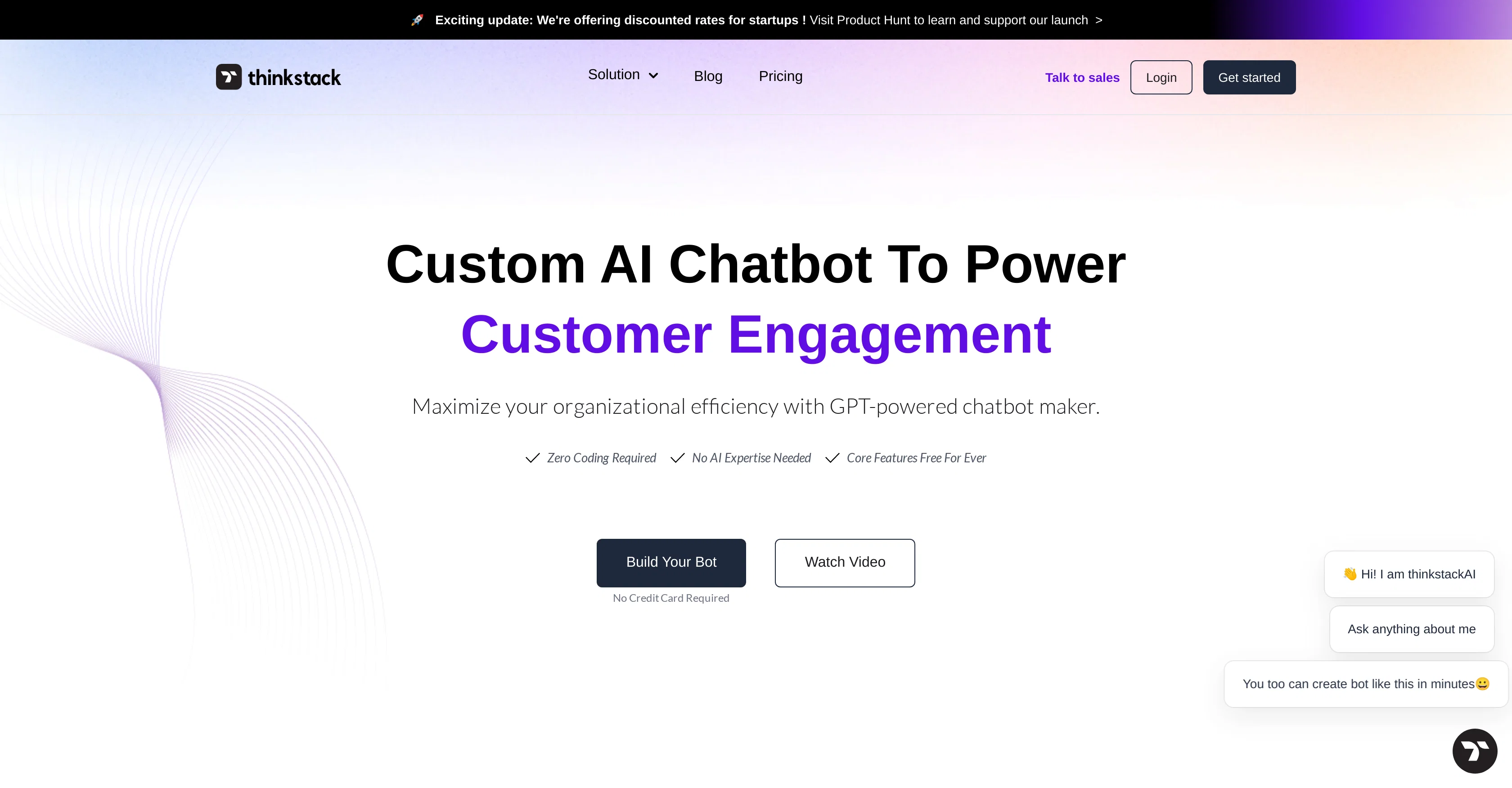
Thinkstack is an AI chatbot maker powered by GPT technology. It is designed to provide custom automated responses for customer service across various industries like healthcare, SaaS, banking, and retail. The platform allows easy integration and offers a no-coding-required setup. The chatbot creation process involves four steps: uploading and securely choosing files for the bot's memory, training the bot on the selected data, customizing settings for analysis preferences and operational parameters, and finally, launching the bot. The Thinkstack platform features an intuitive user interface that caters to users who do not have a technical background. It also includes a toolkit for custom chat GPT creation and advanced, AI-powered analytics. The chatbot collects data on customer interactions for insights on engagement patterns and potential areas of improvement. The platform also boasts a diverse range of AI models, including the latest advanced options like GPT-3.5 Turbo and GPT-4. The chatbots created can be personalized with a logo, theme colors, and messages that align with a brand's identity. The AI chatbot can automate routine tasks including support ticket management and CRM entries, providing operational efficiency. Furthermore, Thinkstack supports the aggregation of data from various sources for chatbot training, offers services in over 90 languages, and protects data on secure servers. Not only is the chatbot able to adapt its personality and communication style to align with user preferences, but it can also be integrated with various tools through platforms like Zapier. Help other people by letting them know if this AI was useful. Add your own prompts and outputs to help others understand how to use this AI.
When considering Thinkstack for integration into your organizational workflow, we recommend deploying a structured score card across three critical operational pillars: Security & Compliance, Integration Friction, and long-term Price Scalability. Rather than looking only at basic feature lists, modern procurement teams must assess how a software platform behaves under high load and how well it fits into the team's data security guidelines.
Depending on your operating region and field, ensure that Thinkstack supports standard security layers such as SOC 2 Type II certifications, GDPR compliance, or HIPAA-compliant database encryption. If the tool connects directly to client database tables or handles user passwords, verify that they implement multi-factor authentication (MFA), single sign-on (SSO) integrations, and end-to-end data encryption in transit and at rest.
Siloed data is the primary cause of operational friction. Evaluate if Thinkstack has native connectors for your current project trackers, messaging hubs, and customer communication channels. For custom developer requirements, check if they provide a fully documented REST API with reasonable rate limits, comprehensive Webhooks support, and robust SDK packages in your language. A flexible API layer saves hundreds of hours of manual copy-paste overhead.
SaaS pricing packages are often deceptively simple. When reviewing Thinkstack's billing structure, map out your team's projected expansion over the next 12 to 24 months. Determine how costs scale as your customer database increases or as you add team members. Factor in setup costs, mandatory support plan upgrades, API access fees, and storage overage rates to understand the true cost before committing to a contract.
By combining verified user reviews from our directory with internal workflow pilot tests, your procurement team can make an informed decision that drives productivity without creating capital waste.
Overall rating
Based on 10 reviews
The content generated from @Cclarity is quite impressive. It helps me save a lot of time thinking about content during marketing and other features like leads and analysis look amazing
Công Phan Huy
We used @Rumora for our SaaS app and went from 512 to 23,956 signed up users in 3 months, here's the case study with screenshots: https://@Rumora.ai/case-studies/olovka
Rade Joksimovic
Easy to start and made a customer support agent for my website in a few minutes!
PeersIdea Inc.
Fast, Easy to use and makes repetitive tasks easy
Ioannis Gikas
Hi there, I’m Alix, co-founder of Invent. We’re building the future of Customer Support UX, where humans and AI truly collaborate. Would love to read&hear your thoughts. DM for any questions. We ship fast!
Alix Gallardo
Saving multiple AI subscriptions with Unify
Unify
Great and easy to use chatbot.... It is my personal advisor...
David Mavashev
TDGesk's multi-account messaging feature is highly efficient and user-friendly. It simplifies communication across multiple accounts, saving time and effort. Highly recommended for businesses seeking streamlined messaging solutions.
Zhang Xiaotong
We replaced our demo request form with Perspective and our show rate went up overnight. Prospects actually tell us what they need before the call — no more showing up blind. Wish we'd done it sooner.
Nate Richardson
This is a great tool! I have a question. The first time I created an Interactive Lesson, the published result had a transcript of the podcast which interacted simultaneously with the mindmap. After navigating out of that window, I can't access this again. Is there a way to access it? Currently it only shows an outline, the podcast and mindmap with no transcript or mindmap interactivity.
Fly Soul O
Starting Price
Free plan available
Free tier available with optional paid upgrades.


