5.01 months ago
“Review”
I'm still testing the tool yet it looks very promising. I tested it with a 5.5k words Academic text that I had previously red. I tested the Key points feature, it does work!
Ivana González

Simplify life with AI at your fingertips.
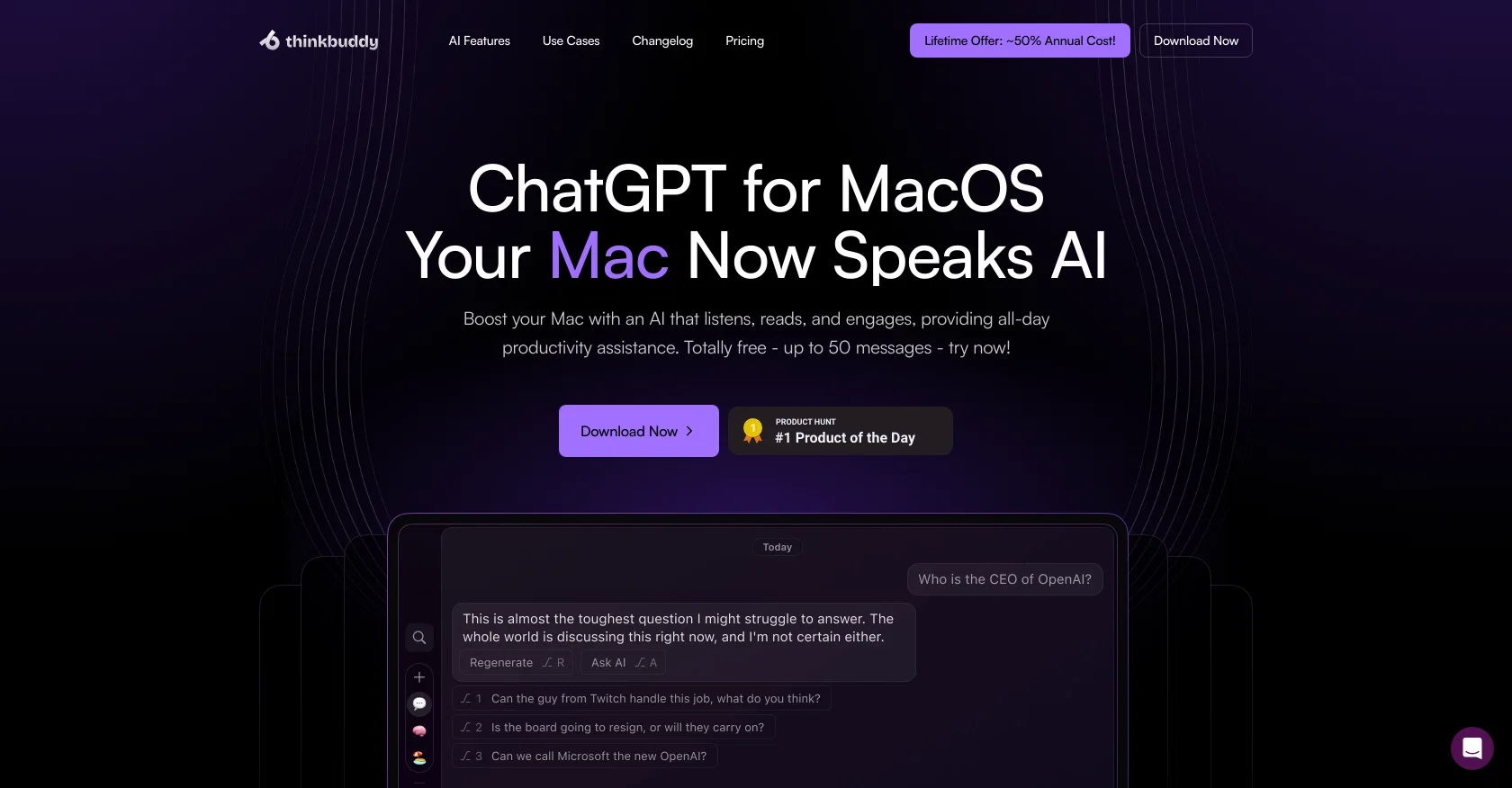
Thinkbuddy is an all-in-one AI suite designed to enhance productivity on MacOS systems. It's a tool that leverages AI technologies providing features that enable seamless integration of voice commands to maximize daily efficiency. Thiknbuddy utilizes AI models such as GPT-4, GPT-3.5, Claude 3, Groq, and Gemini which allows the user to choose based on their preference. Users can ask questions aloud in any language, take screenshots to provide context for AI-driven assistance, and set up shortcut keys that radically transform their work process. The software also provides a 'Quick Chat' feature for immediate queries and allows users to customize their prompts and keystrokes. Thinkbuddy offers OpenAI Whisper-powered voice-to-text capabilities for responding to emails and drafting messages. The versatility of the tool extends to its text selection feature, which allows the selection of texts to trigger automated AI-powered actions. A user can respond to emails, translate or summarize articles, and even engage in deep discussions with the AI. Thinkbuddy offers different pricing plans to cater to various user needs, from free versions for an introduction to its capabilities to more extensive plans for power users. Help other people by letting them know if this AI was useful. Add your own prompts and outputs to help others understand how to use this AI.
When considering Thinkbuddy for integration into your organizational workflow, we recommend deploying a structured score card across three critical operational pillars: Security & Compliance, Integration Friction, and long-term Price Scalability. Rather than looking only at basic feature lists, modern procurement teams must assess how a software platform behaves under high load and how well it fits into the team's data security guidelines.
Depending on your operating region and field, ensure that Thinkbuddy supports standard security layers such as SOC 2 Type II certifications, GDPR compliance, or HIPAA-compliant database encryption. If the tool connects directly to client database tables or handles user passwords, verify that they implement multi-factor authentication (MFA), single sign-on (SSO) integrations, and end-to-end data encryption in transit and at rest.
Siloed data is the primary cause of operational friction. Evaluate if Thinkbuddy has native connectors for your current project trackers, messaging hubs, and customer communication channels. For custom developer requirements, check if they provide a fully documented REST API with reasonable rate limits, comprehensive Webhooks support, and robust SDK packages in your language. A flexible API layer saves hundreds of hours of manual copy-paste overhead.
SaaS pricing packages are often deceptively simple. When reviewing Thinkbuddy's billing structure, map out your team's projected expansion over the next 12 to 24 months. Determine how costs scale as your customer database increases or as you add team members. Factor in setup costs, mandatory support plan upgrades, API access fees, and storage overage rates to understand the true cost before committing to a contract.
By combining verified user reviews from our directory with internal workflow pilot tests, your procurement team can make an informed decision that drives productivity without creating capital waste.
Overall rating
Based on 18 reviews
I'm still testing the tool yet it looks very promising. I tested it with a 5.5k words Academic text that I had previously red. I tested the Key points feature, it does work!
Ivana González
Beautiful//videos
Tanu singh
Amazing, fast
Leonel Curra
A little biased, but I think it's great.
Dawson Whitfield
Nice interface, but no good at PDF answers, especially tables data.
hifive szu
I already have another transcription tool, but this one is much better. I love the different features such as the summary, quiz, and chapters. It does a great job of them. I've only done one transcript so far to try it out, but I'm truly impressed and am going to grab another code. A couple things that would make it even better are: - the ability to rename the files and organize them through folders. - the ability to download a copy of the other features as well as the transcript. Copying and pasting it works, but doesn't keep the format.
dunn
An amazing app, I love the share feature and the comment section summaries
Silvia Cho
Great idea, but does not find what you are looking for-about the same as Google Scholar
Andy
No other tool quite like this, it's pretty straightforward. Needed to extract a long interview from YouTube and it extracted everything, providing it in different meaningful formats in less than two minutes. Awesome
Juan Sierra
Suppppeeeeerrr! Wowwww! @Mindsmith is absolutely fantastic! It is incredibly useful, easy to use, and very professional.
Claudia Scilletta
After my first use, I think it's surprisingly good. The only drawback so far is the PDF export option for the report which is formatless.
Alejandro Correa
Really amazing! Makes learning content and engaging with things so much easier!
Jamie McDonald
O GPT faz uma análise melhor e mais personalizada.
Vinicius Vilela
As the service was in beta-testing stage, I created there a dozen of AI-generated courses for free. I wanted to use them. Those courses remained in my account as they started subscription tiers. But recently I have found out that they were deleted. The support didn't answer to my e-mail at all.
Oldfag TV
It does give you the option to choose what you want to pay, including trying it out without a set price. Totally fair setup and it's nice that the flexibility is there for users.
Alexandru Bostina
Very useful for my work!
Frederick Galloway
Absolutely love @MindMac, I have been giving large amounts of feedback and support to help improve the app for some time now, and the only reason why I am doing that out of my own time, without any incentive is to help the community, but I also want to help this app succeed. Having small developers, like @MindMac's is incredible, to create something as powerful and helpful, for users that do not need a computer science degree just to operate it I find very exciting. The developer listens and actions requests that are helpful, and reasonable, and that is something you won't get with the larger developers for months. Keep it up @MindMac!
Dylan
I use Bolt every day as my main GPT client. Easier to use than ChatGPT, Daniel has made a great app here 👏 He's also very receptive to feedback, and has taken some of my ideas and bug reports on board 👍 Keep up the good work! Recommended ⭐
James Ivings
Starting Price
Free plan available
Free tier available with optional paid upgrades.


