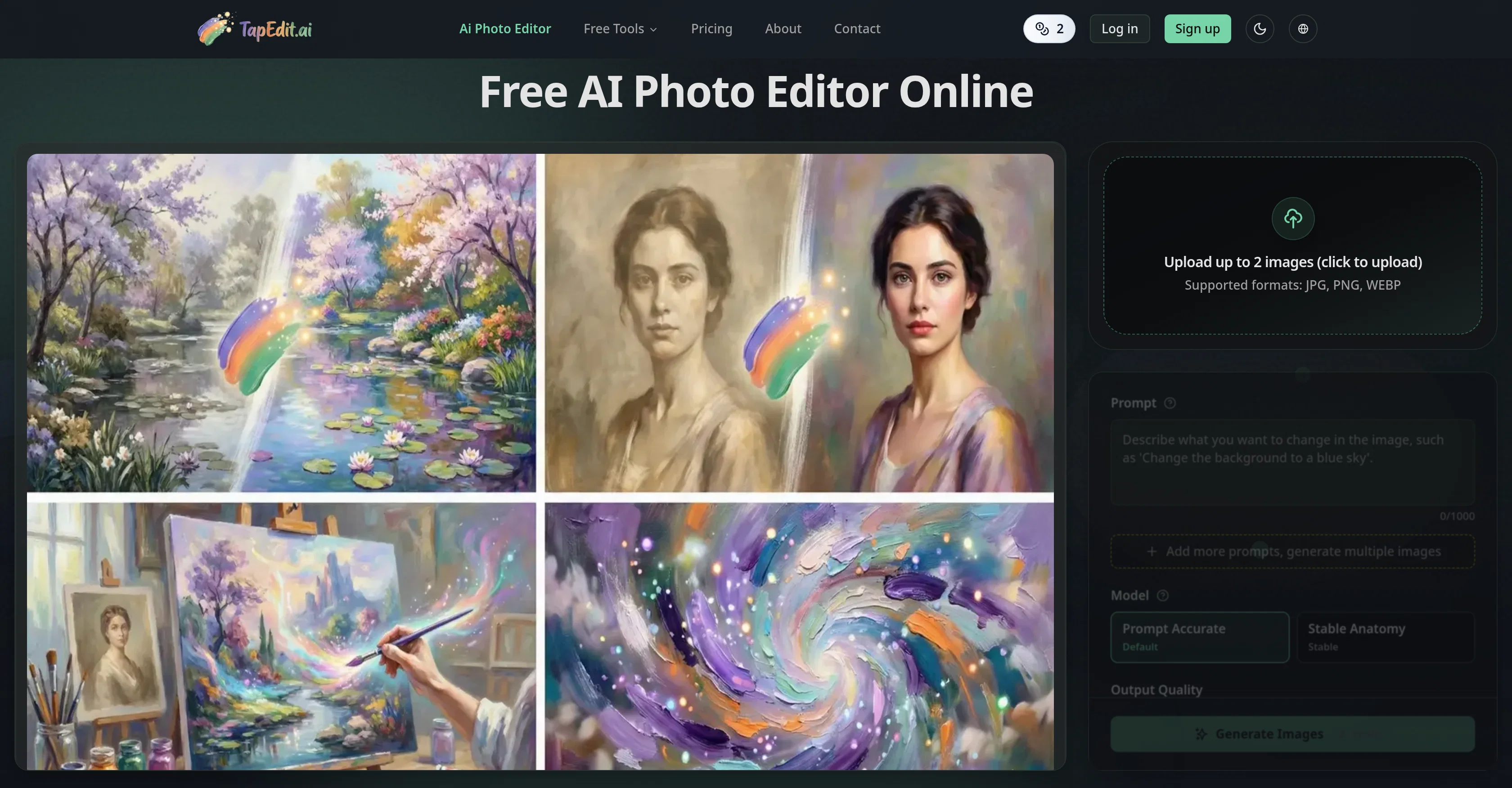
TapEdit is an online artificial intelligence (AI) tool designed to streamline the process of photo editing. It enables users to easily upload and edit images with several integrated AI capabilities.
Key features include background removal, object erasing, image quality enhancement, and image upscaling.In terms of functionality, TapEdit provides fine detail in removing backgrounds from various types of photos, such as product photos, portraits, and marketing images, while preserving intricate details such as hair and fabric textures.
Its object eraser tool can be used to eliminate unwanted objects, text, or watermarks, while allowing the AI to reconstruct the surrounding background naturally.TapEdits image enhancement and upscaling capabilities allow for improved quality, clarity, and resolution of photos.
It's designed for various commercial applications, including preparing visuals for e-commerce listings, social posts, ads, product photography, and even professional workflows like high-volume batch processing and portrait retouching.The platform also offers generative fill capability that allows the users to adapt products into different scenes with appropriate lighting and reflections.
A standout feature is the 'Magic Brush + Intelligent Prompts', which allows users to paint over the object or area they want to edit and define their intent with machine-perfect language.TapEdit appeals to professionals requiring precision, speed, and commercial-grade results.
It has a transparent pricing model with basic editing tools available for free and on-demand payment for advanced generative features.
Help other people by letting them know if this AI was useful.
Add your own prompts and outputs to help others understand how to use this AI.
Screenshot gallery
Pros & Cons
Pros
+Online accessibility
+Background removal
+Object erasing
+Image quality enhancement
+Image upscaling
+Preserves intricate details
+Watermark removal
+E-commerce image preparation
+Social media content creation
+Ad creation
+Product photography editing
+High-volume batch processing
+Portrait retouching
+Generative fill feature
+Magic Brush tool
+Intelligent prompts
+Commercial-grade results
+Transparent pricing model
+Free basic editing tools
+On-demand advanced features payment
+Supports JPG, PNG, WEBP
+High-res output options
+Photo-realistic quality
+Automatic prompt optimization
+No engineering skills needed
+Physical accuracy preserved
+Built for professional use
+Integrated into marketplace APIs
+Trust from worldwide creators
+Streamlined apparel workflow
+Generative material swap
+Relighting features
+Structured prompts
+Contextual generative fill
+Industrial-grade batch processing engine
+Uniform color grading
+Studio-quality result outputs
+No artifacts after object removal
+Lifestyle scene adaptations
+Retains texture and perspective accuracy
+High-end frequency separation techniques
+Supports multiple images
Cons
−Limited free tools
−On-demand payments
−No desktop application
−May be slow with batch processing
−Results may vary based on intent definition
−Requires Internet connection
−Potential privacy issues with uploaded images
−Inefficient on low-resolution inputs
−Limited file formats: JPG, PNG, WEBP
−Premium features may be expensive
A Professional Framework to Evaluate TapEdit
When considering TapEdit for integration into your organizational workflow, we recommend deploying a structured score card across three critical operational pillars: Security & Compliance, Integration Friction, and long-term Price Scalability. Rather than looking only at basic feature lists, modern procurement teams must assess how a software platform behaves under high load and how well it fits into the team's data security guidelines.
1. Security and Database Compliance
Depending on your operating region and field, ensure that TapEdit supports standard security layers such as SOC 2 Type II certifications, GDPR compliance, or HIPAA-compliant database encryption. If the tool connects directly to client database tables or handles user passwords, verify that they implement multi-factor authentication (MFA), single sign-on (SSO) integrations, and end-to-end data encryption in transit and at rest.
2. API Coverage and Custom Integrations
Siloed data is the primary cause of operational friction. Evaluate if TapEdit has native connectors for your current project trackers, messaging hubs, and customer communication channels. For custom developer requirements, check if they provide a fully documented REST API with reasonable rate limits, comprehensive Webhooks support, and robust SDK packages in your language. A flexible API layer saves hundreds of hours of manual copy-paste overhead.
3. Total Cost of Ownership (TCO)
SaaS pricing packages are often deceptively simple. When reviewing TapEdit's billing structure, map out your team's projected expansion over the next 12 to 24 months. Determine how costs scale as your customer database increases or as you add team members. Factor in setup costs, mandatory support plan upgrades, API access fees, and storage overage rates to understand the true cost before committing to a contract.
By combining verified user reviews from our directory with internal workflow pilot tests, your procurement team can make an informed decision that drives productivity without creating capital waste.
Features of TapEdit
Background Removal
Photo Editing
Object Eraser
AI Photo Editing
Image Quality Enhancement
Professional Use
Free + From $2.99
SaaS1to10 verified reviews for TapEdit
Overall rating
★★★★★5.0
Based on 17 reviews
★★★★★5.02 months ago
“Review”
Really impressed with @Junior.so so far. Having an AI teammate inside Slack that can handle CRM updates and follow-ups without me constantly prompting it feels genuinely useful, especially for small teams juggling sales and ops. Setup was pretty smooth, and the daily reports are a nice bonus.
Gemini Omni Video - AI video generator that works like a creative conversation
★★★★★5.02 months ago
“Review”
better than chatgpt
Andrew Zakonov
★★★★★5.02 months ago
“Review”
As a student, I regularly work with research papers and long PDFs. @PodcastorAI has been a helpful way to turn that content into something I can listen to while commuting or walking. I like that it creates a structured podcast rather than simply reading the text aloud. The dialogue format is surprisingly engaging and makes dense material easier to get through. I still rely on the original documents for deeper study, but for review and knowledge retention, it's been a genuinely useful tool.
Yawin Lin
★★★★★5.02 months ago
“Review”
I’ve been using Image Combiner for quick image blending tests, and it does exactly what I need without making the workflow complicated. The interface is clean, uploads are simple, and the generated combinations are useful enough to iterate on quickly.
ShanAIDev
★★★★★5.02 months ago
“Review”
Superior generation quality and a strategic game-changer for fashion brand content creation
Luca Patrone
★★★★★5.02 months ago
“Review”
Intersting. need to research
Citelity.com
★★★★★5.02 months ago
“Review”
Instantly goes live without hassle
E
★★★★★5.02 months ago
“Review”
This is a great overview! It clearly explains how the AI simplifies the entire process, from design to content creation. Perfect for anyone looking to launch a business quickly.
Smart Solution
★★★★★5.02 months ago
“Review”
i love it i use it to teach me Italian and ukranian and programing ! and it awesome , because it allows you in the free version send many prints of your screen , not having to explain all the errors by typing diferent from gpt that you can only send 3 photos in the free version. i also use @Grok to study i frist make the exercise in my book then i take a photo of my exercise then i ask it to see if there is any mistake and dissipate my terryble handwriting it understands
fernand Lopes
★★★★★5.02 months ago
“Review”
The "Lion and Sun" symbol is seen on streets where protests are underway, fires are spreading, and the nation has risen up for freedom.
Reza Amjadi
★★★★★5.02 months ago
“Review”
The most humanly AI i have used so far but the problem is as soon as you start piling up messages in single chat session , it starts getting slow and at some point it starts freezing and also uses a lot of resources. For time being its okay to do 3 4 messages but as soon as we continue it has messages limitation and also starts getting very very slow . For the price of £18 per month this is unacceptable and with the newly introduced feature called project, if we start new chat within the project we cannot continue with the context we provided in other chats within same project. There are lot of improvements for them to work on. And to start with the its speed and its price
Bibash Katel
★★★★★5.02 months ago
“Review”
i edited my picture twice because the first time it randomly got deleted. second time i did everything and i pressed download but nothing happened, after repeatedly trying it didn’t work in the end. regardless very good editing tool (fyi you can’t download high res pic without paying)
Georg
★★★★★5.02 months ago
“Review”
I think this is the point of a free trial...
Michael McWilliam
★★★★★5.02 months ago
“Review”
Works wonders for anime, has me taking it in consideration for a tool rotation.
Sean Gandhi
★★★★★5.02 months ago
“Review”
The prompt library is extremely practical.
yang li
★★★★★5.02 months ago
“Review”
I was struggling to create some free Christmas and New Year's e-cards, and these templates are really good. I recommend giving them a try. The only downside is that each free template can only be used once.
youngwind
★★★★★5.02 months ago
“Review”
Not at all accurate…. The only thing similar between original and generated images were the clothes and accessories… face was absolutely new and unconnected.